Microsoft Teams Keyboard Shortcuts (The Ones Worth Learning)
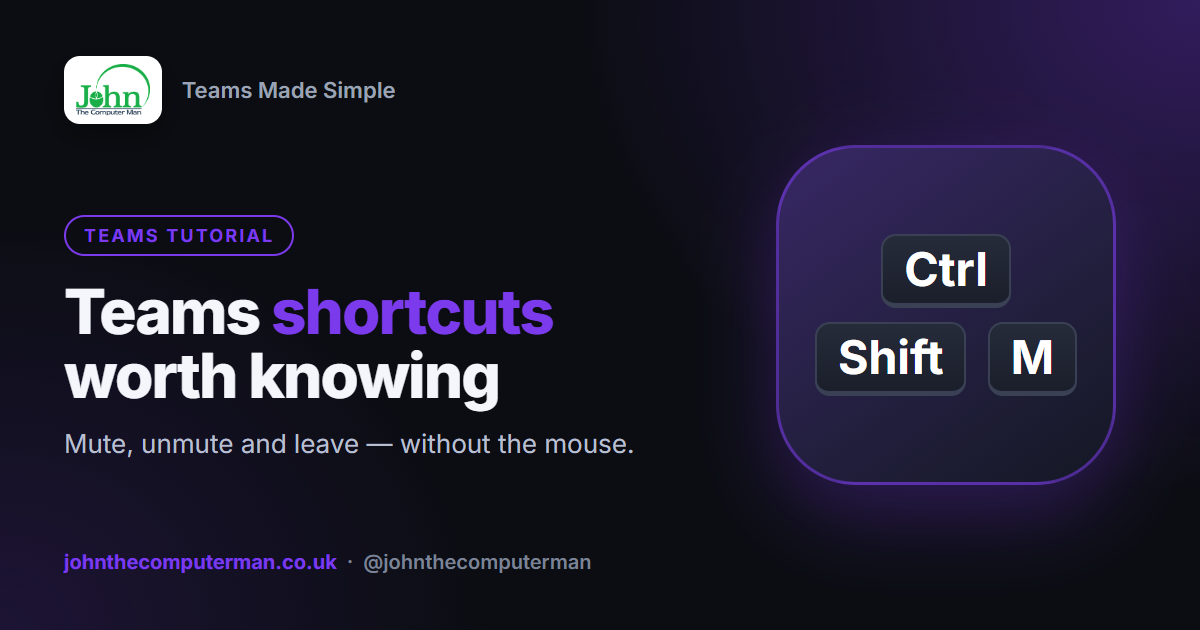
Hunting for the mute button while everyone waits for you to speak? A handful of keyboard shortcuts make Teams meetings and chats much smoother.
On a Mac: use Command (⌘) instead of Ctrl, and Option (⌥) instead of Alt.
In meetings and calls
| Shortcut | What it does |
|---|---|
| Ctrl + Shift + M | Mute / unmute |
| Ctrl + Space | Push to talk — hold to unmute temporarily |
| Ctrl + Shift + O | Turn camera on / off |
| Ctrl + Shift + K | Raise / lower your hand |
| Ctrl + Shift + E | Start screen sharing |
| Ctrl + Shift + P | Background blur on / off |
| Ctrl + Shift + H | Leave the meeting or hang up |
Push to talk is brilliant in big meetings: stay muted, hold Ctrl + Space while you speak, then let go and you're muted again. No more forgetting to mute after you've talked.
Answering calls
| Shortcut | What it does |
|---|---|
| Ctrl + Shift + S | Accept a video call |
| Ctrl + Shift + A | Accept an audio call |
| Ctrl + Shift + D | Decline a call |
Getting around
| Shortcut | What it does |
|---|---|
| Ctrl + E | Go to the search box |
| Ctrl + N | Start a new chat |
| Ctrl + , | Open Settings |
| Ctrl + . | Show all keyboard shortcuts |
| Ctrl + 1, 2, 3… | Jump between apps in the left bar (Activity, Chat, Teams, Calendar…) |
| Alt + ↑ / ↓ | Move up and down the chat or channel list |
Writing messages
| Shortcut | What it does |
|---|---|
| Enter | Send |
| Shift + Enter | New line without sending |
| Ctrl + Shift + X | Expand the message box (formatting options) |
| @ | Mention someone |
| Ctrl + B / I / U | Bold / italic / underline |
Tip: If you keep sending messages before you've finished, press Ctrl + Shift + X to expand the compose box. In expanded mode, Enter adds a new line and you click Send when you're ready.
Mute and unmute on your Windows taskbar
On Windows 11, while you're in a Teams meeting, a microphone icon appears in the taskbar near the clock. Click it to mute or unmute — or press Windows key + Alt + K from any app.
See every shortcut
Press Ctrl + . (Ctrl and full stop) to see the full list in Teams, grouped by General, Navigation, Messaging and Meetings.
Wrapping up
If you learn just two, make them Ctrl + Shift + M to mute and unmute, and Ctrl + Space for push to talk. Add Ctrl + Shift + O for your camera and you'll never fumble in a meeting again.