Keyboard Typing @ Instead of "? Fix Your Keyboard Layout and Type Any Symbol
You press Shift + 2 expecting a quotation mark and get @. The £ sign has turned into #. Your keyboard isn't broken. Windows is set to the US keyboard layout instead of the UK one.
Here's how to fix it for good, plus the easiest ways to type symbols and accented letters.
Part 1: Fix the wrong layout
1. Check which layout is active
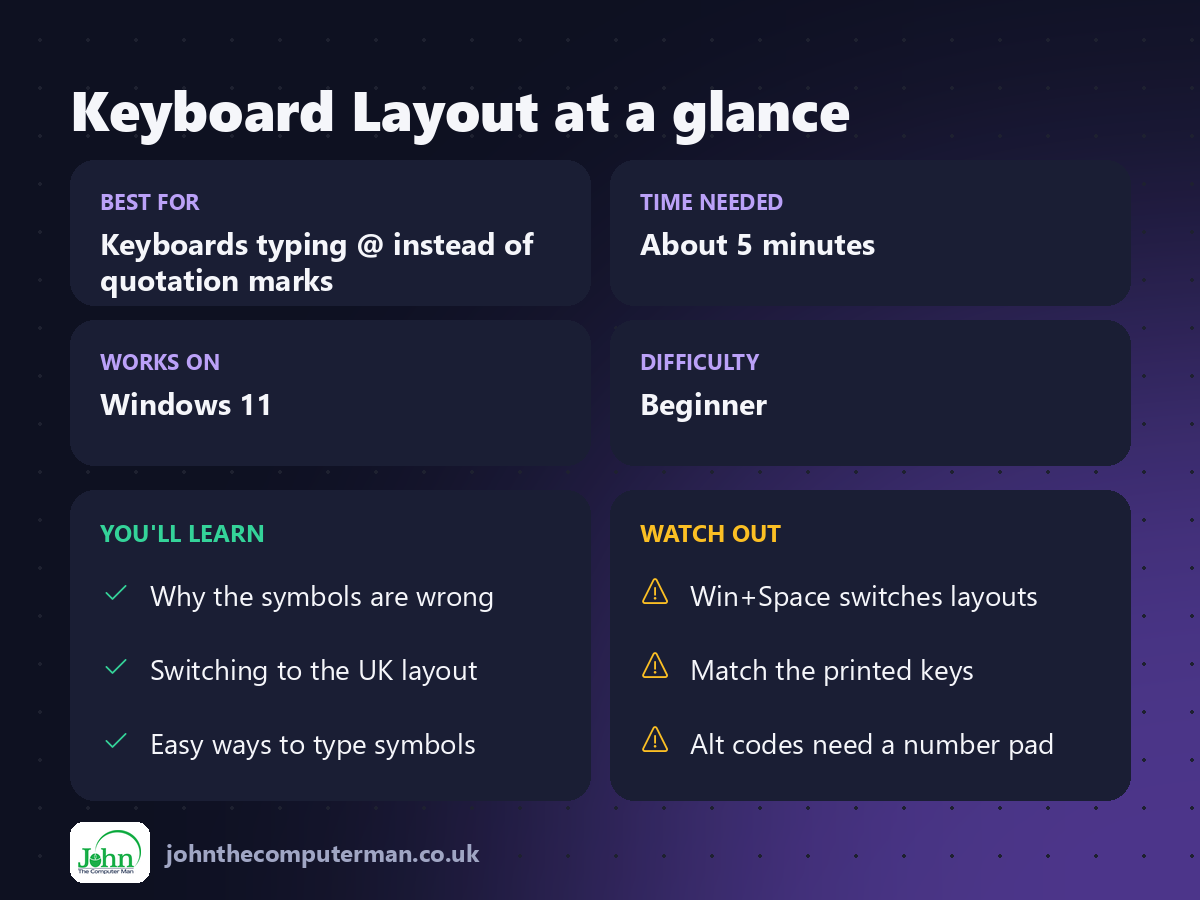
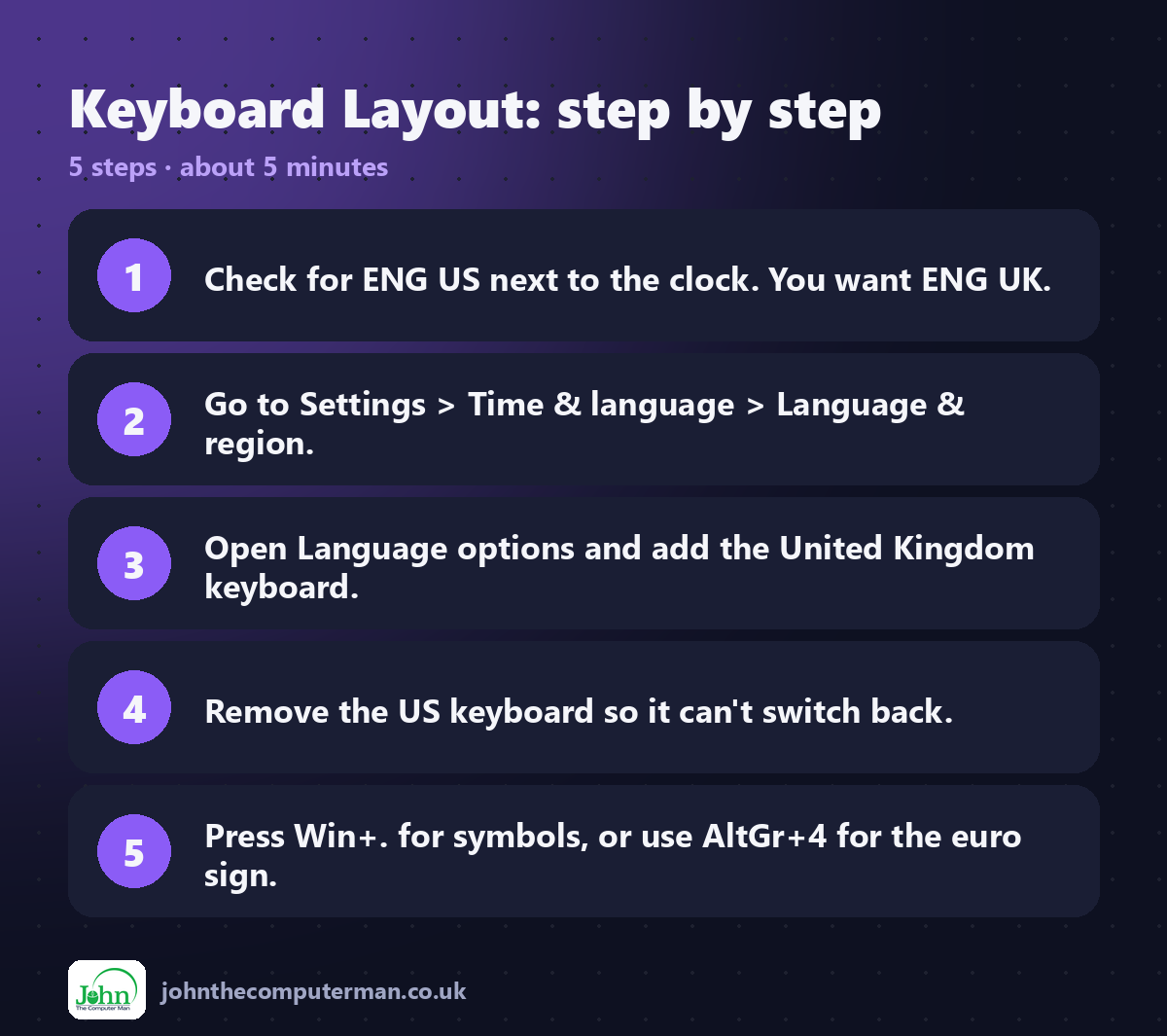
Look near the clock on the taskbar for ENG US or ENG UK. If it says US, that's the problem.
Quick fix: press Win + Space to switch between installed layouts.
2. Add the UK keyboard
1. Go to Settings → Time & language → Language & region.
2. Next to your language (e.g. English (United Kingdom)), click ⋯ and choose Language options.
3. Under Keyboards, click Add a keyboard.
4. Choose United Kingdom.
2. Next to your language (e.g. English (United Kingdom)), click ⋯ and choose Language options.
3. Under Keyboards, click Add a keyboard.
4. Choose United Kingdom.
3. Remove the US keyboard
In the same Keyboards list, click ⋯ next to US and choose Remove. With only one layout installed, Windows can't switch back by accident.
4. Set your language and region too
While you're there, check that:
• Windows display language is English (United Kingdom)
• Country or region is United Kingdom
• Regional format is English (United Kingdom)
• Country or region is United Kingdom
• Regional format is English (United Kingdom)
This gives you UK dates (25/12/2026), £ currency and UK spellings in the spell checker.
Part 2: Type any symbol
5. The symbol panel: Win + .
Press Win + . (full stop) and click the symbols tab (Ω). You'll find currency signs, arrows, maths symbols, accented letters and more. It's much easier than remembering codes.
6. UK keyboard shortcuts with AltGr
The AltGr key (right of the space bar) types extra characters on a UK keyboard:
Press | You get
AltGr + 4 | €
AltGr + E | é
AltGr + A / I / O / U | á í ó ú
AltGr + 4 | €
AltGr + E | é
AltGr + A / I / O / U | á í ó ú
7. Alt codes (number pad needed)
Hold Alt and type a code on the numeric keypad:
Code | Symbol
Alt + 0176 | °
Alt + 0169 | ©
Alt + 0189 | ½
Alt + 0233 | é
Alt + 0176 | °
Alt + 0169 | ©
Alt + 0189 | ½
Alt + 0233 | é
8. Shortcuts in Word
In Microsoft Word, press Ctrl + ' (apostrophe) and then a vowel for an acute accent, such as é. Ctrl + Alt + C types ©.
Quick recap
Frequently asked questions
It keeps switching back to US by itself. Why? You probably have both layouts installed and are pressing Win + Space or Alt + Shift by accident. Remove the layout you don't use.
My laptop has a US keyboard but I'm in the UK. What should I choose? Choose the layout that matches the letters printed on the keys, so what you press is what you get.

John The Computer Man: plain-English computer help. 🌐 johnthecomputerman.co.uk · 📸 Instagram @johnthecomputerman