Anki for Mac: The Free Flashcard App for Studying and Languages
Cramming works until the exam. A week later, most of it's gone. Spaced repetition, reviewing things just before you're about to forget them, is one of the most effective ways to learn.
Anki does it for you. Make flashcards or download shared decks, and Anki schedules each card at the right moment. It's free on Mac and used by medical students, language learners and more.
What is Anki?
Anki is a free, open-source flashcard app that uses spaced repetition. Each time you review a card, you rate how well you knew it, and Anki schedules it further in the future if it's easy or sooner if it's hard. Cards can include text, images, audio and formulas. You can download thousands of shared decks, and sync with a free AnkiWeb account.
Key features
Spaced repetition
Anki shows each card just before you'd forget it.
Shared decks
Download free decks for languages, medicine, exams and more.
Rich cards
Add images, audio, maths formulas and more to your cards.
How to get started with Anki
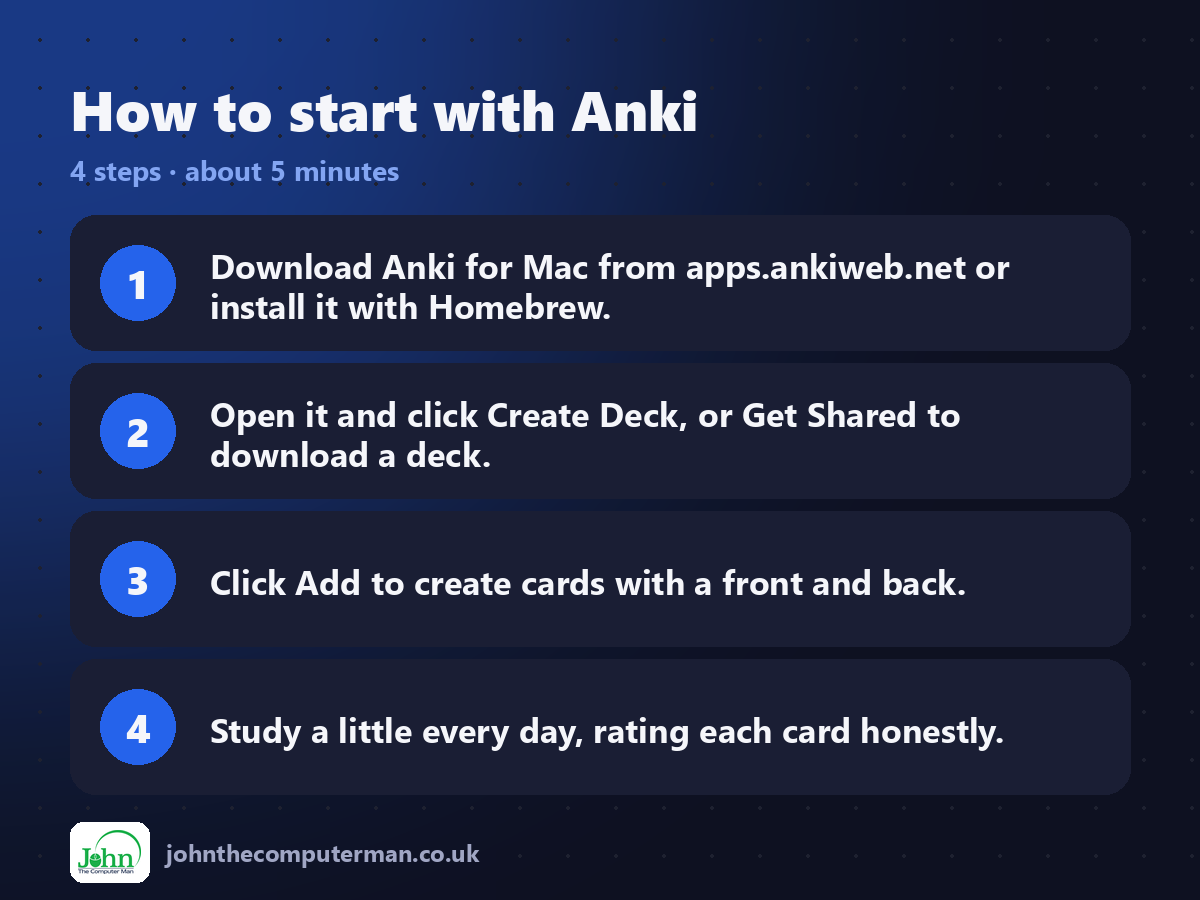
1. Download Anki for Mac from apps.ankiweb.net or install it with Homebrew.
2. Open it and click Create Deck, or Get Shared to download a deck.
3. Click Add to create cards with a front and back.
4. Study a little every day, rating each card honestly.
2. Open it and click Create Deck, or Get Shared to download a deck.
3. Click Add to create cards with a front and back.
4. Study a little every day, rating each card honestly.
Prefer the command line? If you use Homebrew, the free package manager for Mac, open Terminal and run:
brew install --cask anki
Tips to get more out of it
• Little and often beats long sessions. Ten minutes a day works wonders.
• Keep cards short. One fact per card is easier to remember.
• Sync with a free AnkiWeb account to study on your phone too.
• Rate honestly. If you guessed, mark it Hard or Again.
• Keep cards short. One fact per card is easier to remember.
• Sync with a free AnkiWeb account to study on your phone too.
• Rate honestly. If you guessed, mark it Hard or Again.
Is it really free?
Free and open source on Mac, Windows, Linux and Android. The iPhone app is a one-off purchase that funds development.
Pros and cons
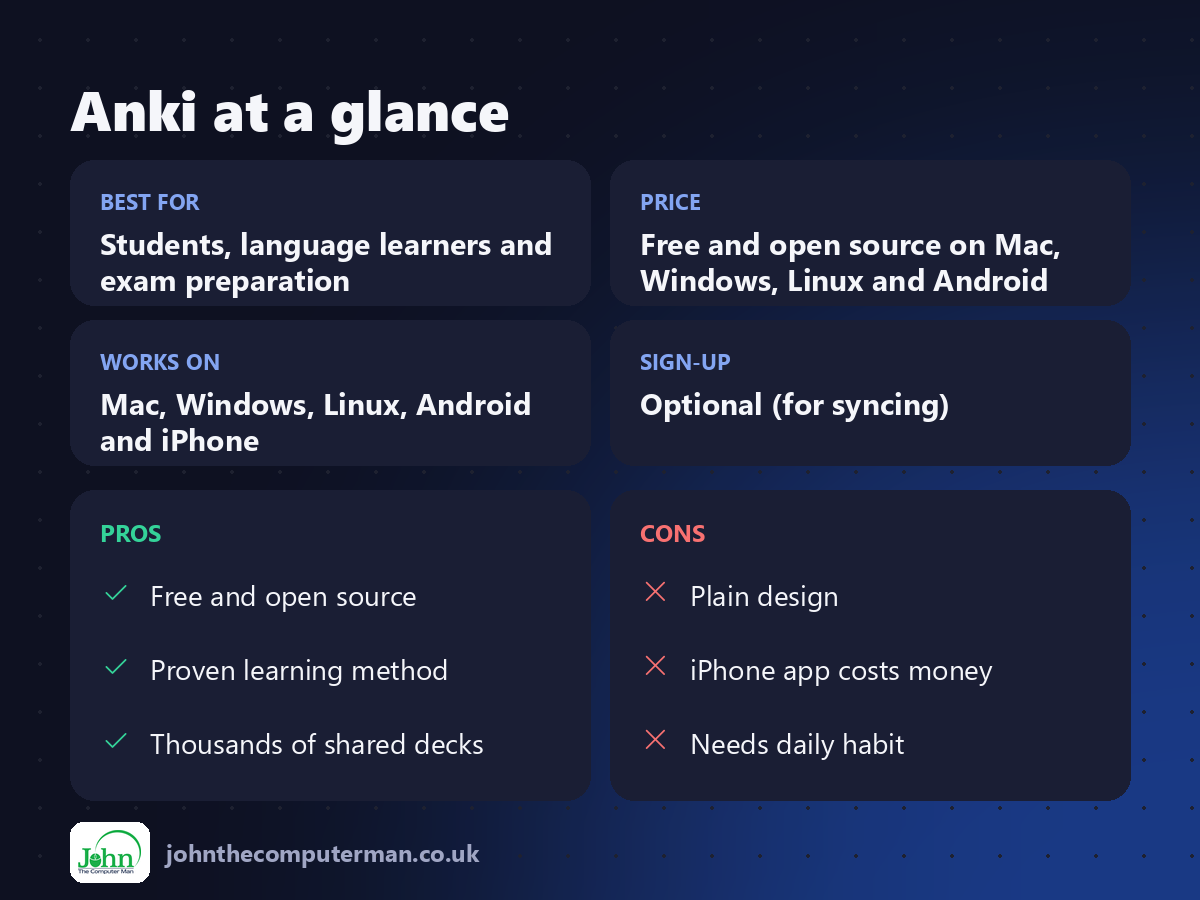
| 👍 Pros | 👎 Cons |
|---|---|
| Free and open source | Plain design |
| Proven learning method | iPhone app costs money |
| Thousands of shared decks | Needs daily habit |
Who is it for?
Best for: Students, language learners and exam preparation. Works on: Mac, Windows, Linux, Android and iPhone. Sign-up: Optional (for syncing).
Anki alternatives
• Quizlet: friendly flashcards with a free plan and paid extras.
• Duolingo: free, game-like language lessons.
• RemNote: notes and flashcards combined, with a free plan.
• Duolingo: free, game-like language lessons.
• RemNote: notes and flashcards combined, with a free plan.
FAQ
Is Anki free?
Yes on Mac, Windows, Linux, Android and the web. The iPhone app is paid, and that money funds development.
How many cards should I study a day?
Start with 10 to 20 new cards a day. Reviews build up, so it's better to start small and stay consistent.
The verdict
Anki isn't pretty, but it works. If you have something to learn, from a language to a medical exam, it's the best free study tool there is.
👉 Try it: apps.ankiweb.net
Part of the hidden-gem mac apps series on johnthecomputerman.co.uk. Follow @johnthecomputerman on Instagram for a new free Mac tool every Monday, Wednesday and Friday. Pricing and features were checked in September 2026 and can change, so check the tool's own site for the latest.
