Arduino IDE for Mac: Program Arduino and ESP32 Boards for Free
Blinking an LED is where every electronics journey starts. Then it's sensors, displays, robots and smart home gadgets. All of it needs code uploaded to a tiny board.
Arduino IDE is the free app for that. Write code, click Upload, and it runs on your board. It supports official Arduino boards and, with a quick setup, popular boards like the ESP32.
What is Arduino IDE?
Arduino IDE 2 is the free, open-source development environment from Arduino for Mac, Windows and Linux. It includes a code editor with autocomplete, a Boards Manager for adding support for Arduino, ESP32 and other boards, a Library Manager with thousands of libraries, a Serial Monitor and Serial Plotter for seeing data from your board, and a debugger for supported boards.
Key features
Upload in one click
Write your sketch, pick your board and port, and click Upload.
Thousands of libraries
Add sensors, displays and more from the Library Manager.
Serial Monitor and Plotter
See your board's output as text or a live graph.
How to get started with Arduino IDE
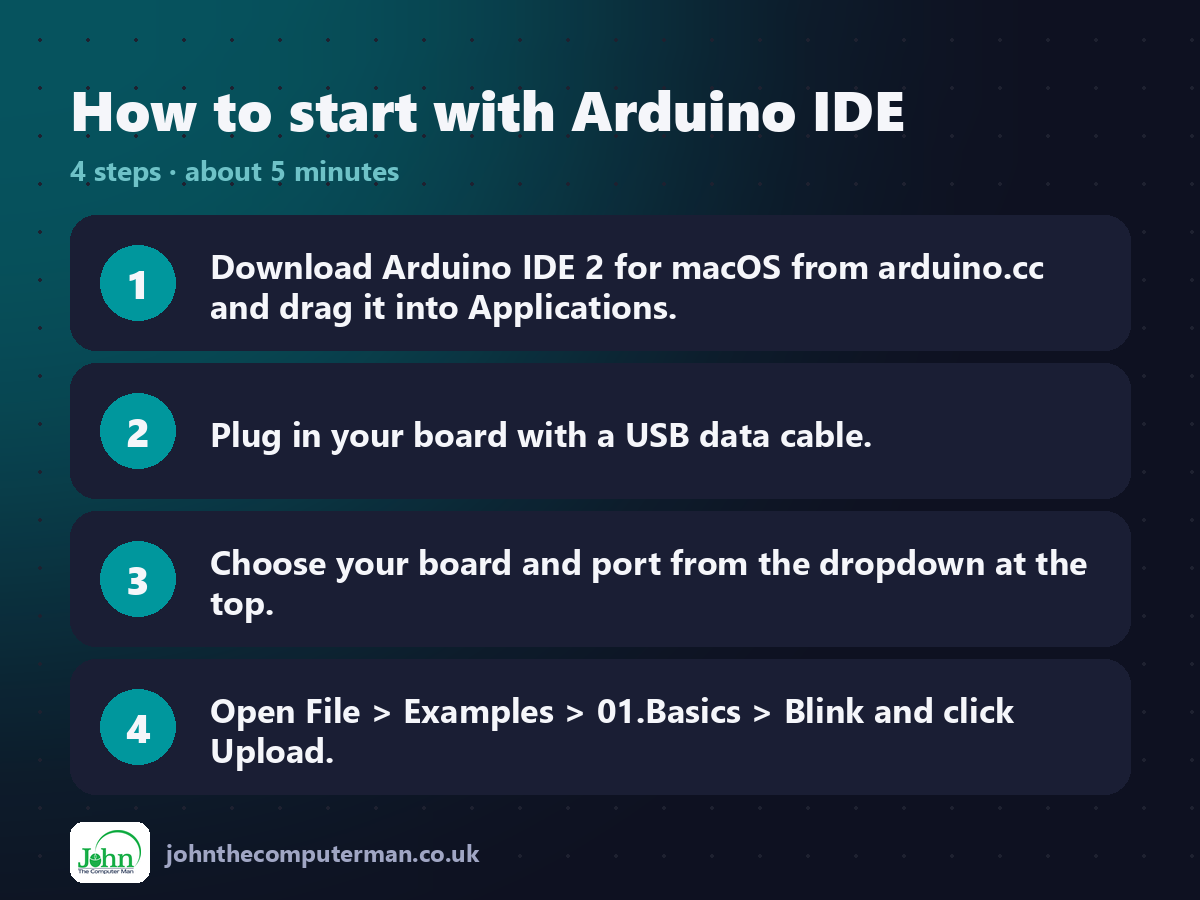
1. Download Arduino IDE 2 for macOS from arduino.cc and drag it into Applications.
2. Plug in your board with a USB data cable.
3. Choose your board and port from the dropdown at the top.
4. Open File > Examples > 01.Basics > Blink and click Upload.
2. Plug in your board with a USB data cable.
3. Choose your board and port from the dropdown at the top.
4. Open File > Examples > 01.Basics > Blink and click Upload.
Prefer the command line? If you use Homebrew, the free package manager for Mac, open Terminal and run:
brew install --cask arduino-ide
Tips to get more out of it
• For ESP32, add Espressif's board URL in Settings, then install 'esp32' from the Boards Manager.
• No port showing? Try a different USB cable. Many are charge-only.
• Set the Serial Monitor's baud rate to match Serial.begin() in your code.
• Use the Serial Plotter to graph sensor readings live.
• No port showing? Try a different USB cable. Many are charge-only.
• Set the Serial Monitor's baud rate to match Serial.begin() in your code.
• Use the Serial Plotter to graph sensor readings live.
Is it really free?
Free and open source. No ads and no account needed for the desktop app.
Pros and cons
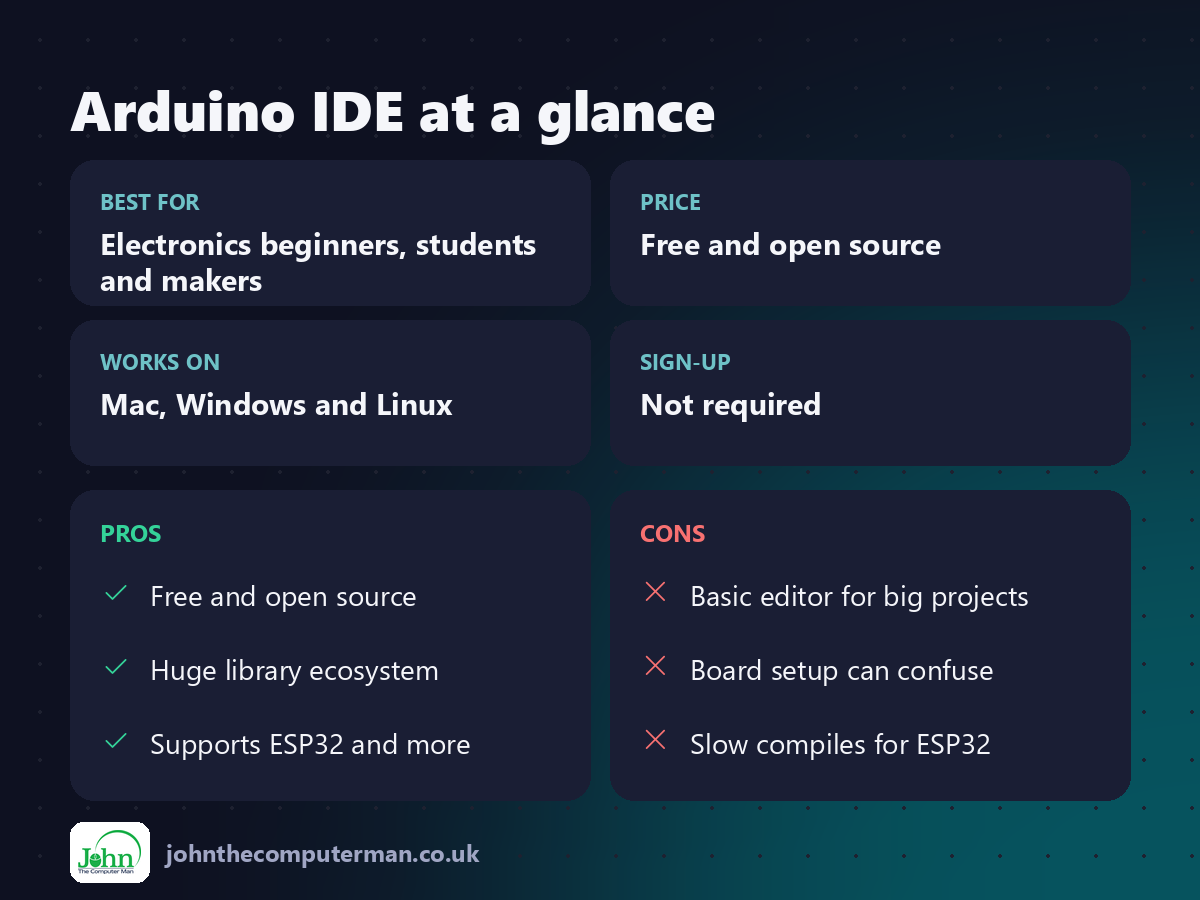
| 👍 Pros | 👎 Cons |
|---|---|
| Free and open source | Basic editor for big projects |
| Huge library ecosystem | Board setup can confuse |
| Supports ESP32 and more | Slow compiles for ESP32 |
Who is it for?
Best for: Electronics beginners, students and makers. Works on: Mac, Windows and Linux. Sign-up: Not required.
Arduino IDE alternatives
• VS Code with PlatformIO: a more powerful free setup for bigger projects.
• Arduino Cloud Editor: program boards from the browser with a free Arduino account.
• Thonny: a free, simple editor for MicroPython on ESP32 and Raspberry Pi Pico.
• Arduino Cloud Editor: program boards from the browser with a free Arduino account.
• Thonny: a free, simple editor for MicroPython on ESP32 and Raspberry Pi Pico.
FAQ
Does Arduino IDE work with ESP32?
Yes. Add Espressif's board manager URL in Settings, then install the esp32 boards package.
Why won't my Mac see my board?
Usually it's a charge-only USB cable. Some older boards also need a USB serial driver.
The verdict
Arduino IDE is where almost every maker starts, and it's all you need for most projects. Plug in a board, upload Blink, and start building.
👉 Try it: www.arduino.cc/en/software
Part of the free creative apps for mac series on johnthecomputerman.co.uk. Follow @johnthecomputerman on Instagram for a new free Mac tool every Monday, Wednesday and Friday. Pricing and features were checked in September 2026 and can change, so check the tool's own site for the latest.
