20 Best Free Creative Apps for Mac in 2027 (Video, Design, 3D Printing, Music and Games)
Creative software is some of the most expensive on any computer, and 'maker' hobbies like 3D printing and electronics can pile on more. But almost every creative job now has an excellent free app for Mac.
Every app below is free to use and nearly all are open source. They cover video and animation, photos and layout, 3D design and printing, electronics, music and DJing, and making games. Each one links to a full guide with setup steps, tips and honest pros and cons.
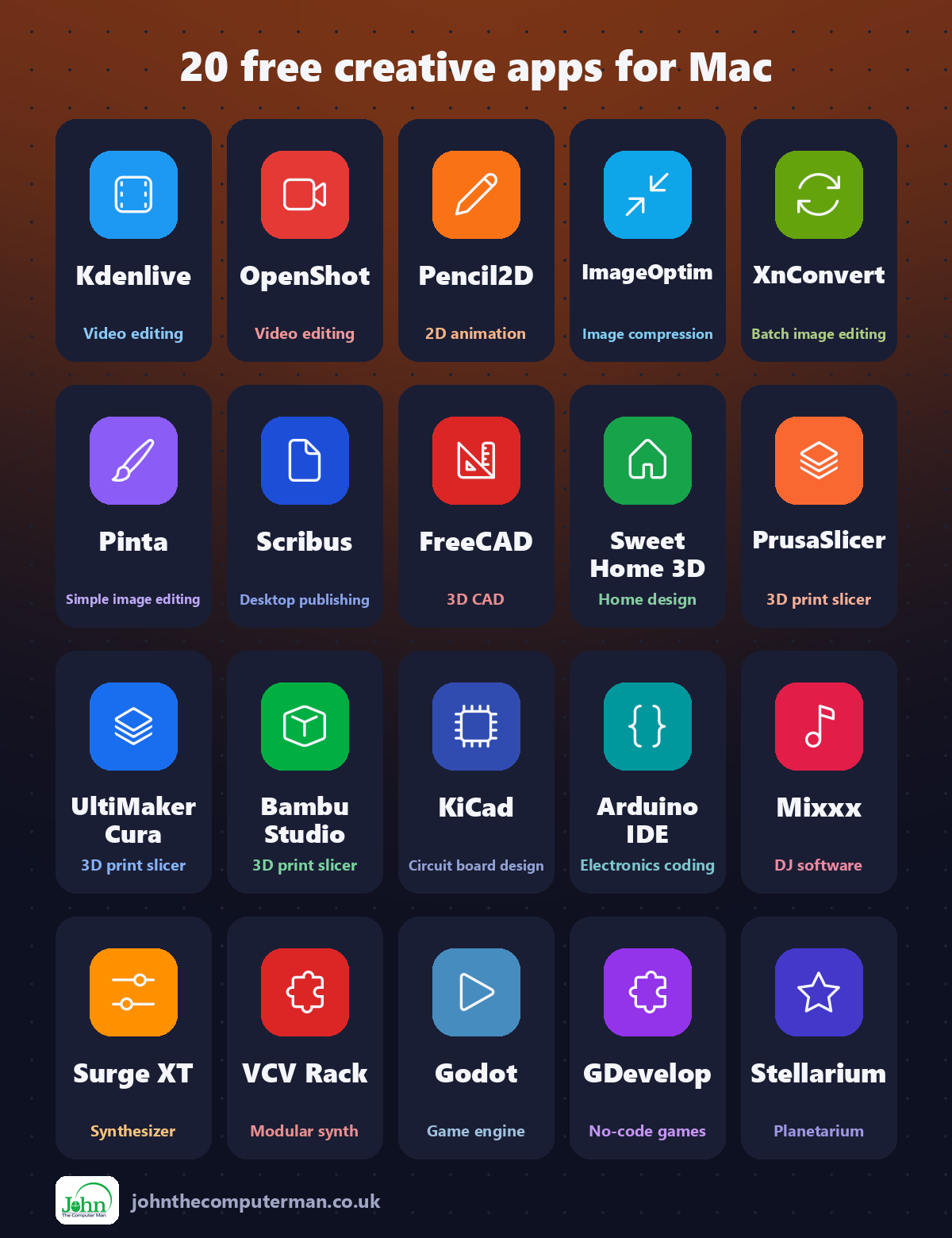
Quick comparison
| Tool | What it does | Free for | Best for |
|---|---|---|---|
| Kdenlive | Video editing | Everyone | Creators who want free subtitles and a full editor |
| OpenShot | Video editing | Everyone | Beginners, families and school projects |
| Pencil2D | 2D animation | Everyone | Beginners, students and young animators |
| ImageOptim | Image compression | Everyone | Website owners, bloggers and anyone sharing photos |
| XnConvert | Batch image editing | Everyone | Bloggers, photographers and anyone with lots of photos |
| Pinta | Simple image editing | Everyone | Quick edits, screenshots and simple graphics |
| Scribus | Desktop publishing | Everyone | Newsletters, flyers, zines and small publishers |
| FreeCAD | 3D CAD | Everyone | 3D printing, makers and engineering projects |
| Sweet Home 3D | Home design | Everyone | Planning rooms, moves and renovations |
| PrusaSlicer | 3D print slicer | Everyone | 3D printing hobbyists with any printer |
| UltiMaker Cura | 3D print slicer | Everyone | Owners of Creality and other budget printers |
| Bambu Studio | 3D print slicer | Everyone | Bambu Lab printer owners |
| KiCad | Circuit board design | Everyone | Electronics hobbyists, students and engineers |
| Arduino IDE | Electronics coding | Everyone | Electronics beginners, students and makers |
| Mixxx | DJ software | Everyone | Beginner and hobby DJs |
| Surge XT | Synthesizer | Everyone | Music makers using GarageBand, Logic and other apps |
| VCV Rack | Modular synth | Everyone (paid upgrade available) | Synth fans and curious music makers |
| Godot | Game engine | Everyone | Beginners, indie developers and students |
| GDevelop | No-code games | Everyone | Beginners, kids and non-programmers |
| Stellarium | Planetarium | Everyone | Stargazers, families and astronomy fans |
Video and animation
1. Kdenlive: a powerful, open-source video editor from KDE
Captions make videos far more watchable, especially on social media where most people scroll with the sound off. Typing them by hand takes forever, and many editors charge for automatic subtitles.
Why it's great: Turn speech into editable subtitles, processed privately on your Mac.
Is it free? Free and open source. No watermark, no ads and no paid version.
2. OpenShot: a simple, free, open-source video editor for beginners
iMovie is simple but limited. Pro editors are powerful but overwhelming. There's a gap in the middle for people who want a bit more without a steep learning curve.
Why it's great: Drag clips, music and photos onto the timeline to start editing.
Is it free? Free and open source. No watermark, no ads and no paid version.
3. Pencil2D: simple, free, hand-drawn 2D animation
Flip-book animation is magic: draw a slightly different picture on each page and it comes to life. Most animation software, though, is complicated or expensive.
Why it's great: See the previous and next frames faintly so movement stays smooth.
Is it free? Free and open source. No ads, no account and no paid version.
Photos, images and print
4. ImageOptim: drag, drop and shrink images with no visible quality loss
Big images slow down websites, fill up email inboxes and eat storage. And photos from your phone can quietly include the GPS location where they were taken.
Why it's great: Often cuts image sizes significantly, with no visible difference.
Is it free? Free and open source. No ads, no account and no paid version.
5. XnConvert: free batch image converter, resizer and watermarker
iPhone photos save as HEIC, which some websites and Windows PCs won't open. Or you need to resize 200 photos for a website, or add your logo to all of them.
Why it's great: HEIC to JPG, PNG to WebP and hundreds more formats.
Is it free? Free for private and educational use. Businesses need a paid licence.
6. Pinta: a simple, free image editor with layers
Preview can crop and resize, and GIMP can do almost anything. But what about the in-between jobs: blur a face, add an arrow and some text, combine two pictures?
Why it's great: Open, edit and save in seconds, with no learning curve.
Is it free? Free and open source. No ads, no account and no paid version.
7. Scribus: free, open-source desktop publishing for print
Newsletters, event flyers, brochures and zines need proper layout, and print shops want properly prepared PDFs. InDesign is the industry standard, and a subscription.
Why it's great: Text frames, master pages and styles for multi-page documents.
Is it free? Free and open source. No ads, no account and no paid version.
3D design and printing
8. FreeCAD: free, open-source parametric 3D CAD
Blender is great for artistic 3D, but when you need a bracket with a hole exactly 5 mm wide, you need CAD. Professional CAD software is expensive, and free licences often come with strings.
Why it's great: Sketch with precise measurements and constraints, then extrude into 3D.
Is it free? Free and open source, for personal and commercial use. No licence limits.
9. Sweet Home 3D: free interior design with 2D plans and a live 3D view
Will the sofa fit? Does the kitchen layout work? Planning a room with a tape measure and a sketch only goes so far.
Why it's great: Draw walls, doors and windows to scale on a simple grid.
Is it free? Free and open source. No ads and no account.
10. PrusaSlicer: a free, open-source 3D printing slicer for almost any printer
A 3D printer can only print what the slicer tells it. The slicer turns your 3D model into layer-by-layer instructions, and a good one makes a huge difference to print quality.
Why it's great: Paint exactly where supports go, and where they don't.
Is it free? Free and open source. No ads, no account and no paid version.
11. UltiMaker Cura: a free, open-source slicer with hundreds of printer profiles
Got a Creality, Anycubic, Elegoo or other budget 3D printer? There's a good chance the slicer recommended in the box is Cura, or based on it.
Why it's great: Profiles for Creality, Anycubic, Elegoo, UltiMaker and many more.
Is it free? Free and open source. An UltiMaker account is optional.
12. Bambu Studio: a free, open-source slicer built for Bambu Lab printers
Bambu Lab printers made 3D printing faster and easier, especially multi-colour printing. Bambu Studio is the free app that prepares your prints and sends them to the printer.
Why it's great: Paint colours onto a model and print it with the AMS.
Is it free? Free and open source. A Bambu account is optional for cloud printing.
Electronics
13. KiCad: free, professional circuit and PCB design
Breadboards are great for prototyping, but a finished project deserves a proper circuit board. Ordering custom PCBs is now cheap. Designing them is the hard part.
Why it's great: Draw your circuit, then lay it out as a real board.
Is it free? Free and open source, for any use. No ads, no account and no paid version.
14. Arduino IDE: the free code editor for Arduino and ESP32 projects
Blinking an LED is where every electronics journey starts. Then it's sensors, displays, robots and smart home gadgets. All of it needs code uploaded to a tiny board.
Why it's great: Write your sketch, pick your board and port, and click Upload.
Is it free? Free and open source. No ads and no account needed for the desktop app.
Music and DJing
15. Mixxx: free, open-source DJ software that works with real controllers
Want to try DJing? Most DJ software is free only in a limited 'lite' version, or tied to a particular brand of controller.
Why it's great: Beat detection and sync make it easy to mix tracks together.
Is it free? Free and open source. No ads, no account and no paid version.
16. Surge XT: a free, open-source synthesizer plugin for Mac
GarageBand and Logic come with plenty of sounds, but sooner or later you want more synth sounds, and good synth plugins often cost as much as the music software itself.
Why it's great: Pads, basses, leads and effects, ready to play.
Is it free? Free and open source. No ads, no account and no paid version.
17. VCV Rack: a free virtual modular synthesizer
Modular synthesizers, with their walls of knobs and patch cables, make incredible sounds, but real hardware costs thousands.
Why it's great: Drag cables between modules, just like a real modular synth.
Is it free? VCV Rack Free is free. VCV Rack Pro, which works as a plugin, is paid.
Games and the night sky
18. Godot: a free, open-source engine for 2D and 3D games
Game engines used to cost a fortune, and some popular ones still take a cut of your earnings or change their terms without warning.
Why it's great: MIT licensed. Your game is 100% yours, including all the money it makes.
Is it free? Free and open source under the MIT licence. No royalties, fees or account.
19. GDevelop: a free, open-source game maker with no coding needed
Lots of people have a game idea but get stuck on learning to code. That's where most game dreams end.
Why it's great: Build logic with simple events like 'when player touches coin, add 1 to score'.
Is it free? Free and open source. Optional paid plans add more cloud exports, assets and AI tools.
20. Stellarium: a free, realistic planetarium for your Mac
Ever looked up and wondered which bright 'star' is actually a planet? Or wanted to know when the next meteor shower or eclipse will be visible from your garden?
Why it's great: See exactly what's above you tonight, from your location.
Is it free? Free and open source. No ads and no account. The separate mobile apps are paid.
Install all twenty in one go
If you use Homebrew, the free command-line app installer for Mac, open Terminal and paste this to install the whole list from the official sources:
brew install --cask kdenlive openshot-video-editor pencil2d imageoptim xnconvert pinta scribus freecad sweet-home3d prusaslicer ultimaker-cura bambu-studio kicad arduino-ide mixxx surge-xt vcv-rack godot gdevelop stellarium
Later, brew upgrade --cask --greedy updates them all in one go. Don't want to use Terminal? Every app has a download link above, and it's the same app either way.
Where to start
Start with the quick, everyday wins: ImageOptim and XnConvert will save you time every time you share photos. Then pick the one that matches your hobby. 3D printer owners should try PrusaSlicer or Bambu Studio, and FreeCAD for designing parts. Electronics fans need Arduino IDE. Want to make a game? Start with GDevelop tonight. And on the next clear night, open Stellarium and find Jupiter.
One last tip: download only from the official sites linked above. Fake download pages that bundle adware with popular free apps are common, and they often appear above the real site in search results.
More in this series: Best Free Mac Tools · 10 More Free Mac Tools · Free Mac Apps That Replace Paid Software · Hidden-Gem Mac Apps
All tools were free to use at the time of writing (September 2026). Licences change, so check each tool's site for current details. More free tech tips at johnthecomputerman.co.uk and @johnthecomputerman on Instagram.
