draw.io for Mac: Free Flowcharts and Diagrams (Visio Alternative)

Flowcharts, family trees, org charts and office network maps all need a diagram app, and the popular ones like Visio and OmniGraffle are expensive.
draw.io is free and open source. It has thousands of shapes and templates, works offline on your Mac, and exports to PNG, PDF and SVG.
What is draw.io?
draw.io (also known as diagrams.net) is a free, open-source diagramming app available in the browser and as a desktop app for Mac, Windows and Linux. It includes shape libraries for flowcharts, UML, network diagrams, floor plans, org charts and more, smart connectors that stay attached, templates, and export to PNG, JPG, SVG and PDF. The desktop app works fully offline.

Key features
Thousands of shapes
Flowcharts, networks, floor plans, UML and more, in searchable libraries.
Smart connectors
Lines stay attached when you move shapes, so tidying up is easy.
Offline and private
The desktop app saves to your Mac and doesn't need an account.
How to get started with draw.io
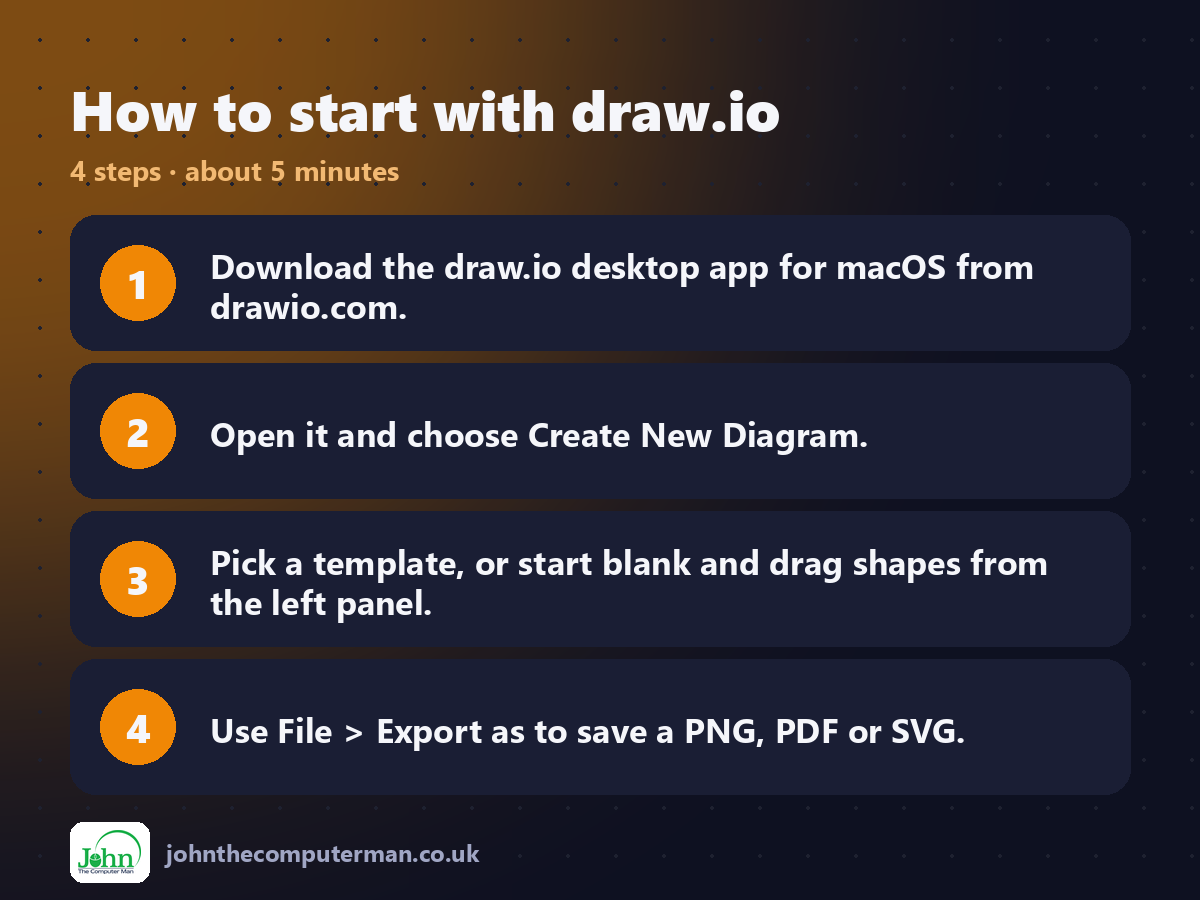
1. Download the draw.io desktop app for macOS from drawio.com.
2. Open it and choose Create New Diagram.
3. Pick a template, or start blank and drag shapes from the left panel.
4. Use File > Export as to save a PNG, PDF or SVG.
2. Open it and choose Create New Diagram.
3. Pick a template, or start blank and drag shapes from the left panel.
4. Use File > Export as to save a PNG, PDF or SVG.
Prefer the command line? If you use Homebrew, the free package manager for Mac, open Terminal and run:
brew install --cask drawio
Tips to get more out of it
• Hover over a shape and click the blue arrows to add a connected shape instantly.
• Use Arrange > Layout to tidy a messy diagram automatically.
• Search the shape library by name, like 'router' or 'database'.
• Export as PNG with 'Include a copy of my diagram' ticked, so you can edit it later.
• Use Arrange > Layout to tidy a messy diagram automatically.
• Search the shape library by name, like 'router' or 'database'.
• Export as PNG with 'Include a copy of my diagram' ticked, so you can edit it later.
Is it really free?
Free and open source. No ads, no account and no paid version.
Pros and cons
| 👍 Pros | 👎 Cons |
|---|---|
| Free and open source | Looks functional, not fancy |
| Huge shape library | Big diagrams can slow down |
| Works offline, no account | Limited Visio import |
Who is it for?
Best for: Flowcharts, process maps and IT diagrams. Works on: Mac, Windows, Linux and the browser. Sign-up: Not required.
draw.io alternatives
• OmniGraffle: a polished, paid Mac diagram app.
• Lucidchart: a browser-based diagram tool with a limited free plan.
• Excalidraw: free, quick, hand-drawn style diagrams in the browser.
• Lucidchart: a browser-based diagram tool with a limited free plan.
• Excalidraw: free, quick, hand-drawn style diagrams in the browser.
FAQ
Is draw.io the same as diagrams.net?
Yes. It's the same app. diagrams.net was its name for a while, and it's now back to draw.io.
Can draw.io open Visio files?
It can import many .vsdx files, though very complex ones may need some tidying.
The verdict
draw.io is the best free diagram app, full stop. It does everything most people need Visio for, offline and without an account.
👉 Try it: www.drawio.com
Part of the free mac apps that replace paid software series on johnthecomputerman.co.uk. Follow @johnthecomputerman on Instagram for a new free Mac tool every Monday, Wednesday and Friday. Pricing and features were checked in September 2026 and can change, so check the tool's own site for the latest.
