Espanso: The Free Text Expander for Mac (TextExpander Alternative)
Your email address, your home address, the same reply to the same question. You type them dozens of times a week.
Espanso types them for you. Set a short trigger like :addr and it expands into your full address in any app. It's free and open source, a no-cost alternative to TextExpander.
What is Espanso?
Espanso is a free, open-source text expander for Mac, Windows and Linux. It watches for short triggers you type, such as :sig, and replaces them with longer text, today's date, clipboard contents or text from forms and scripts. Snippets are stored in simple text files, and you can install ready-made packages from the Espanso Hub.
Key features
Works in every app
Mail, Safari, Word, Slack: type a trigger anywhere and it expands.
Dates and forms
Insert today's date or fill in a quick form with names and details.
Search your snippets
Press Option+Space to search and insert any snippet by name.
How to get started with Espanso
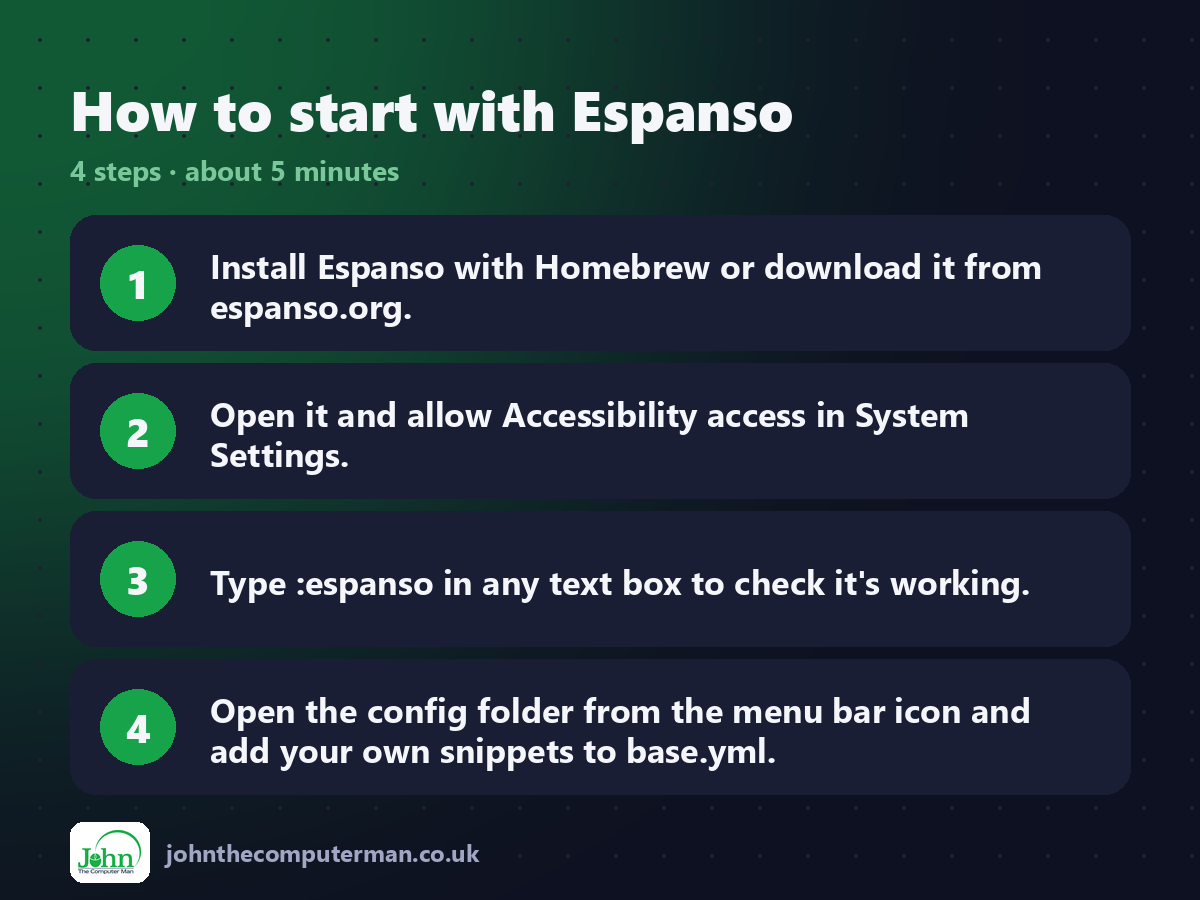
1. Install Espanso with Homebrew or download it from espanso.org.
2. Open it and allow Accessibility access in System Settings.
3. Type :espanso in any text box to check it's working.
4. Open the config folder from the menu bar icon and add your own snippets to base.yml.
2. Open it and allow Accessibility access in System Settings.
3. Type :espanso in any text box to check it's working.
4. Open the config folder from the menu bar icon and add your own snippets to base.yml.
Prefer the command line? If you use Homebrew, the free package manager for Mac, open Terminal and run:
brew install --cask espanso
Tips to get more out of it
• Start your triggers with a colon, like :email, so they never fire by accident.
• Use {{date}} snippets for today's date in any format.
• Browse the Espanso Hub for ready-made packages like emoji and accented letters.
• Keep a backup of your config folder, or sync it with iCloud Drive.
• Use {{date}} snippets for today's date in any format.
• Browse the Espanso Hub for ready-made packages like emoji and accented letters.
• Keep a backup of your config folder, or sync it with iCloud Drive.
Is it really free?
Free and open source. No ads, no account and no paid version.
Pros and cons
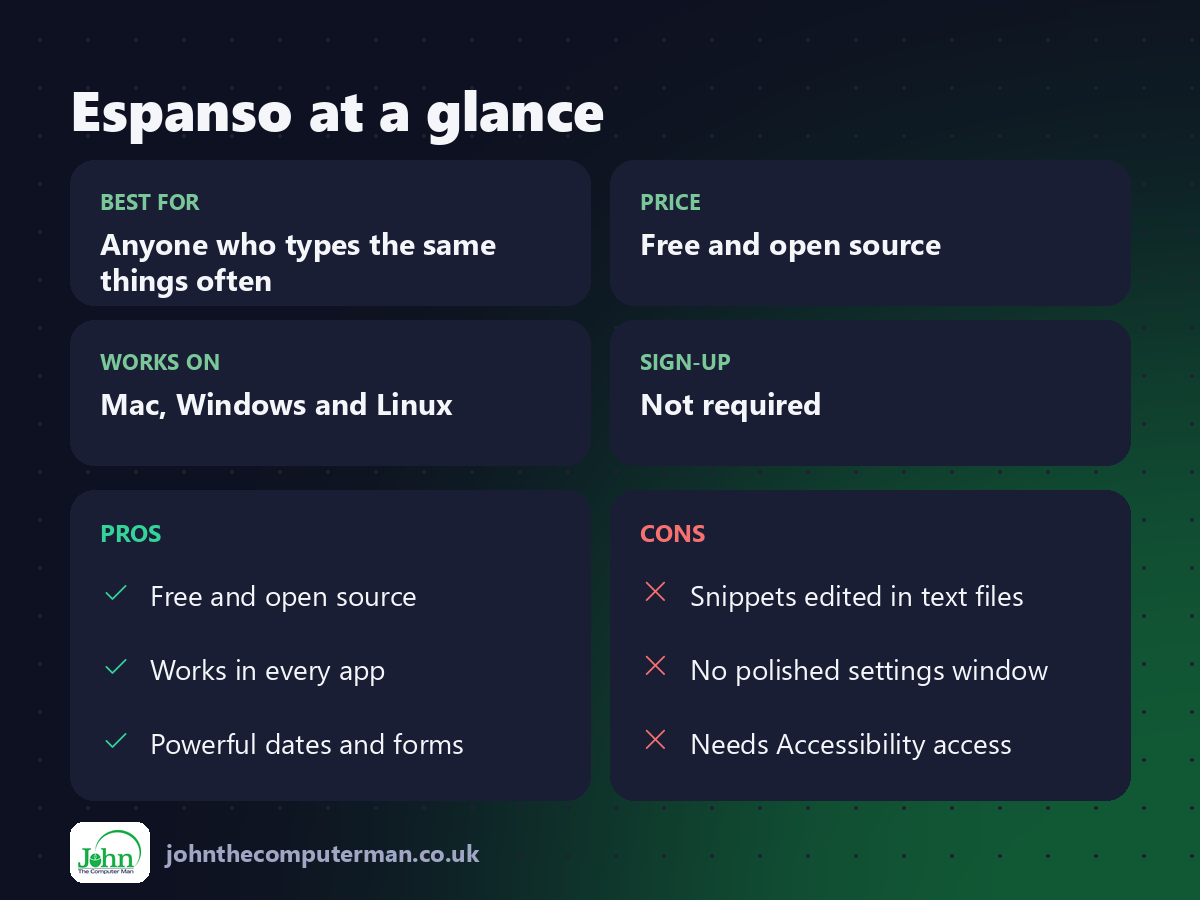
| 👍 Pros | 👎 Cons |
|---|---|
| Free and open source | Snippets edited in text files |
| Works in every app | No polished settings window |
| Powerful dates and forms | Needs Accessibility access |
Who is it for?
Best for: Anyone who types the same things often. Works on: Mac, Windows and Linux. Sign-up: Not required.
Espanso alternatives
• Text Replacements: built into macOS under System Settings > Keyboard, simple but limited.
• TextExpander: the polished paid option with team sharing.
• Raycast snippets: free snippets built into the Raycast launcher.
• TextExpander: the polished paid option with team sharing.
• Raycast snippets: free snippets built into the Raycast launcher.
FAQ
Do I need to know how to code?
No. Snippets are simple lines of text. Copy an example from the docs and change the words.
Is Espanso safe?
Yes. It's open source, runs locally and doesn't send your typing anywhere.
The verdict
Espanso takes ten minutes to set up and saves you time every single day. If you don't mind editing a text file, it's the best free text expander there is.
👉 Try it: espanso.org
Part of the free mac apps that replace paid software series on johnthecomputerman.co.uk. Follow @johnthecomputerman on Instagram for a new free Mac tool every Monday, Wednesday and Friday. Pricing and features were checked in September 2026 and can change, so check the tool's own site for the latest.
