Inkscape for Mac: The Free Illustrator Alternative for Logos and Graphics
Logos, icons and designs for cutting machines need to stay sharp at any size. That's vector design, and the go-to app for it, Adobe Illustrator, is a subscription.
Inkscape does the same job for free. It's powerful enough for professional work and a favourite with crafters making designs for Cricut and other cutting machines.
What is Inkscape?
Inkscape is a free, open-source vector graphics editor for Mac, Windows and Linux. It uses SVG, the web's standard vector format, and includes shapes, paths, text, gradients, layers, pattern tools and bitmap tracing, which turns a picture into editable shapes. It exports to PNG, PDF, SVG and more.
Key features
Sharp at any size
Vector designs scale from a business card to a billboard without going blurry.
Trace any image
Path > Trace Bitmap turns a sketch or picture into clean, editable shapes.
Made for crafters too
Export SVG files that work with Cricut, Silhouette and laser cutters.
How to get started with Inkscape
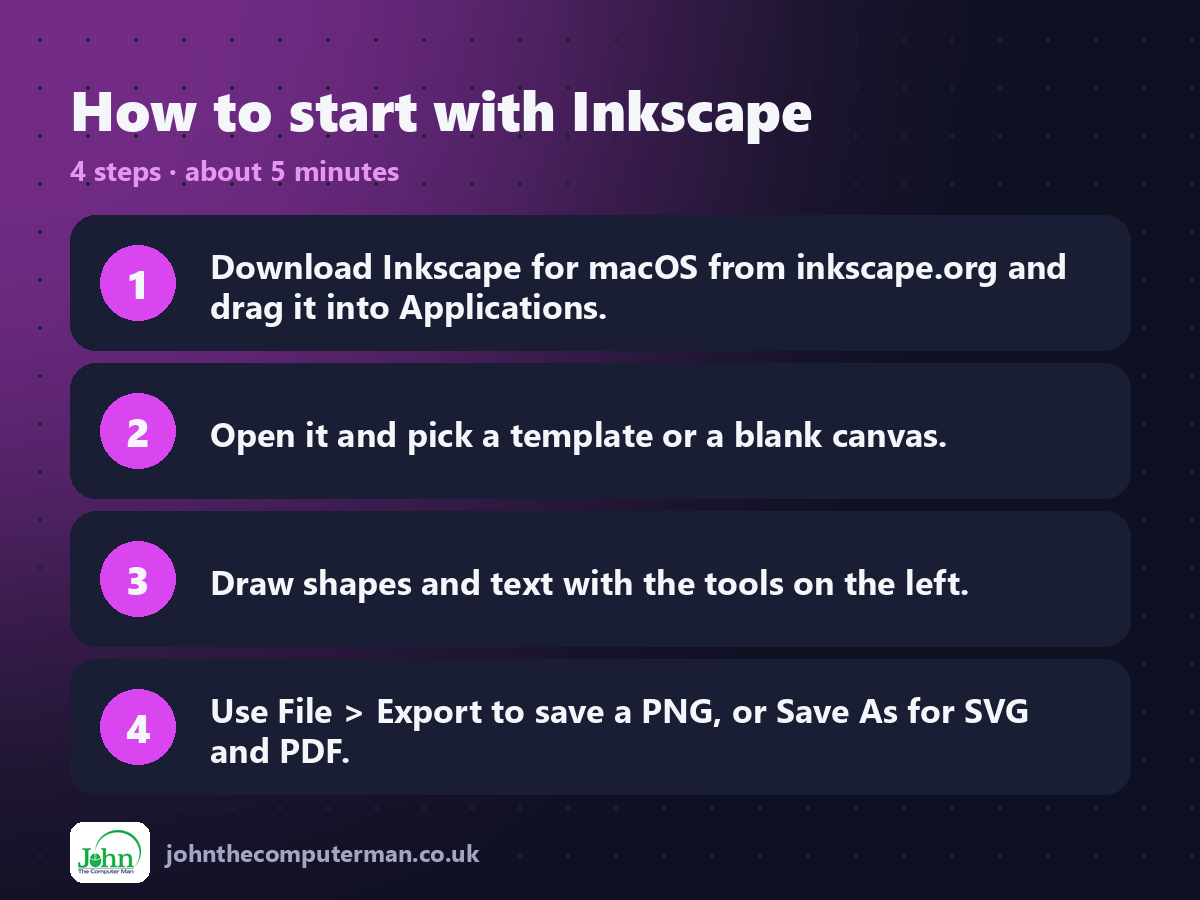
1. Download Inkscape for macOS from inkscape.org and drag it into Applications.
2. Open it and pick a template or a blank canvas.
3. Draw shapes and text with the tools on the left.
4. Use File > Export to save a PNG, or Save As for SVG and PDF.
2. Open it and pick a template or a blank canvas.
3. Draw shapes and text with the tools on the left.
4. Use File > Export to save a PNG, or Save As for SVG and PDF.
Prefer the command line? If you use Homebrew, the free package manager for Mac, open Terminal and run:
brew install --cask inkscape
Tips to get more out of it
• Press Command+Shift+E to open the Export panel for quick PNGs.
• Use Path > Object to Path before sending text to a cutting machine.
• Hold Control while drawing to keep lines straight and shapes even.
• Find free SVG tutorials on inkscape.org, including ones for cutting machines.
• Use Path > Object to Path before sending text to a cutting machine.
• Hold Control while drawing to keep lines straight and shapes even.
• Find free SVG tutorials on inkscape.org, including ones for cutting machines.
Is it really free?
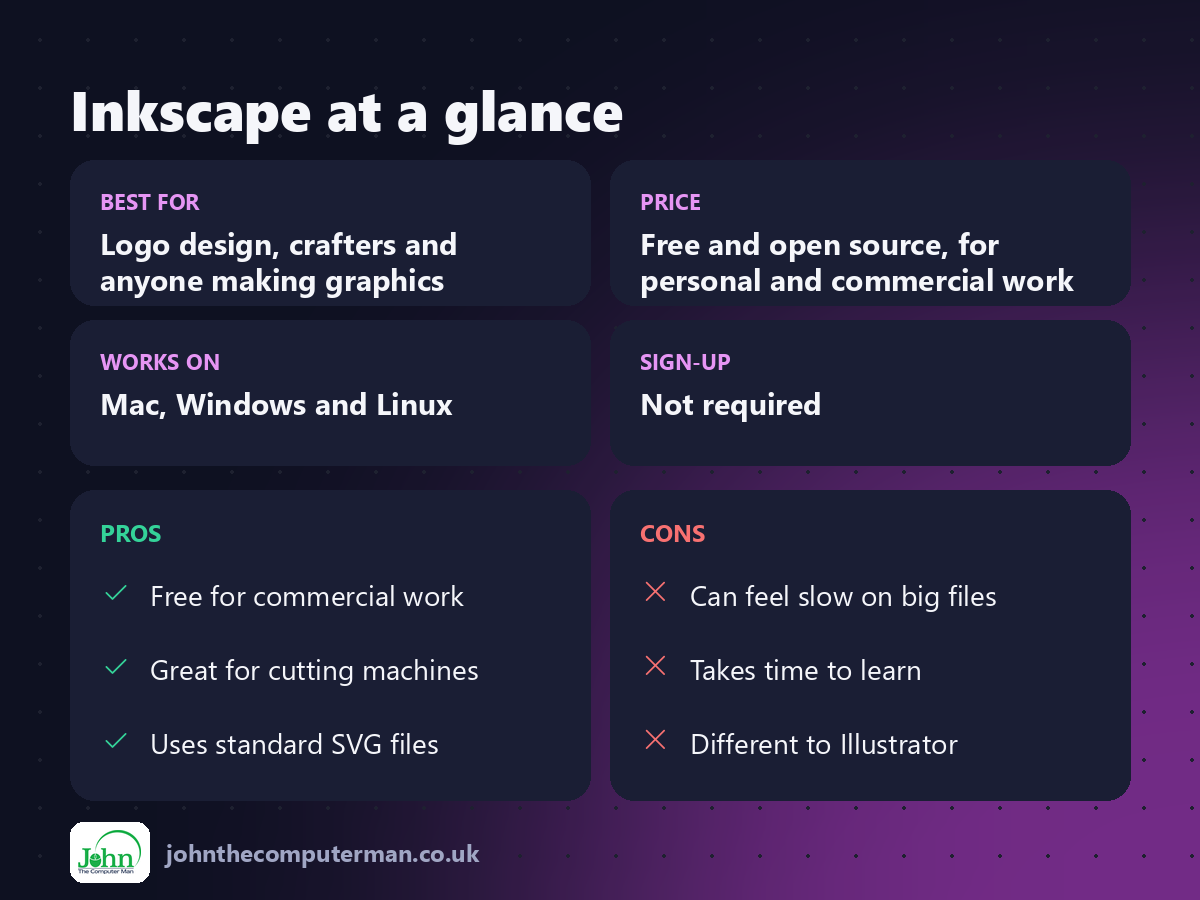
Free and open source, for personal and commercial work. No ads and no account.
Pros and cons
| 👍 Pros | 👎 Cons |
|---|---|
| Free for commercial work | Can feel slow on big files |
| Great for cutting machines | Takes time to learn |
| Uses standard SVG files | Different to Illustrator |
Who is it for?
Best for: Logo design, crafters and anyone making graphics. Works on: Mac, Windows and Linux. Sign-up: Not required.
Inkscape alternatives
• Affinity: Canva's pro design app, free to use with a Canva account.
• Figma: browser-based design with a generous free plan.
• Boxy SVG: a simpler SVG editor for the web.
• Figma: browser-based design with a generous free plan.
• Boxy SVG: a simpler SVG editor for the web.
FAQ
Can Inkscape open Illustrator files?
It can open PDF-compatible AI files and EPS files, though complex effects may not carry over perfectly.
Does Inkscape work with Cricut?
Yes. Save your design as SVG and upload it to Cricut Design Space.
The verdict
Inkscape is the best free way to make logos and graphics that stay sharp at any size. If you're a crafter with a cutting machine, it's a must-have.
👉 Try it: inkscape.org
Part of the free mac apps that replace paid software series on johnthecomputerman.co.uk. Follow @johnthecomputerman on Instagram for a new free Mac tool every Monday, Wednesday and Friday. Pricing and features were checked in September 2026 and can change, so check the tool's own site for the latest.
