KiCad for Mac: Free PCB Design From Schematic to Manufacture
Breadboards are great for prototyping, but a finished project deserves a proper circuit board. Ordering custom PCBs is now cheap. Designing them is the hard part.
KiCad is free, open source and used by professionals. Draw your schematic, lay out your board, check it in 3D, and export files any PCB manufacturer can use.
What is KiCad?
KiCad is a free, open-source electronics design automation suite for Mac, Windows and Linux. It includes a schematic editor, PCB layout editor with interactive routing, design rule checks, a 3D viewer, symbol and footprint libraries, and export to Gerber and other manufacturing formats. It's backed by CERN and used by hobbyists and companies alike.
Key features
Schematic to PCB
Draw your circuit, then lay it out as a real board.
3D viewer
See your finished board with components in 3D.
Ready to manufacture
Export Gerber files for any PCB maker.
How to get started with KiCad
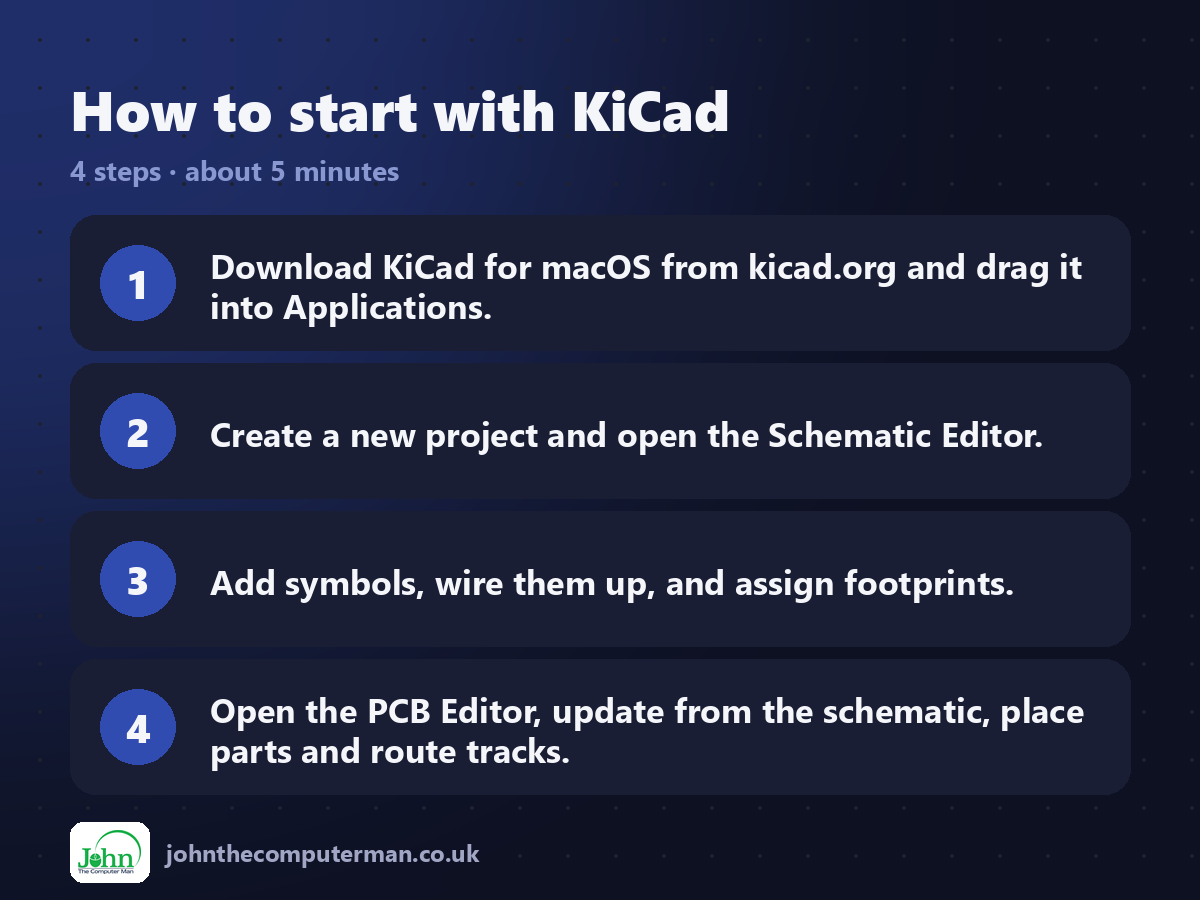
1. Download KiCad for macOS from kicad.org and drag it into Applications.
2. Create a new project and open the Schematic Editor.
3. Add symbols, wire them up, and assign footprints.
4. Open the PCB Editor, update from the schematic, place parts and route tracks.
2. Create a new project and open the Schematic Editor.
3. Add symbols, wire them up, and assign footprints.
4. Open the PCB Editor, update from the schematic, place parts and route tracks.
Prefer the command line? If you use Homebrew, the free package manager for Mac, open Terminal and run:
brew install --cask kicad
Tips to get more out of it
• Follow the official Getting Started guide for your KiCad version.
• Run the Design Rules Checker before ordering boards.
• Check your PCB maker's design rules and enter them in Board Setup.
• Use the 3D viewer to check connectors and components fit.
• Run the Design Rules Checker before ordering boards.
• Check your PCB maker's design rules and enter them in Board Setup.
• Use the 3D viewer to check connectors and components fit.
Is it really free?
Free and open source, for any use. No ads, no account and no paid version.
Pros and cons
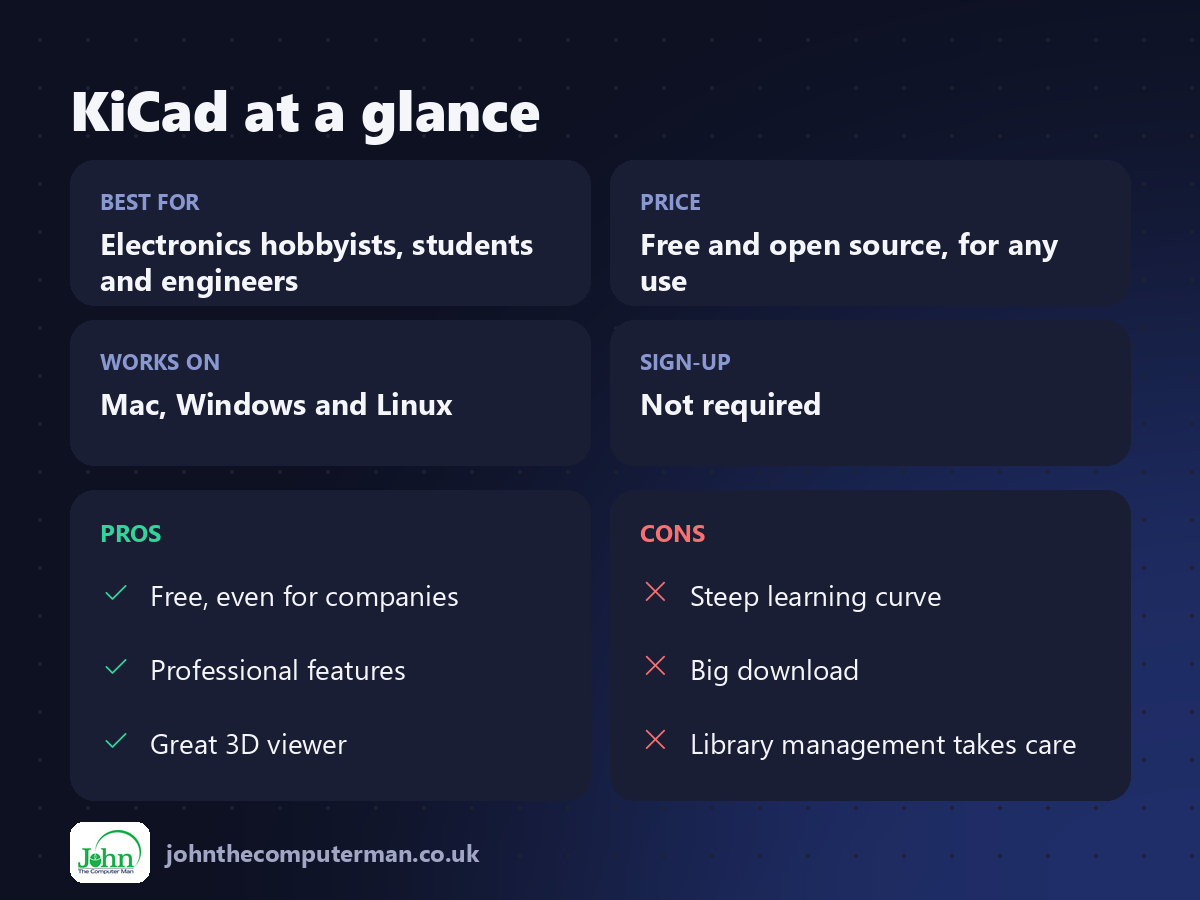
| 👍 Pros | 👎 Cons |
|---|---|
| Free, even for companies | Steep learning curve |
| Professional features | Big download |
| Great 3D viewer | Library management takes care |
Who is it for?
Best for: Electronics hobbyists, students and engineers. Works on: Mac, Windows and Linux. Sign-up: Not required.
KiCad alternatives
• EasyEDA: browser-based PCB design linked to a PCB maker, free.
• Autodesk Fusion: includes electronics design, with a limited free personal licence.
• Fritzing: beginner-friendly breadboard-style design, paid download.
• Autodesk Fusion: includes electronics design, with a limited free personal licence.
• Fritzing: beginner-friendly breadboard-style design, paid download.
FAQ
Is KiCad free for commercial use?
Yes. It's open source and free for any use, including commercial products.
Can I order boards from KiCad files?
Yes. Export Gerber and drill files, and upload them to any PCB manufacturer.
The verdict
KiCad is the best free PCB design tool, and one of the best at any price. If your project deserves a real circuit board, this is how you make one.
👉 Try it: www.kicad.org
Part of the free creative apps for mac series on johnthecomputerman.co.uk. Follow @johnthecomputerman on Instagram for a new free Mac tool every Monday, Wednesday and Friday. Pricing and features were checked in September 2026 and can change, so check the tool's own site for the latest.
