Krita for Mac: The Free Digital Painting App for Artists
Digital art apps are often expensive or tied to a subscription, which is a lot to ask when you're just starting out or drawing for fun.
Krita is made by artists for artists, and it's free. Hundreds of brushes, full drawing tablet support, layers and even frame-by-frame animation.
What is Krita?
Krita is a free, open-source painting program for Mac, Windows, Linux, Android and ChromeOS tablets. It's designed for illustration, concept art, comics and animation, with hundreds of customisable brushes, pressure-sensitive tablet support, layers, masks, a colour wheel pop-up palette, drawing assistants for perspective and frame-by-frame animation. It's free for personal and commercial work.
Key features
Hundreds of brushes
Pencils, inks, watercolours and textures, all customisable.
Made for tablets
Pressure and tilt support for Wacom, XP-Pen and other drawing tablets.
Animation built in
Draw frame-by-frame animations with onion skinning.
How to get started with Krita
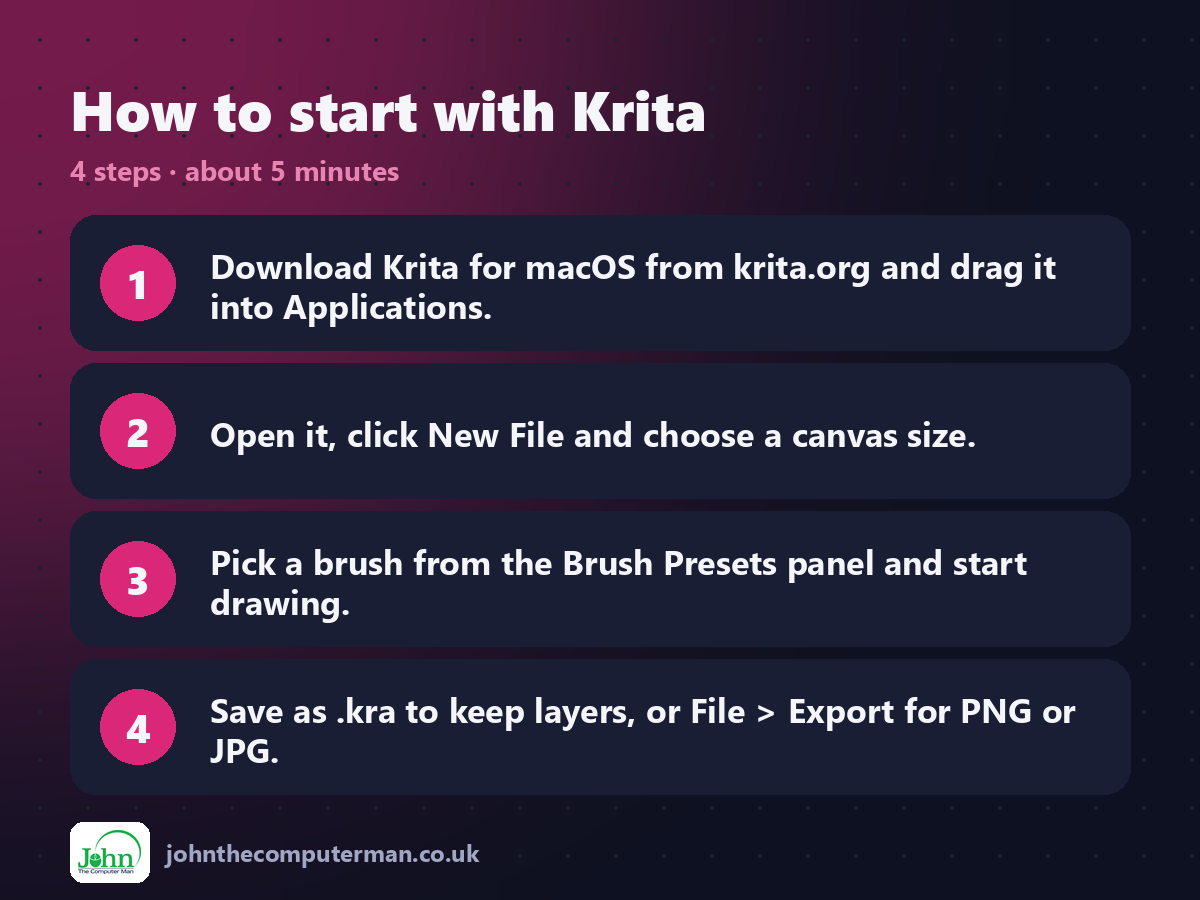
1. Download Krita for macOS from krita.org and drag it into Applications.
2. Open it, click New File and choose a canvas size.
3. Pick a brush from the Brush Presets panel and start drawing.
4. Save as .kra to keep layers, or File > Export for PNG or JPG.
2. Open it, click New File and choose a canvas size.
3. Pick a brush from the Brush Presets panel and start drawing.
4. Save as .kra to keep layers, or File > Export for PNG or JPG.
Prefer the command line? If you use Homebrew, the free package manager for Mac, open Terminal and run:
brew install --cask krita
Tips to get more out of it
• Right-click the canvas for the pop-up palette with your favourite brushes and colours.
• Press Tab to hide everything except the canvas.
• Press E to switch any brush into eraser mode.
• Use Assistant Tools for perfect perspective lines.
• Press Tab to hide everything except the canvas.
• Press E to switch any brush into eraser mode.
• Use Assistant Tools for perfect perspective lines.
Is it really free?
Free and open source, for personal and commercial work. No ads and no account.
Pros and cons
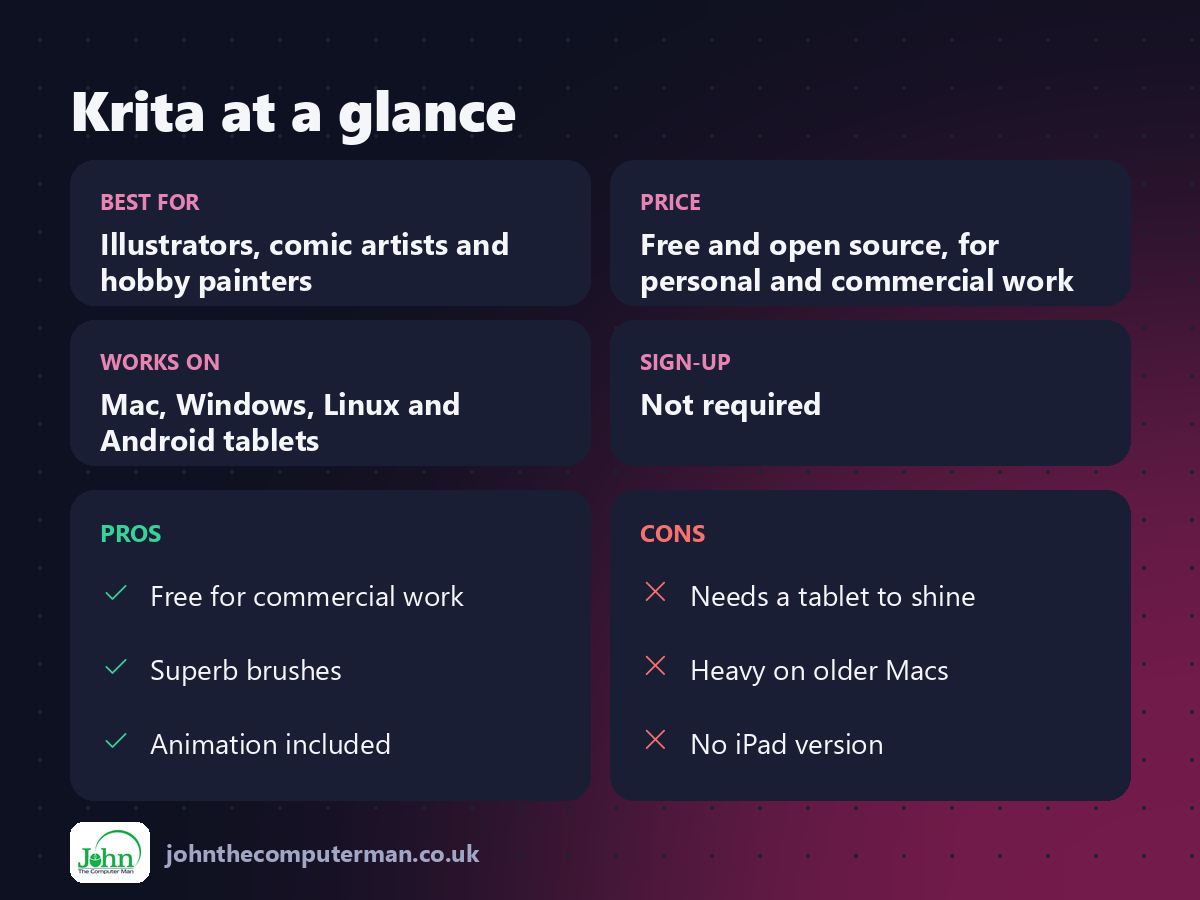
| 👍 Pros | 👎 Cons |
|---|---|
| Free for commercial work | Needs a tablet to shine |
| Superb brushes | Heavy on older Macs |
| Animation included | No iPad version |
Who is it for?
Best for: Illustrators, comic artists and hobby painters. Works on: Mac, Windows, Linux and Android tablets. Sign-up: Not required.
Krita alternatives
• Procreate: the iPad favourite, a one-off purchase.
• Affinity: Canva's pro design app, free to use with a Canva account.
• Clip Studio Paint: popular with comic and manga artists, paid.
• Affinity: Canva's pro design app, free to use with a Canva account.
• Clip Studio Paint: popular with comic and manga artists, paid.
FAQ
Do I need a drawing tablet?
No, but it helps a lot. A basic tablet gives you pressure-sensitive strokes that a mouse can't.
Can I sell art made with Krita?
Yes. Krita is free for commercial use, and everything you make is yours.
The verdict
Krita is one of the best free creative apps on any platform. Plug in a drawing tablet and it's hard to believe you didn't pay for it.
👉 Try it: krita.org
Part of the free mac apps that replace paid software series on johnthecomputerman.co.uk. Follow @johnthecomputerman on Instagram for a new free Mac tool every Monday, Wednesday and Friday. Pricing and features were checked in September 2026 and can change, so check the tool's own site for the latest.
