Latest: See Every App Update Waiting on Your Mac in One Place (Free)
App Store apps update themselves. But many Mac apps come from developers' websites, each with its own updater, and some you only open once a month. Out-of-date apps can have security holes.
Latest checks your apps and shows every available update in one list, with release notes. Click Update and it's done. It's free and open source.
What is Latest?
Latest is a free, open-source Mac app that checks your installed apps for updates. It supports Mac App Store apps and apps that use Sparkle, the update system many Mac developers use. It shows available updates with release notes and can update apps with a click, or open the app's own updater.
Key features
Every update, one list
Mac App Store and many other apps, checked together.
Release notes
Read what's new before you update.
One-click updates
Update individual apps, or everything at once.
How to get started with Latest
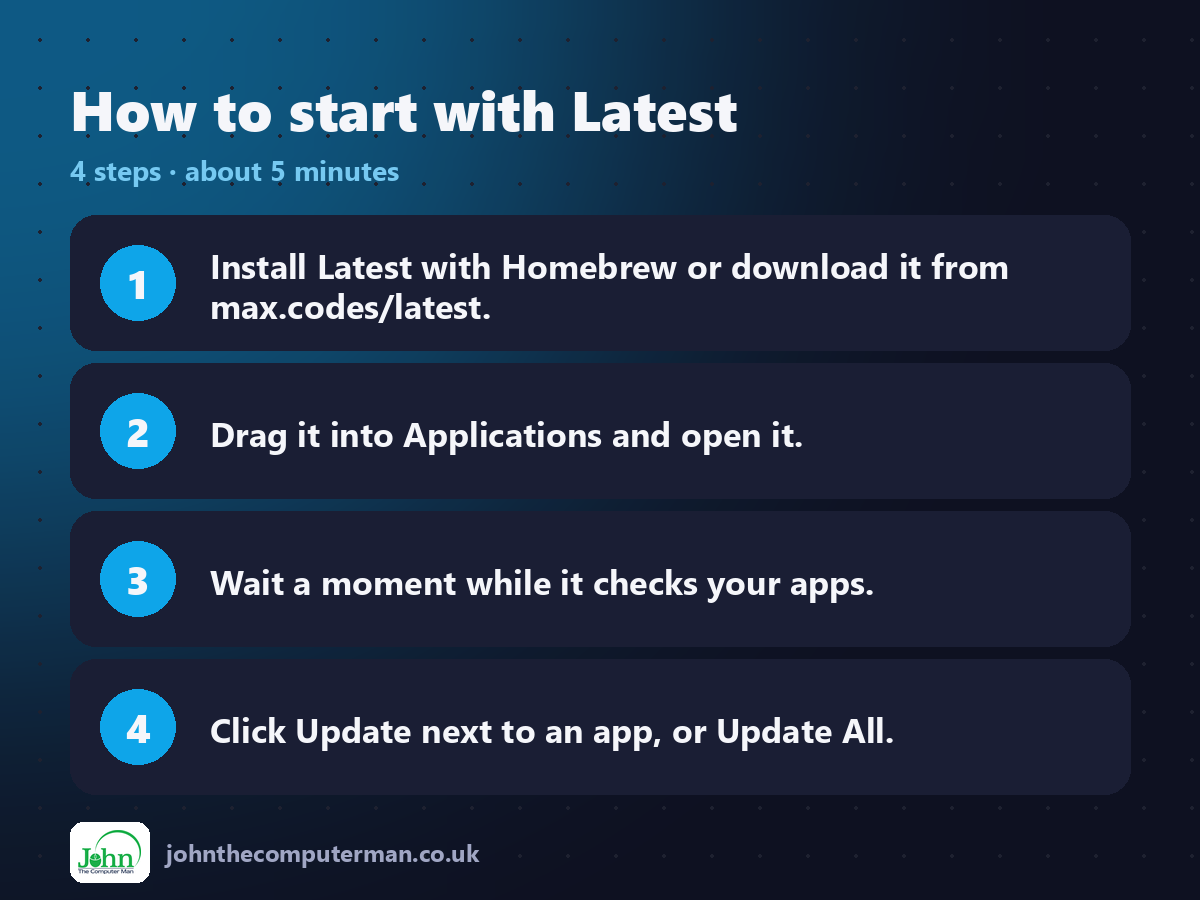
1. Install Latest with Homebrew or download it from max.codes/latest.
2. Drag it into Applications and open it.
3. Wait a moment while it checks your apps.
4. Click Update next to an app, or Update All.
2. Drag it into Applications and open it.
3. Wait a moment while it checks your apps.
4. Click Update next to an app, or Update All.
Prefer the command line? If you use Homebrew, the free package manager for Mac, open Terminal and run:
brew install --cask latest
Tips to get more out of it
• Run it once a week to catch apps that don't update themselves.
• Some apps aren't supported. Check those on their own sites now and then.
• If you installed apps with Homebrew, run brew upgrade --cask --greedy too.
• Updating closes the app, so save your work first.
• Some apps aren't supported. Check those on their own sites now and then.
• If you installed apps with Homebrew, run brew upgrade --cask --greedy too.
• Updating closes the app, so save your work first.
Is it really free?
Free and open source. No ads, no account and no paid version.
Pros and cons
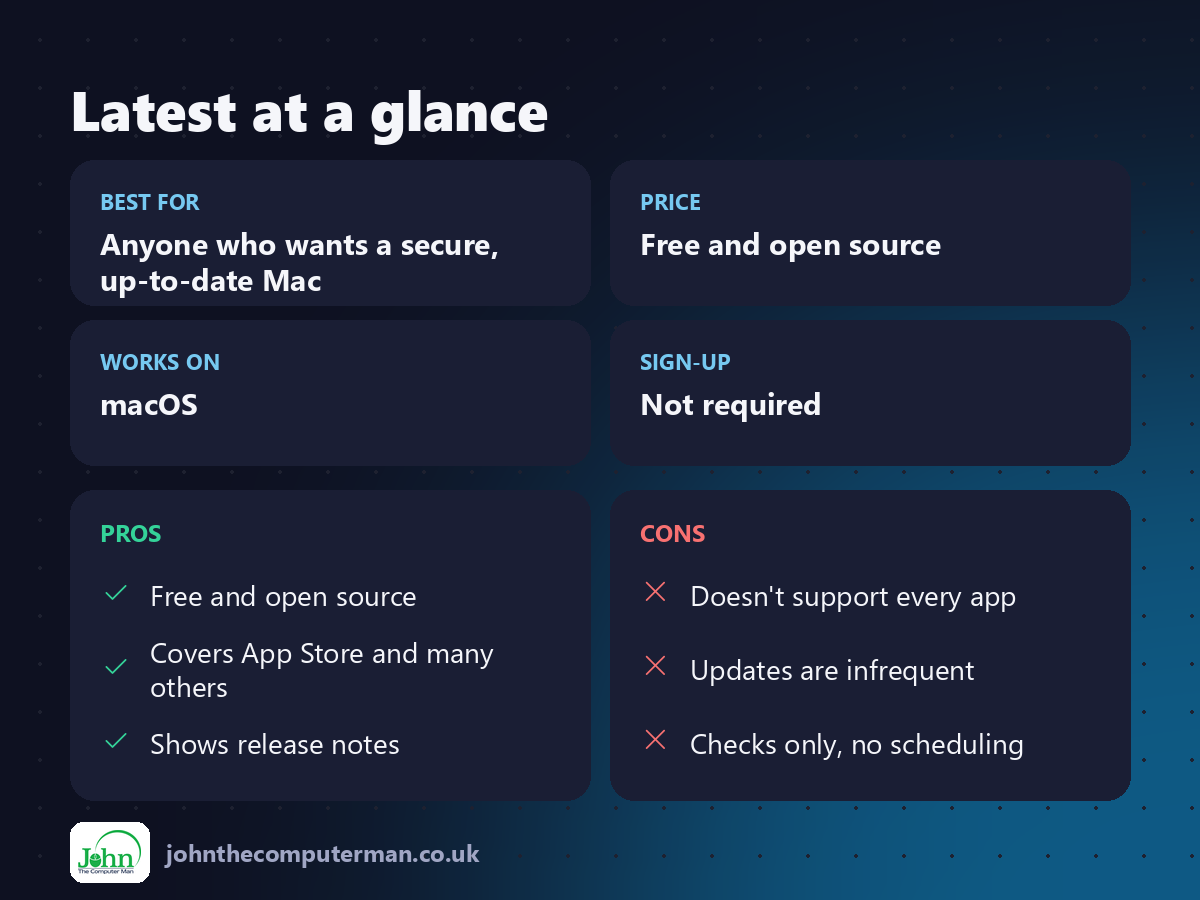
| 👍 Pros | 👎 Cons |
|---|---|
| Free and open source | Doesn't support every app |
| Covers App Store and many others | Updates are infrequent |
| Shows release notes | Checks only, no scheduling |
Who is it for?
Best for: Anyone who wants a secure, up-to-date Mac. Works on: macOS. Sign-up: Not required.
Latest alternatives
• App Store updates: built in: only covers App Store apps.
• Homebrew: the free package manager: brew upgrade updates apps you installed with it.
• MacUpdater: a more complete paid update checker.
• Homebrew: the free package manager: brew upgrade updates apps you installed with it.
• MacUpdater: a more complete paid update checker.
FAQ
Why doesn't Latest show some of my apps?
It supports App Store apps and apps that use the Sparkle updater. Others need updating from their own sites.
Is it safe?
Yes. It's open source and uses each app's own update system.
The verdict
Latest is a simple way to keep your Mac's apps up to date and safer. Run it every week, alongside macOS's own updates.
👉 Try it: max.codes/latest
Part of the hidden-gem mac apps series on johnthecomputerman.co.uk. Follow @johnthecomputerman on Instagram for a new free Mac tool every Monday, Wednesday and Friday. Pricing and features were checked in September 2026 and can change, so check the tool's own site for the latest.
