LibreOffice for Mac: The Free Microsoft Office Alternative (Setup Guide)
Microsoft 365 costs money every year, and plenty of people only need it for the occasional letter, spreadsheet or school presentation.
LibreOffice is a full office suite that costs nothing. It opens and saves Word, Excel and PowerPoint files, exports PDFs, and works completely offline with no account.
What is LibreOffice?
LibreOffice is a free, open-source office suite from The Document Foundation. It includes Writer (documents), Calc (spreadsheets), Impress (presentations), Draw (diagrams and PDF editing), Base (databases) and Math (formulas). It opens and saves Microsoft Office formats such as .docx, .xlsx and .pptx, uses the open OpenDocument format by default, and runs on Apple Silicon and Intel Macs.
Key features
Works with Office files
Open, edit and save Word, Excel and PowerPoint files and send them back to anyone.
The full suite, free
Documents, spreadsheets, presentations, drawings and databases in one download.
One-click PDFs
Export any document as a PDF, with options for passwords and form fields.
How to get started with LibreOffice
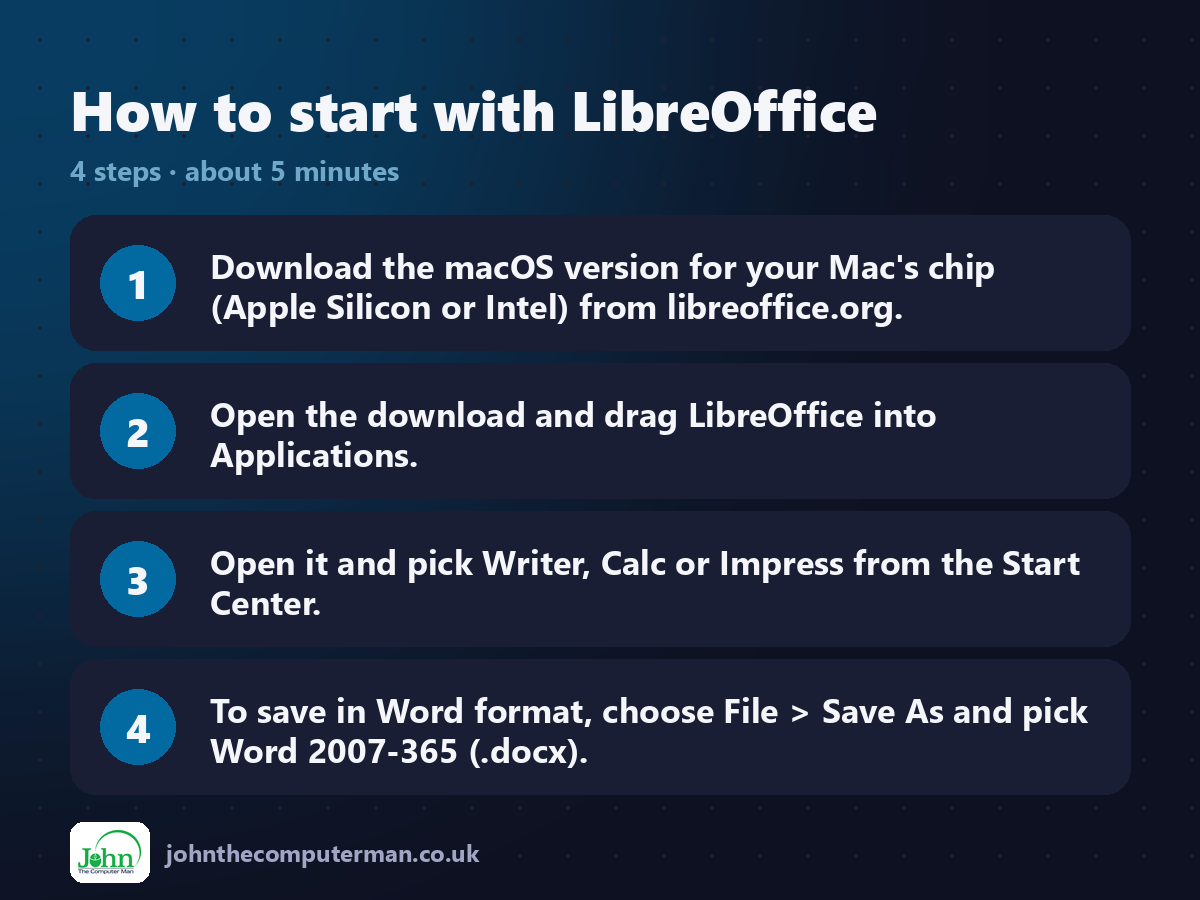
1. Download the macOS version for your Mac's chip (Apple Silicon or Intel) from libreoffice.org.
2. Open the download and drag LibreOffice into Applications.
3. Open it and pick Writer, Calc or Impress from the Start Center.
4. To save in Word format, choose File > Save As and pick Word 2007-365 (.docx).
2. Open the download and drag LibreOffice into Applications.
3. Open it and pick Writer, Calc or Impress from the Start Center.
4. To save in Word format, choose File > Save As and pick Word 2007-365 (.docx).
Prefer the command line? If you use Homebrew, the free package manager for Mac, open Terminal and run:
brew install --cask libreoffice
Tips to get more out of it
• Always sending files to Office users? In Settings > Load/Save > General, set 'Always save as' to Microsoft Word, Excel and PowerPoint formats.
• Try View > User Interface > Tabbed for a ribbon layout that feels like Microsoft Office.
• Use the Export as PDF button in the toolbar for quick, shareable PDFs.
• Draw can open PDFs for simple edits, like fixing a typo or adding a signature image.
• Try View > User Interface > Tabbed for a ribbon layout that feels like Microsoft Office.
• Use the Export as PDF button in the toolbar for quick, shareable PDFs.
• Draw can open PDFs for simple edits, like fixing a typo or adding a signature image.
Is it really free?
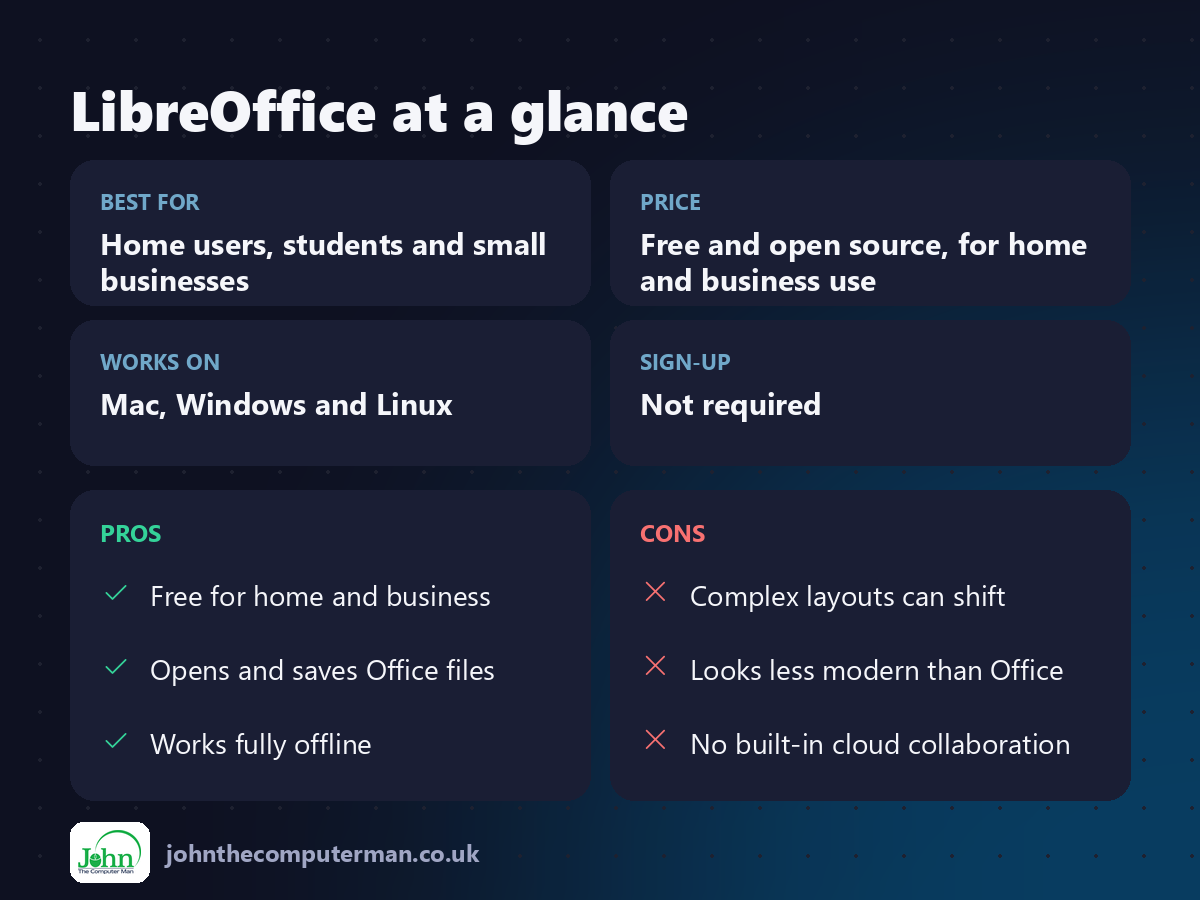
Free and open source, for home and business use. No ads, no account and no subscription.
Pros and cons
| 👍 Pros | 👎 Cons |
|---|---|
| Free for home and business | Complex layouts can shift |
| Opens and saves Office files | Looks less modern than Office |
| Works fully offline | No built-in cloud collaboration |
Who is it for?
Best for: Home users, students and small businesses. Works on: Mac, Windows and Linux. Sign-up: Not required.
LibreOffice alternatives
• Apple Pages, Numbers and Keynote: free on every Mac and polished, but less compatible with Office files.
• OnlyOffice: a free desktop suite with a very Office-like design.
• Microsoft 365 on the web: free in the browser with a Microsoft account, with fewer features.
• OnlyOffice: a free desktop suite with a very Office-like design.
• Microsoft 365 on the web: free in the browser with a Microsoft account, with fewer features.
FAQ
Is LibreOffice compatible with Microsoft Office?
Mostly, yes. Everyday documents, spreadsheets and presentations open and save fine. Very complex layouts or macros can look a little different.
Is LibreOffice safe?
Yes. It's open source, made by a non-profit foundation, and used by governments and schools worldwide. Download it only from libreoffice.org.
The verdict
LibreOffice won't win any design awards, but it does almost everything Microsoft Office does, for free, forever. Try it for a month before you next renew.
👉 Try it: www.libreoffice.org
Part of the free mac apps that replace paid software series on johnthecomputerman.co.uk. Follow @johnthecomputerman on Instagram for a new free Mac tool every Monday, Wednesday and Friday. Pricing and features were checked in September 2026 and can change, so check the tool's own site for the latest.
