LM Studio for Mac: Run AI Models Offline, Privately and for Free

AI chat assistants are useful, but the best ones cost a monthly subscription, and everything you type goes to someone else's servers.
LM Studio runs AI models on your own Mac instead. Download a model once, and chat with it offline, privately and for free. Apple Silicon Macs are surprisingly good at it.
What is LM Studio?
LM Studio is a free desktop app for discovering, downloading and running open AI language models on your own computer. On Macs it requires Apple Silicon (M1 or later) and uses Apple's MLX framework for speed. It has a chat interface, lets you chat with your own documents, and can run a local server for other apps. It's free for home and work use, but not open source.
Key features
Private and offline
Once a model is downloaded, your chats never leave your Mac.
Browse open models
Search and download models from families like Llama, Qwen, Gemma and Mistral.
Chat with documents
Drop in a PDF or text file and ask questions about it.
How to get started with LM Studio
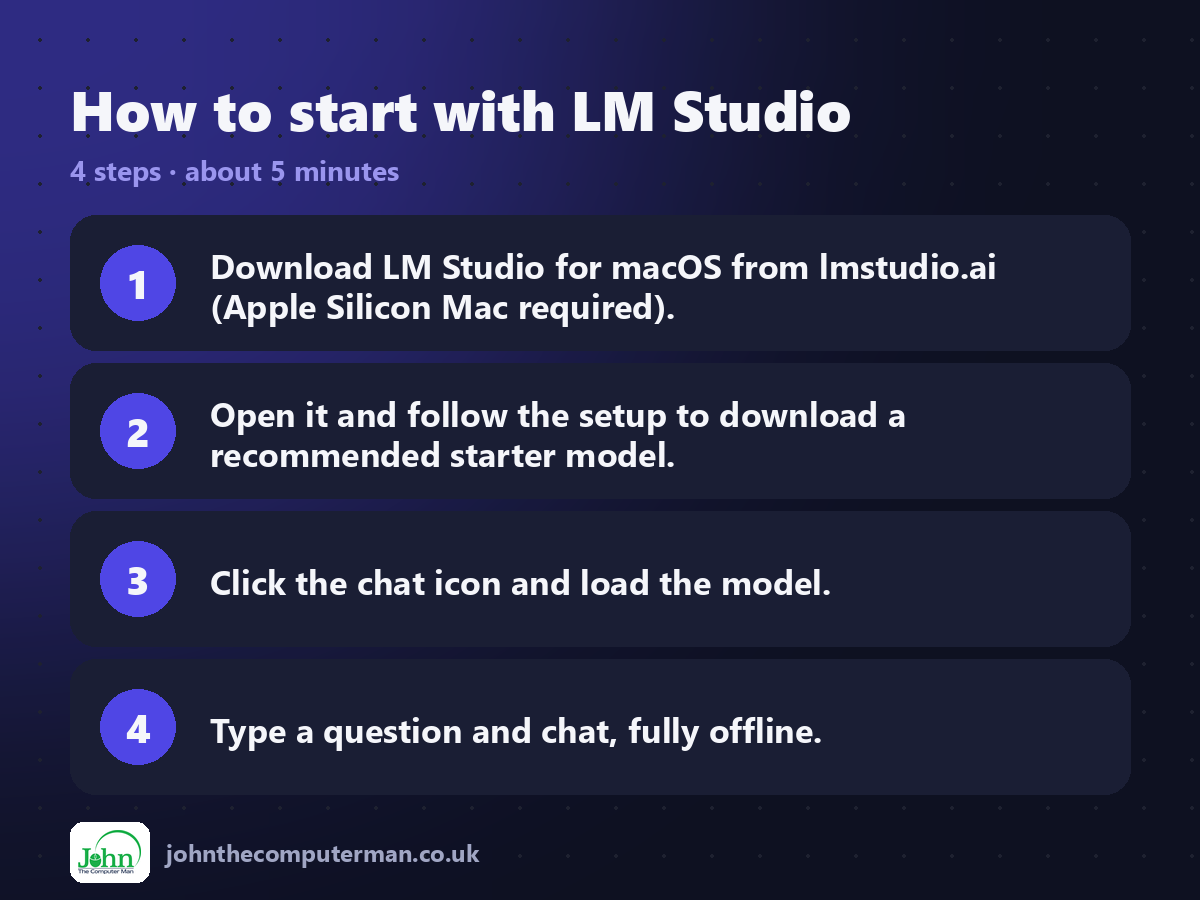
1. Download LM Studio for macOS from lmstudio.ai (Apple Silicon Mac required).
2. Open it and follow the setup to download a recommended starter model.
3. Click the chat icon and load the model.
4. Type a question and chat, fully offline.
2. Open it and follow the setup to download a recommended starter model.
3. Click the chat icon and load the model.
4. Type a question and chat, fully offline.
Prefer the command line? If you use Homebrew, the free package manager for Mac, open Terminal and run:
brew install --cask lm-studio
Tips to get more out of it
• Match the model size to your memory. With 16 GB of RAM, start with models under about 8 billion parameters.
• Choose MLX versions of models on a Mac for the best speed.
• Local models are smaller than paid cloud AI, so double-check important answers.
• Delete models you don't use. They can be several gigabytes each.
• Choose MLX versions of models on a Mac for the best speed.
• Local models are smaller than paid cloud AI, so double-check important answers.
• Delete models you don't use. They can be several gigabytes each.
Is it really free?
Free for home and work use. Not open source.
Pros and cons
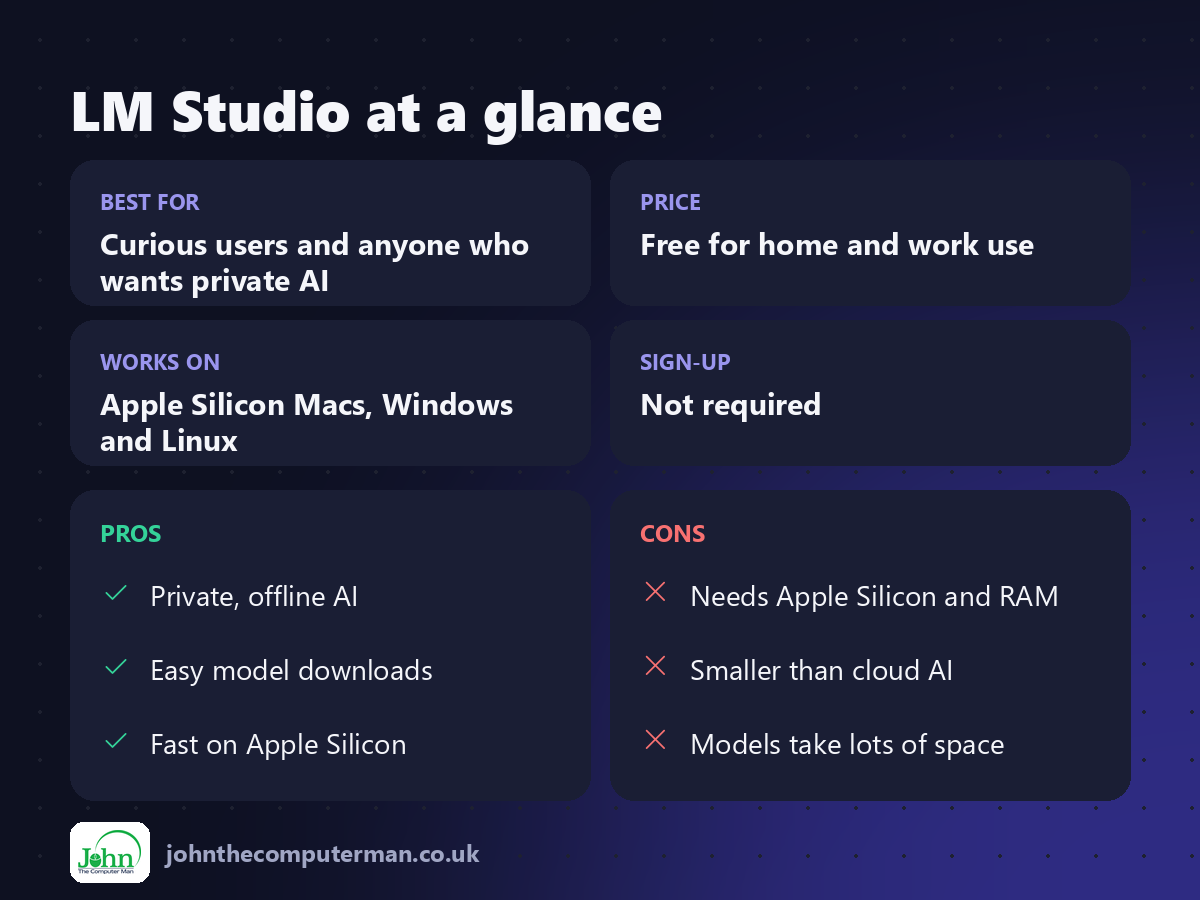
| 👍 Pros | 👎 Cons |
|---|---|
| Private, offline AI | Needs Apple Silicon and RAM |
| Easy model downloads | Smaller than cloud AI |
| Fast on Apple Silicon | Models take lots of space |
Who is it for?
Best for: Curious users and anyone who wants private AI. Works on: Apple Silicon Macs, Windows and Linux. Sign-up: Not required.
LM Studio alternatives
• Ollama: free and open source, run models from Terminal or other apps.
• Jan: a free, open-source local AI chat app.
• ChatGPT or Claude: more capable cloud assistants, with free and paid plans.
• Jan: a free, open-source local AI chat app.
• ChatGPT or Claude: more capable cloud assistants, with free and paid plans.
FAQ
Will LM Studio run on my Mac?
It needs an Apple Silicon Mac (M1 or later). 16 GB of memory or more is recommended for good results.
Is it really private?
Yes. Once a model is downloaded, chats run entirely on your Mac and aren't sent anywhere.
The verdict
LM Studio is the easiest way to try private, offline AI on a Mac. It won't replace the biggest cloud models, but for everyday questions and drafting, it's impressive, and free.
👉 Try it: lmstudio.ai
Part of the free mac apps that replace paid software series on johnthecomputerman.co.uk. Follow @johnthecomputerman on Instagram for a new free Mac tool every Monday, Wednesday and Friday. Pricing and features were checked in September 2026 and can change, so check the tool's own site for the latest.
