Mixxx for Mac: Free DJ Software for Beginners and Pros
Want to try DJing? Most DJ software is free only in a limited 'lite' version, or tied to a particular brand of controller.
Mixxx is free and open source with everything included: four decks, beat sync, effects, recording and support for hundreds of controllers. You can even start with just your keyboard.
What is Mixxx?
Mixxx is free, open-source DJ software for Mac, Windows and Linux. It includes up to four decks, BPM and key detection, sync, loops, hot cues, effects, a music library with crates and playlists, and mix recording and live broadcasting. It supports hundreds of MIDI and HID DJ controllers out of the box, and works with timecode vinyl.
Key features
Four decks and sync
Beat detection and sync make it easy to mix tracks together.
Works with controllers
Plug in one of hundreds of supported controllers and play.
Record your mixes
Record your sets to share or listen back.
How to get started with Mixxx
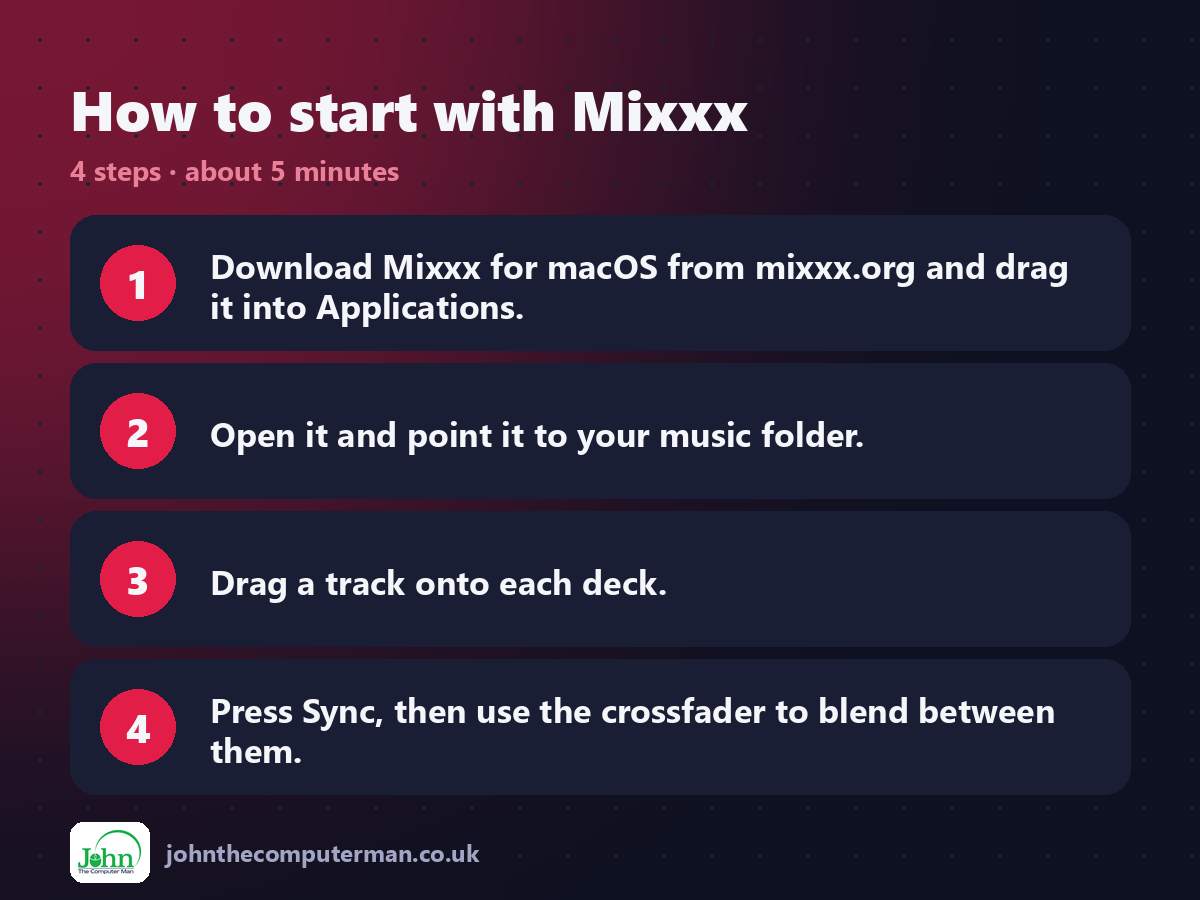
1. Download Mixxx for macOS from mixxx.org and drag it into Applications.
2. Open it and point it to your music folder.
3. Drag a track onto each deck.
4. Press Sync, then use the crossfader to blend between them.
2. Open it and point it to your music folder.
3. Drag a track onto each deck.
4. Press Sync, then use the crossfader to blend between them.
Prefer the command line? If you use Homebrew, the free package manager for Mac, open Terminal and run:
brew install --cask mixxx
Tips to get more out of it
• Let Mixxx analyse your library first so BPM and key are ready.
• Plug in a controller and choose its mapping in Preferences > Controllers.
• Use headphones and a split cue to preview the next track.
• Streaming services' music can't be loaded. Use tracks you own.
• Plug in a controller and choose its mapping in Preferences > Controllers.
• Use headphones and a split cue to preview the next track.
• Streaming services' music can't be loaded. Use tracks you own.
Is it really free?
Free and open source. No ads, no account and no paid version.
Pros and cons
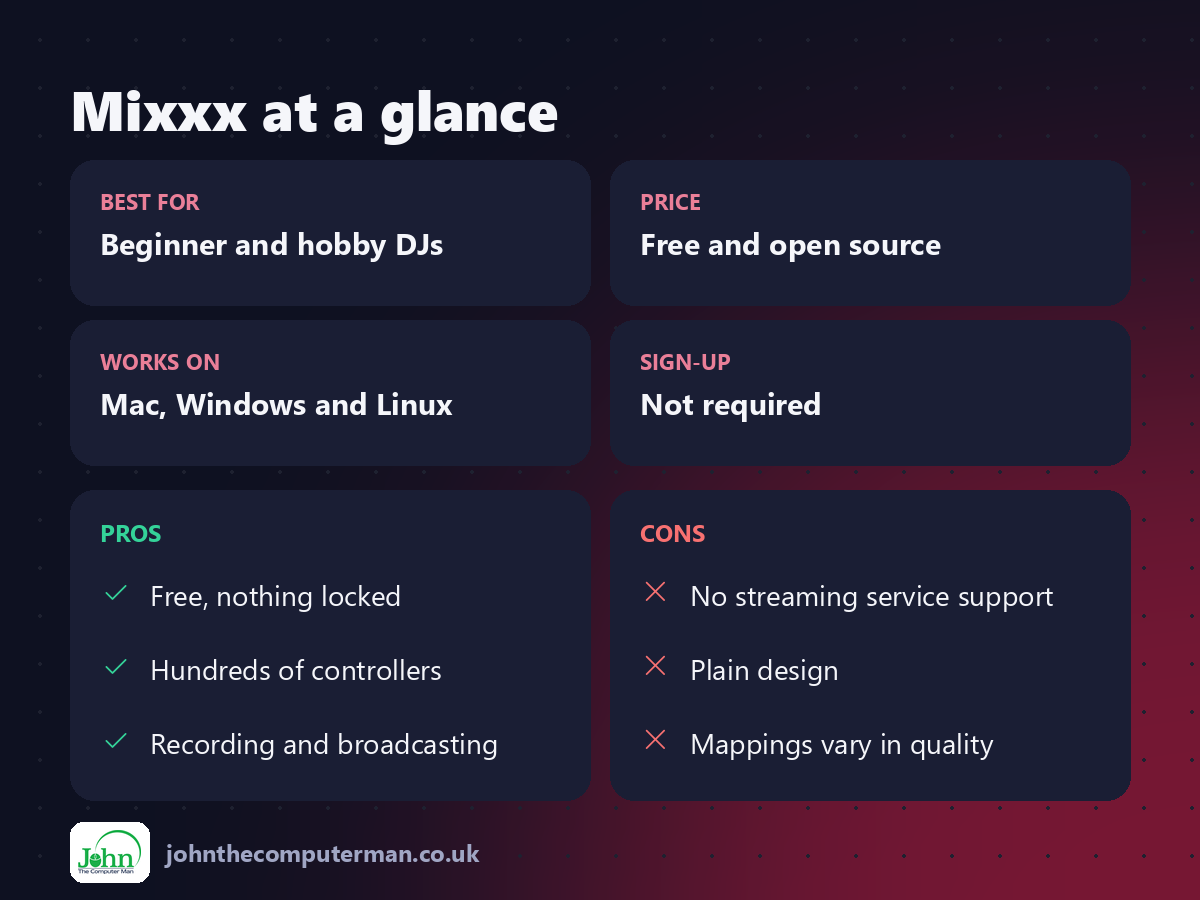
| 👍 Pros | 👎 Cons |
|---|---|
| Free, nothing locked | No streaming service support |
| Hundreds of controllers | Plain design |
| Recording and broadcasting | Mappings vary in quality |
Who is it for?
Best for: Beginner and hobby DJs. Works on: Mac, Windows and Linux. Sign-up: Not required.
Mixxx alternatives
• Serato DJ Lite: free with supported controllers, with a paid Pro upgrade.
• rekordbox: Pioneer's DJ software, free to prepare music, subscription to perform.
• djay: slick DJ app with streaming support, free with paid Pro.
• rekordbox: Pioneer's DJ software, free to prepare music, subscription to perform.
• djay: slick DJ app with streaming support, free with paid Pro.
FAQ
Do I need a controller?
No. You can mix with your keyboard and mouse, but a controller makes it much more fun.
Can I use Spotify or Apple Music?
No. Mixxx plays music files you own, such as MP3, FLAC and AAC.
The verdict
Mixxx is the best way to start DJing without spending anything on software. Grab some headphones, load two tracks and have fun.
👉 Try it: mixxx.org
Part of the free creative apps for mac series on johnthecomputerman.co.uk. Follow @johnthecomputerman on Instagram for a new free Mac tool every Monday, Wednesday and Friday. Pricing and features were checked in September 2026 and can change, so check the tool's own site for the latest.
