Mullvad Browser: The Free Privacy Browser That Blocks Fingerprinting
Clearing cookies isn't enough anymore. Websites can identify you from your browser's unique fingerprint: your screen size, fonts, settings and more.
Mullvad Browser is designed so everyone using it looks the same. It was built with the Tor Project, but uses your normal connection, or a VPN of your choice, instead of the Tor network. It's free, with no account.
What is Mullvad Browser?
Mullvad Browser is a free, open-source web browser developed by Mullvad VPN and the Tor Project. It's based on Firefox and includes Tor Browser's anti-fingerprinting protections, uBlock Origin for blocking trackers and ads, and private browsing mode that clears everything when you close it. Unlike Tor Browser, it doesn't route traffic through the Tor network, so it's designed to be used with a VPN.
Key features
Anti-fingerprinting
Designed so every user looks alike, making you hard to track.
Tracker blocking
uBlock Origin comes built in, blocking ads and trackers.
Forgets everything
History, cookies and logins are cleared when you close it.
How to get started with Mullvad Browser
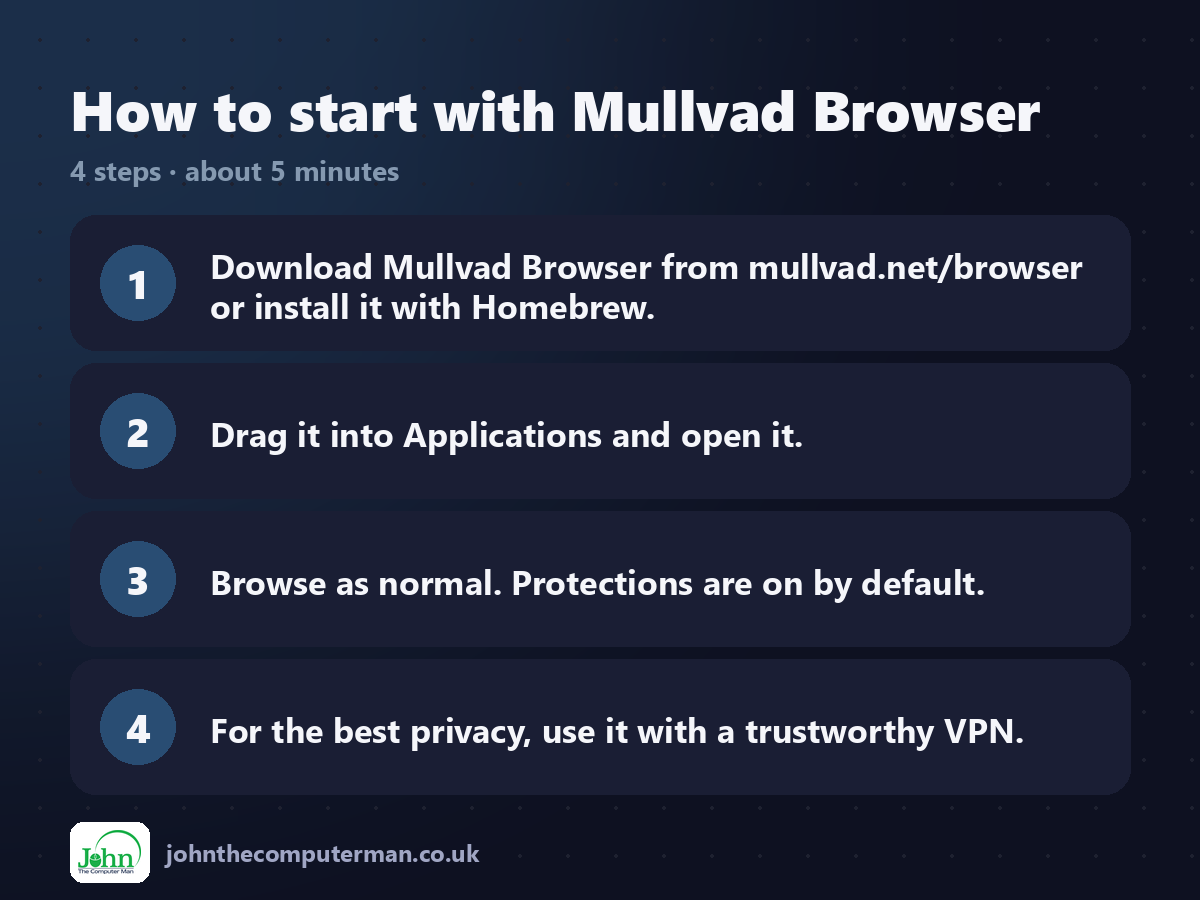
1. Download Mullvad Browser from mullvad.net/browser or install it with Homebrew.
2. Drag it into Applications and open it.
3. Browse as normal. Protections are on by default.
4. For the best privacy, use it with a trustworthy VPN.
2. Drag it into Applications and open it.
3. Browse as normal. Protections are on by default.
4. For the best privacy, use it with a trustworthy VPN.
Prefer the command line? If you use Homebrew, the free package manager for Mac, open Terminal and run:
brew install --cask mullvad-browser
Tips to get more out of it
• Don't add extra extensions. They make your browser more unique and easier to track.
• Keep the window at its default size, which also helps you blend in.
• Use a separate everyday browser for sites where you need to stay logged in.
• It works with any VPN, not just Mullvad's.
• Keep the window at its default size, which also helps you blend in.
• Use a separate everyday browser for sites where you need to stay logged in.
• It works with any VPN, not just Mullvad's.
Is it really free?
Free and open source. No ads and no account.
Pros and cons
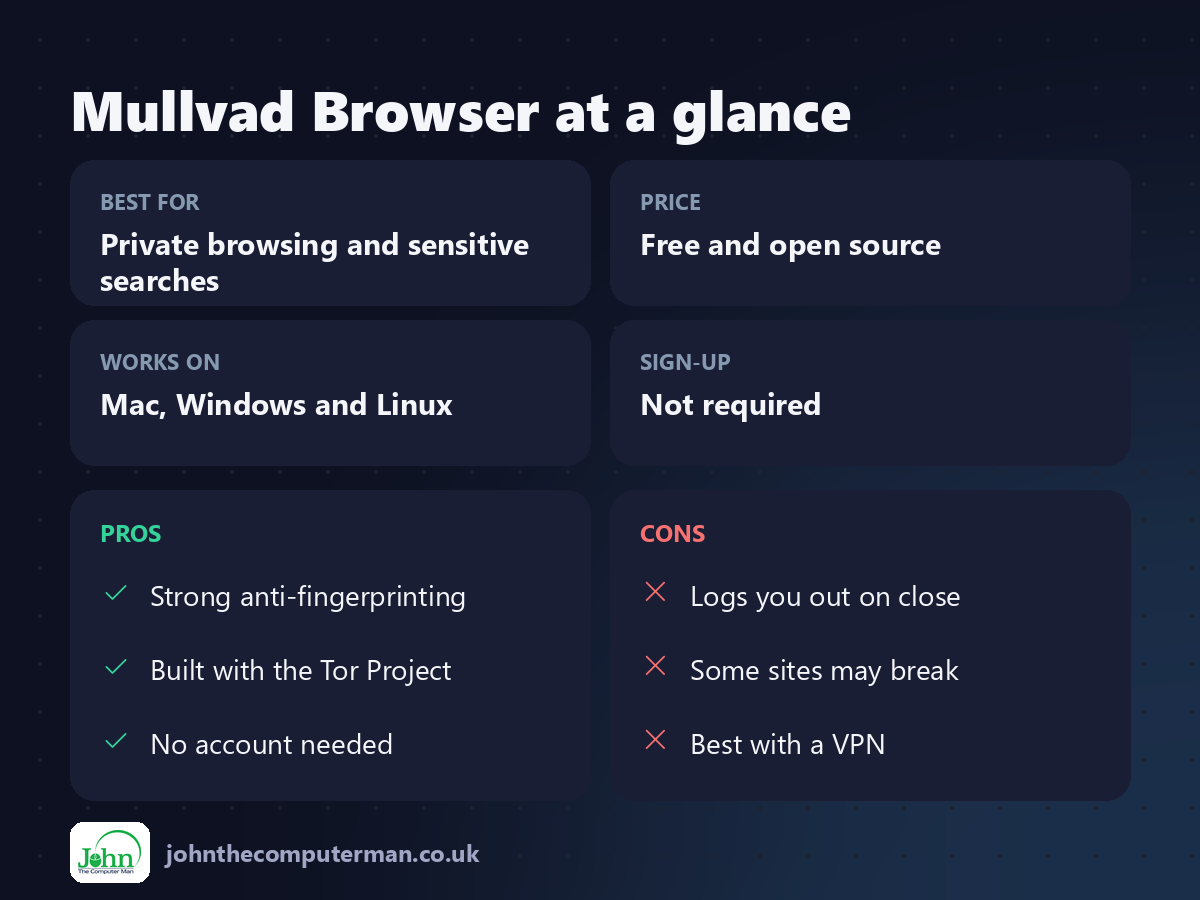
| 👍 Pros | 👎 Cons |
|---|---|
| Strong anti-fingerprinting | Logs you out on close |
| Built with the Tor Project | Some sites may break |
| No account needed | Best with a VPN |
Who is it for?
Best for: Private browsing and sensitive searches. Works on: Mac, Windows and Linux. Sign-up: Not required.
Mullvad Browser alternatives
• Tor Browser: adds the Tor network for anonymity, but is slower.
• Firefox: a private everyday browser, especially with uBlock Origin.
• Safari: built in, with good tracking protection and Private Relay for iCloud+ users.
• Firefox: a private everyday browser, especially with uBlock Origin.
• Safari: built in, with good tracking protection and Private Relay for iCloud+ users.
FAQ
Do I need Mullvad VPN to use it?
No. It works with any VPN, or none, though a VPN hides your IP address for better privacy.
Is it the same as Tor Browser?
It shares Tor Browser's privacy protections, but doesn't use the Tor network, so it's faster.
The verdict
Mullvad Browser is a great second browser for the times you really don't want to be tracked. Pair it with a VPN for strong everyday privacy.
👉 Try it: mullvad.net/browser
Part of the hidden-gem mac apps series on johnthecomputerman.co.uk. Follow @johnthecomputerman on Instagram for a new free Mac tool every Monday, Wednesday and Friday. Pricing and features were checked in September 2026 and can change, so check the tool's own site for the latest.
