MuseScore Studio for Mac: Free Sheet Music Software (Beginner's Guide)
Sheet music software has traditionally been expensive, and when Finale was discontinued in 2024 many musicians went looking for a new home.
MuseScore Studio is free and open source, and it's excellent. Write scores for anything from a solo piano piece to a full orchestra, and hear them played back with realistic free sounds.
What is MuseScore Studio?
MuseScore Studio is free, open-source music notation software for Mac, Windows and Linux. You can write scores by mouse, computer keyboard or MIDI keyboard, add lyrics, chords and dynamics, hear playback with the free Muse Sounds library, import MusicXML and MIDI files, and export to PDF, audio and MusicXML. It's used by students, teachers, composers and arrangers.
Key features
Write any score
From lead sheets to orchestral scores, with lyrics, chords and dynamics.
Realistic playback
The free Muse Sounds library makes scores sound like real instruments.
Print and share
Export beautiful PDFs, audio files and MusicXML for other apps.
How to get started with MuseScore Studio
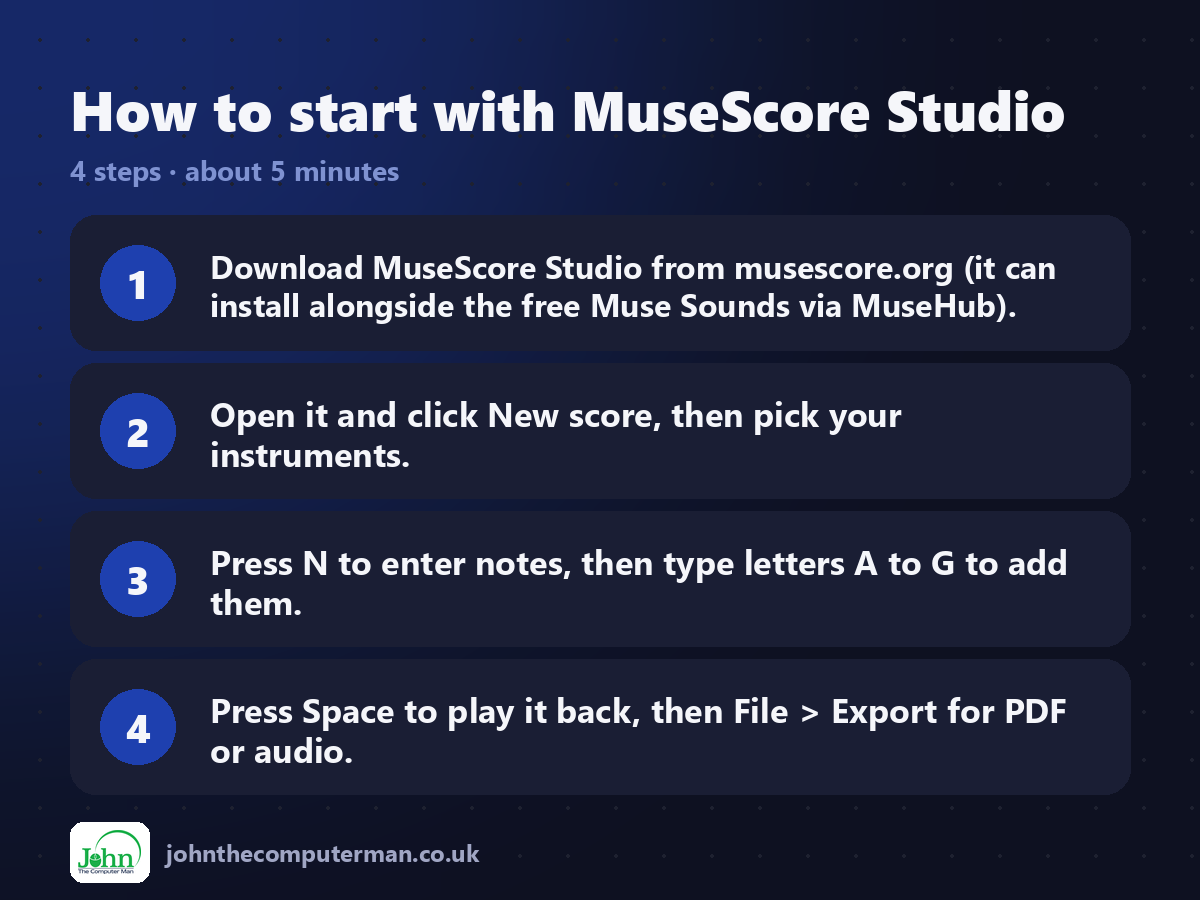
1. Download MuseScore Studio from musescore.org (it can install alongside the free Muse Sounds via MuseHub).
2. Open it and click New score, then pick your instruments.
3. Press N to enter notes, then type letters A to G to add them.
4. Press Space to play it back, then File > Export for PDF or audio.
2. Open it and click New score, then pick your instruments.
3. Press N to enter notes, then type letters A to G to add them.
4. Press Space to play it back, then File > Export for PDF or audio.
Prefer the command line? If you use Homebrew, the free package manager for Mac, open Terminal and run:
brew install --cask musescore
Tips to get more out of it
• Press N, then type note names A to G. Use numbers 1 to 9 to change note lengths.
• Plug in a MIDI keyboard to enter notes by playing them.
• Install Muse Sounds through MuseHub for much more realistic playback.
• Import MusicXML files from Finale or Sibelius to carry on working on old scores.
• Plug in a MIDI keyboard to enter notes by playing them.
• Install Muse Sounds through MuseHub for much more realistic playback.
• Import MusicXML files from Finale or Sibelius to carry on working on old scores.
Is it really free?
Free and open source. Muse Sounds are free too. No paid version of the app.
Pros and cons
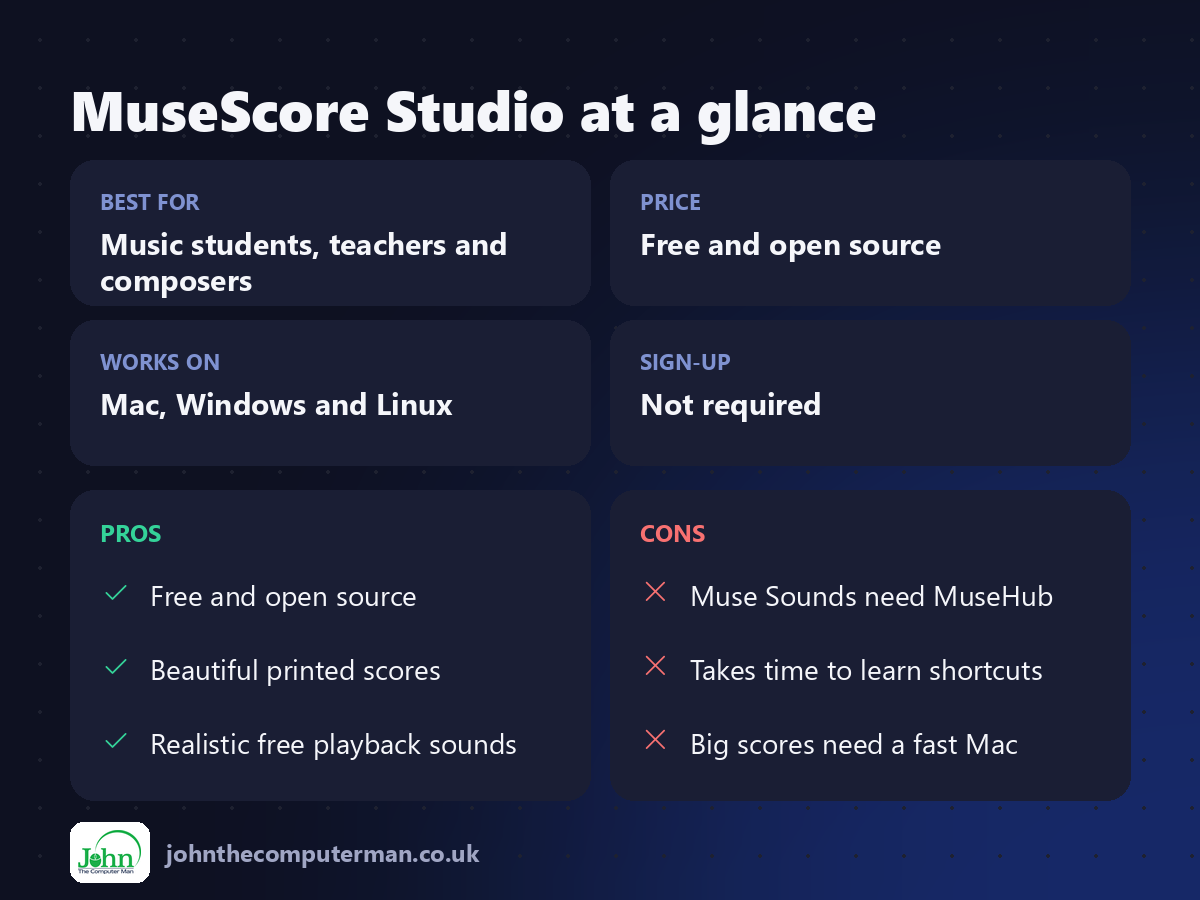
| 👍 Pros | 👎 Cons |
|---|---|
| Free and open source | Muse Sounds need MuseHub |
| Beautiful printed scores | Takes time to learn shortcuts |
| Realistic free playback sounds | Big scores need a fast Mac |
Who is it for?
Best for: Music students, teachers and composers. Works on: Mac, Windows and Linux. Sign-up: Not required.
MuseScore Studio alternatives
• Dorico: professional notation software, with a free SE version.
• Sibelius: a long-standing professional option, subscription-based.
• Flat: browser-based notation with a free plan.
• Sibelius: a long-standing professional option, subscription-based.
• Flat: browser-based notation with a free plan.
FAQ
Can MuseScore open Finale or Sibelius files?
Not their own formats directly, but it imports MusicXML, which both can export.
Do I need an account?
No. You only need a free account to share scores on musescore.com.
The verdict
MuseScore Studio is the best free way to write sheet music, and it's good enough for many professionals. Install it with Muse Sounds and hear your music come to life.
👉 Try it: musescore.org
Part of the free mac apps that replace paid software series on johnthecomputerman.co.uk. Follow @johnthecomputerman on Instagram for a new free Mac tool every Monday, Wednesday and Friday. Pricing and features were checked in September 2026 and can change, so check the tool's own site for the latest.
