OnyX: The Free Mac Maintenance and Tweaking Tool (How to Use It Safely)
When a Mac starts acting strangely, like Spotlight not finding files or the 'Open With' menu showing duplicates, the fix is often buried in Terminal commands most people don't know.
OnyX puts those fixes behind buttons. It's been a trusted, free Mac utility for over twenty years, and it can also unlock hidden settings Apple doesn't show you.
What is OnyX?
OnyX is a free maintenance and customisation utility for macOS from Titanium Software. It can verify your startup disk, run maintenance tasks, rebuild databases such as the Spotlight index and Launch Services, clear system and app caches, and change hidden settings for Finder, the Dock, screenshots and more. There's a separate version of OnyX for each version of macOS, so download the one that matches yours.
Key features
Fix common glitches
Rebuild Spotlight, Launch Services and other databases when search or 'Open With' misbehave.
Clear caches safely
Tick the caches to clear and let OnyX handle it, instead of digging through Library folders.
Hidden settings
Change screenshot format and location, Finder and Dock options and more, without Terminal.
How to get started with OnyX
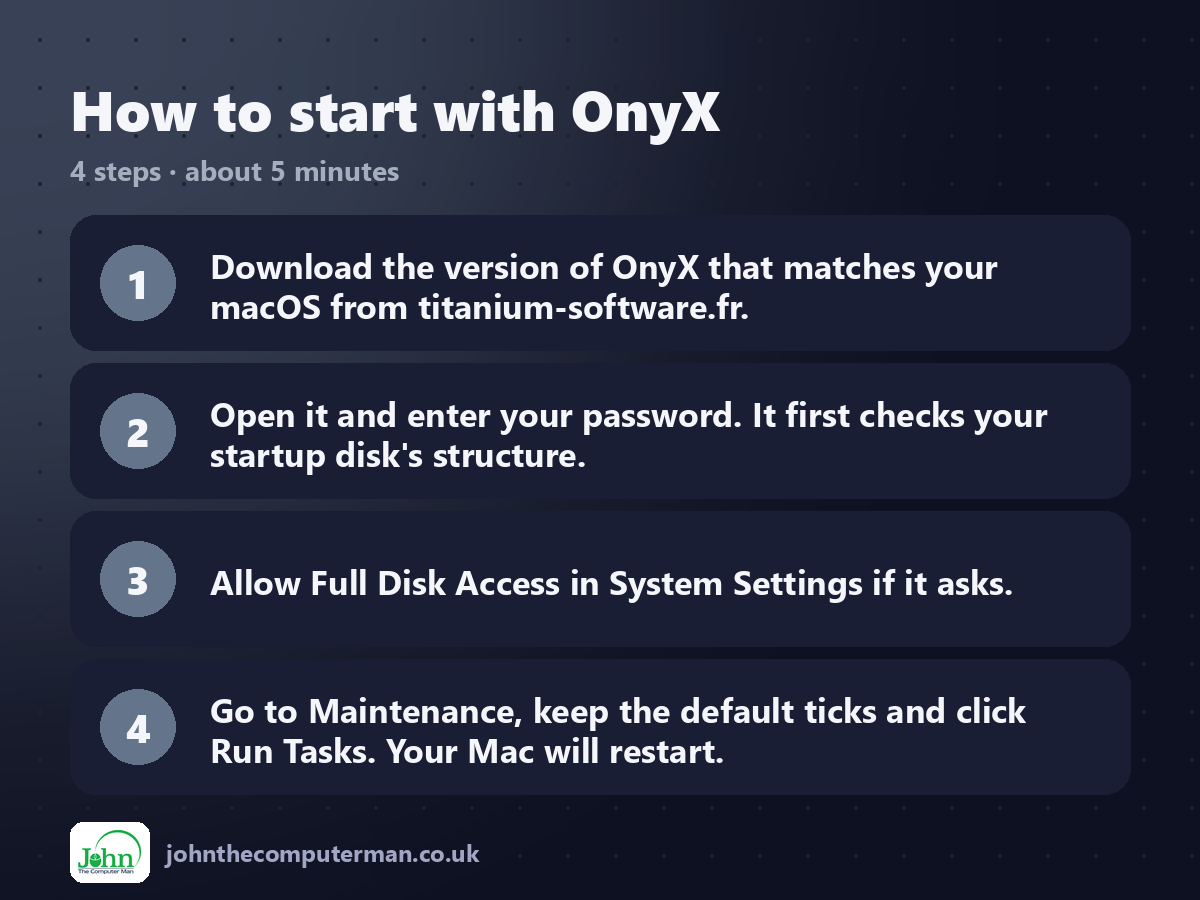
1. Download the version of OnyX that matches your macOS from titanium-software.fr.
2. Open it and enter your password. It first checks your startup disk's structure.
3. Allow Full Disk Access in System Settings if it asks.
4. Go to Maintenance, keep the default ticks and click Run Tasks. Your Mac will restart.
2. Open it and enter your password. It first checks your startup disk's structure.
3. Allow Full Disk Access in System Settings if it asks.
4. Go to Maintenance, keep the default ticks and click Run Tasks. Your Mac will restart.
Prefer the command line? If you use Homebrew, the free package manager for Mac, open Terminal and run:
brew install --cask onyx
Tips to get more out of it
• Only use OnyX when something is actually wrong. Clearing caches regularly just makes your Mac rebuild them.
• The Parameters tab lets you change where screenshots are saved and their format.
• If Spotlight can't find files, the Rebuild section can re-index it.
• Save your work before running maintenance, as some tasks need a restart.
• The Parameters tab lets you change where screenshots are saved and their format.
• If Spotlight can't find files, the Rebuild section can re-index it.
• Save your work before running maintenance, as some tasks need a restart.
Is it really free?
Free. No ads, no upsells and no account.
Pros and cons
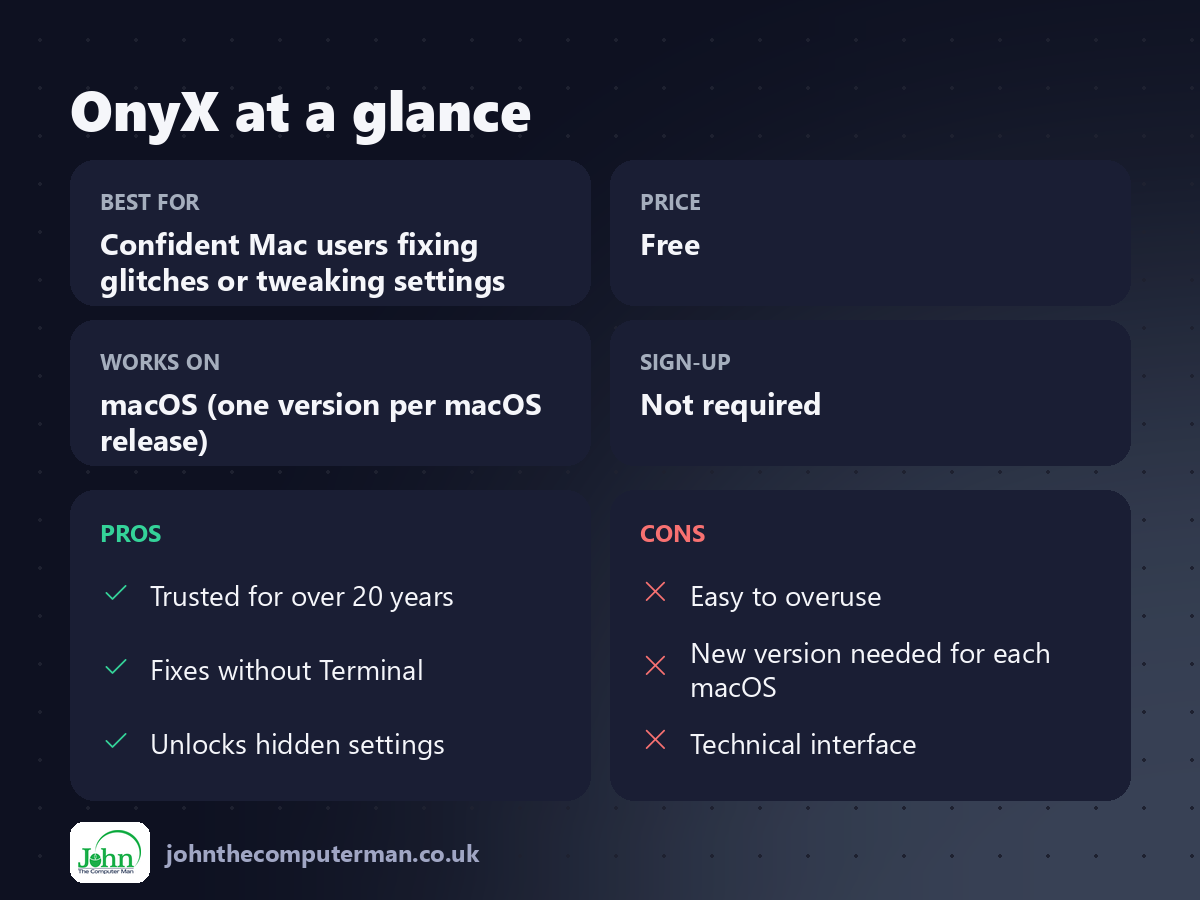
| 👍 Pros | 👎 Cons |
|---|---|
| Trusted for over 20 years | Easy to overuse |
| Fixes without Terminal | New version needed for each macOS |
| Unlocks hidden settings | Technical interface |
Who is it for?
Best for: Confident Mac users fixing glitches or tweaking settings. Works on: macOS (one version per macOS release). Sign-up: Not required.
OnyX alternatives
• Disk Utility: built into macOS: run First Aid to check and repair disks.
• Maintenance: a simpler free app from the same developer.
• CleanMyMac: a paid all-in-one cleaner with a friendlier design.
• Maintenance: a simpler free app from the same developer.
• CleanMyMac: a paid all-in-one cleaner with a friendlier design.
FAQ
Is OnyX safe?
Yes, when downloaded from titanium-software.fr and used for the right macOS version. It's been trusted by Mac users for decades. Just don't run every option without knowing what it does.
Will OnyX make my Mac faster?
Not on a healthy Mac. It's best for fixing specific problems, like broken search or corrupt settings.
The verdict
OnyX is a great toolbox to have when your Mac misbehaves. Just treat it like a toolbox, not a daily chore. Use it when something's wrong, and leave it alone when everything's fine.
👉 Try it: www.titanium-software.fr/en/onyx.html
Part of the 10 more free mac tools series on johnthecomputerman.co.uk. Follow @johnthecomputerman on Instagram for a new free Mac tool every Monday, Wednesday and Friday. Pricing and features were checked in September 2026 and can change, so check the tool's own site for the latest.
