10 More Free Mac Tools Worth Installing in 2026
The first eight tools in this series were the everyday essentials. These ten are the ones you're glad to have when something goes wrong, or when you want your Mac to do more: finding what's filling your storage, checking for adware, seeing which apps go online, managing passwords, and recording and writing without paying for software.
Seven of the ten are open source and none need an account. Each one links to a full guide with setup steps, tips and honest pros and cons.
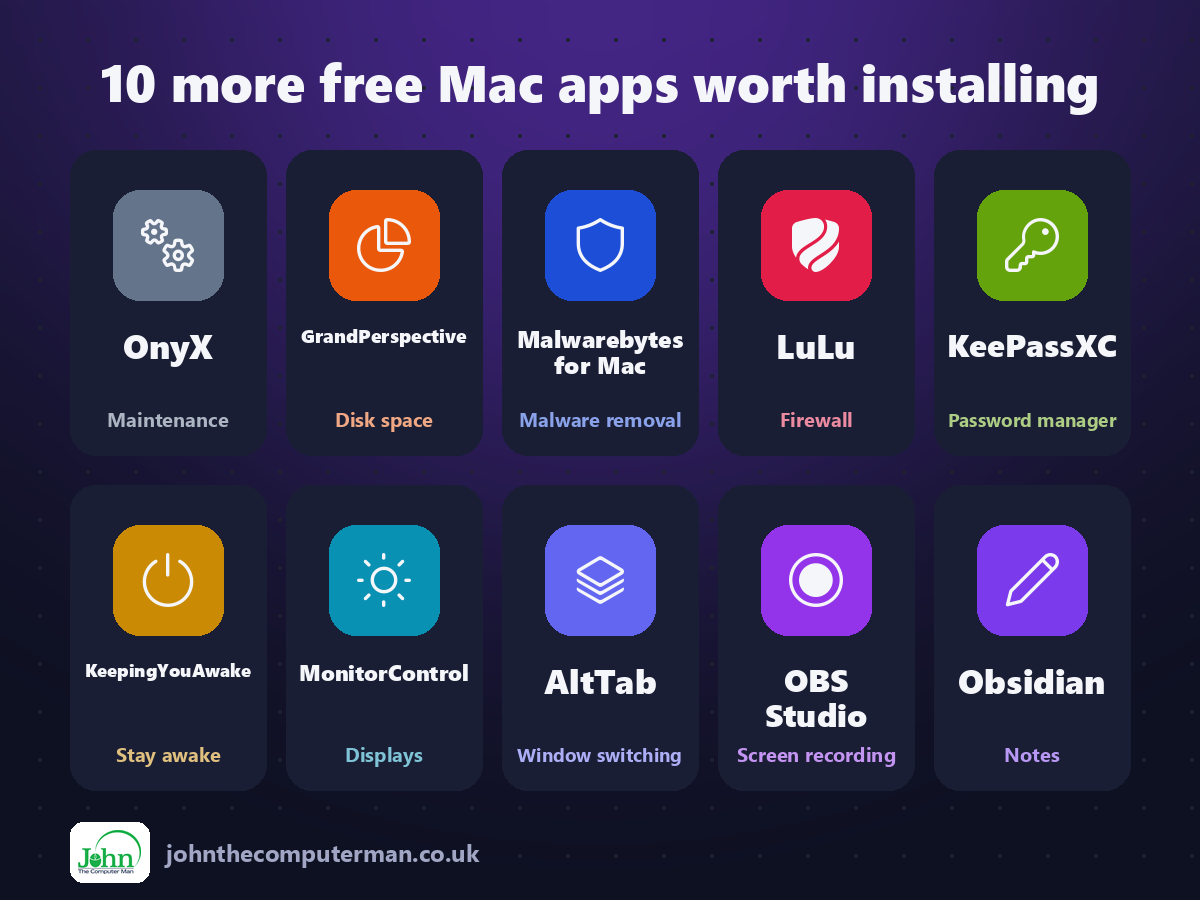
Quick comparison
| Tool | What it does | Free for | Best for |
|---|---|---|---|
| OnyX | Maintenance | Everyone | Confident Mac users fixing glitches or tweaking settings |
| GrandPerspective | Disk space | Everyone | Anyone who's seen 'Your disk is almost full' |
| Malwarebytes for Mac | Malware removal | Everyone (scanning only) | Anyone whose Mac is acting strangely |
| LuLu | Firewall | Everyone | Privacy-minded Mac users who want to see what's going on |
| KeePassXC | Password manager | Everyone | Anyone who wants full control of their passwords |
| KeepingYouAwake | Stay awake | Everyone | Presentations, downloads and long tasks |
| MonitorControl | Displays | Everyone | Anyone with an external monitor on a Mac |
| AltTab | Window switching | Everyone | Windows switchers and anyone with lots of windows open |
| OBS Studio | Screen recording | Everyone | Tutorials, streaming, gaming and presentations |
| Obsidian | Notes | Everyone | Students, writers and anyone who takes lots of notes |
Fix and maintain your Mac
1. OnyX: free maintenance, repair and hidden settings for macOS
When a Mac starts acting strangely, like Spotlight not finding files or the 'Open With' menu showing duplicates, the fix is often buried in Terminal commands most people don't know.
Why it's great: Rebuild Spotlight, Launch Services and other databases when search or 'Open With' misbehave.
Is it free? Free. No ads, no upsells and no account.
2. GrandPerspective: a free map of exactly what's filling your Mac's storage
Your Mac says the disk is almost full, and System Settings blames 'System Data' or 'Other'. Helpful.
Why it's great: Every file is a block sized by how much space it uses. The big ones are impossible to miss.
Is it free? Free and open source from its website. The Mac App Store version costs a little and is identical, to support the developer.
3. KeepingYouAwake: one click to stop your Mac going to sleep
You start a big download, walk away, and come back to find your Mac went to sleep halfway through. Or your screen dims in the middle of a presentation.
Why it's great: Click the menu bar icon to keep your Mac awake. Click again to turn it off.
Is it free? Free and open source. No ads, no account and no paid version.
Stay safe and private
4. Malwarebytes for Mac: a free scanner for Mac adware and malware
Macs are safer than they used to be, but they're not immune. Adware that hijacks your browser, fake 'cleaner' apps and info-stealers disguised as downloads are all very real on macOS.
Why it's great: Scans your Mac in a minute or two and lists anything suspicious it finds.
Is it free? The scanner is free. Premium, which adds real-time protection, is a paid subscription.
5. LuLu: a free, open-source firewall that shows what's connecting out
macOS has a firewall, but it only watches connections coming in. It doesn't tell you when an app on your Mac quietly connects out, to phone home, show ads or send data you didn't know about.
Why it's great: Get an alert the first time an app tries to go online, with where it's connecting to.
Is it free? Free and open source. No ads and no paid version. Objective-See is supported by donations.
6. KeePassXC: a free, open-source password manager you control
Using the same password everywhere is the easiest way to get hacked. A password manager fixes that, but many cost money every year and keep your passwords on someone else's server.
Why it's great: Passwords are stored in one encrypted file. No account, no company server, no subscription.
Is it free? Free and open source. No subscriptions, no ads and no account.
Make your Mac work your way
7. AltTab: Windows-style window switching with previews, for Mac
Command-Tab on a Mac switches between apps, not windows. Got three Safari windows open? Good luck getting to the right one without the mouse. And minimised windows don't show up at all.
Why it's great: See a live thumbnail of each open window, so you pick exactly the one you want.
Is it free? Free and open source. No ads and no paid version. Donations are welcome.
8. MonitorControl: free brightness and volume control for external monitors
Your MacBook's brightness keys work perfectly on its own screen. Plug in an external monitor, though, and you're back to fiddling with tiny buttons on the back of the display.
Why it's great: Use the Mac's brightness and volume keys to adjust your external monitor.
Is it free? Free and open source. No ads, no account and no paid version.
Create and write
9. OBS Studio: free, professional screen recording and live streaming
Your Mac can record the screen with Shift+Command+5. It's handy, but you can't add your webcam in the corner, mix audio sources or stream live.
Why it's great: Combine your screen, webcam, images and text into layouts and switch between them live.
Is it free? Free and open source. No watermark, no time limit and no paid version.
10. Obsidian: free, private notes that live as files on your Mac
Most notes apps keep your notes in their own format, on their own servers. If the company changes its pricing or shuts down, getting your notes out can be a pain.
Why it's great: Notes are plain Markdown files in a folder on your Mac. No lock-in, ever.
Is it free? Free for personal and work use. Sync and Publish are optional paid add-ons.
Install all ten in one go
If you use Homebrew, the free command-line app installer for Mac, open Terminal and paste this to install the whole list from the official sources:
brew install --cask onyx grandperspective malwarebytes lulu keepassxc keepingyouawake monitorcontrol alt-tab obs obsidian
Later, brew upgrade --cask --greedy updates them all in one go. Don't want to use Terminal? Every app has a download link above, and it's the same app either way.
Where to start
Start with a quick health check. Run GrandPerspective on your home folder to see what's eating your storage, and do a free Malwarebytes scan for adware. Then fix the thing that affects you most: move your passwords into KeePassXC, and if you use an external monitor, install MonitorControl. You'll use it every day.
One last tip: download only from the official sites linked above. Fake download pages that bundle adware with popular free apps are common, and they often appear above the real site in search results.
More in this series: Best Free Mac Tools · Free Mac Apps That Replace Paid Software · Hidden-Gem Mac Apps · Free Creative Apps for Mac
All tools were free to use at the time of writing (September 2026). Licences change, so check each tool's site for current details. More free tech tips at johnthecomputerman.co.uk and @johnthecomputerman on Instagram.
