Pika: The Free Colour Picker for Mac (Grab Any Colour on Screen)
You see a colour you love on a website, a photo or an app, and want the exact code for it. Your Mac does have a colour picker, but it's buried in a utility most people never open.
Pika makes it one shortcut away. Point, click, and the colour code is ready to paste. It even checks whether text colours are readable enough for accessibility.
What is Pika?
Pika is a free, open-source colour picker for macOS. Use a keyboard shortcut or its menu bar icon to pick any colour on screen, then copy it in formats including HEX, RGB, HSL and more. It picks a foreground and background colour together and shows their contrast ratio against WCAG accessibility guidelines.
Key features
Pick any colour
Grab any pixel on screen with a magnifier for precision.
Copy in any format
HEX, RGB, HSL, OpenGL and more, ready to paste.
Contrast checker
See instantly if text and background colours pass accessibility guidelines.
How to get started with Pika
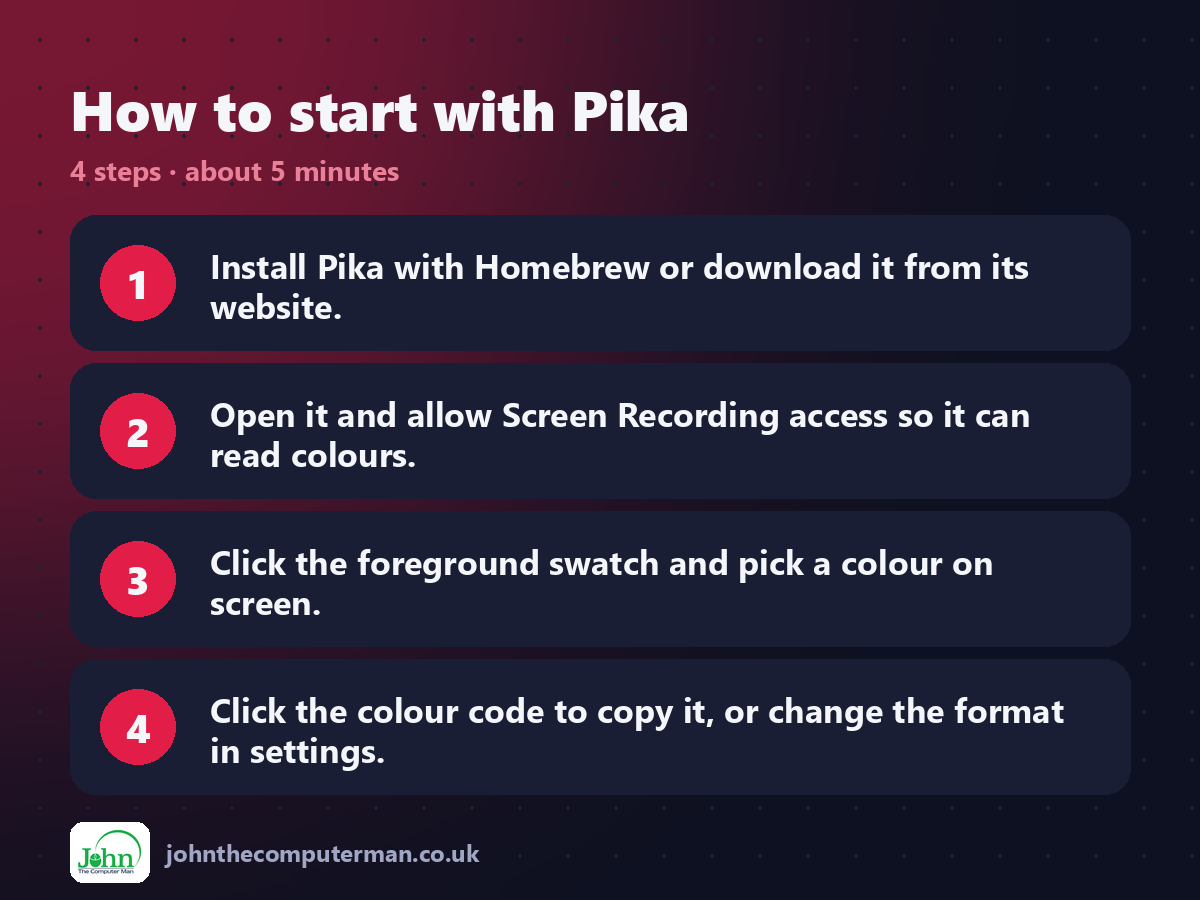
1. Install Pika with Homebrew or download it from its website.
2. Open it and allow Screen Recording access so it can read colours.
3. Click the foreground swatch and pick a colour on screen.
4. Click the colour code to copy it, or change the format in settings.
2. Open it and allow Screen Recording access so it can read colours.
3. Click the foreground swatch and pick a colour on screen.
4. Click the colour code to copy it, or change the format in settings.
Prefer the command line? If you use Homebrew, the free package manager for Mac, open Terminal and run:
brew install --cask pika
Tips to get more out of it
• Set a global shortcut in settings to pick a colour from anywhere.
• Pick text and background colours to check the contrast ratio.
• Swap foreground and background with one click to compare.
• Choose your favourite format in settings so it's always copied that way.
• Pick text and background colours to check the contrast ratio.
• Swap foreground and background with one click to compare.
• Choose your favourite format in settings so it's always copied that way.
Is it really free?
Free and open source. No ads and no paid version.
Pros and cons
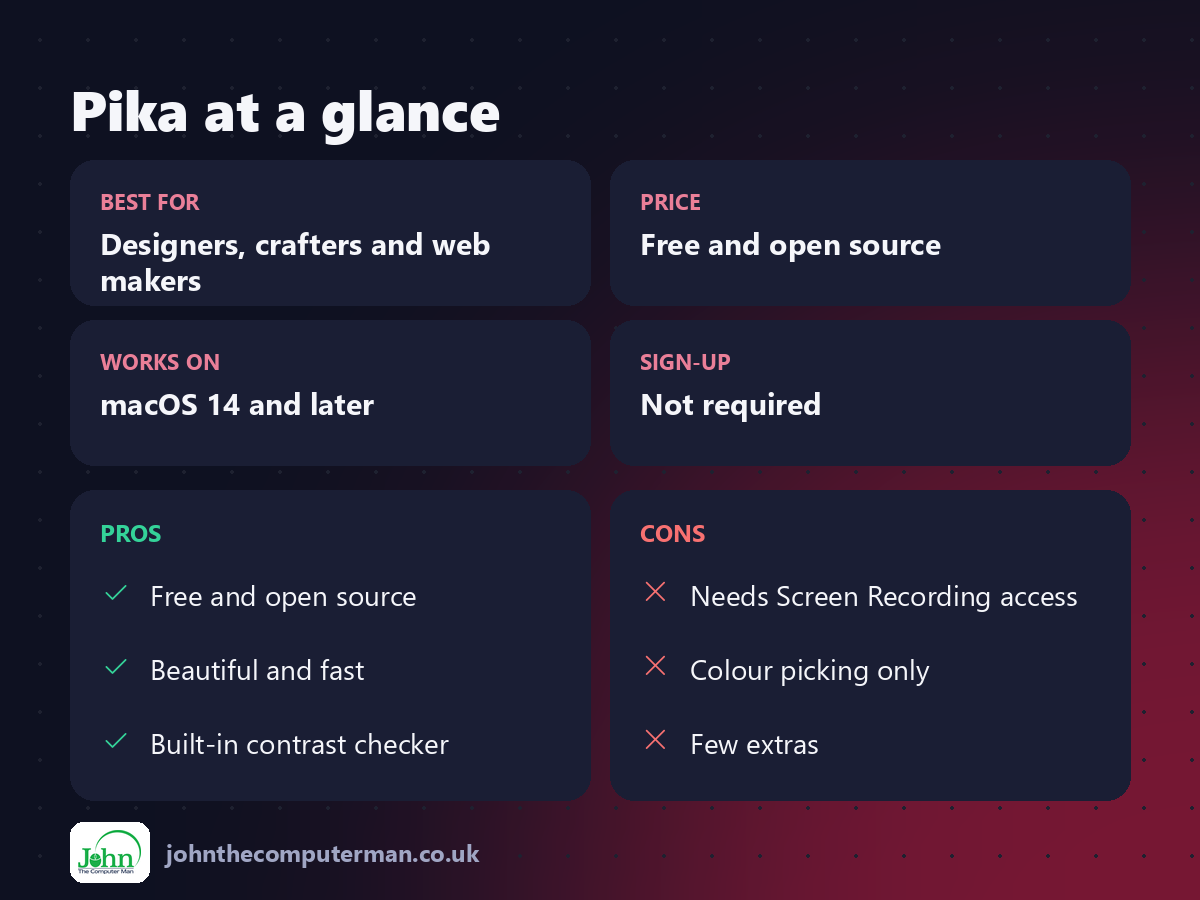
| 👍 Pros | 👎 Cons |
|---|---|
| Free and open source | Needs Screen Recording access |
| Beautiful and fast | Colour picking only |
| Built-in contrast checker | Few extras |
Who is it for?
Best for: Designers, crafters and web makers. Works on: macOS 14 and later. Sign-up: Not required.
Pika alternatives
• Digital Color Meter: built into macOS in Applications > Utilities, but basic.
• Sip: a colour picker with palettes, paid.
• Raycast: includes a free colour picker command.
• Sip: a colour picker with palettes, paid.
• Raycast: includes a free colour picker command.
FAQ
Why does Pika need Screen Recording?
To read the colour of pixels on your screen. It doesn't record anything.
What is WCAG contrast?
Guidelines for how different text and background colours must be to stay readable. Pika shows whether your pair passes.
The verdict
Pika is a small joy of an app. If you ever need a colour code, it's the quickest, prettiest way to get it.
👉 Try it: superhighfives.com/pika
Part of the hidden-gem mac apps series on johnthecomputerman.co.uk. Follow @johnthecomputerman on Instagram for a new free Mac tool every Monday, Wednesday and Friday. Pricing and features were checked in September 2026 and can change, so check the tool's own site for the latest.
