Scribus for Mac: Free Desktop Publishing (InDesign Alternative)
Newsletters, event flyers, brochures and zines need proper layout, and print shops want properly prepared PDFs. InDesign is the industry standard, and a subscription.
Scribus is a free, open-source alternative built for print. It handles multi-page layouts, CMYK colour and print-ready PDFs that professional printers accept.
What is Scribus?
Scribus is a free, open-source desktop publishing app for Mac, Windows and Linux. It creates page layouts with text frames, images, master pages and styles, and supports print features including CMYK and spot colours, colour management, bleed and crop marks, and PDF/X export. A built-in preflight checker warns you about problems before you export.
Key features
Proper page layout
Text frames, master pages and styles for multi-page documents.
Print-ready PDFs
CMYK, bleed, crop marks and PDF/X export for printers.
Preflight checks
Warns about low-resolution images and missing fonts before export.
How to get started with Scribus
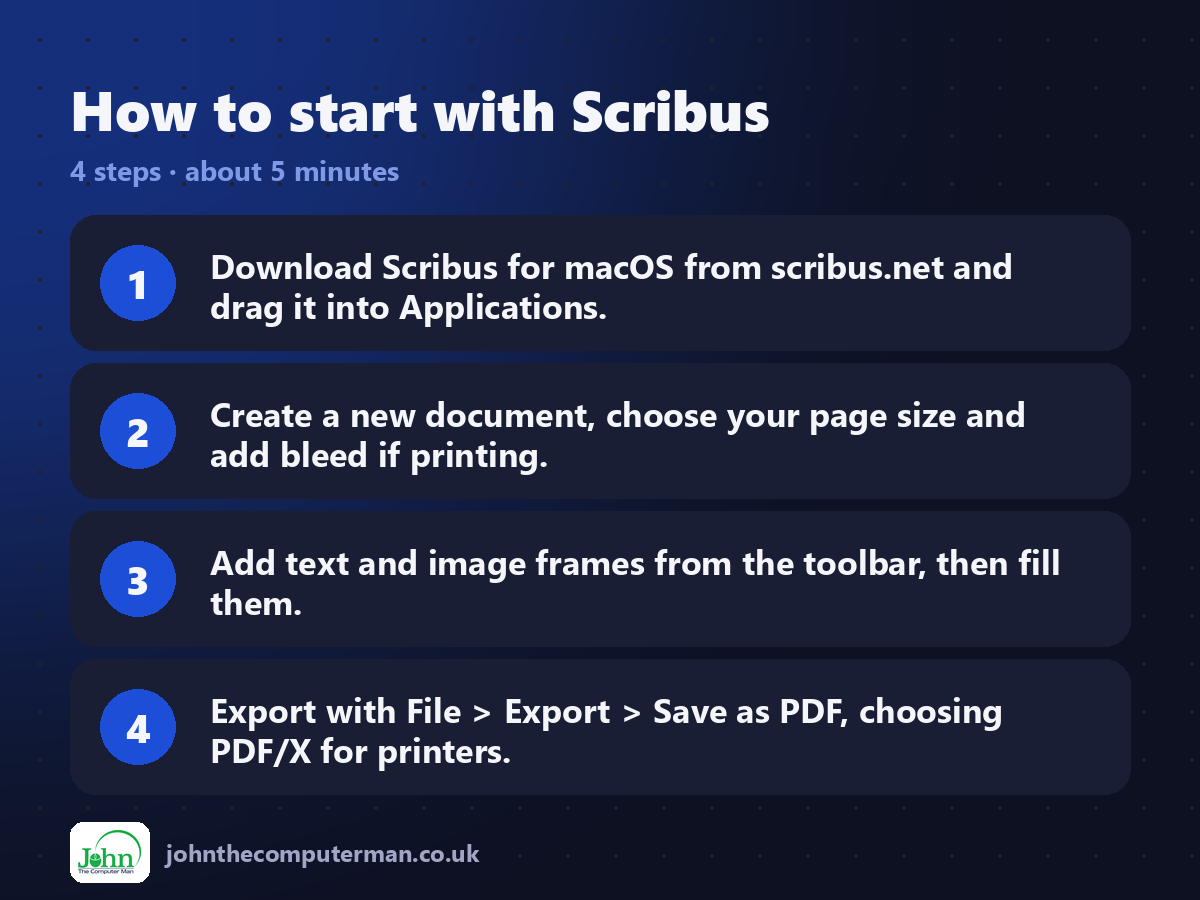
1. Download Scribus for macOS from scribus.net and drag it into Applications.
2. Create a new document, choose your page size and add bleed if printing.
3. Add text and image frames from the toolbar, then fill them.
4. Export with File > Export > Save as PDF, choosing PDF/X for printers.
2. Create a new document, choose your page size and add bleed if printing.
3. Add text and image frames from the toolbar, then fill them.
4. Export with File > Export > Save as PDF, choosing PDF/X for printers.
Prefer the command line? If you use Homebrew, the free package manager for Mac, open Terminal and run:
brew install --cask scribus
Tips to get more out of it
• Ask your printer which PDF/X version they want. PDF/X-1a is a common safe choice.
• Use master pages for headers, footers and page numbers.
• Run the Preflight Verifier before exporting to catch problems.
• Use paragraph styles so changing fonts across a whole document is easy.
• Use master pages for headers, footers and page numbers.
• Run the Preflight Verifier before exporting to catch problems.
• Use paragraph styles so changing fonts across a whole document is easy.
Is it really free?
Free and open source. No ads, no account and no paid version.
Pros and cons
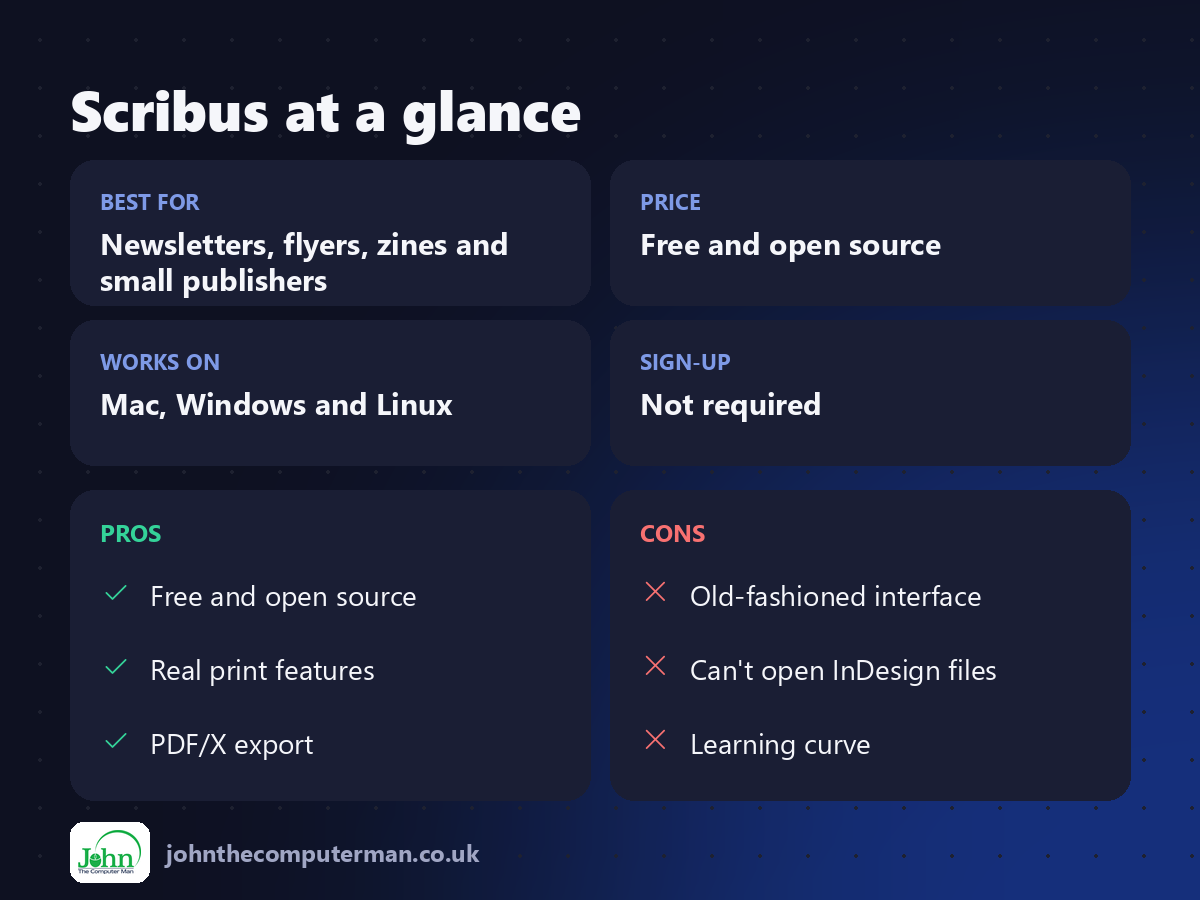
| 👍 Pros | 👎 Cons |
|---|---|
| Free and open source | Old-fashioned interface |
| Real print features | Can't open InDesign files |
| PDF/X export | Learning curve |
Who is it for?
Best for: Newsletters, flyers, zines and small publishers. Works on: Mac, Windows and Linux. Sign-up: Not required.
Scribus alternatives
• Affinity: Canva's pro design app, including layout, free with a Canva account.
• Canva: easy designs in the browser, with a free plan.
• Apple Pages: free and simple, fine for basic layouts.
• Canva: easy designs in the browser, with a free plan.
• Apple Pages: free and simple, fine for basic layouts.
FAQ
Can Scribus open InDesign files?
No, but it can import IDML in some cases, and PDF, SVG and other formats.
Is Scribus good for beginners?
It takes a little learning, but once you understand frames, it's straightforward.
The verdict
Scribus is the free way to produce proper print layouts. It's not the prettiest app, but printers will be happy with what you send them.
👉 Try it: www.scribus.net
Part of the free creative apps for mac series on johnthecomputerman.co.uk. Follow @johnthecomputerman on Instagram for a new free Mac tool every Monday, Wednesday and Friday. Pricing and features were checked in September 2026 and can change, so check the tool's own site for the latest.
