Signal for Mac: Private, Encrypted Messaging on Your Desktop (Free)
Most messaging apps are made by advertising companies. Even when messages are encrypted, they often collect plenty of information about who you talk to and when.
Signal is run by a non-profit and collects as little as possible. Messages, voice and video calls are end-to-end encrypted, and the Mac app lets you type on a proper keyboard.
What is Signal?
Signal is a free, open-source messaging app from the Signal Foundation, a non-profit. It offers end-to-end encrypted messages, voice and video calls, group chats, file sharing and disappearing messages. The Mac app links to Signal on your phone, and you can find people by username instead of sharing your phone number.
Key features
Encrypted by default
Messages, calls and files are end-to-end encrypted. Nobody else can read them.
Type on your Mac
Link the Mac app to your phone and chat from your keyboard.
Minimal data
Signal is designed to know as little about you as possible.
How to get started with Signal
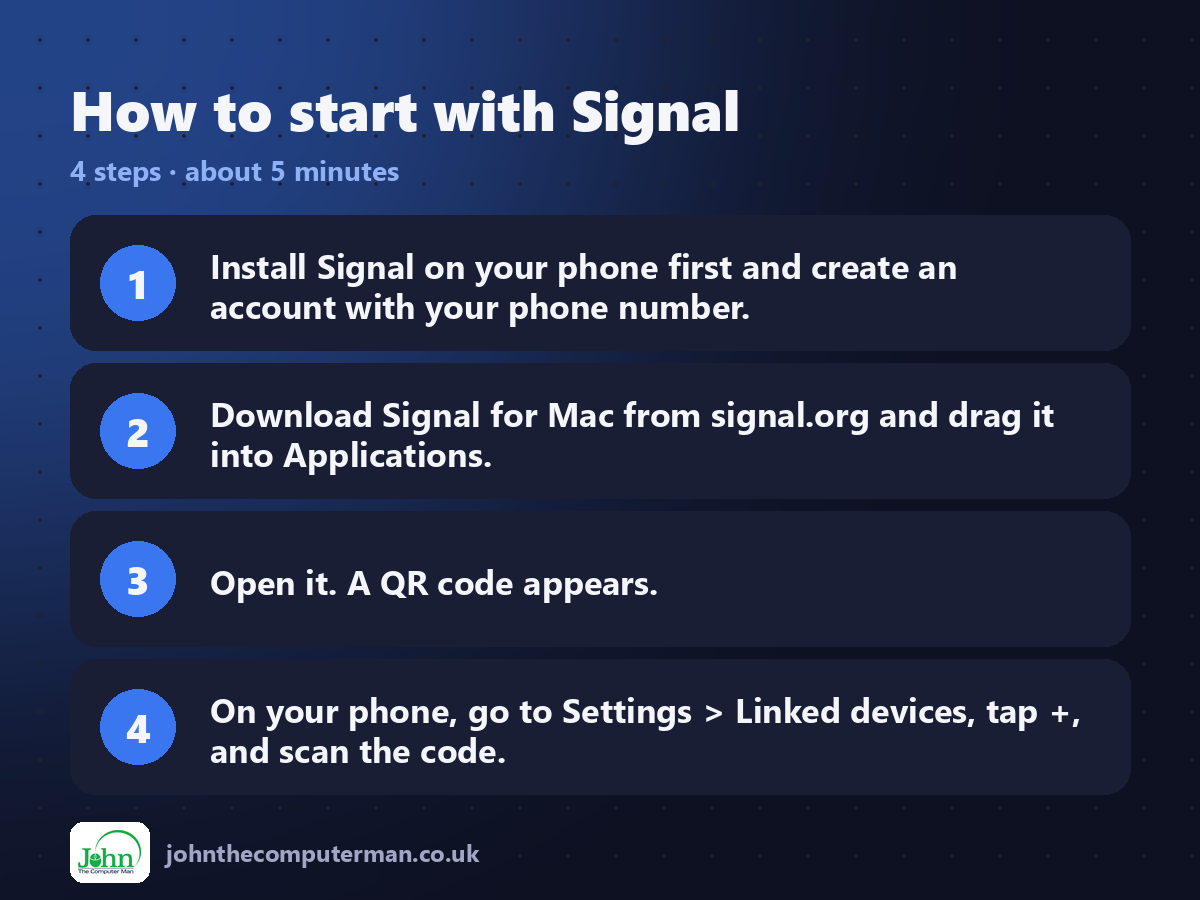
1. Install Signal on your phone first and create an account with your phone number.
2. Download Signal for Mac from signal.org and drag it into Applications.
3. Open it. A QR code appears.
4. On your phone, go to Settings > Linked devices, tap +, and scan the code.
2. Download Signal for Mac from signal.org and drag it into Applications.
3. Open it. A QR code appears.
4. On your phone, go to Settings > Linked devices, tap +, and scan the code.
Prefer the command line? If you use Homebrew, the free package manager for Mac, open Terminal and run:
brew install --cask signal
Tips to get more out of it
• Set a username so people can message you without your phone number.
• Turn on disappearing messages for chats you don't need to keep.
• Use Note to Self to move links and files between your phone and Mac.
• Set a PIN and turn on Registration Lock to protect your account.
• Turn on disappearing messages for chats you don't need to keep.
• Use Note to Self to move links and files between your phone and Mac.
• Set a PIN and turn on Registration Lock to protect your account.
Is it really free?
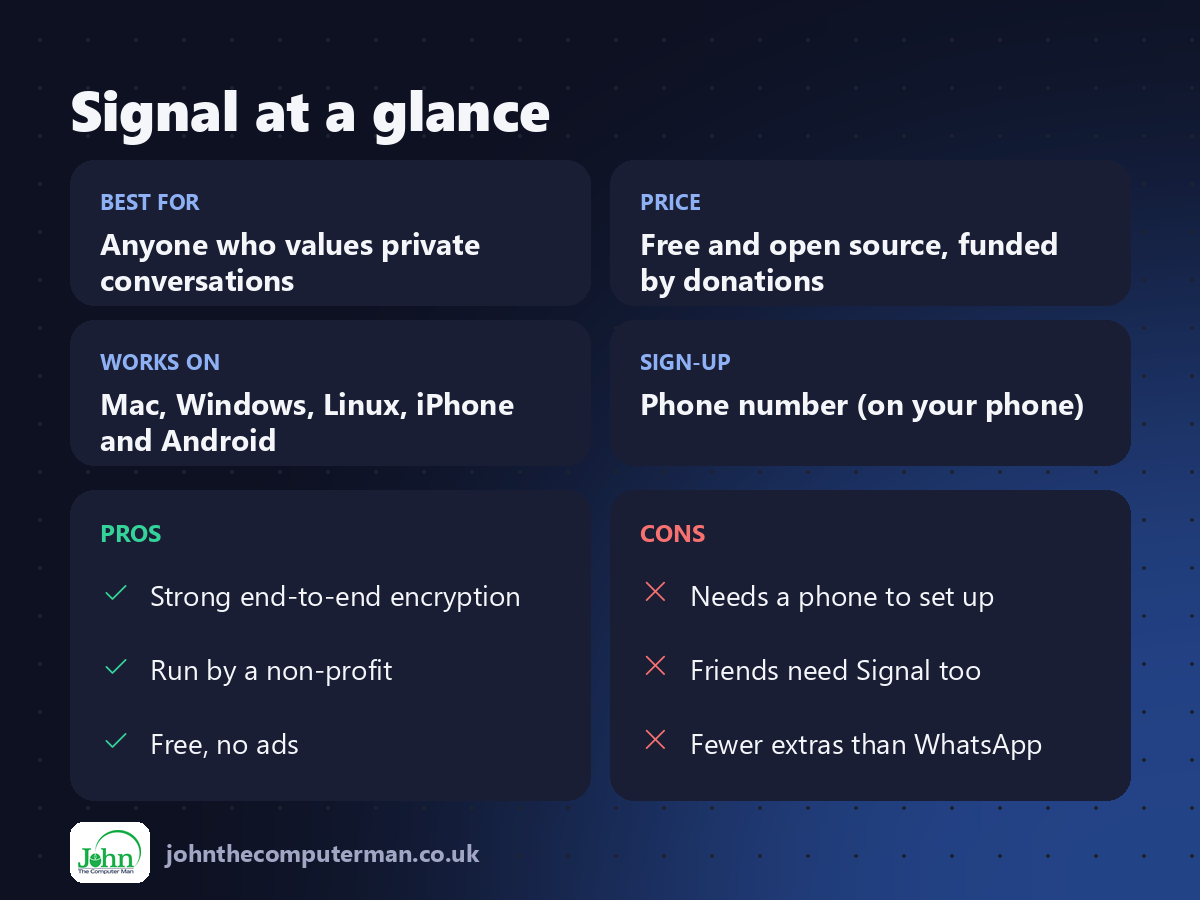
Free and open source, funded by donations. No ads and no paid version.
Pros and cons
| 👍 Pros | 👎 Cons |
|---|---|
| Strong end-to-end encryption | Needs a phone to set up |
| Run by a non-profit | Friends need Signal too |
| Free, no ads | Fewer extras than WhatsApp |
Who is it for?
Best for: Anyone who values private conversations. Works on: Mac, Windows, Linux, iPhone and Android. Sign-up: Phone number (on your phone).
Signal alternatives
• iMessage: encrypted and built in, but only between Apple devices.
• WhatsApp: encrypted and popular, but owned by Meta.
• Threema: a private, paid messenger that needs no phone number.
• WhatsApp: encrypted and popular, but owned by Meta.
• Threema: a private, paid messenger that needs no phone number.
FAQ
Is Signal really private?
Yes. It's open source, independently reviewed, and end-to-end encrypted by default.
Can I use Signal on Mac without a phone?
You need Signal on a phone to set up your account, then the Mac app links to it.
The verdict
Signal is the messaging app security experts recommend, and it's free. Put it on your Mac and phone, and get your most important contacts on it.
👉 Try it: signal.org
Part of the hidden-gem mac apps series on johnthecomputerman.co.uk. Follow @johnthecomputerman on Instagram for a new free Mac tool every Monday, Wednesday and Friday. Pricing and features were checked in September 2026 and can change, so check the tool's own site for the latest.
