Skim: The Free PDF Reader and Note-Taker for Mac
Preview is good for a quick look at a PDF. But if you read long reports, textbooks or research papers, you'll want better ways to highlight, take notes and find them again.
Skim was built for exactly that. It's a free, open-source PDF reader that makes annotating and reviewing PDFs fast, and lets you export all your notes in one go.
What is Skim?
Skim is a free, open-source PDF reader and note-taker for macOS, originally designed for reading scientific papers. It adds highlights, underlines, notes and shapes, a notes panel listing every annotation, snapshots of parts of a page you want to keep in view, a presentation mode, and export of your notes as text or other formats.
Key features
Highlights and notes
Highlight, underline and add notes, all listed in a searchable panel.
Snapshots
Keep a chart or table from page 3 in a floating window while you read page 30.
Export your notes
Export all your annotations as text for revision or writing.
How to get started with Skim
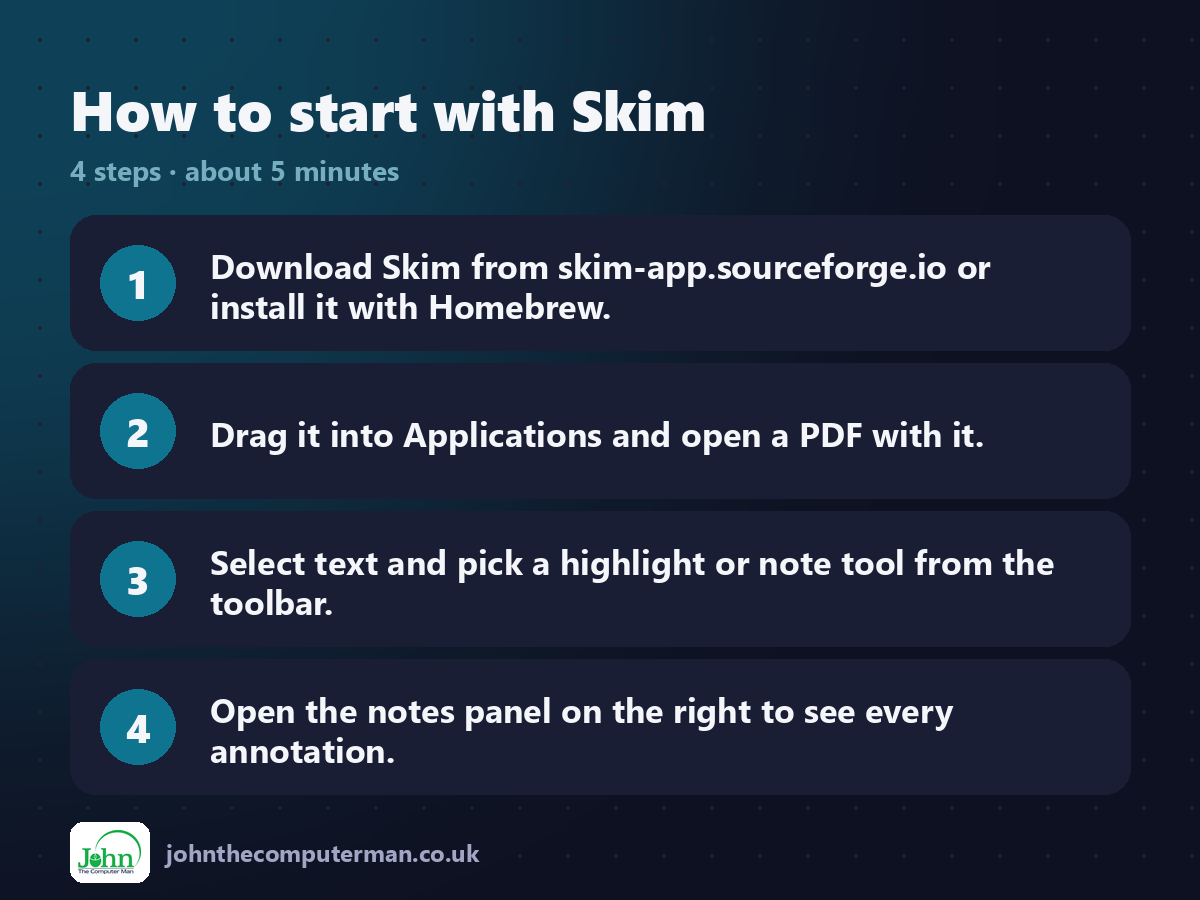
1. Download Skim from skim-app.sourceforge.io or install it with Homebrew.
2. Drag it into Applications and open a PDF with it.
3. Select text and pick a highlight or note tool from the toolbar.
4. Open the notes panel on the right to see every annotation.
2. Drag it into Applications and open a PDF with it.
3. Select text and pick a highlight or note tool from the toolbar.
4. Open the notes panel on the right to see every annotation.
Prefer the command line? If you use Homebrew, the free package manager for Mac, open Terminal and run:
brew install --cask skim
Tips to get more out of it
• Set Skim as the default PDF app: Get Info on a PDF, Open with > Skim, Change All.
• Use File > Export and choose Notes as Text to get all your highlights in one file.
• Use View > Presentation to show a PDF as full-screen slides.
• Skim saves notes with the PDF, but you can also embed them for sharing with File > Save As PDF with embedded notes.
• Use File > Export and choose Notes as Text to get all your highlights in one file.
• Use View > Presentation to show a PDF as full-screen slides.
• Skim saves notes with the PDF, but you can also embed them for sharing with File > Save As PDF with embedded notes.
Is it really free?
Free and open source. No ads, no account and no paid version.
Pros and cons
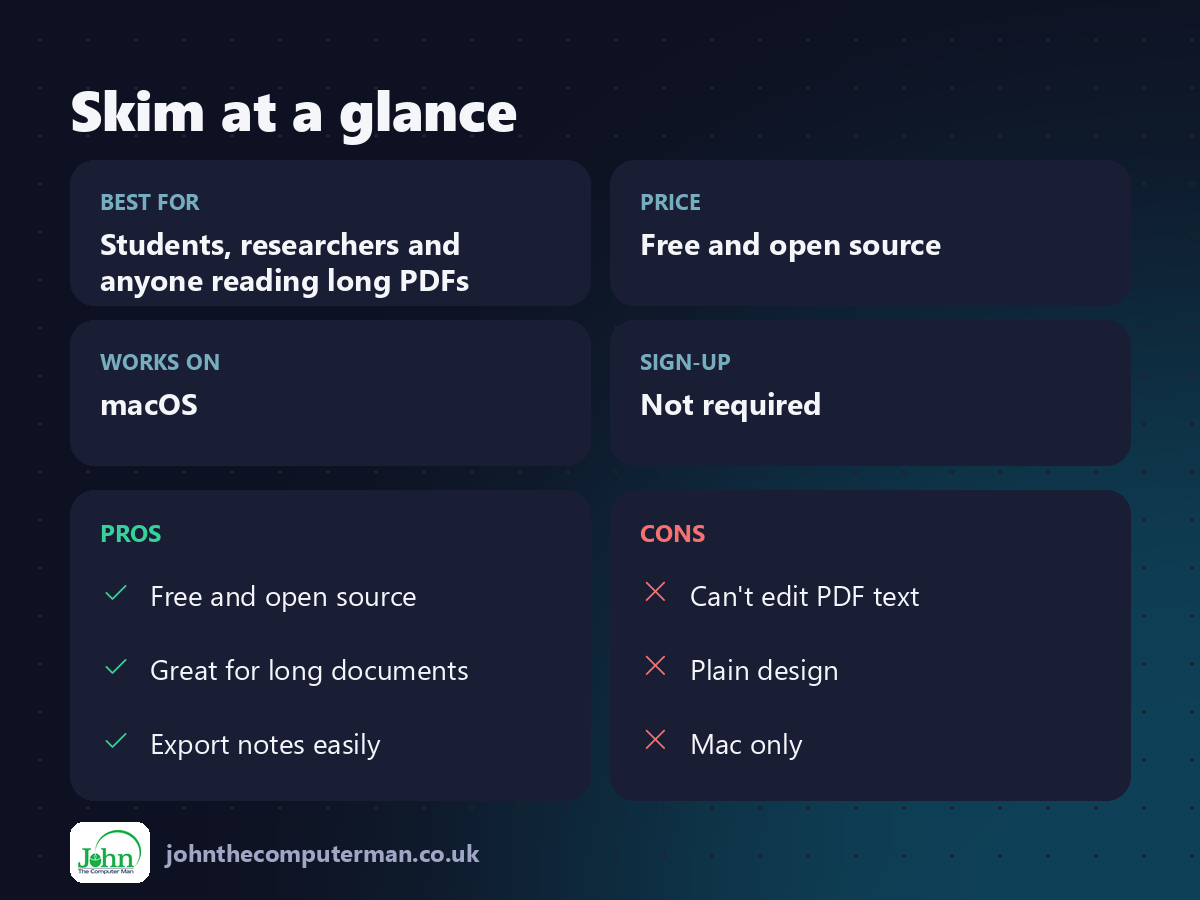
| 👍 Pros | 👎 Cons |
|---|---|
| Free and open source | Can't edit PDF text |
| Great for long documents | Plain design |
| Export notes easily | Mac only |
Who is it for?
Best for: Students, researchers and anyone reading long PDFs. Works on: macOS. Sign-up: Not required.
Skim alternatives
• Preview: built into macOS, with basic highlights and signatures.
• PDF Expert: a polished paid PDF editor for Mac.
• PDFgear: a free PDF editor with more editing tools.
• PDF Expert: a polished paid PDF editor for Mac.
• PDFgear: a free PDF editor with more editing tools.
FAQ
Can Skim edit PDFs?
It can annotate, but not change the original text or images. For that, try PDFgear or a paid editor.
Will my notes show up in Preview?
Standard highlights and notes do. Save a copy with embedded notes to share with people who don't use Skim.
The verdict
If you do serious reading in PDFs, Skim is a huge upgrade over Preview. It's free, fast and made for people who take notes.
👉 Try it: skim-app.sourceforge.io
Part of the free mac apps that replace paid software series on johnthecomputerman.co.uk. Follow @johnthecomputerman on Instagram for a new free Mac tool every Monday, Wednesday and Friday. Pricing and features were checked in September 2026 and can change, so check the tool's own site for the latest.
