Stellarium for Mac: The Free Planetarium App for Stargazing

Ever looked up and wondered which bright 'star' is actually a planet? Or wanted to know when the next meteor shower or eclipse will be visible from your garden?
Stellarium shows you exactly what's in the sky from where you are, right now or at any time. It's realistic, beautiful, free and open source.
What is Stellarium?
Stellarium is a free, open-source planetarium for Mac, Windows and Linux. It shows a realistic 3D sky for any location and time, with hundreds of thousands of stars by default (and millions more to download), planets and moons, constellations from many cultures, deep-sky objects, satellites, eclipses and more. It can also control many telescopes.
Key features
Your sky, right now
See exactly what's above you tonight, from your location.
Travel in time
Jump to any date to see eclipses, planets and meteor showers.
Search anything
Find planets, stars and galaxies, and see when they rise.
How to get started with Stellarium
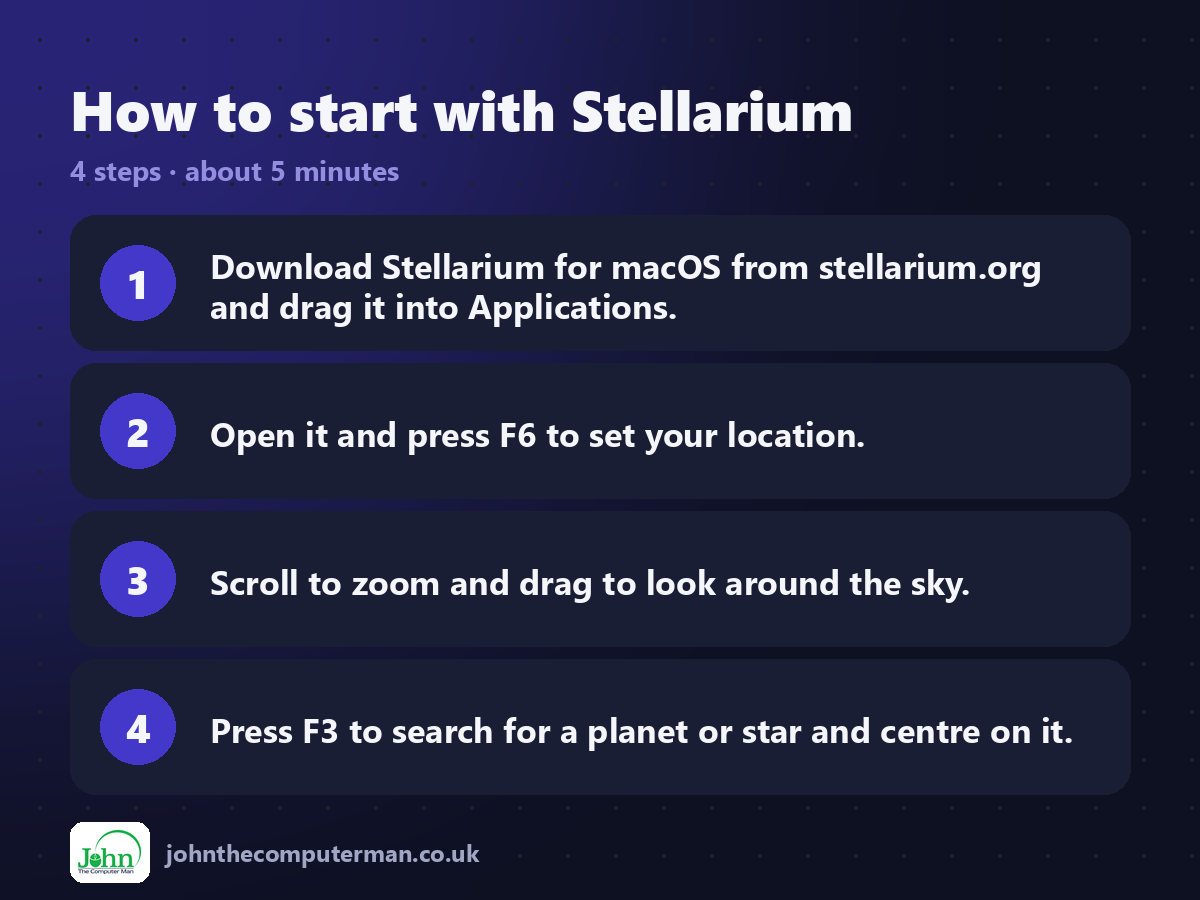
1. Download Stellarium for macOS from stellarium.org and drag it into Applications.
2. Open it and press F6 to set your location.
3. Scroll to zoom and drag to look around the sky.
4. Press F3 to search for a planet or star and centre on it.
2. Open it and press F6 to set your location.
3. Scroll to zoom and drag to look around the sky.
4. Press F3 to search for a planet or star and centre on it.
Prefer the command line? If you use Homebrew, the free package manager for Mac, open Terminal and run:
brew install --cask stellarium
Tips to get more out of it
• Press F5 to change the date and time, perfect for planning a night out.
• Turn off the ground and atmosphere to see stars during the day.
• Use the Night mode button to keep your eyes adjusted outside.
• Try different sky cultures to see constellations from around the world.
• Turn off the ground and atmosphere to see stars during the day.
• Use the Night mode button to keep your eyes adjusted outside.
• Try different sky cultures to see constellations from around the world.
Is it really free?
Free and open source. No ads and no account. The separate mobile apps are paid.
Pros and cons
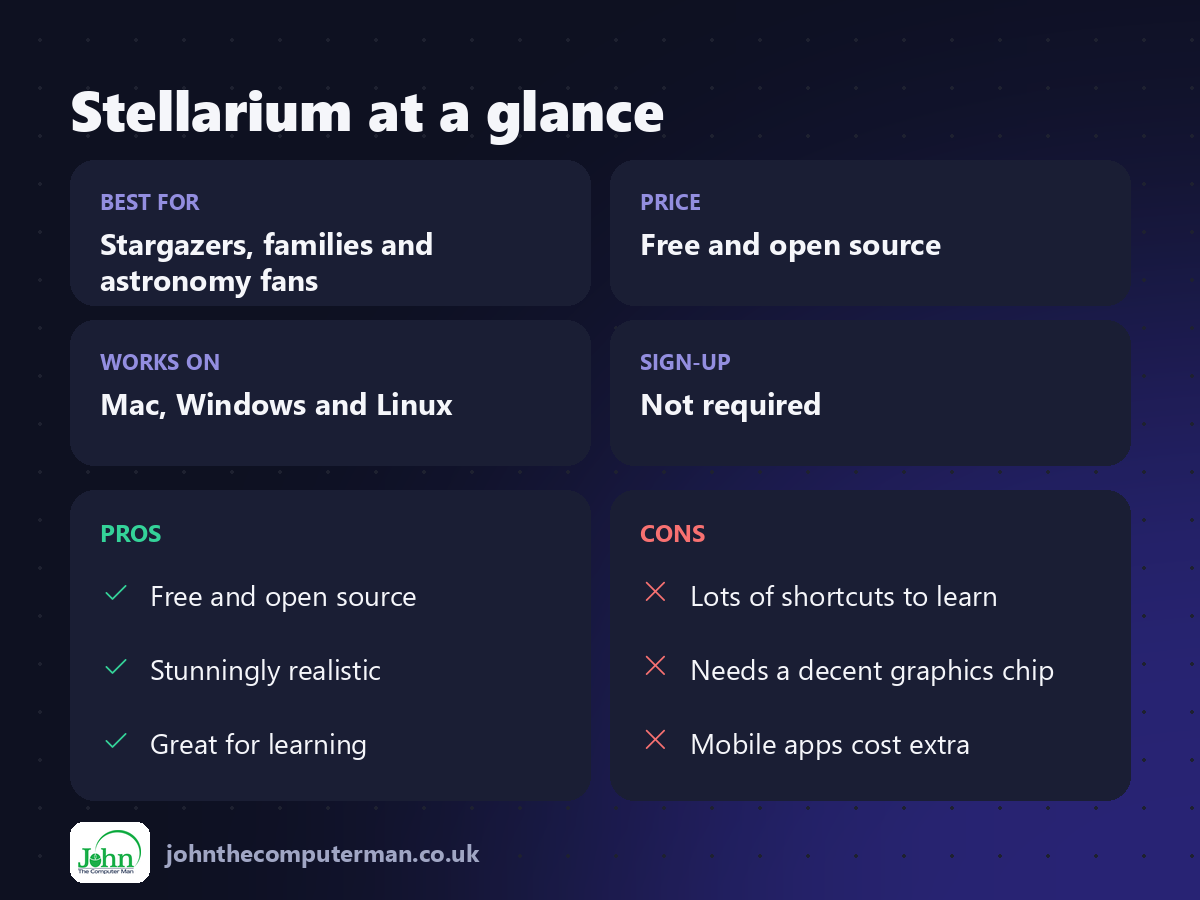
| 👍 Pros | 👎 Cons |
|---|---|
| Free and open source | Lots of shortcuts to learn |
| Stunningly realistic | Needs a decent graphics chip |
| Great for learning | Mobile apps cost extra |
Who is it for?
Best for: Stargazers, families and astronomy fans. Works on: Mac, Windows and Linux. Sign-up: Not required.
Stellarium alternatives
• Stellarium Web: a free browser version with the basics.
• Night Sky: an Apple-device app with a free version and paid extras.
• SkySafari: a detailed astronomy app for phones and Macs, paid.
• Night Sky: an Apple-device app with a free version and paid extras.
• SkySafari: a detailed astronomy app for phones and Macs, paid.
FAQ
Is Stellarium accurate?
Yes. It's used by amateur astronomers and planetariums, and shows positions accurately for any time and place.
Can it control my telescope?
Yes. It supports many telescope mounts through its Telescope Control plugin.
The verdict
Stellarium is one of the most beautiful free apps on any computer. Set your location and you'll never look at the night sky the same way again.
👉 Try it: stellarium.org
Part of the free creative apps for mac series on johnthecomputerman.co.uk. Follow @johnthecomputerman on Instagram for a new free Mac tool every Monday, Wednesday and Friday. Pricing and features were checked in September 2026 and can change, so check the tool's own site for the latest.
