Thunderbird for Mac: The Free Email App for All Your Accounts
Apple Mail is fine, but it's basic, and many email apps now push subscriptions for features like snoozing, templates or a combined calendar.
Thunderbird, from the same Mozilla family as Firefox, is free and open source. It handles all your accounts, has a proper calendar, powerful filters and built-in encryption.
What is Thunderbird?
Thunderbird is a free, open-source email client from MZLA Technologies, a subsidiary of the Mozilla Foundation. It works with Gmail, Outlook, iCloud and any IMAP or POP account, and includes a unified inbox, calendar and tasks, address book, message filters, templates, add-ons and built-in OpenPGP encryption. It's funded by donations.
Key features
Every account, one inbox
Gmail, Outlook, iCloud and work email together, with a unified inbox.
Calendar built in
See your Google or iCloud calendars right next to your email.
Filters and templates
Automatically sort mail and reuse replies you send often.
How to get started with Thunderbird
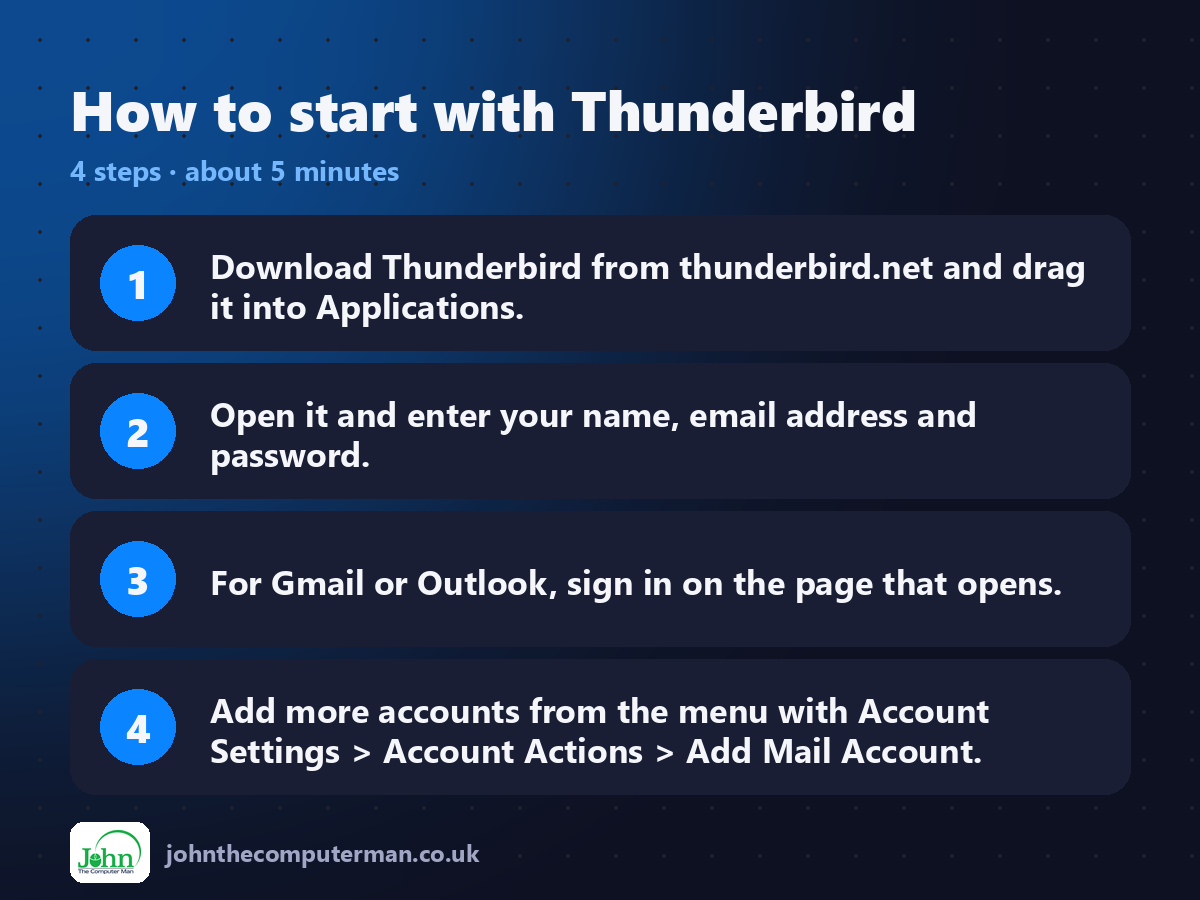
1. Download Thunderbird from thunderbird.net and drag it into Applications.
2. Open it and enter your name, email address and password.
3. For Gmail or Outlook, sign in on the page that opens.
4. Add more accounts from the menu with Account Settings > Account Actions > Add Mail Account.
2. Open it and enter your name, email address and password.
3. For Gmail or Outlook, sign in on the page that opens.
4. Add more accounts from the menu with Account Settings > Account Actions > Add Mail Account.
Prefer the command line? If you use Homebrew, the free package manager for Mac, open Terminal and run:
brew install --cask thunderbird
Tips to get more out of it
• Turn on the unified inbox from the folder pane menu to see all accounts together.
• Use Message > Create Filter from Message to auto-sort newsletters.
• Save a reply as a template with File > Save As > Template.
• Thunderbird is free thanks to donations. Chip in if it saves you a subscription.
• Use Message > Create Filter from Message to auto-sort newsletters.
• Save a reply as a template with File > Save As > Template.
• Thunderbird is free thanks to donations. Chip in if it saves you a subscription.
Is it really free?
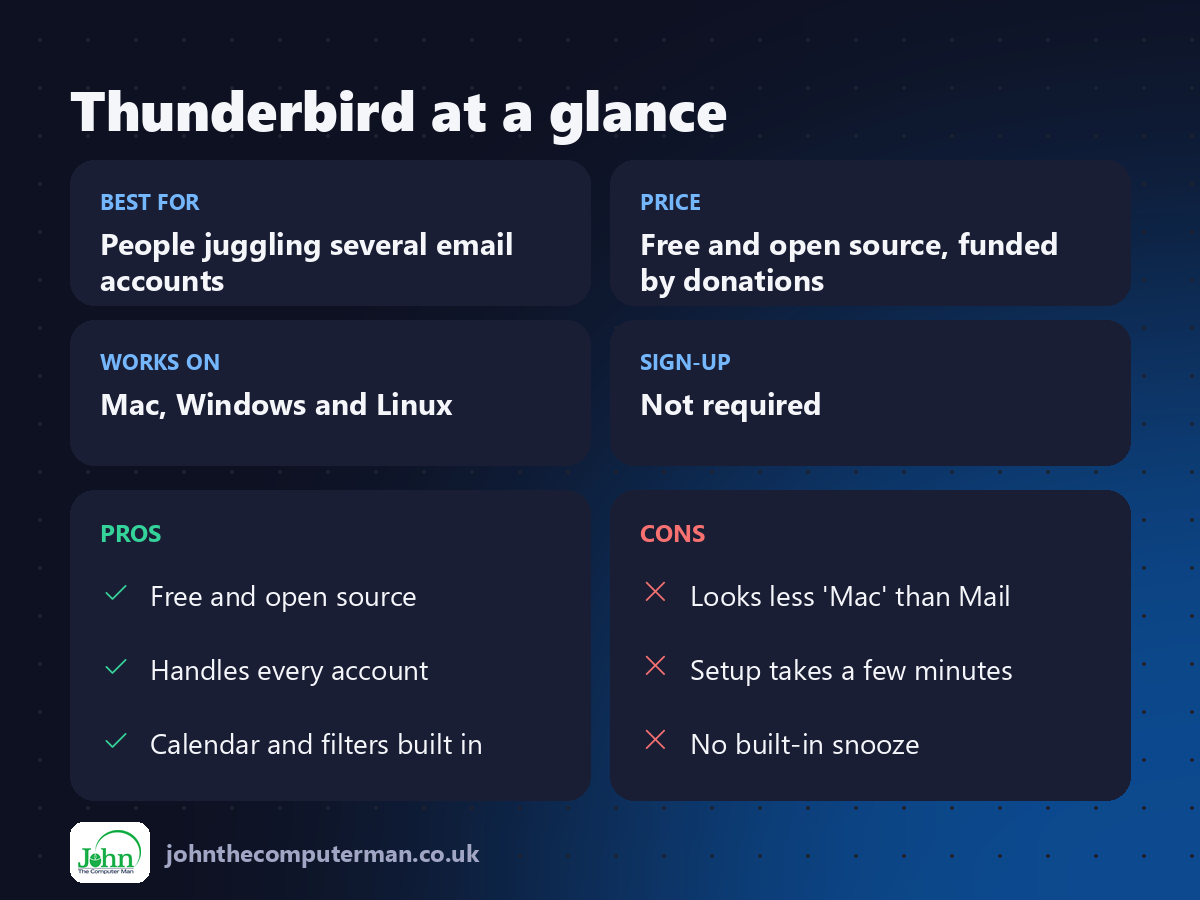
Free and open source, funded by donations. No ads and no paid version of the app.
Pros and cons
| 👍 Pros | 👎 Cons |
|---|---|
| Free and open source | Looks less 'Mac' than Mail |
| Handles every account | Setup takes a few minutes |
| Calendar and filters built in | No built-in snooze |
Who is it for?
Best for: People juggling several email accounts. Works on: Mac, Windows and Linux. Sign-up: Not required.
Thunderbird alternatives
• Apple Mail: built in, simple and nicely integrated with macOS.
• Spark: a smart email app with a free plan and paid extras.
• Outlook for Mac: free to use, with more features for Microsoft 365 users.
• Spark: a smart email app with a free plan and paid extras.
• Outlook for Mac: free to use, with more features for Microsoft 365 users.
FAQ
Does Thunderbird work with Gmail?
Yes. It signs in securely with Google and syncs your mail, labels, contacts and calendar.
Is Thunderbird really free?
Yes. The app is free and open source, supported by donations.
The verdict
Thunderbird is the best free email app for anyone with more than one account. It's private, powerful, and funded by users, not advertisers.
👉 Try it: www.thunderbird.net
Part of the free mac apps that replace paid software series on johnthecomputerman.co.uk. Follow @johnthecomputerman on Instagram for a new free Mac tool every Monday, Wednesday and Friday. Pricing and features were checked in September 2026 and can change, so check the tool's own site for the latest.
