Upscayl for Mac: Free AI Image Upscaler (Enlarge Photos Without Blur)
Old photos, tiny web images and screenshots look blurry the moment you try to print or enlarge them. Paid AI upscalers can fix that, at a price.
Upscayl does it for free, on your own Mac. Pick an image, choose a model, and it makes it up to four times bigger while keeping detail sharp.
What is Upscayl?
Upscayl is a free, open-source app that uses AI models to enlarge images while adding realistic detail. It runs locally using your Mac's graphics, so your photos never leave your computer. It includes several models for photos, digital art and sharpening, batch processing for whole folders, and output to PNG, JPG or WebP.
Key features
Up to 4x bigger
Enlarge images while AI fills in sharp detail instead of blur.
Runs on your Mac
No uploads and no account. Your photos stay private.
Batch mode
Upscale a whole folder of images in one go.
How to get started with Upscayl
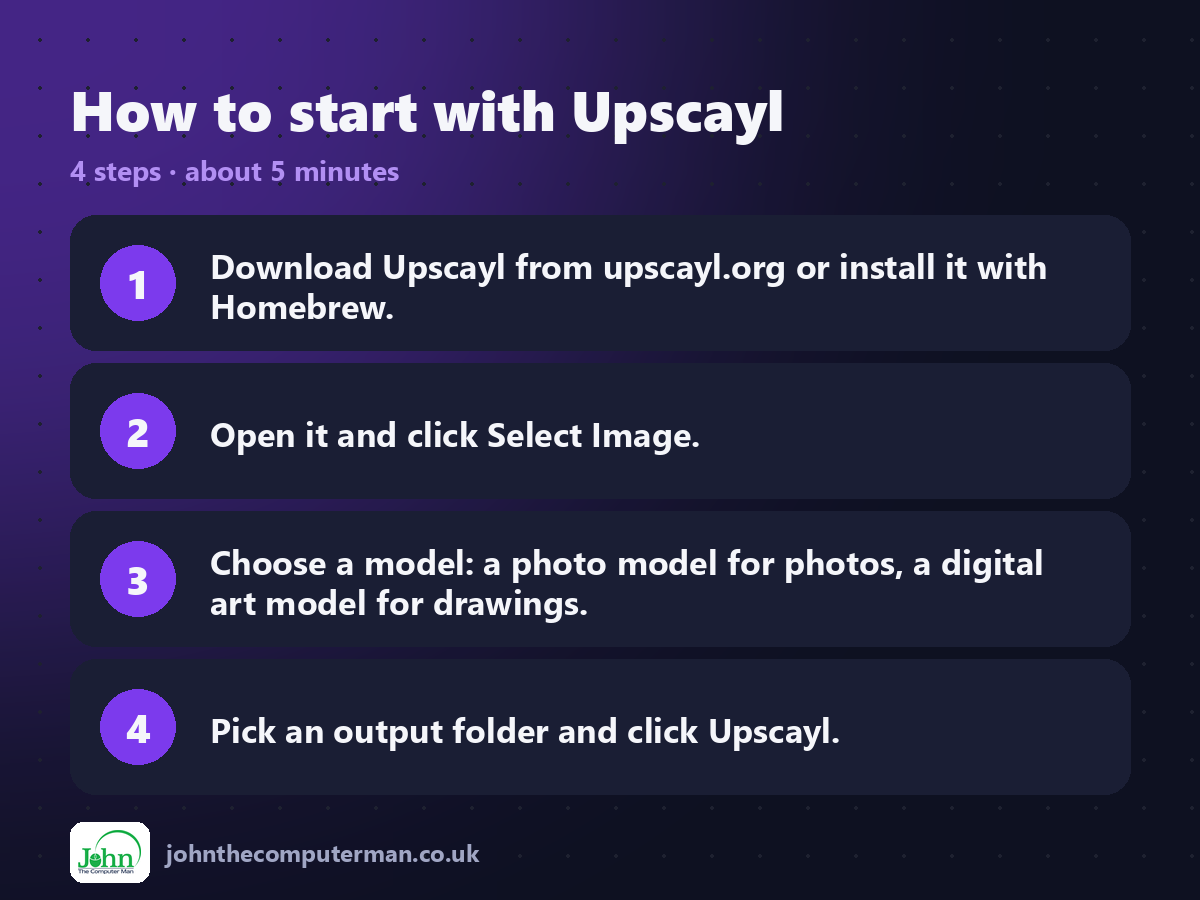
1. Download Upscayl from upscayl.org or install it with Homebrew.
2. Open it and click Select Image.
3. Choose a model: a photo model for photos, a digital art model for drawings.
4. Pick an output folder and click Upscayl.
2. Open it and click Select Image.
3. Choose a model: a photo model for photos, a digital art model for drawings.
4. Pick an output folder and click Upscayl.
Prefer the command line? If you use Homebrew, the free package manager for Mac, open Terminal and run:
brew install --cask upscayl
Tips to get more out of it
• Try two or three models on the same image. Results vary a lot.
• Use batch mode for a folder of old scanned photos.
• Upscaling can't recover faces or text that aren't there, so check results closely.
• Big images take time and memory. Start with 2x if your Mac is older.
• Use batch mode for a folder of old scanned photos.
• Upscaling can't recover faces or text that aren't there, so check results closely.
• Big images take time and memory. Start with 2x if your Mac is older.
Is it really free?
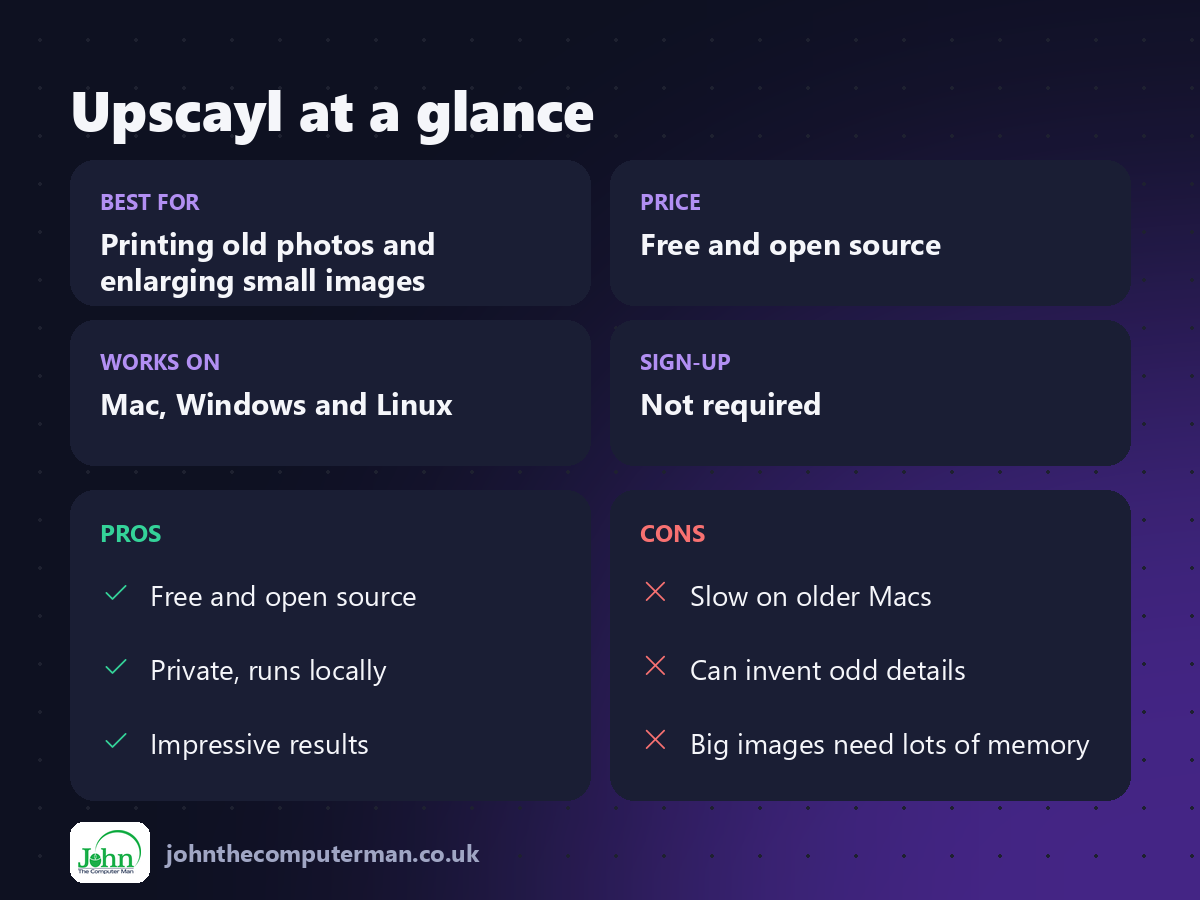
Free and open source. No ads, no account and no paid version of the desktop app.
Pros and cons
| 👍 Pros | 👎 Cons |
|---|---|
| Free and open source | Slow on older Macs |
| Private, runs locally | Can invent odd details |
| Impressive results | Big images need lots of memory |
Who is it for?
Best for: Printing old photos and enlarging small images. Works on: Mac, Windows and Linux. Sign-up: Not required.
Upscayl alternatives
• Topaz Gigapixel: a powerful paid AI upscaler for professionals.
• Pixelmator Pro: includes Super Resolution upscaling, paid.
• Preview: built in: can resize images, but without AI detail.
• Pixelmator Pro: includes Super Resolution upscaling, paid.
• Preview: built in: can resize images, but without AI detail.
FAQ
Does Upscayl upload my photos?
No. It runs entirely on your Mac, using your graphics chip.
Which model should I use?
Start with the standard photo model for pictures and a digital art model for drawings, then compare.
The verdict
Upscayl feels a bit like magic. For old photos and small images you need bigger, it's a free, private and genuinely useful tool.
👉 Try it: upscayl.org
Part of the free mac apps that replace paid software series on johnthecomputerman.co.uk. Follow @johnthecomputerman on Instagram for a new free Mac tool every Monday, Wednesday and Friday. Pricing and features were checked in September 2026 and can change, so check the tool's own site for the latest.
