Zotero for Mac: Free Reference Manager for Citations and Bibliographies
Essays and dissertations mean dozens of sources and a bibliography in exactly the right style. Doing it by hand takes hours and is easy to get wrong.
Zotero saves sources from your browser with one click, keeps your PDFs organised, and writes citations and bibliographies for you in Word, LibreOffice or Google Docs. It's free and open source.
What is Zotero?
Zotero is a free, open-source reference manager from the non-profit Corporation for Digital Scholarship. The Zotero Connector browser extension saves books, articles and web pages with their details. The app organises your library, stores and annotates PDFs, and its word processor plugins insert citations and bibliographies in thousands of styles, such as APA and Harvard. A free account adds syncing with 300 MB of storage.
Key features
One-click saving
The browser extension grabs a source's details, and the PDF if available.
Citations in Word
Insert citations and a bibliography in APA, Harvard or any style.
Read and annotate
Highlight and note PDFs inside Zotero, then turn notes into citations.
How to get started with Zotero
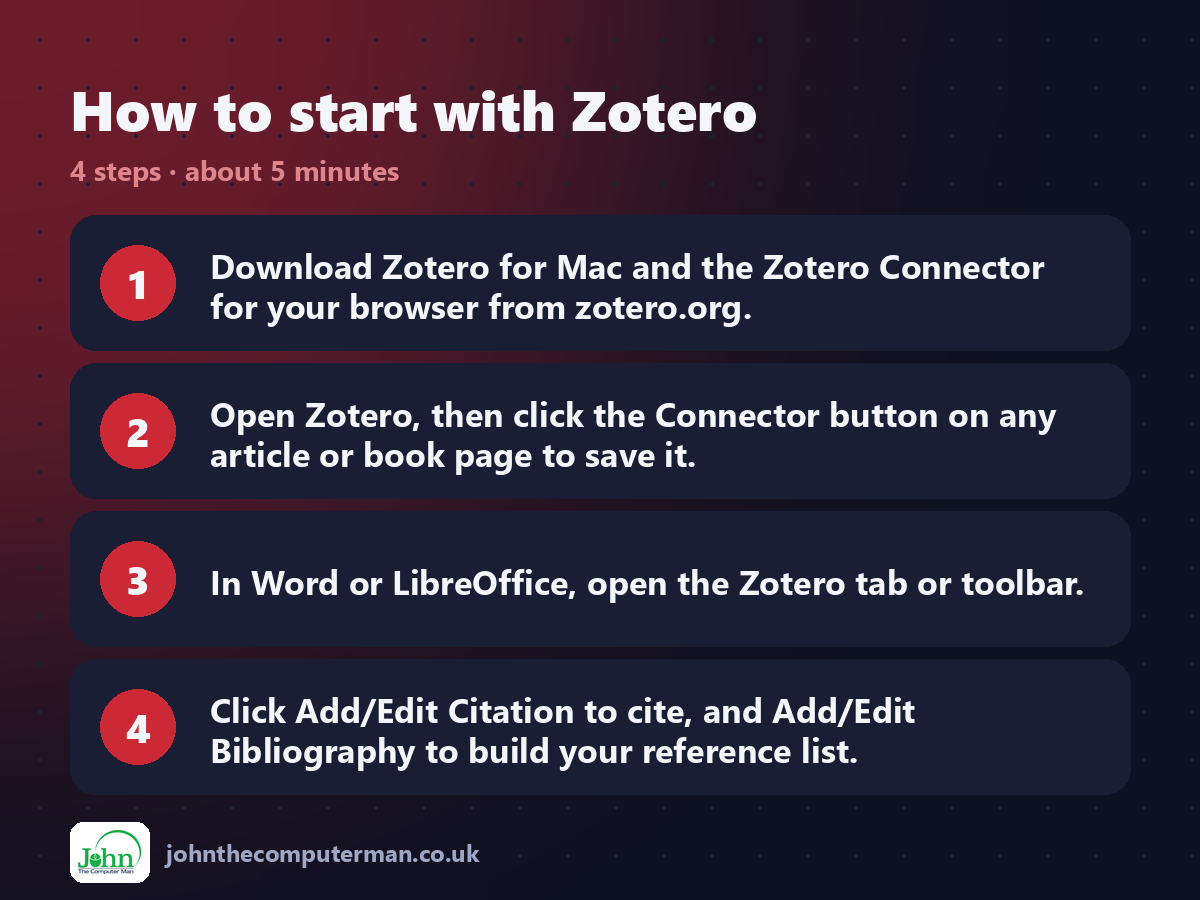
1. Download Zotero for Mac and the Zotero Connector for your browser from zotero.org.
2. Open Zotero, then click the Connector button on any article or book page to save it.
3. In Word or LibreOffice, open the Zotero tab or toolbar.
4. Click Add/Edit Citation to cite, and Add/Edit Bibliography to build your reference list.
2. Open Zotero, then click the Connector button on any article or book page to save it.
3. In Word or LibreOffice, open the Zotero tab or toolbar.
4. Click Add/Edit Citation to cite, and Add/Edit Bibliography to build your reference list.
Prefer the command line? If you use Homebrew, the free package manager for Mac, open Terminal and run:
brew install --cask zotero
Tips to get more out of it
• Check your university's required style and pick it the first time you cite.
• Create a collection for each essay or project.
• Double-check saved details. Web pages sometimes save with missing authors or dates.
• Sign in with a free account to sync your library to another computer.
• Create a collection for each essay or project.
• Double-check saved details. Web pages sometimes save with missing authors or dates.
• Sign in with a free account to sync your library to another computer.
Is it really free?
Free and open source. Sync is free up to 300 MB, with paid plans for more storage.
Pros and cons
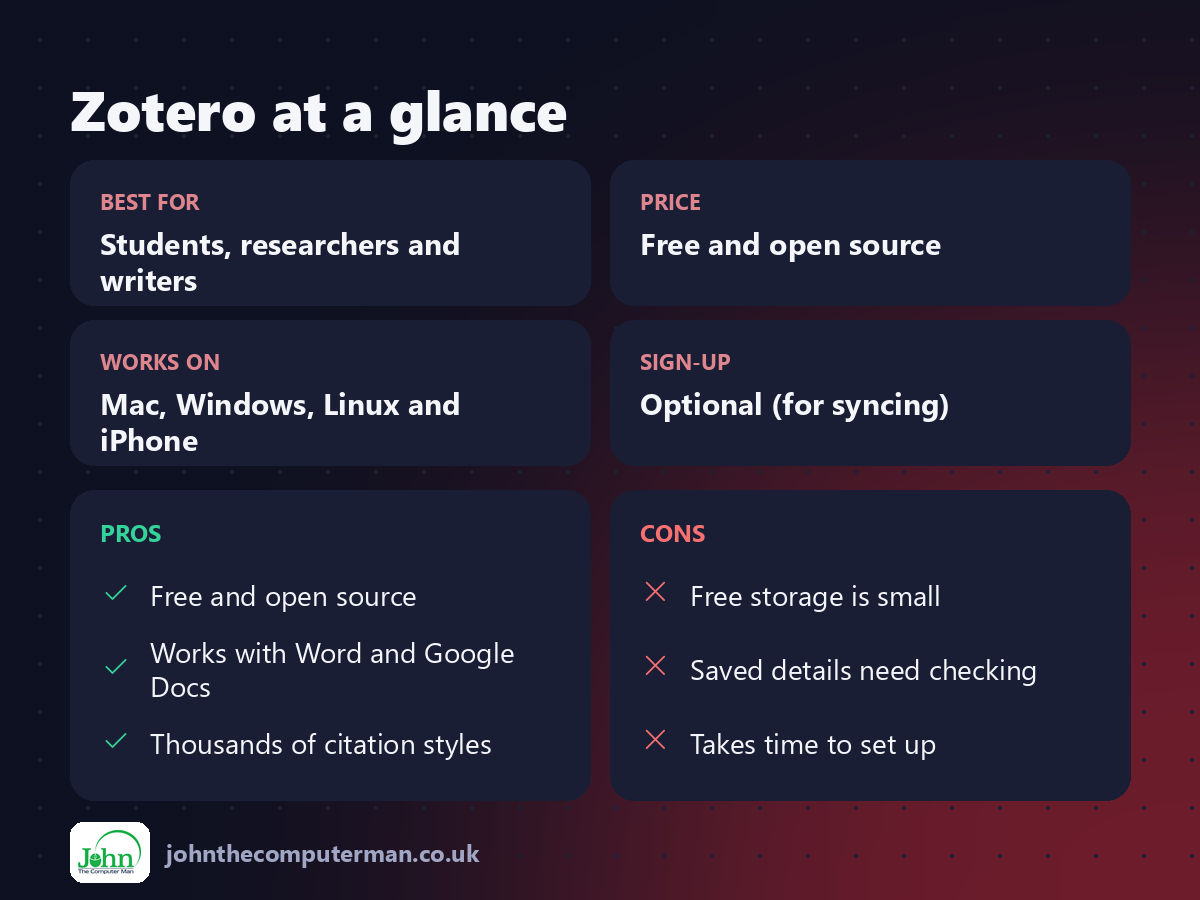
| 👍 Pros | 👎 Cons |
|---|---|
| Free and open source | Free storage is small |
| Works with Word and Google Docs | Saved details need checking |
| Thousands of citation styles | Takes time to set up |
Who is it for?
Best for: Students, researchers and writers. Works on: Mac, Windows, Linux and iPhone. Sign-up: Optional (for syncing).
Zotero alternatives
• Mendeley: a free reference manager owned by Elsevier.
• EndNote: a long-standing paid option, often supplied by universities.
• Word's built-in citations: basic citations in Word, but no library or browser saving.
• EndNote: a long-standing paid option, often supplied by universities.
• Word's built-in citations: basic citations in Word, but no library or browser saving.
FAQ
Is Zotero allowed at university?
Yes. Many universities recommend it. Always check your department's required citation style.
Does Zotero work with Google Docs?
Yes. The Zotero Connector adds citation tools to Google Docs in your browser.
The verdict
Zotero will save any student or researcher hours of tedious work. Install it at the start of your next project, not the night before the deadline.
👉 Try it: www.zotero.org
Part of the hidden-gem mac apps series on johnthecomputerman.co.uk. Follow @johnthecomputerman on Instagram for a new free Mac tool every Monday, Wednesday and Friday. Pricing and features were checked in September 2026 and can change, so check the tool's own site for the latest.
