Coolors: The Free Colour Palette Generator for Brands, Slides and Websites
Choosing colours that work together is harder than it looks. Get it wrong and your website, logo or slides look amateur, even when everything else is good.
Coolors takes the guesswork out of it. Press the spacebar and it builds a matching palette for you, over and over, until you find one you love.
What is Coolors?
Coolors is a colour palette generator that runs in your browser, with mobile apps too. Press the spacebar to create a new palette, lock the colours you want to keep, and keep generating around them. You can also pull a palette out of a photo, explore thousands of palettes others have made, check contrast for readability, and export in the format you need.
Key features
Spacebar magic
Every press gives you a fresh, balanced palette. Lock the colours you like and the rest regenerate around them.
Palette from a photo
Upload an image and Coolors picks out its best colours. Handy for matching a product or a logo.
Contrast checker
Check whether text will be readable on your background colour before you use it.
How to get started with Coolors
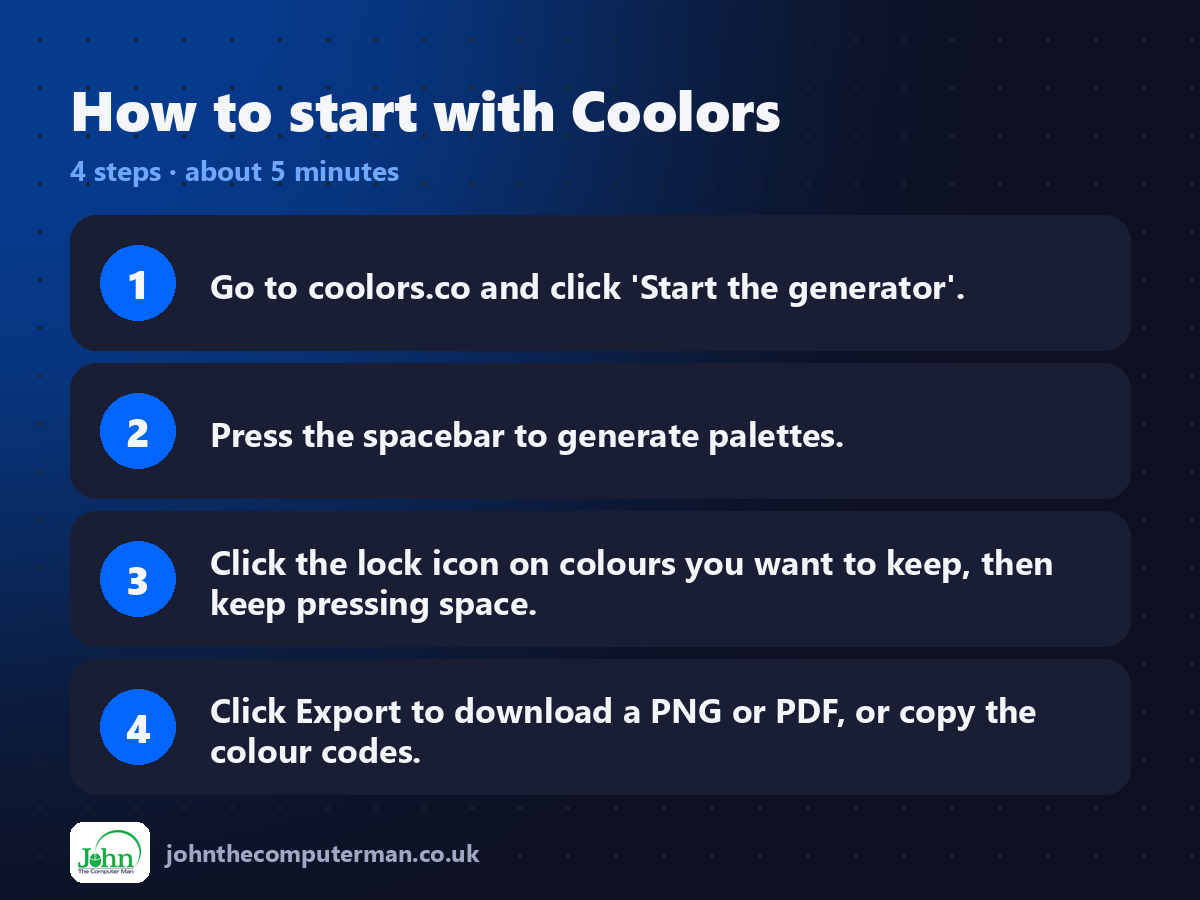
1. Go to coolors.co and click 'Start the generator'.
2. Press the spacebar to generate palettes.
3. Click the lock icon on colours you want to keep, then keep pressing space.
4. Click Export to download a PNG or PDF, or copy the colour codes.
2. Press the spacebar to generate palettes.
3. Click the lock icon on colours you want to keep, then keep pressing space.
4. Click Export to download a PNG or PDF, or copy the colour codes.
Tips to get more out of it
• Already have a brand colour? Paste its hex code into one column, lock it, and generate around it.
• Use the contrast checker for text colours. Low contrast is hard to read, especially on phones.
• Keep brand palettes to three to five colours: one main colour, one accent and a couple of neutrals.
• Use the contrast checker for text colours. Low contrast is hard to read, especially on phones.
• Keep brand palettes to three to five colours: one main colour, one accent and a couple of neutrals.
Is it really free?
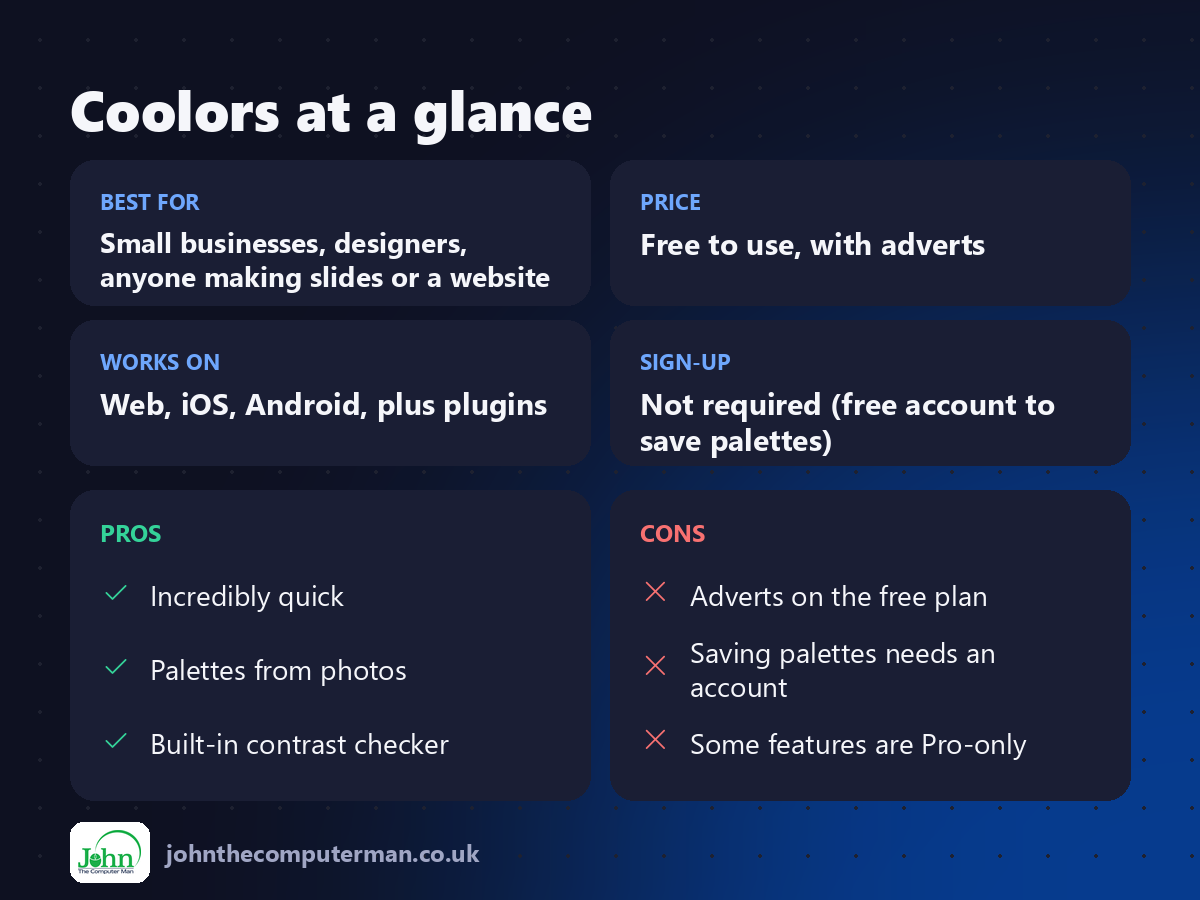
Free to use, with adverts. Coolors Pro removes the adverts and lifts limits, for example on saved palettes.
Pros and cons
| 👍 Pros | 👎 Cons |
|---|---|
| Incredibly quick | Adverts on the free plan |
| Palettes from photos | Saving palettes needs an account |
| Built-in contrast checker | Some features are Pro-only |
Who is it for?
Best for: Small businesses, designers, anyone making slides or a website. Works on: Web, iOS, Android, plus plugins. Sign-up: Not required (free account to save palettes).
Coolors alternatives
• Adobe Color: colour wheel and harmony rules, free with an Adobe account.
• Canva colour palette tool: palettes from photos inside Canva.
• Realtime Colors: previews your palette on a sample website.
• Canva colour palette tool: palettes from photos inside Canva.
• Realtime Colors: previews your palette on a sample website.
FAQ
Can I use Coolors palettes commercially?
Colours themselves can't be owned, so you're free to use any palette you create for your brand or projects.
What format should I export?
Hex codes for websites and apps, and a PNG or PDF to share with a designer or printer.
The verdict
If you ever need colours that go together, Coolors is the fastest way to get there. Two minutes of hitting the spacebar beats an hour of guessing.
👉 Try it: coolors.co
Part of our series on the best free online tools. Pricing and features were checked at the time of writing and can change, so check the tool's own site for the latest.