CyberChef: GCHQ's Free 'Cyber Swiss Army Knife' Explained
Ever been sent a jumble of characters that you suspect is encoded? Or needed to check a file's hash, turn a timestamp into a date, or tidy up messy data? Each of these jobs usually means hunting for a different dodgy website.
CyberChef does all of them and hundreds more in one place. It was built by GCHQ, the UK's intelligence and security agency, and it's free and open source.
What is CyberChef?
CyberChef is a free, open-source web app for encoding, decoding, converting, analysing and transforming data. You build a 'recipe' by dragging operations, such as From Base64, SHA-256 or Decompress, into a list, and the output updates instantly. It runs entirely in your browser, and you can download it to use offline.
Key features
Hundreds of operations
Encoding and decoding, hashing, encryption, compression, date conversion, data extraction and more.
Magic auto-detect
The Magic operation tries to work out what your data is and how to decode it for you.
Runs locally
Your data is processed in your browser. Download the app to work fully offline.
How to get started with CyberChef
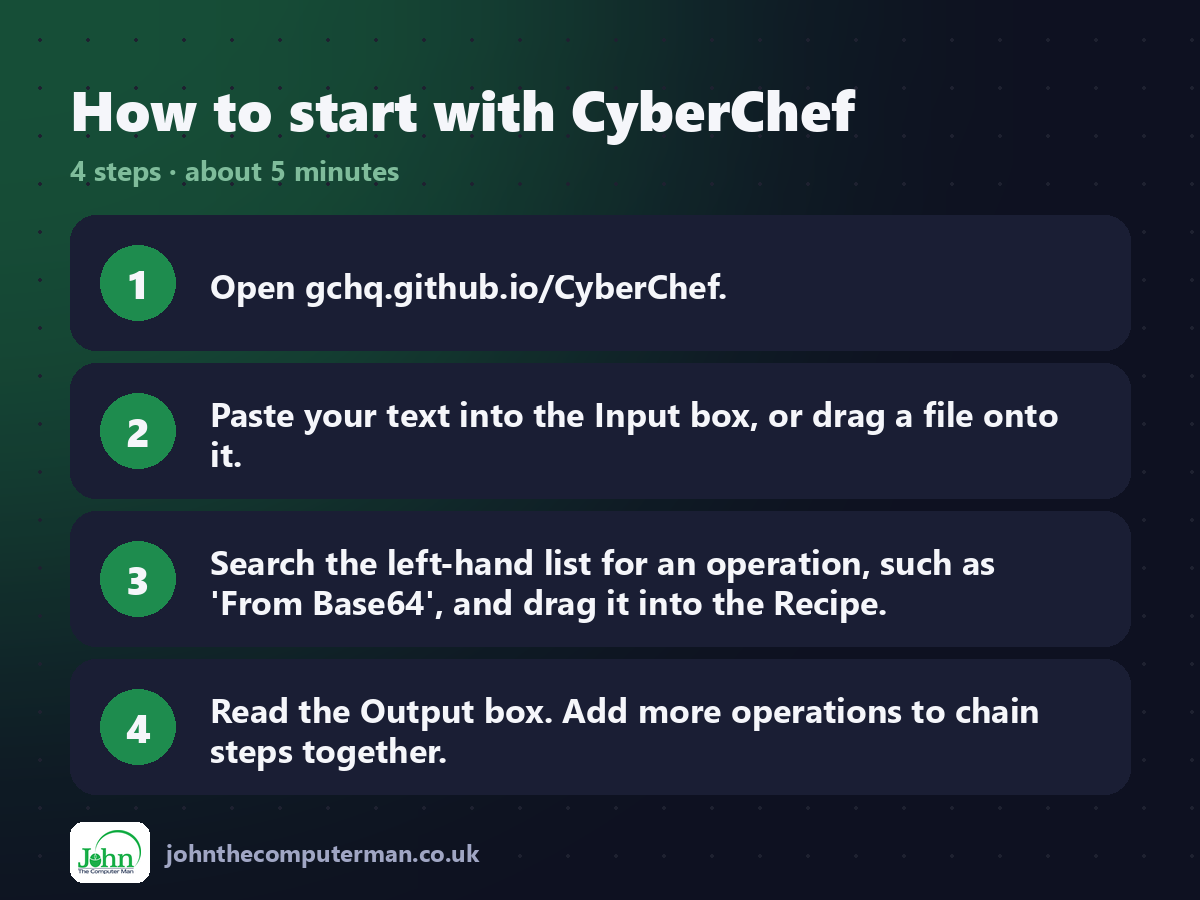
1. Open gchq.github.io/CyberChef.
2. Paste your text into the Input box, or drag a file onto it.
3. Search the left-hand list for an operation, such as 'From Base64', and drag it into the Recipe.
4. Read the Output box. Add more operations to chain steps together.
2. Paste your text into the Input box, or drag a file onto it.
3. Search the left-hand list for an operation, such as 'From Base64', and drag it into the Recipe.
4. Read the Output box. Add more operations to chain steps together.
Tips to get more out of it
• Stuck? Drag in the 'Magic' operation and let CyberChef suggest a decoding.
• Save useful recipes, or bookmark the URL, which stores your recipe.
• For anything sensitive, use the downloaded offline version and avoid sharing recipe links that include your input.
• Save useful recipes, or bookmark the URL, which stores your recipe.
• For anything sensitive, use the downloaded offline version and avoid sharing recipe links that include your input.
Is it really free?
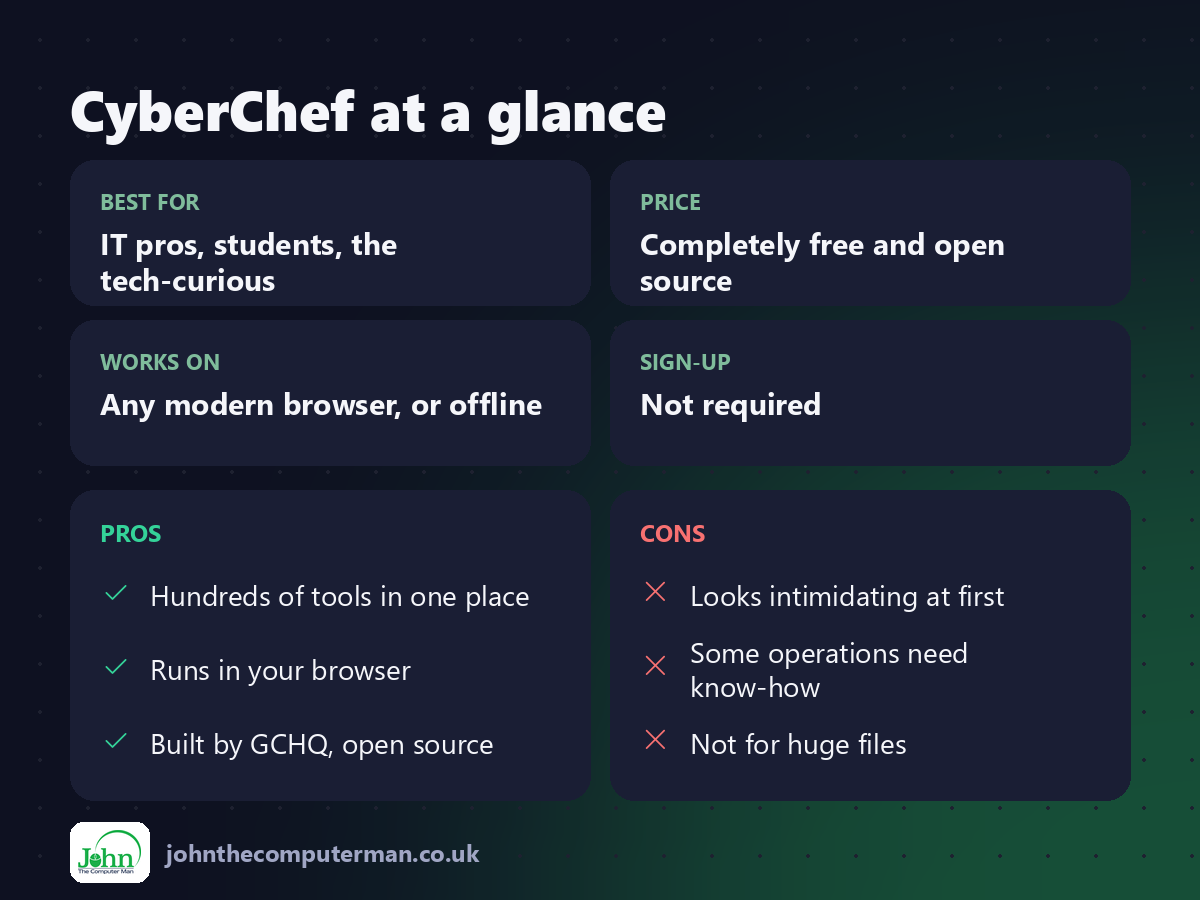
Completely free and open source.
Pros and cons
| 👍 Pros | 👎 Cons |
|---|---|
| Hundreds of tools in one place | Looks intimidating at first |
| Runs in your browser | Some operations need know-how |
| Built by GCHQ, open source | Not for huge files |
Who is it for?
Best for: IT pros, students, the tech-curious. Works on: Any modern browser, or offline. Sign-up: Not required.
CyberChef alternatives
• VirusTotal: for checking whether a file is malicious rather than decoding it.
• DevToys: a Windows app with many similar developer utilities.
• Online Base64 sites: single-purpose, but often full of adverts.
• DevToys: a Windows app with many similar developer utilities.
• Online Base64 sites: single-purpose, but often full of adverts.
FAQ
Is CyberChef safe to use?
Yes. It's open source and processes data in your browser. For sensitive data, use the offline version.
Do I need to know how to code?
No. You build recipes by dragging and dropping operations.
The verdict
CyberChef looks complex, but for everyday decoding and converting it's a gem. Learn three or four operations and you'll use it constantly.
👉 Try it: gchq.github.io/CyberChef/
Part of our series on the best free online tools. Pricing and features were checked at the time of writing and can change, so check the tool's own site for the latest.