diagrams.net (draw.io): Free Flowcharts and Network Diagrams
When you need a proper flowchart, network map or org chart, sketchy whiteboards don't cut it, and Visio costs money.
diagrams.net, better known as draw.io, is free, open source and packed with shapes. It also doesn't store your diagrams on its own servers.
What is diagrams.net?
diagrams.net is a free, open-source diagramming app that runs in your browser or as a desktop app. It has large shape libraries for flowcharts, UML, networks, cloud architecture (AWS, Azure, Google Cloud), floor plans and more. You choose where to save: your own device, Google Drive, OneDrive, Dropbox or GitHub.
Key features
Huge shape libraries
Flowcharts, network gear, cloud icons, UML, org charts, floor plans and electrical symbols.
You choose where files live
Save to your device, Google Drive, OneDrive, Dropbox or GitHub. They're not stored on diagrams.net's servers.
Export anywhere
Export PNG, SVG or PDF, or embed diagrams in Confluence, Notion-style docs and more.
How to get started with diagrams.net
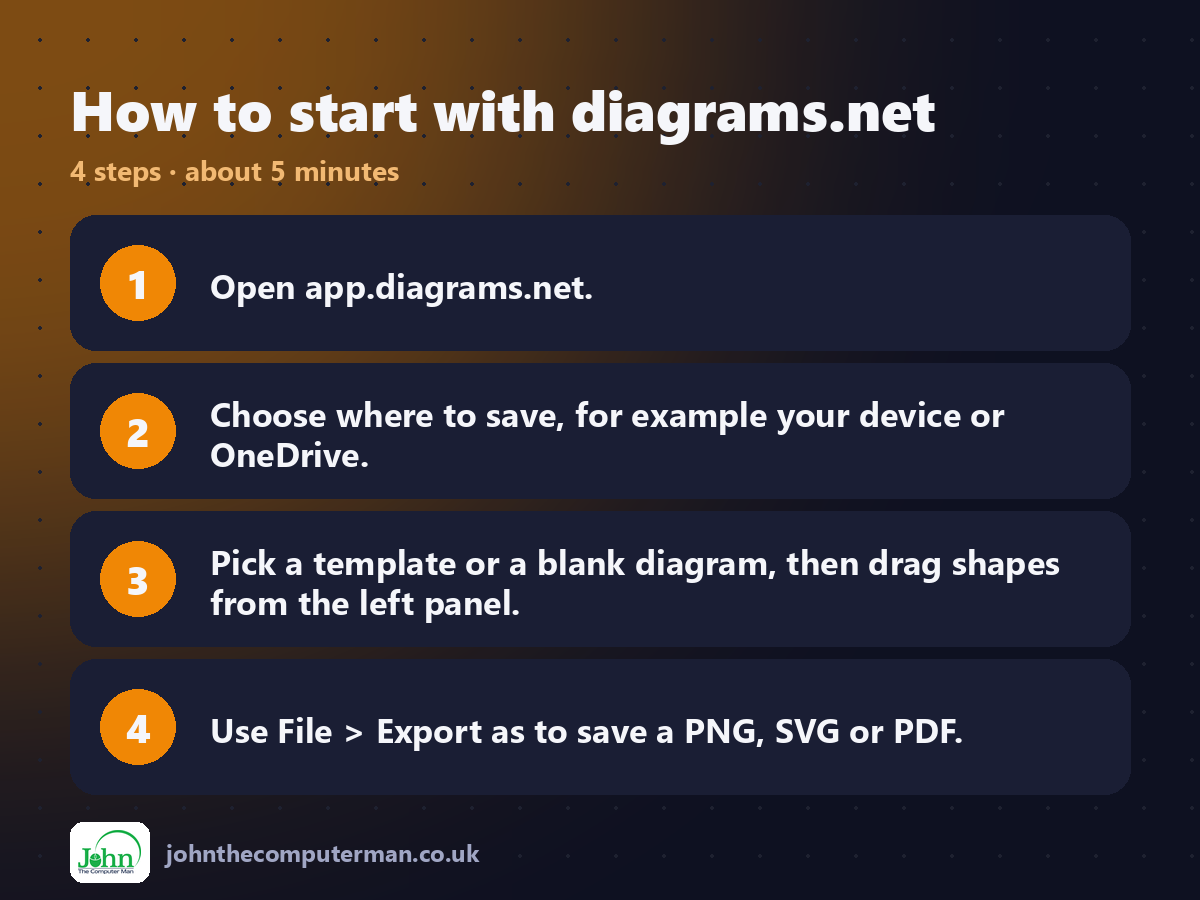
1. Open app.diagrams.net.
2. Choose where to save, for example your device or OneDrive.
3. Pick a template or a blank diagram, then drag shapes from the left panel.
4. Use File > Export as to save a PNG, SVG or PDF.
2. Choose where to save, for example your device or OneDrive.
3. Pick a template or a blank diagram, then drag shapes from the left panel.
4. Use File > Export as to save a PNG, SVG or PDF.
Tips to get more out of it
• When exporting a PNG, tick 'Include a copy of my diagram' so you can reopen and edit the image later.
• Search 'More Shapes' for network, AWS, Azure and electrical libraries.
• Use Arrange > Layout to tidy up a messy diagram automatically.
• Search 'More Shapes' for network, AWS, Azure and electrical libraries.
• Use Arrange > Layout to tidy up a messy diagram automatically.
Is it really free?
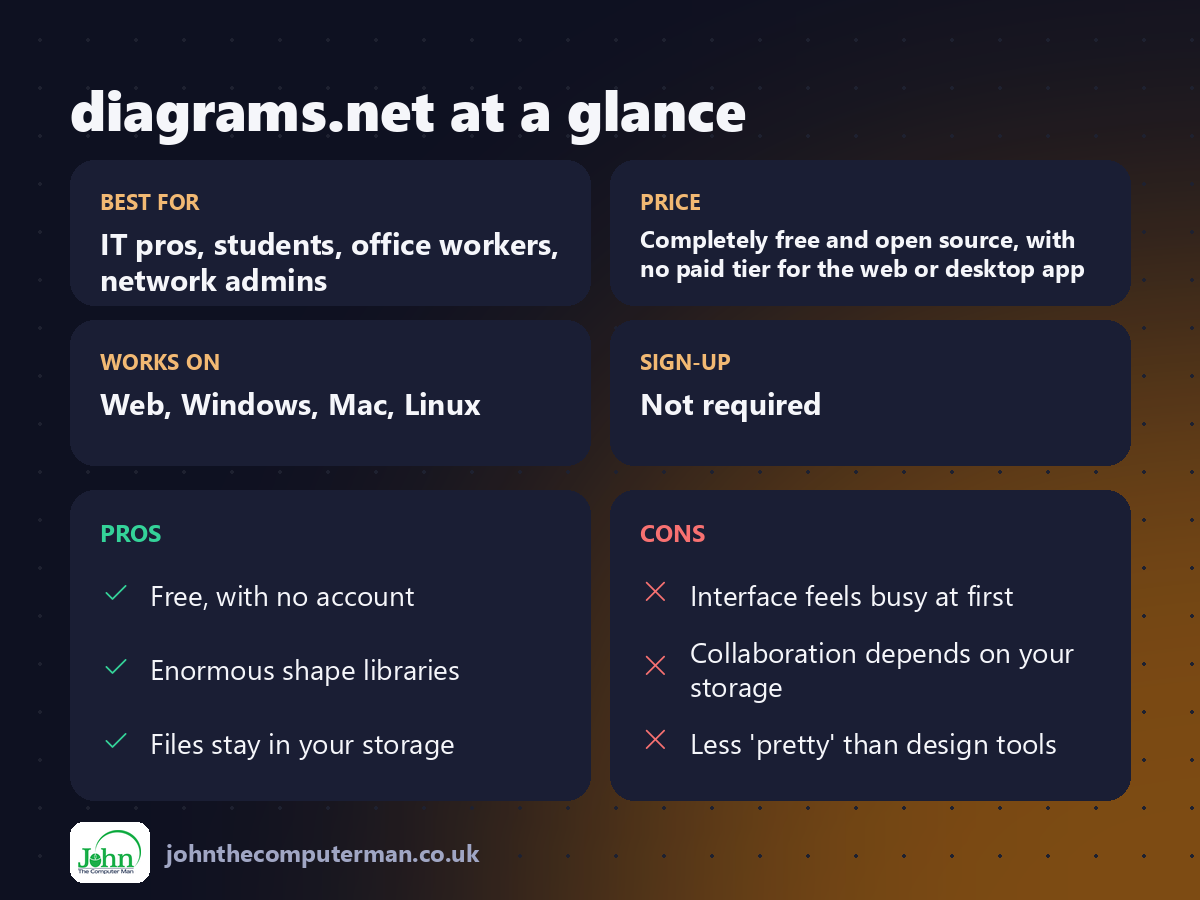
Completely free and open source, with no paid tier for the web or desktop app.
Pros and cons
| 👍 Pros | 👎 Cons |
|---|---|
| Free, with no account | Interface feels busy at first |
| Enormous shape libraries | Collaboration depends on your storage |
| Files stay in your storage | Less 'pretty' than design tools |
Who is it for?
Best for: IT pros, students, office workers, network admins. Works on: Web, Windows, Mac, Linux. Sign-up: Not required.
diagrams.net alternatives
• Excalidraw: a free, hand-drawn style for quick sketches.
• Microsoft Visio: a paid tool, and the standard in many businesses.
• Lucidchart: polished, with a limited free plan.
• Microsoft Visio: a paid tool, and the standard in many businesses.
• Lucidchart: polished, with a limited free plan.
FAQ
Is draw.io the same as diagrams.net?
Yes. It's the same tool, and the draw.io name is still widely used.
Can it open Visio files?
It can import many .vsdx files, though complex ones may need tidying afterwards.
The verdict
For serious diagrams at zero cost, diagrams.net is the answer. It has everything Visio users need for most jobs, and your files stay yours.
👉 Try it: app.diagrams.net
Part of our series on the best free online tools. Pricing and features were checked at the time of writing and can change, so check the tool's own site for the latest.