Jitsi Meet: Free Video Calls with No Time Limit (Open Source)
Free video calling often comes with a catch: meetings that cut off after a set time, or guests forced to download an app and sign up just to join.
Jitsi Meet is different. It's open source, it works in the browser, and guests simply click a link.
What is Jitsi Meet?
Jitsi Meet is a free, open-source video conferencing service. Create a meeting with a room name, share the link, and people join from their browser or the Jitsi mobile app. It includes screen sharing, chat, raise hand, background blur, breakout rooms, and moderator controls such as a lobby and a password.
Key features
Guests just click a link
Nothing to install and no account for guests. They join straight from the browser.
All the meeting tools
Screen sharing, chat, reactions, raise hand, background blur and breakout rooms.
Open source
The software is open, audited by the community, and can even be self-hosted by businesses.
How to get started with Jitsi Meet
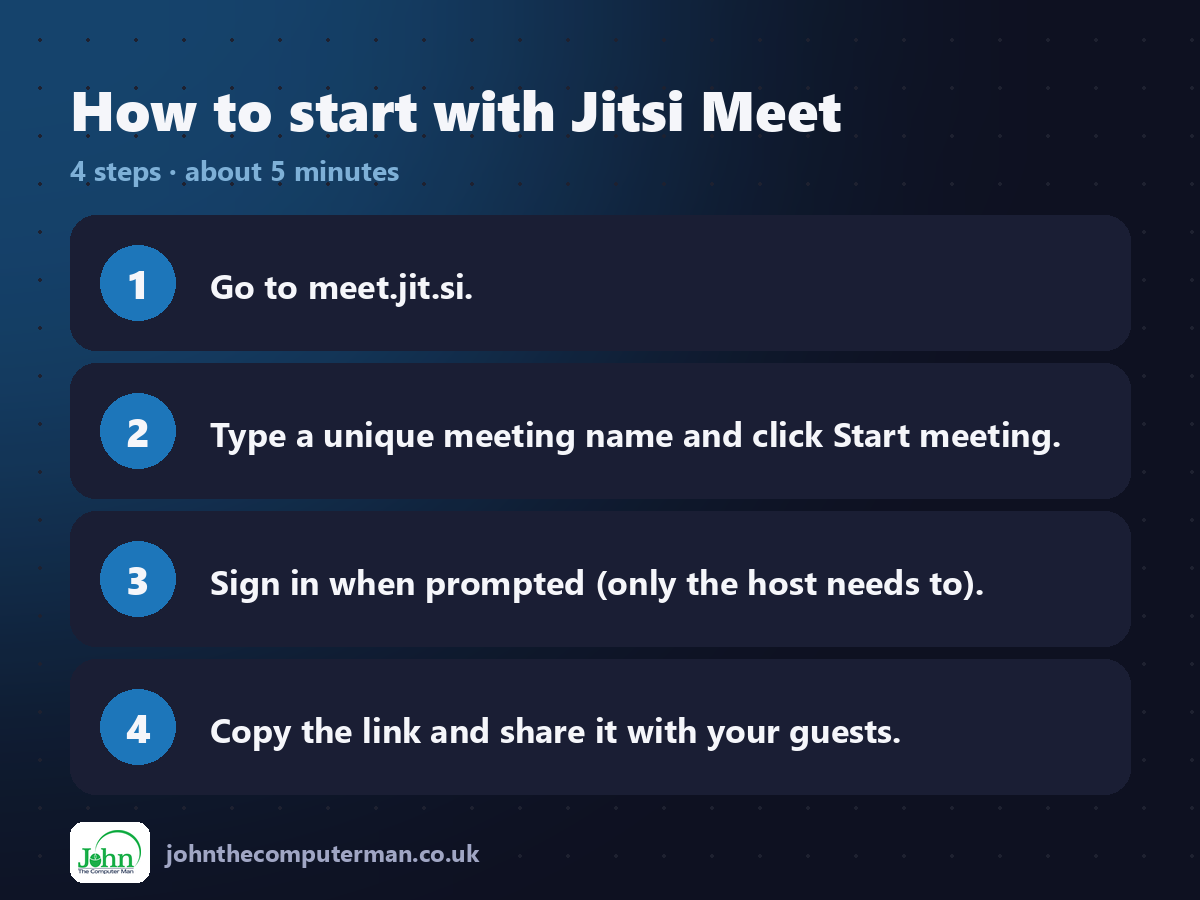
1. Go to meet.jit.si.
2. Type a unique meeting name and click Start meeting.
3. Sign in when prompted (only the host needs to).
4. Copy the link and share it with your guests.
2. Type a unique meeting name and click Start meeting.
3. Sign in when prompted (only the host needs to).
4. Copy the link and share it with your guests.
Tips to get more out of it
• Use a long, unique meeting name. Short ones like 'meeting' may already be in use.
• As host, turn on the lobby or set a password to control who gets in.
• On a weak connection, turn off your camera. Audio will stay clearer.
• As host, turn on the lobby or set a password to control who gets in.
• On a weak connection, turn off your camera. Audio will stay clearer.
Is it really free?
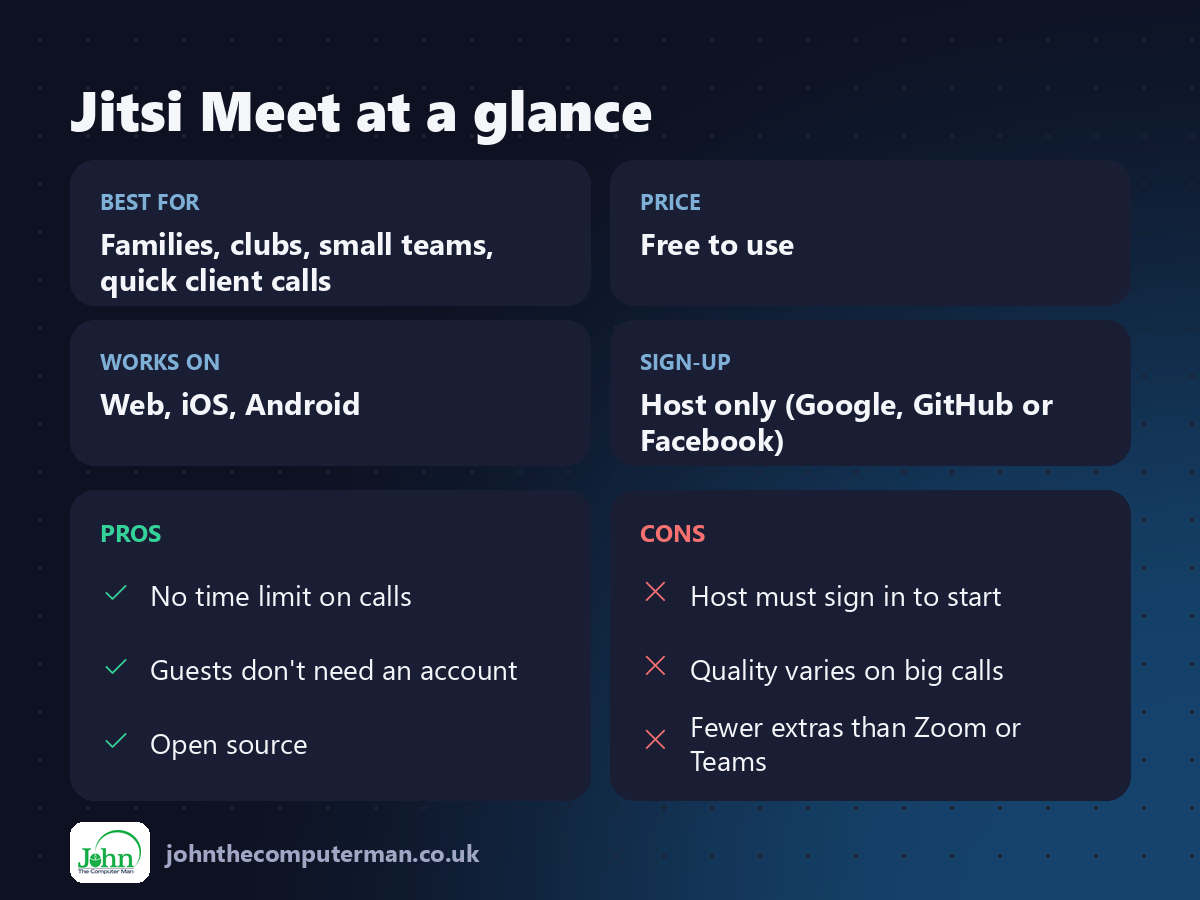
Free to use. The host signs in to start a meeting; guests don't need an account.
Pros and cons
| 👍 Pros | 👎 Cons |
|---|---|
| No time limit on calls | Host must sign in to start |
| Guests don't need an account | Quality varies on big calls |
| Open source | Fewer extras than Zoom or Teams |
Who is it for?
Best for: Families, clubs, small teams, quick client calls. Works on: Web, iOS, Android. Sign-up: Host only (Google, GitHub or Facebook).
Jitsi Meet alternatives
• Google Meet: free with a Google account, with limits on group calls.
• Zoom: familiar, but the free plan limits meeting length.
• Microsoft Teams (free): good if everyone already uses Microsoft.
• Zoom: familiar, but the free plan limits meeting length.
• Microsoft Teams (free): good if everyone already uses Microsoft.
FAQ
Is Jitsi Meet really free?
Yes. meet.jit.si is free to use. Businesses can also run their own server.
Do guests need to download anything?
No. They can join from a web browser. The mobile app is optional.
The verdict
For quick, free video calls where guests just click a link, Jitsi Meet is hard to beat.
👉 Try it: meet.jit.si
Part of our series on the best free online tools. Pricing and features were checked at the time of writing and can change, so check the tool's own site for the latest.