LanguageTool: A Free Grammar Checker That Speaks British English
A typo in an email to a customer, or a grammar slip on your website, can make a business look careless. Spellcheck catches some mistakes, but it misses plenty.
LanguageTool is a grammar and style checker that works almost everywhere you type, and its free plan is genuinely useful.
What is LanguageTool?
LanguageTool checks your spelling, grammar, punctuation and style in more than 30 languages. Paste text into the online editor, or install the browser extension to check as you type in email, social media and web forms. There are also add-ons for Microsoft Word and Google Docs. Its core is open source.
Key features
Checks as you type
The browser extension underlines mistakes in Gmail, Outlook, social media, forms and more.
British English option
Set your variant (British, US, Australian and more) so 'colour' and 'organise' aren't flagged.
30+ languages
Write in English, French, German, Spanish, Dutch and many more, and switch automatically.
How to get started with LanguageTool
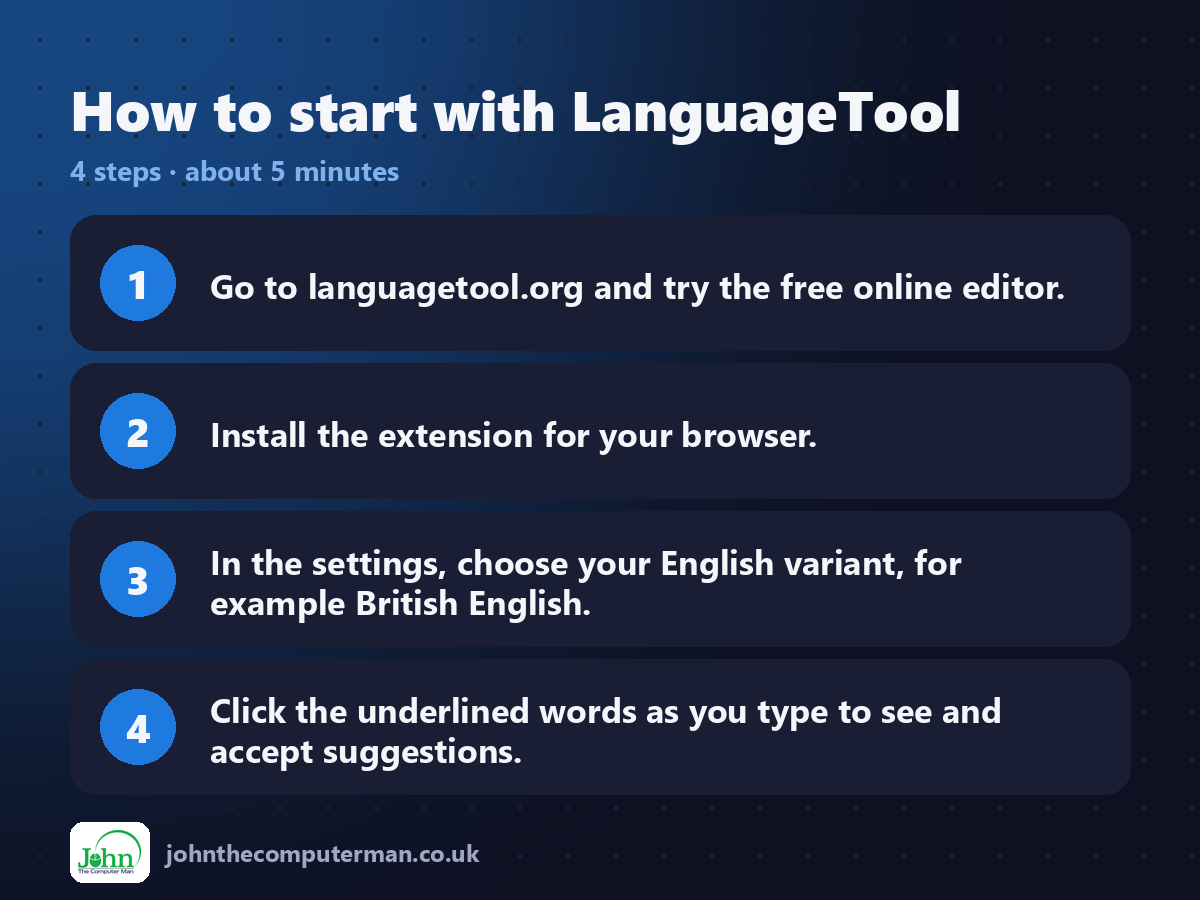
1. Go to languagetool.org and try the free online editor.
2. Install the extension for your browser.
3. In the settings, choose your English variant, for example British English.
4. Click the underlined words as you type to see and accept suggestions.
2. Install the extension for your browser.
3. In the settings, choose your English variant, for example British English.
4. Click the underlined words as you type to see and accept suggestions.
Tips to get more out of it
• Set British English as your variant, or LanguageTool will 'correct' perfectly good UK spellings.
• Add names, brands and jargon to your personal dictionary.
• Use the Word or Google Docs add-on for longer documents.
• Add names, brands and jargon to your personal dictionary.
• Use the Word or Google Docs add-on for longer documents.
Is it really free?
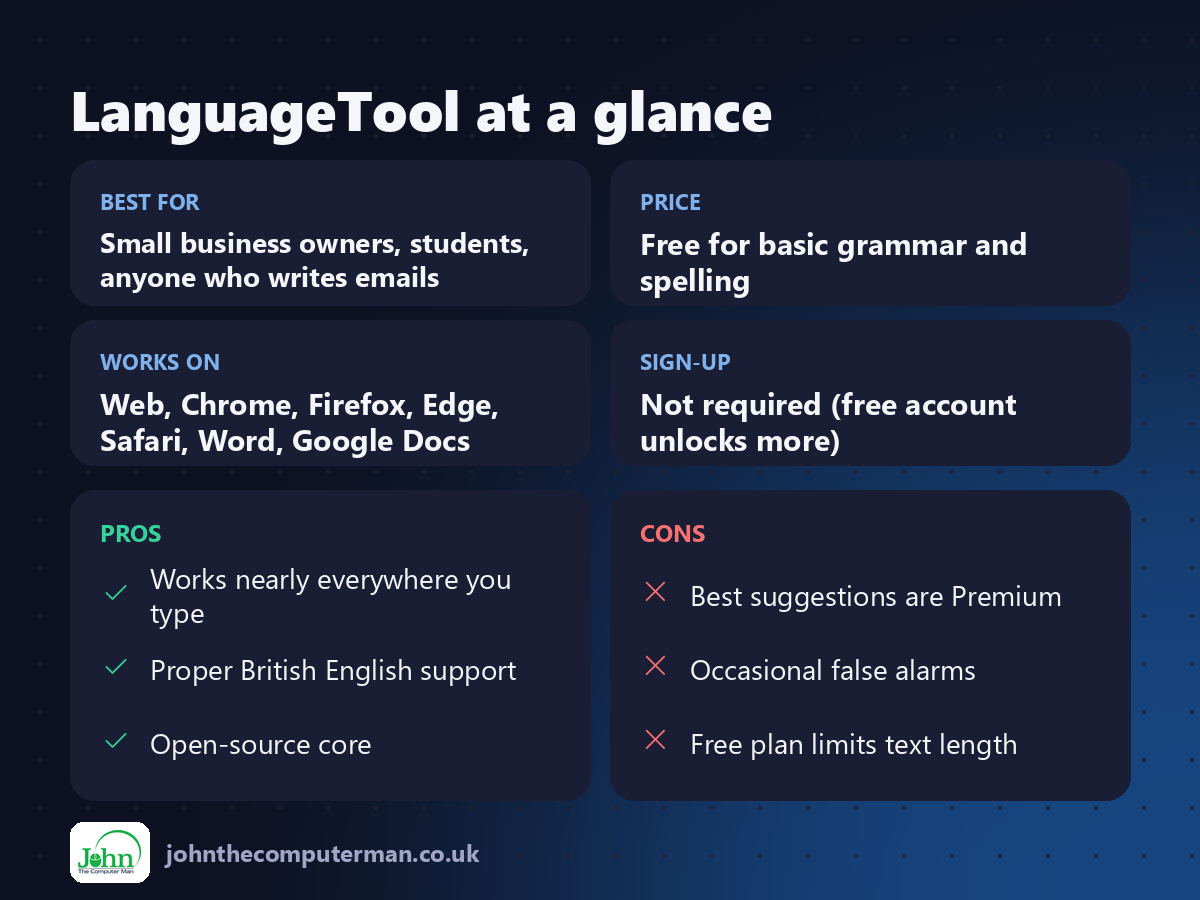
Free for basic grammar and spelling. Premium adds advanced style, tone and fluency suggestions and longer texts.
Pros and cons
| 👍 Pros | 👎 Cons |
|---|---|
| Works nearly everywhere you type | Best suggestions are Premium |
| Proper British English support | Occasional false alarms |
| Open-source core | Free plan limits text length |
Who is it for?
Best for: Small business owners, students, anyone who writes emails. Works on: Web, Chrome, Firefox, Edge, Safari, Word, Google Docs. Sign-up: Not required (free account unlocks more).
LanguageTool alternatives
• Grammarly: well known, with a freemium model.
• Microsoft Editor: built into Word and Edge.
• Hemingway Editor: focuses on making writing clearer.
• Microsoft Editor: built into Word and Edge.
• Hemingway Editor: focuses on making writing clearer.
FAQ
Is LanguageTool better than Grammarly?
They're close. LanguageTool is strong on multiple languages and has an open-source core. Try both free versions.
Does it read everything I type?
Text is sent to LanguageTool's servers to be checked. For very sensitive text, a self-hosted server is an option for advanced users.
The verdict
LanguageTool's free version is an easy win. Install the extension, set British English, and let it catch the slips before anyone else does.
👉 Try it: languagetool.org
Part of our series on the best free online tools. Pricing and features were checked at the time of writing and can change, so check the tool's own site for the latest.