Unsplash: Free High-Quality Photos You Can Use Commercially
Grabbing a random image from Google for your website or social posts can land you with a copyright claim. Paying for stock photos gets expensive quickly.
Unsplash solves both problems. Its photos are shot by real photographers, and you can use them for free, even commercially.
What is Unsplash?
Unsplash is a library of millions of high-resolution photos contributed by photographers around the world. Under the Unsplash Licence you can download and use its free photos for commercial and non-commercial projects without asking permission or paying. Credit is appreciated but not required. Some images are marked as Unsplash+ and need a paid subscription.
Key features
Free commercial use
Use free photos on websites, social posts, ads and products without paying or asking permission.
High-resolution quality
Professional-looking photos, not the cheesy stock images you're used to.
Smart search and filters
Filter by orientation and colour to find images that fit your layout.
How to get started with Unsplash
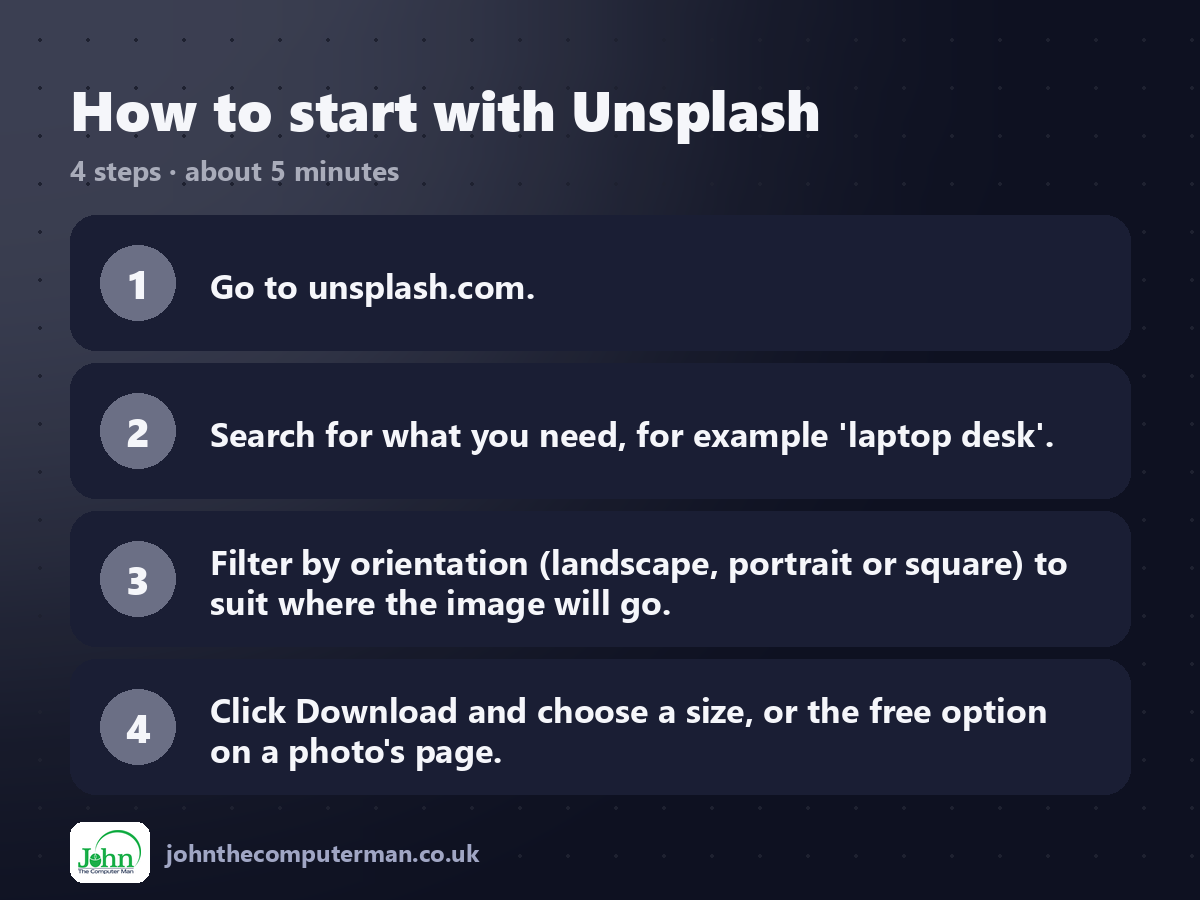
1. Go to unsplash.com.
2. Search for what you need, for example 'laptop desk'.
3. Filter by orientation (landscape, portrait or square) to suit where the image will go.
4. Click Download and choose a size, or the free option on a photo's page.
2. Search for what you need, for example 'laptop desk'.
3. Filter by orientation (landscape, portrait or square) to suit where the image will go.
4. Click Download and choose a size, or the free option on a photo's page.
Tips to get more out of it
• Watch out for the Unsplash+ badge. Those photos need a subscription.
• Download a medium size for websites. Full resolution is often far bigger than you need.
• Credit the photographer when you can. It's good manners, even though it's not required.
• Download a medium size for websites. Full resolution is often far bigger than you need.
• Credit the photographer when you can. It's good manners, even though it's not required.
Is it really free?
Free for the standard library. Unsplash+ is a paid subscription for extra, exclusive images.
Pros and cons
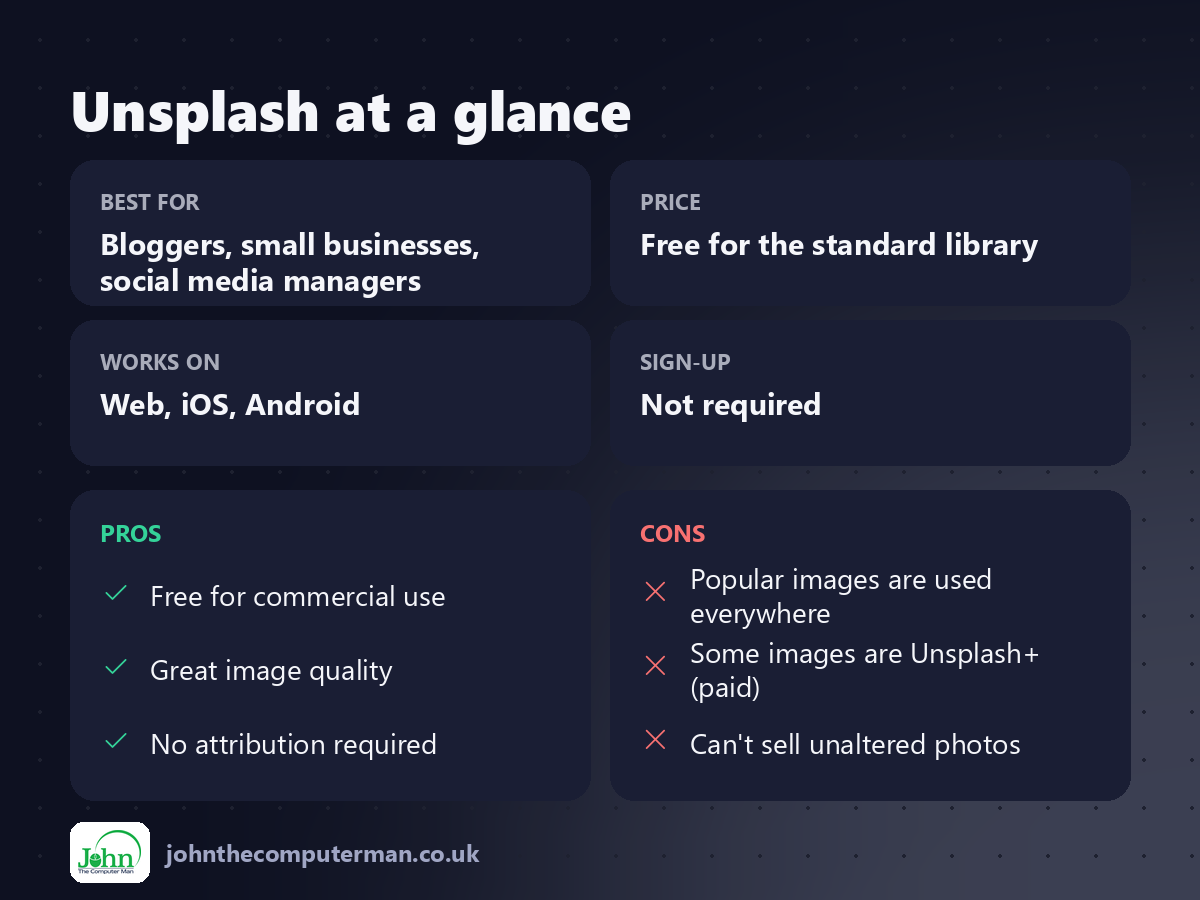
| 👍 Pros | 👎 Cons |
|---|---|
| Free for commercial use | Popular images are used everywhere |
| Great image quality | Some images are Unsplash+ (paid) |
| No attribution required | Can't sell unaltered photos |
Who is it for?
Best for: Bloggers, small businesses, social media managers. Works on: Web, iOS, Android. Sign-up: Not required.
Unsplash alternatives
• Pexels: free photos and videos under a similar licence.
• Pixabay: free photos, illustrations and vectors.
• Canva: includes a large library of free and Pro photos inside the editor.
• Pixabay: free photos, illustrations and vectors.
• Canva: includes a large library of free and Pro photos inside the editor.
FAQ
Do I have to credit Unsplash photos?
No, but it's appreciated. A small 'Photo by … on Unsplash' line is common.
Can I use Unsplash photos in my logo?
Check the licence first. You can't claim exclusive rights, which makes photos a poor fit for trademarks.
The verdict
Unsplash is the first place to look when you need a great photo. It's free, legal and far better than generic stock.
👉 Try it: unsplash.com
Part of our series on the best free online tools. Pricing and features were checked at the time of writing and can change, so check the tool's own site for the latest.