How to Change Default Apps in Windows 11 (Browser, PDF, Photos and More)
Double-click a PDF and it opens in Edge. Click a link and it opens in the browser you don't use. Open a photo and it launches an app you didn't choose. Sound familiar?
You can choose exactly which app opens each type of file and link. Here's how.
1. Open Default apps
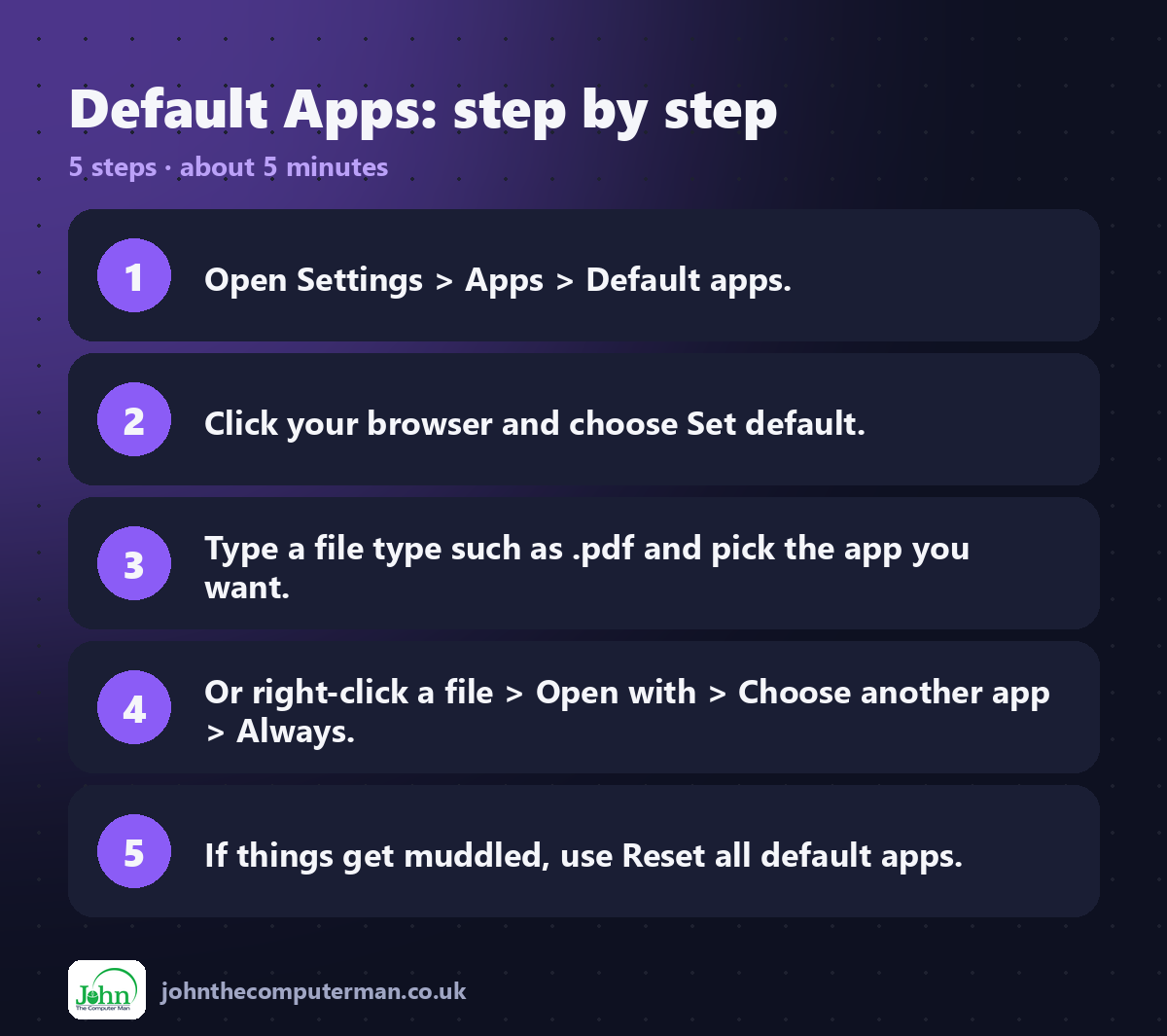
Go to Settings → Apps → Default apps.
You'll see a list of every app installed on your PC, and a search box at the top for file types.
2. Set your default web browser
1. In Default apps, find your browser (e.g. Google Chrome or Firefox) and click it.
2. Click Set default at the top.
2. Click Set default at the top.
That's it. Web links, .html files and web shortcuts will now open in that browser.
Tip: Most browsers also ask "Make this your default browser?" when you first open them. Clicking Yes takes you to the same setting.
3. Choose which app opens a file type
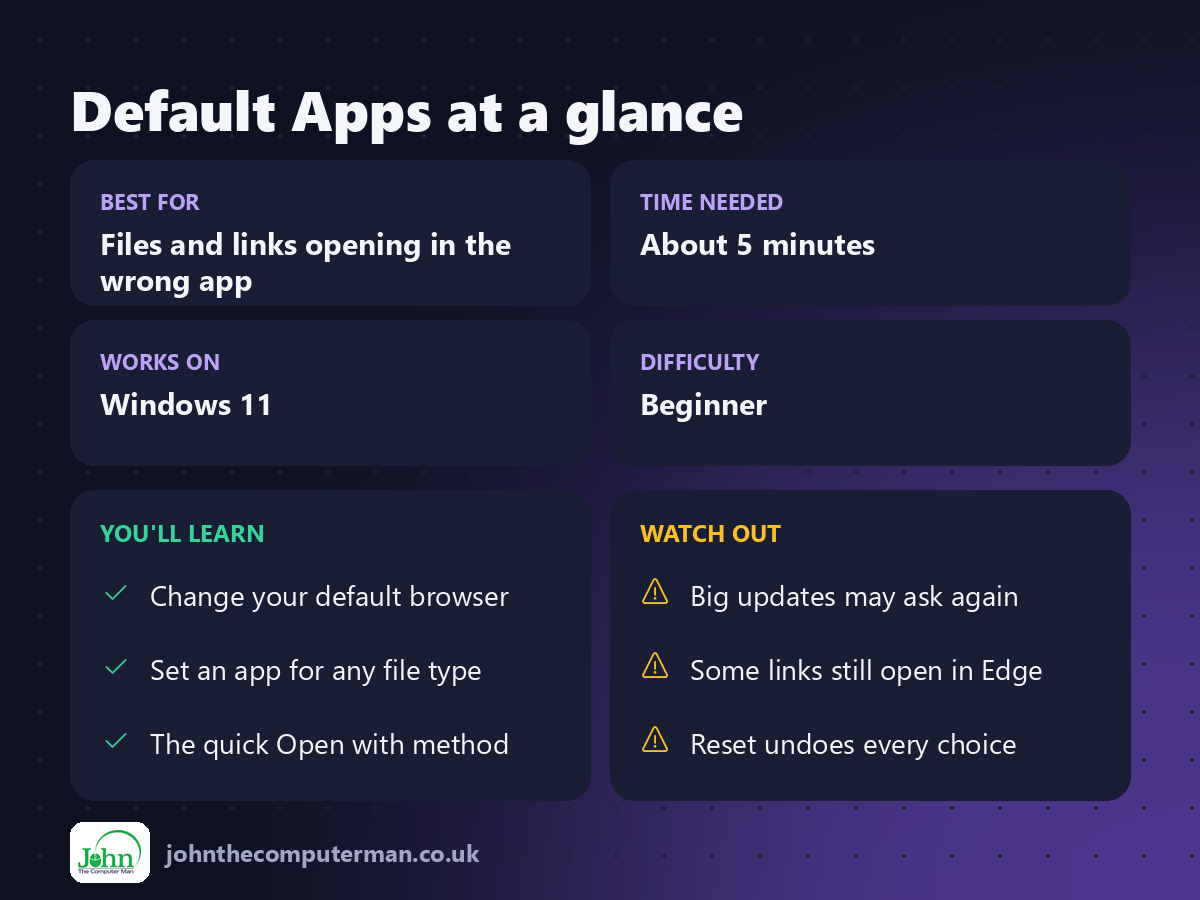
For example, to open PDFs in Adobe Acrobat instead of Edge:
1. In Default apps, type .pdf into the Set a default for a file type or link type box.
2. Click the app shown under .pdf.
3. Choose the app you want and click Set default.
2. Click the app shown under .pdf.
3. Choose the app you want and click Set default.
This works for any file type, such as .jpg, .mp4, .docx and .zip.
4. The quick way: Open with
1. Right-click a file and choose Open with → Choose another app.
2. Pick the app you want.
3. Click Always.
2. Pick the app you want.
3. Click Always.
From now on, every file of that type opens in that app.
5. Set defaults for a whole app
To make one app open everything it can:
1. Go to Settings → Apps → Default apps and click the app (e.g. VLC media player).
2. You'll see each file type it can open. Click any that use a different app and switch them over.
2. You'll see each file type it can open. Click any that use a different app and switch them over.
6. Reset everything
If things have got in a muddle, scroll to the bottom of Default apps and click Reset next to Reset all default apps. This puts everything back to Microsoft's defaults.
Quick recap
Frequently asked questions
Why does Windows sometimes reset my default browser? Big Windows updates occasionally ask you to confirm your choice. Your setting is normally kept, but if links start opening in Edge again, set your browser as default again.
Why do some links in Windows still open in Edge? A few Windows features, such as some widgets and help links, may still open in Edge. In the European Economic Area (not the UK), Windows respects your default browser for these too.
Related: How to Install Apps Safely

John The Computer Man: plain-English computer help. 🌐 johnthecomputerman.co.uk · 📸 Instagram @johnthecomputerman