
Most online PDF tools let you do one or two files, then ask you to upgrade. PDF24 doesn’t. You get dozens of PDF tools with no usage limits, no account and no watermarks.
Whether you need to merge scans, shrink a file that’s too big to email or turn a PDF into an editable Word document, it’s probably covered.
What is PDF24 Tools?
PDF24 Tools is a free collection of online PDF utilities from the German company geek software GmbH. It covers merging, splitting, compressing, converting to and from Office formats and images, OCR, signing, password protection and more. Uploaded files are deleted automatically after a short time, and there’s also a free Windows desktop app, PDF24 Creator, for working offline.
Key features
Merge, split, compress
Combine files, pull out the pages you need and shrink large PDFs for email or upload portals.
Convert and OCR
Convert between PDF and Word, Excel, PowerPoint and images, and make scanned PDFs searchable.
Sign and protect
Add a signature, lock files with a password, or remove a password you know.
How to get started with PDF24 Tools
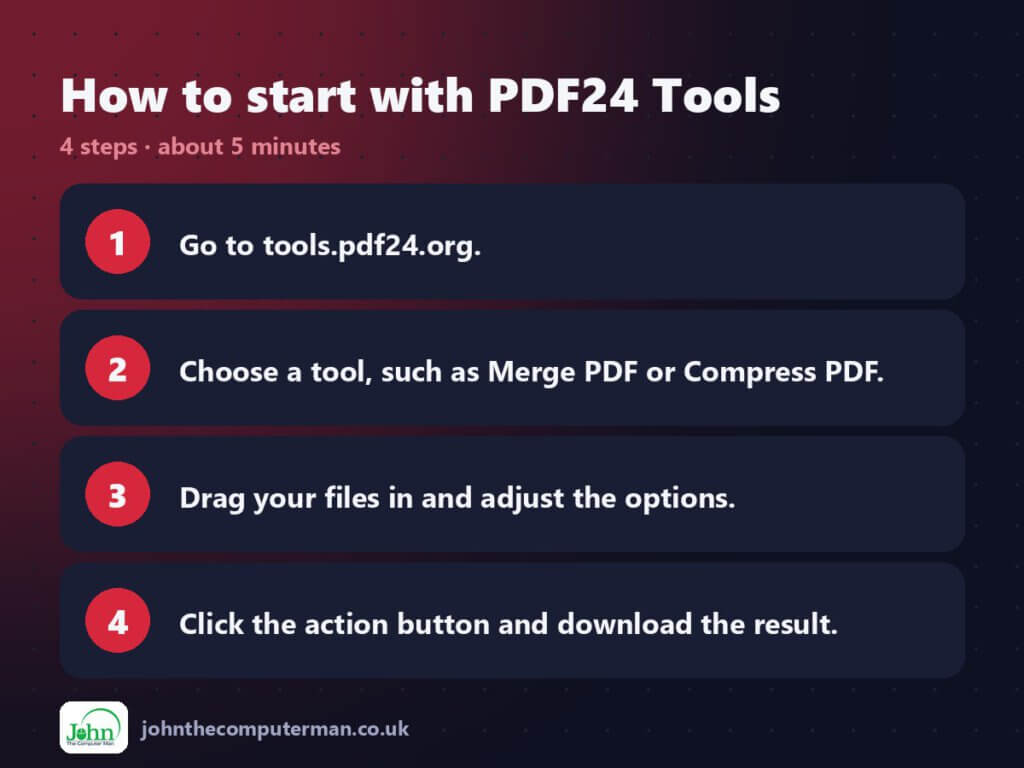
- Go to tools.pdf24.org.
- Choose a tool, such as Merge PDF or Compress PDF.
- Drag your files in and adjust the options.
- Click the action button and download the result.
Tips to get more out of it
- For sensitive documents, use the free PDF24 Creator desktop app so the files stay on your PC.
- Compress PDF has quality levels, so try a middle setting first to keep scans readable.
- Chain tools together: after one finishes, you can send the result straight into another.
Is it really free?
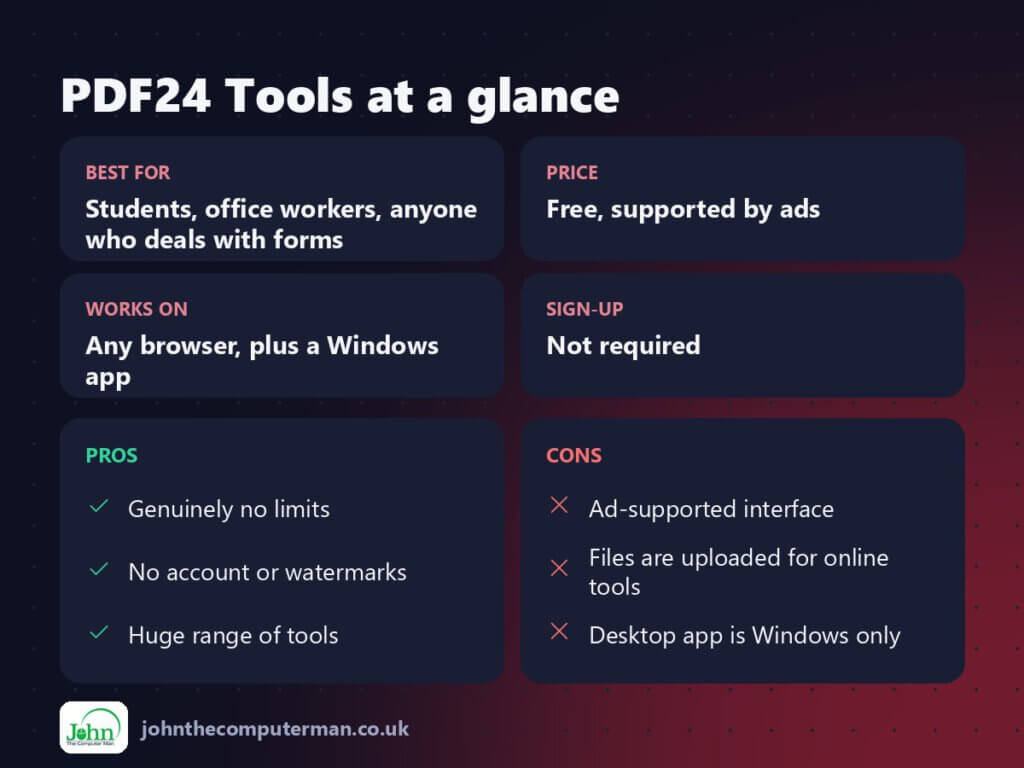
Free, supported by ads. There are no paid plans, usage limits or watermarks.
Pros and cons
| 👍 Pros | 👎 Cons |
|---|---|
| Genuinely no limits | Ad-supported interface |
| No account or watermarks | Files are uploaded for online tools |
| Huge range of tools | Desktop app is Windows only |
Who is it for?
Best for: Students, office workers, anyone who deals with forms.
Works on: Any browser, plus a Windows app.
Sign-up: Not required.
PDF24 Tools alternatives
- iLovePDF: a polished interface, with free-plan limits.
- Smallpdf: slick, but the free plan is very limited.
- Stirling-PDF: open source and self-hosted, for full privacy.
FAQ
Is PDF24 safe?
Files are sent over encrypted connections and deleted automatically after processing. For very sensitive files, use the offline desktop app.
Does PDF24 add watermarks?
No. Output files are clean, with no watermarks or page limits.
The verdict
PDF24 is the PDF toolbox to bookmark. It’s generous, fast and actually free. For confidential files, use the desktop app.
👉 Try it: tools.pdf24.org
Part of my series on the best free online tools. Pricing and features were checked at the time of writing and can change, so check the tool’s own site for the latest.
