
Spotlight is fine for opening apps. But what if the same box could also bring back something you copied an hour ago, snap a window to half the screen, convert currencies and search your files?
That’s Raycast. It’s a launcher that sits behind one shortcut and does a surprising amount, all from the keyboard. The core app is free, and there’s a big store of free extensions for everything from Google Translate to Spotify.
What is Raycast?
Raycast is a keyboard launcher for macOS. Press a shortcut, start typing, and it opens apps, finds files, runs calculations and unit conversions, and runs commands. Built-in extras include clipboard history, window management, snippets (text expansion), quicklinks and a calendar view, and a store of community extensions adds hundreds more. The core app is free. Raycast Pro, a paid subscription, adds AI features and cloud sync.
Key features
Clipboard history
Search everything you’ve copied, including images and links, and paste it back with a keystroke.
Built-in window management
Type ‘left half’ or set a hotkey to snap windows around, without a separate app.
Extensions for everything
Free add-ons for Google Translate, Spotify, GitHub, Notion, emoji search and hundreds more.
How to get started with Raycast
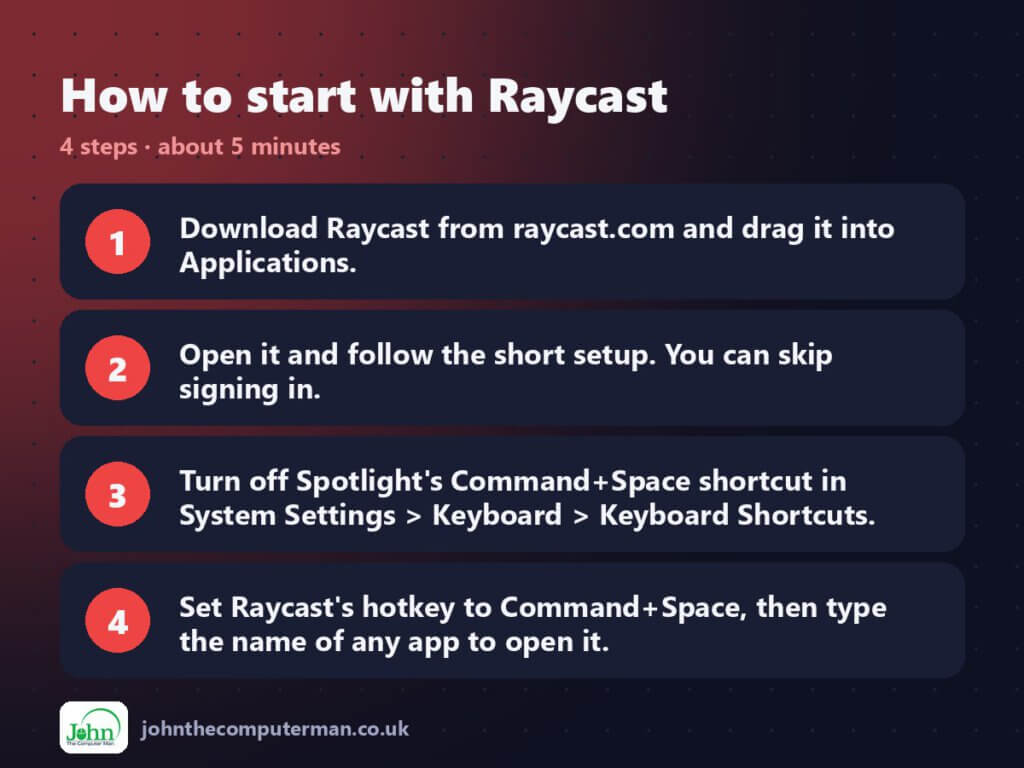
- Download Raycast from raycast.com and drag it into Applications.
- Open it and follow the short setup. You can skip signing in.
- Turn off Spotlight’s Command+Space shortcut in System Settings > Keyboard > Keyboard Shortcuts.
- Set Raycast’s hotkey to Command+Space, then type the name of any app to open it.
Prefer the command line? If you use Homebrew, the free package manager for Mac, open Terminal and run:
brew install --cask raycast
Tips to get more out of it
- Type a sum or ’20 GBP in USD’ straight into Raycast. The answer is ready to copy.
- Open ‘Clipboard History’ and give it its own hotkey. It’s the feature people end up using most.
- Create snippets for things you type a lot, like your email address, and they expand as you type.
- Browse the Store inside Raycast for free extensions for apps you already use.
Is it really free?
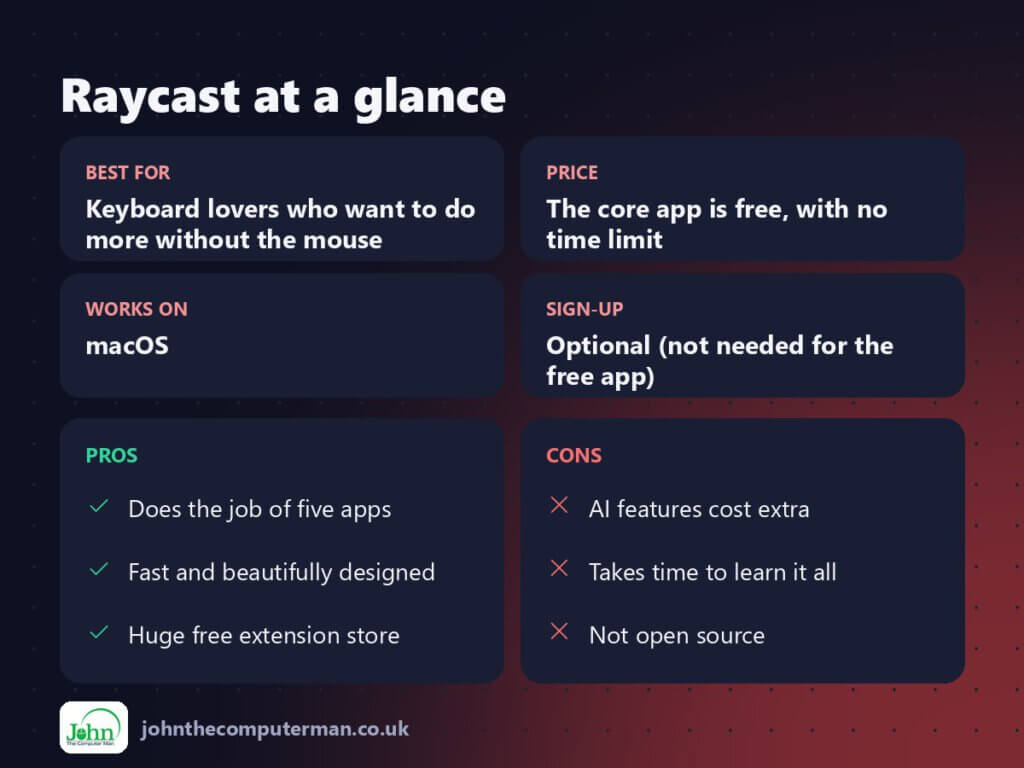
The core app is free, with no time limit. Raycast Pro is a paid subscription for AI and cloud sync.
Pros and cons
| 👍 Pros | 👎 Cons |
|---|---|
| Does the job of five apps | AI features cost extra |
| Fast and beautifully designed | Takes time to learn it all |
| Huge free extension store | Not open source |
Who is it for?
Best for: Keyboard lovers who want to do more without the mouse.
Works on: macOS.
Sign-up: Optional (not needed for the free app).
Raycast alternatives
- Spotlight: built into macOS and much improved in recent versions, but far less extensible.
- Alfred: a long-standing launcher with a free version and a paid Powerpack.
- Maccy: if clipboard history is all you want, this tiny free app does just that.
FAQ
Do I need Raycast Pro?
No. The free version includes the launcher, clipboard history, window management, snippets and the extension store. Pro is mainly for AI and syncing settings between Macs.
Is Raycast safe and private?
Raycast works locally and clipboard history is stored on your Mac. Only install extensions you trust, as you would with browser add-ons.
The verdict
Raycast is one of those apps that quietly takes over. Start by using it to open apps, then add clipboard history and window snapping, and before long you’ll wonder how you managed without it.
👉 Try it: www.raycast.com
Part of the best free mac tools series on johnthecomputerman.co.uk. Follow @johnthecomputerman on Instagram for a new free Mac tool every Monday, Wednesday and Friday. Pricing and features were checked in September 2026 and can change, so check the tool’s own site for the latest.
