

On a Mac you uninstall an app by dragging it to the Bin. Easy. But the app’s settings, caches and support files stay behind in hidden Library folders, sometimes taking up gigabytes.
AppCleaner finds those leftovers for you. Drop an app onto its window, check the list, and remove the lot in one go. It’s free and has been a Mac favourite for years.
What is AppCleaner?
AppCleaner is a free uninstaller for macOS from FreeMacSoft. When you drop an app onto it, it searches your Mac for related files such as preferences, caches, containers, logs and support folders, shows you the list, and moves everything you select to the Bin. Its optional SmartDelete feature watches the Bin and offers to clean up leftovers whenever you delete an app the normal way.
Key features
Finds the hidden leftovers
Preferences, caches, containers and support files that dragging to the Bin never touches.
Drag, check, remove
Drop an app on the window, untick anything you want to keep, and click Remove.
SmartDelete
Turn it on and AppCleaner offers to clean up automatically whenever you bin an app.
How to get started with AppCleaner
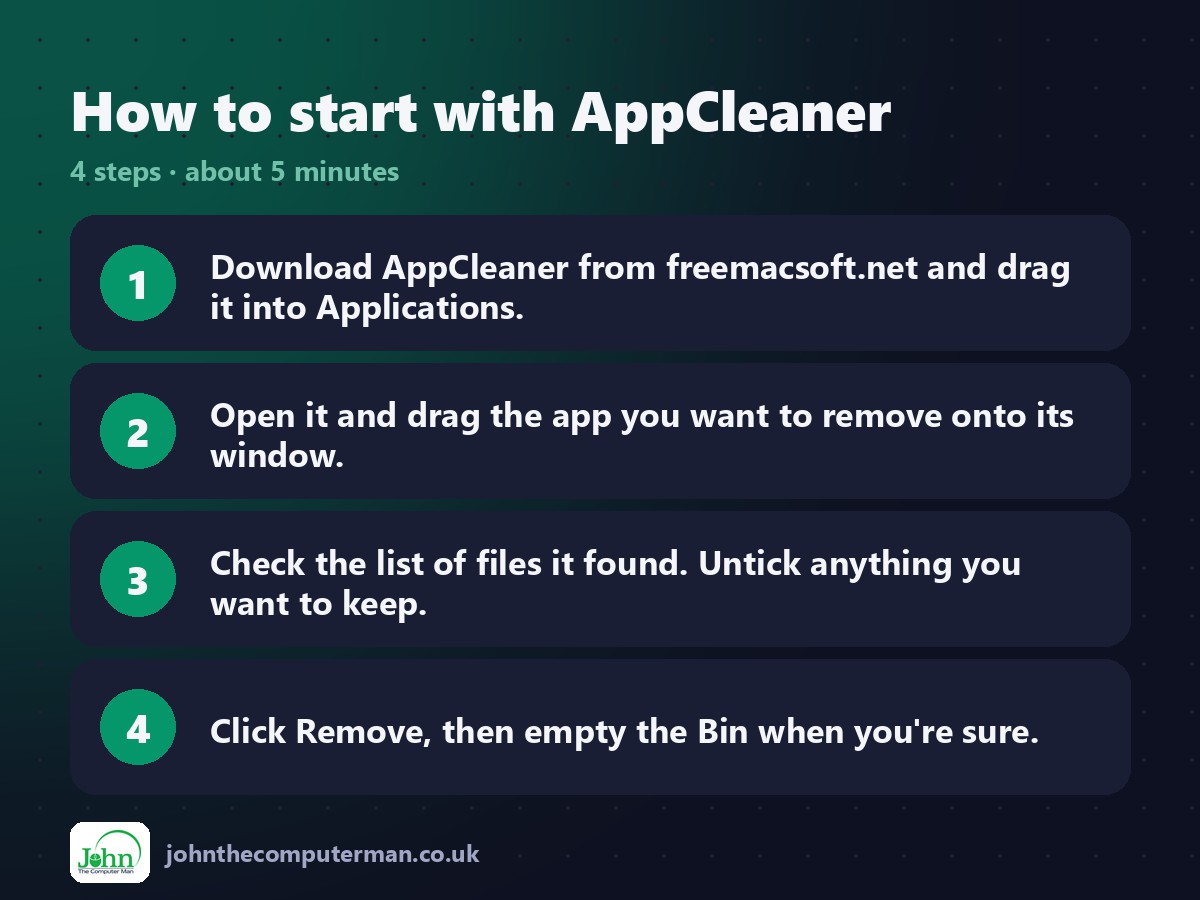
- Download AppCleaner from freemacsoft.net and drag it into Applications.
- Open it and drag the app you want to remove onto its window.
- Check the list of files it found. Untick anything you want to keep.
- Click Remove, then empty the Bin when you’re sure.
Prefer the command line? If you use Homebrew, the free package manager for Mac, open Terminal and run:
brew install --cask appcleaner
Tips to get more out of it
- Click the list icon at the top to see all your apps and uninstall from there.
- Turn on SmartDelete in Settings to catch leftovers when you drag apps to the Bin.
- Some apps come with their own uninstaller (Adobe and Microsoft, for example). Use that first, then AppCleaner to tidy up.
- Everything goes to the Bin first, so you can drag it back out if you change your mind.
Is it really free?
Free. No ads, no upsells and no account. Donations are welcome.
Pros and cons
| 👍 Pros | 👎 Cons |
|---|---|
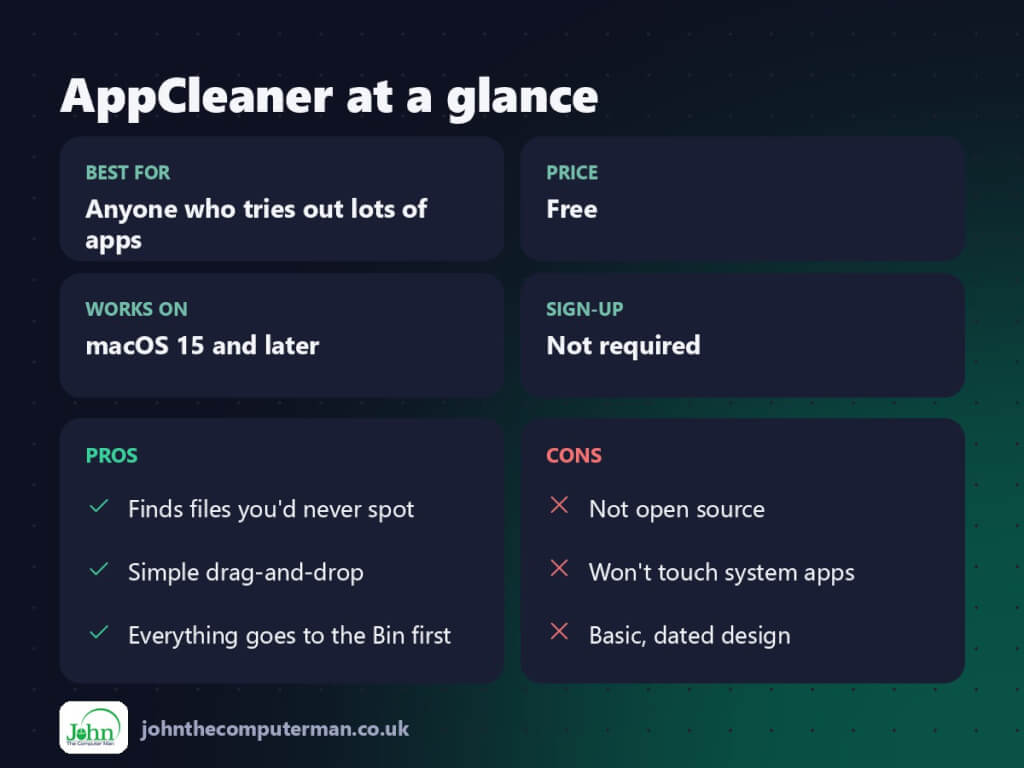
| Finds files you’d never spot | Not open source |
| Simple drag-and-drop | Won’t touch system apps |
| Everything goes to the Bin first | Basic, dated design |
Who is it for?
Best for: Anyone who tries out lots of apps. Works on: macOS 15 and later. Sign-up: Not required.
AppCleaner alternatives
- Pearcleaner: a free, open-source uninstaller with a modern design.
- Launchpad or Finder: built in: fine for App Store apps, but leftovers stay behind.
- CleanMyMac: a paid all-in-one cleaner that includes an uninstaller.
FAQ
Is AppCleaner safe?
Yes. It’s been around for years, it only removes what you tick, and everything goes to the Bin first so nothing is deleted until you empty it.
Can it remove leftovers from apps I’ve already deleted?
Not directly, as it needs the app to know what to look for. Reinstalling and removing it with AppCleaner is the easiest fix.
The verdict
AppCleaner is small, free and does exactly what it says. Keep it in your Applications folder and uninstall things properly from now on.
👉 Try it: freemacsoft.net/appcleaner/
Part of the best free mac tools series on johnthecomputerman.co.uk/. Follow @johnthecomputerman on Instagram for a new free Mac tool every Monday, Wednesday and Friday. Pricing and features were checked in September 2026 and can change, so check the tool’s own site for the latest.
