
Canva is the reason many small businesses and creators never had to learn Photoshop. You pick a template, swap in your words and photos, and download something that looks professionally designed.
The free plan is generous enough that plenty of people never upgrade. Here’s what it includes and how to get more out of it.
What is Canva?
Canva is a browser-based design platform, with desktop and mobile apps, for social media graphics, presentations, posters, documents, videos and more. The free plan includes a large template library, free photos and graphics, a drag-and-drop editor and real-time collaboration.
Key features
Templates for everything
Instagram posts, carousels, thumbnails, slides, CVs and flyers, all at the right size.
Drag-and-drop editor
Swap text, colours and photos in seconds, using a big library of free elements.
Share and collaborate
Edit together in real time, present from the browser, or download PNG, PDF or MP4.
How to get started with Canva
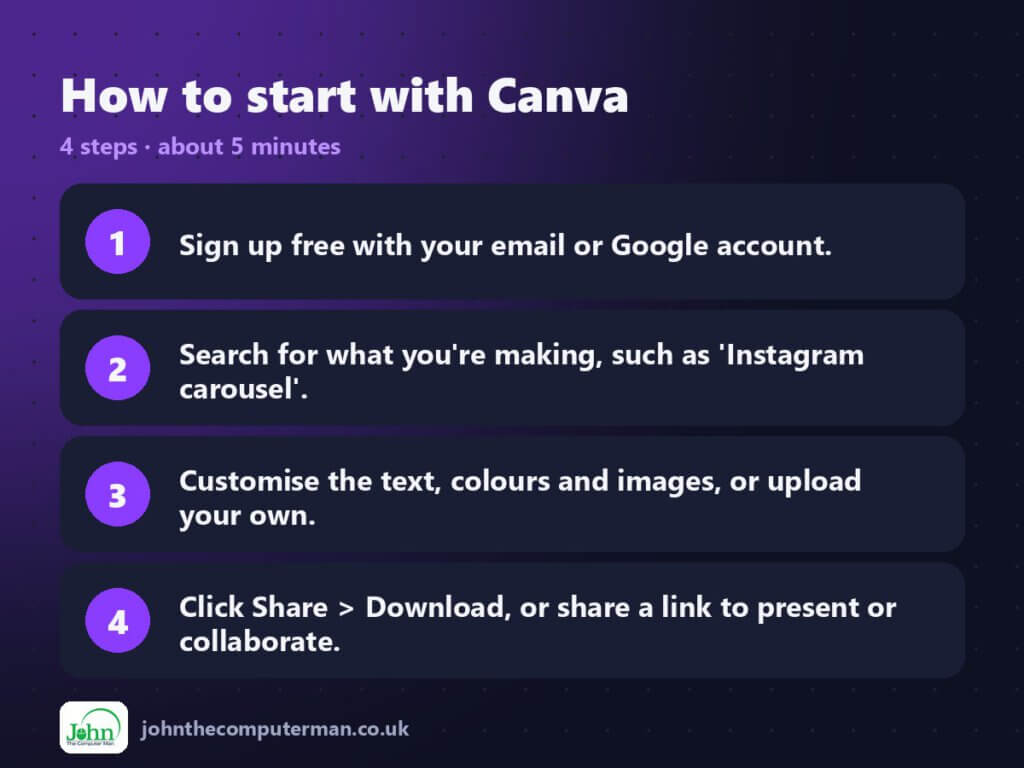
- Sign up free with your email or Google account.
- Search for what you’re making, such as ‘Instagram carousel’.
- Customise the text, colours and images, or upload your own.
- Click Share > Download, or share a link to present or collaborate.
Tips to get more out of it
- Search by exact use (‘YouTube thumbnail’) so the canvas is already the right size.
- Elements with a crown are Pro. Use the Free filter so you don’t design with something you can’t download.
- Save your colours and fonts in a reusable template to keep everything consistent.
Is it really free?
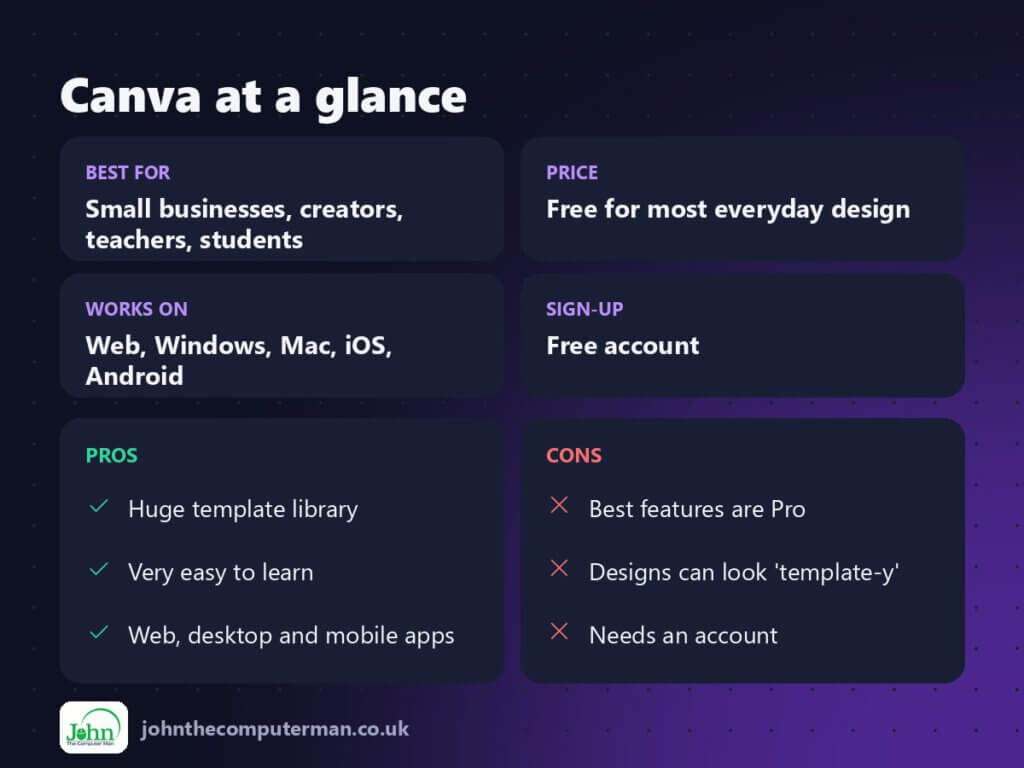
Free for most everyday design. Canva Pro adds premium templates and elements, Brand Kit, Background Remover, one-click resize and more storage.
Pros and cons
| 👍 Pros | 👎 Cons |
|---|---|
| Huge template library | Best features are Pro |
| Very easy to learn | Designs can look ‘template-y’ |
| Web, desktop and mobile apps | Needs an account |
Who is it for?
Best for: Small businesses, creators, teachers, students.
Works on: Web, Windows, Mac, iOS, Android.
Sign-up: Free account.
Canva alternatives
- Adobe Express: a similar template tool with a free plan.
- Figma: more powerful design and UI tool, free for individuals.
- Photopea: for photo editing rather than templates.
FAQ
Can I use Canva Free designs commercially?
Generally yes, for free content, but check Canva’s current licence terms, especially for logos and trademarked use.
Is Canva Pro worth it?
If you regularly need background removal, resizing or brand kits, it can pay for itself quickly. If not, the free plan is enough.
The verdict
For quick, good-looking graphics, Canva Free is hard to beat. Start with templates, make them your own, and upgrade only when you need Pro features.
👉 Try it: www.canva.com
Part of my series on the best free online tools. Pricing and features were checked at the time of writing and can change, so check the tool’s own site for the latest.
