
Most diagram tools want you to get every line perfect. Excalidraw goes the other way. Everything looks hand-sketched, so you think about the idea rather than the pixels, and the results look friendly and clear.
It’s free and open source, needs no account, and lets you invite others to draw with you in real time.
What is Excalidraw?
Excalidraw is a browser-based virtual whiteboard with a distinctive hand-drawn style. You can draw shapes, arrows and text, pull in ready-made shape libraries, collaborate live over an end-to-end encrypted link, and export to PNG or SVG. Your work is saved automatically in your browser.
Key features
Hand-drawn style
Rough, sketchy lines keep diagrams friendly and quick to make. You can switch to cleaner lines when you need them.
Live collaboration
Share a link and draw together in real time. Sessions are end-to-end encrypted.
Libraries and exports
Add community shape libraries (icons, UI kits, cloud architecture) and export to PNG or SVG.
How to get started with Excalidraw
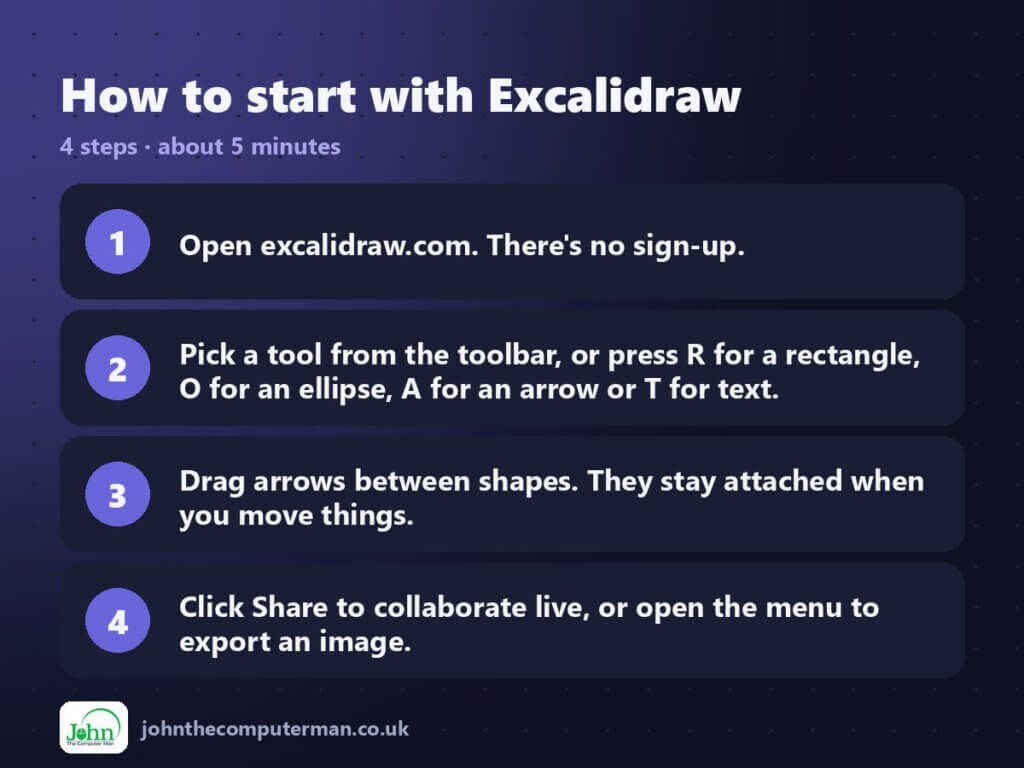
- Open excalidraw.com. There’s no sign-up.
- Pick a tool from the toolbar, or press R for a rectangle, O for an ellipse, A for an arrow or T for text.
- Drag arrows between shapes. They stay attached when you move things.
- Click Share to collaborate live, or open the menu to export an image.
Tips to get more out of it
- When exporting a PNG, tick ‘Embed scene’ so you can drop the image back in later and keep editing.
- Hold Shift while drawing for perfect squares, circles and straight lines.
- Paste Mermaid code using the ‘Mermaid to Excalidraw’ option to turn text into a diagram.
Is it really free?
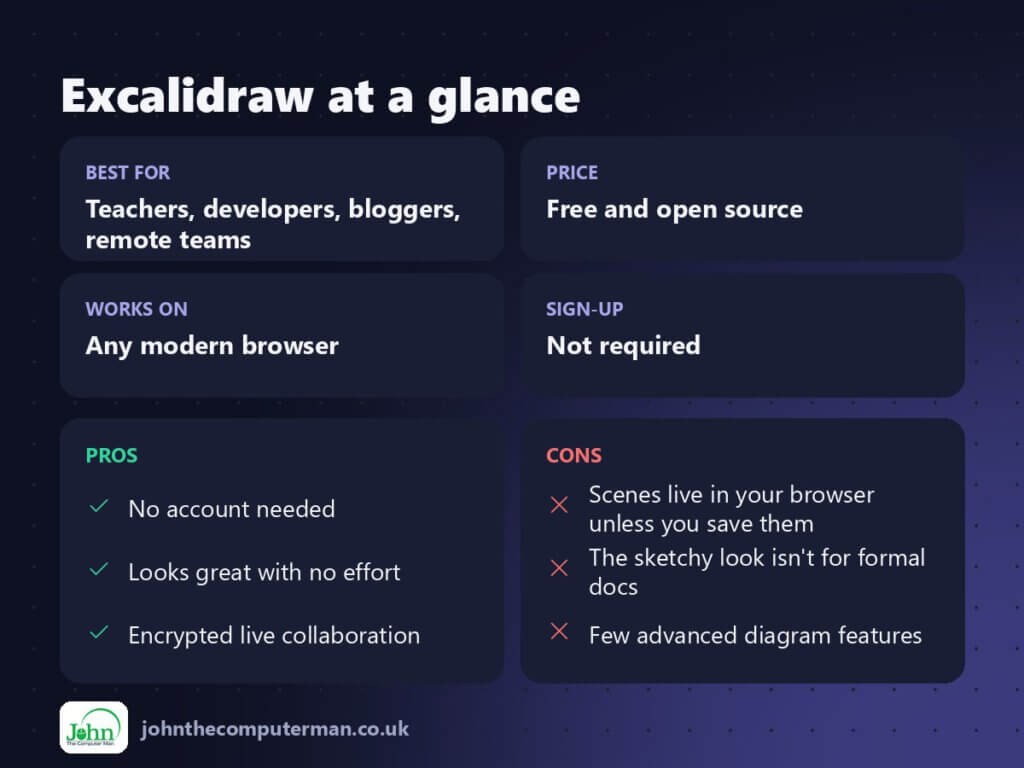
Free and open source. The optional Excalidraw+ subscription adds cloud workspaces, saved scenes and team features.
Pros and cons
| 👍 Pros | 👎 Cons |
|---|---|
| No account needed | Scenes live in your browser unless you save them |
| Looks great with no effort | The sketchy look isn’t for formal docs |
| Encrypted live collaboration | Few advanced diagram features |
Who is it for?
Best for: Teachers, developers, bloggers, remote teams.
Works on: Any modern browser.
Sign-up: Not required.
Excalidraw alternatives
- diagrams.net (draw.io): a free, precise tool for formal flowcharts.
- tldraw: another free, playful canvas.
- Miro: a feature-packed whiteboard with a limited free plan.
FAQ
Where are my drawings saved?
In your browser’s local storage by default. Use Save to file (.excalidraw) to keep a permanent copy.
Can I use Excalidraw diagrams commercially?
Yes. Your drawings are yours, and the tool is open source under the MIT licence.
The verdict
Excalidraw is ideal for quick explainer diagrams, blog illustrations and brainstorming calls. It’s free, fast and nice to use.
👉 Try it: excalidraw.com
Part of my series on the best free online tools. Pricing and features were checked at the time of writing and can change, so check the tool’s own site for the latest.
