The Digital Switchover removes the need for your telephone service running to the exchange by providing it over your broadband router. However, there is a problem if you have more than one telephone, or if your burglar or fire alarm needs to call home, or you have a care system that relies on a telephone line.
Fixing the Digital Switchover problem
The technique I will be demonstrating should give you more telephones and other devices using your existing master socket if you are using wired-in extension sockets.
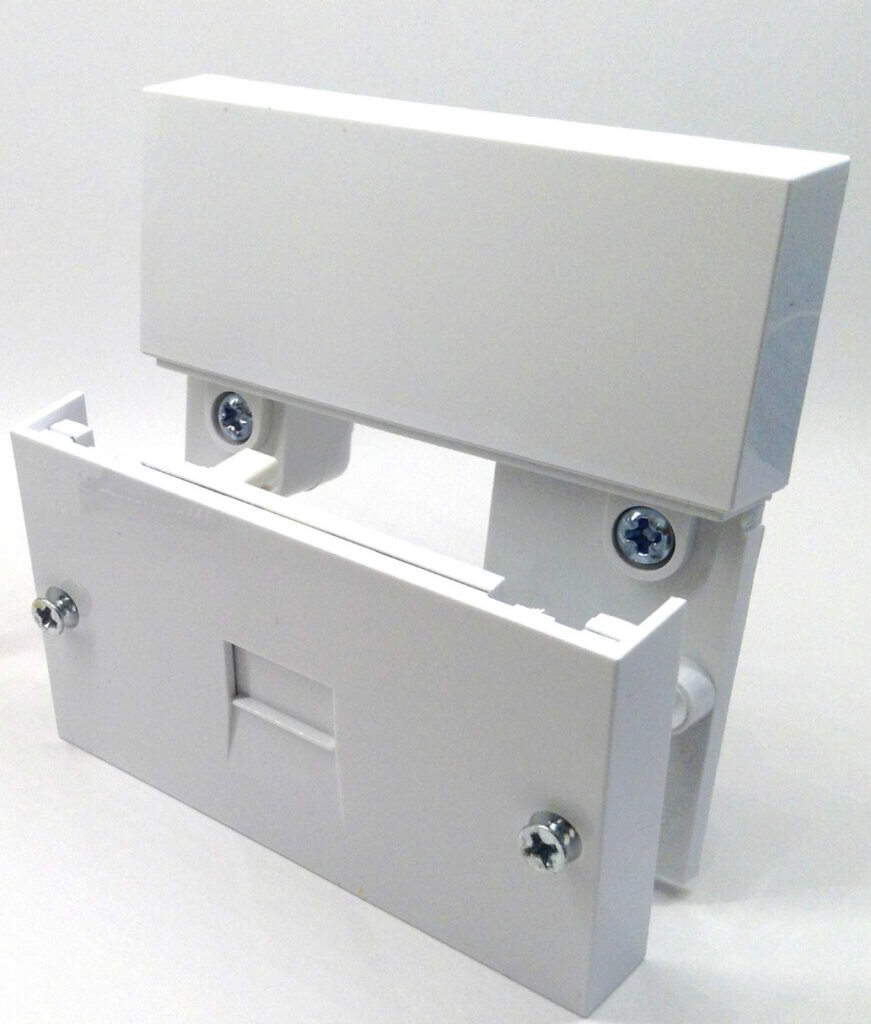
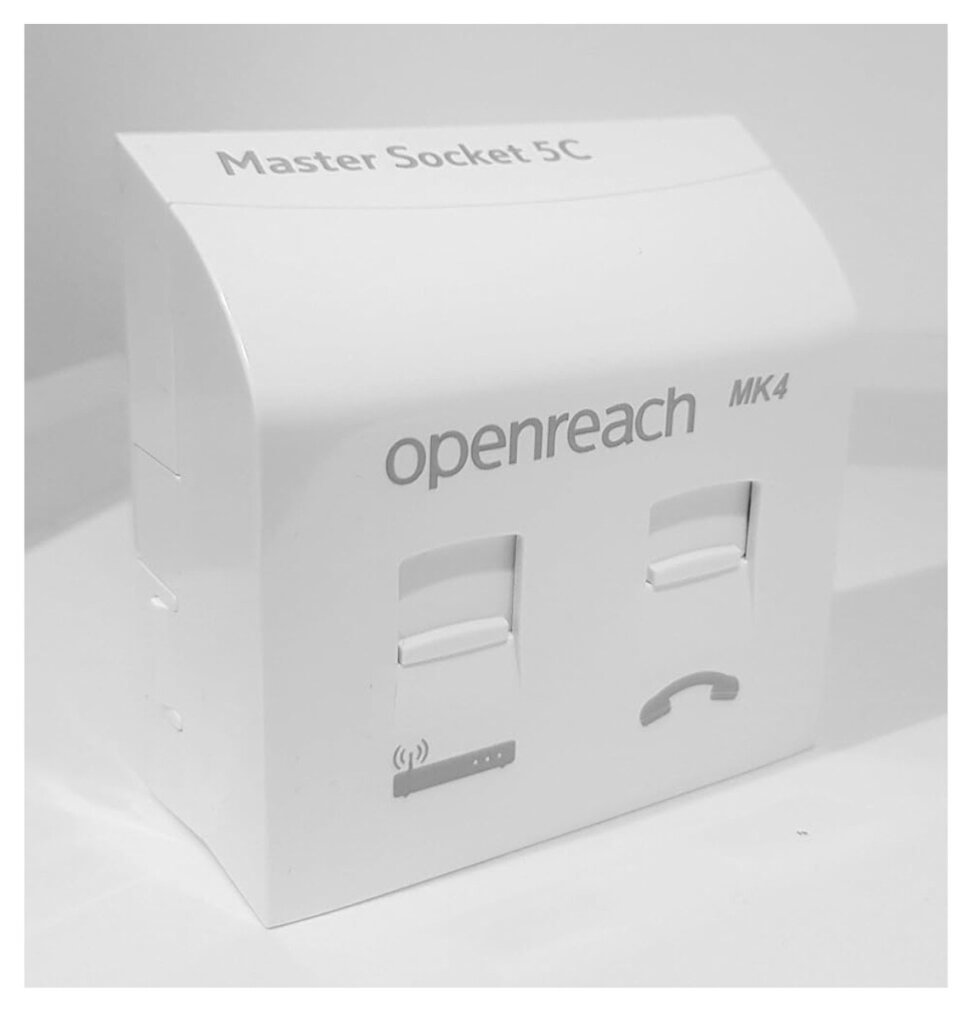
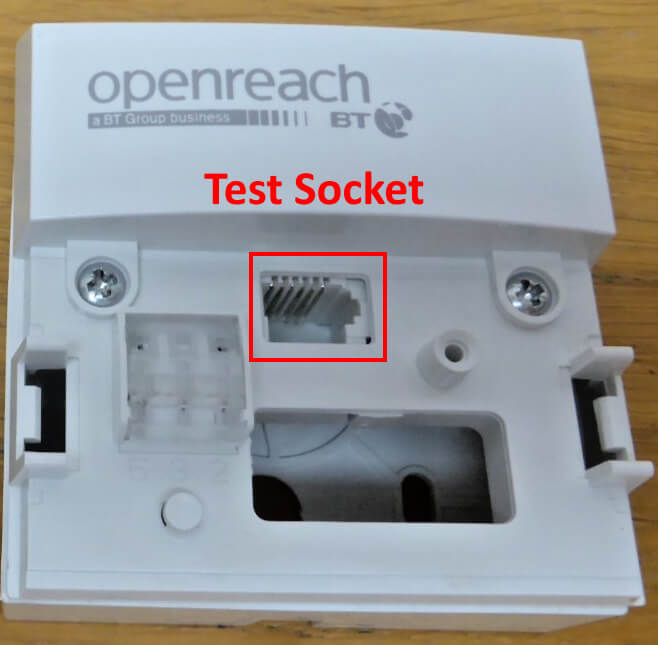
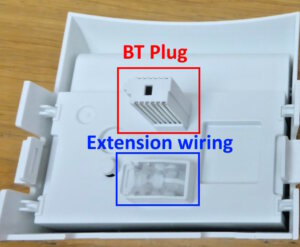
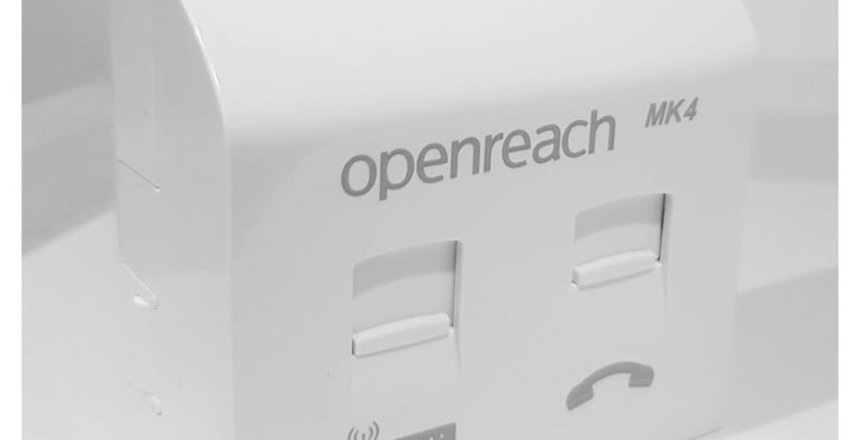
Start by identifying your master socket, there are generally two types, the type with a two part split (NTE 5 and 5A) held in with screws and the type that has two plastic clips that hold it to the plate (NTE 5C)
NTE 5/5A master socket
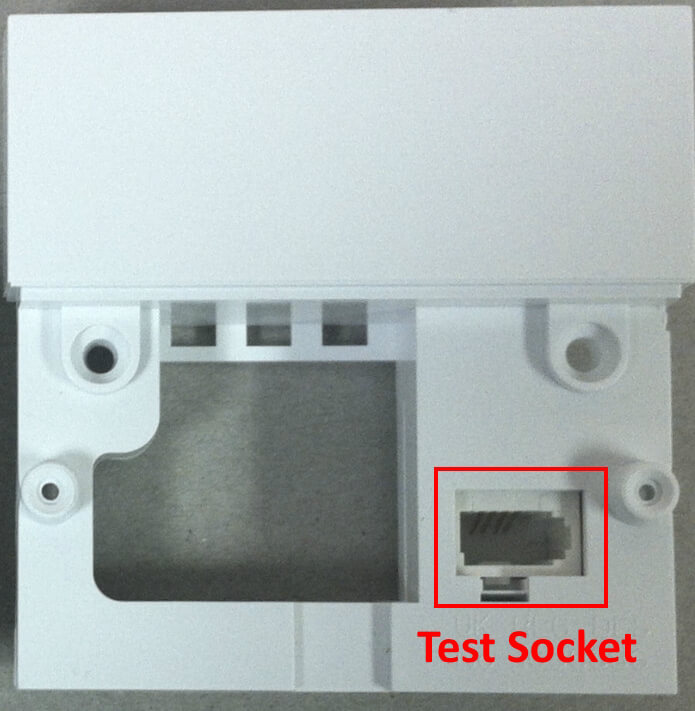
NTE 5/5A test socket location
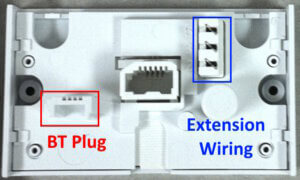
Front panel connections
NTE 5C master socket
NTE C test socket location
Front panel connections
If you have standard broadband or fibre to the cabinet, you will need to plug an ADSL filter into the test socket and connect the cable from your router to it to provide your Internet connection.
If you have full fibre, you won’t need to use the test socket as your Internet is supplied from the fibre adapter via an Ethernet cable.
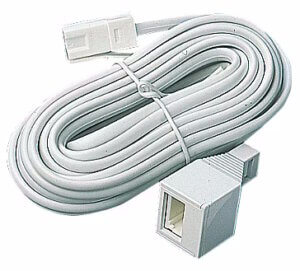
Take a telephone extension cable, the type with a BT socket at one end and a BT plug on the other. Plug the BT plug into the socket of the extension cable and plug the BT plug into your router.
If you don’t have wires connected to the front panel, you don’t have any extensions wired in. If you have a connector on the front of the plate that provides your extensions, plug this into the extension cable instead.