How to Clean Your Phone Safely (Screen, Ports, Speakers and Case)
You touch your phone hundreds of times a day, hold it against your face, put it down on café tables and take it into the bathroom. It gets grubby.
A proper clean takes five minutes and can fix real problems too, like muffled speakers and a charging cable that won't stay in. The trick is knowing what's safe to use and what will damage it.
Before you start: Android menus vary a little between phone makers. The steps below use Google Pixel / standard Android names, with Samsung Galaxy differences noted. If you can't find a setting, tap the search bar at the top of Settings and type its name.
How to clean your phone on Android
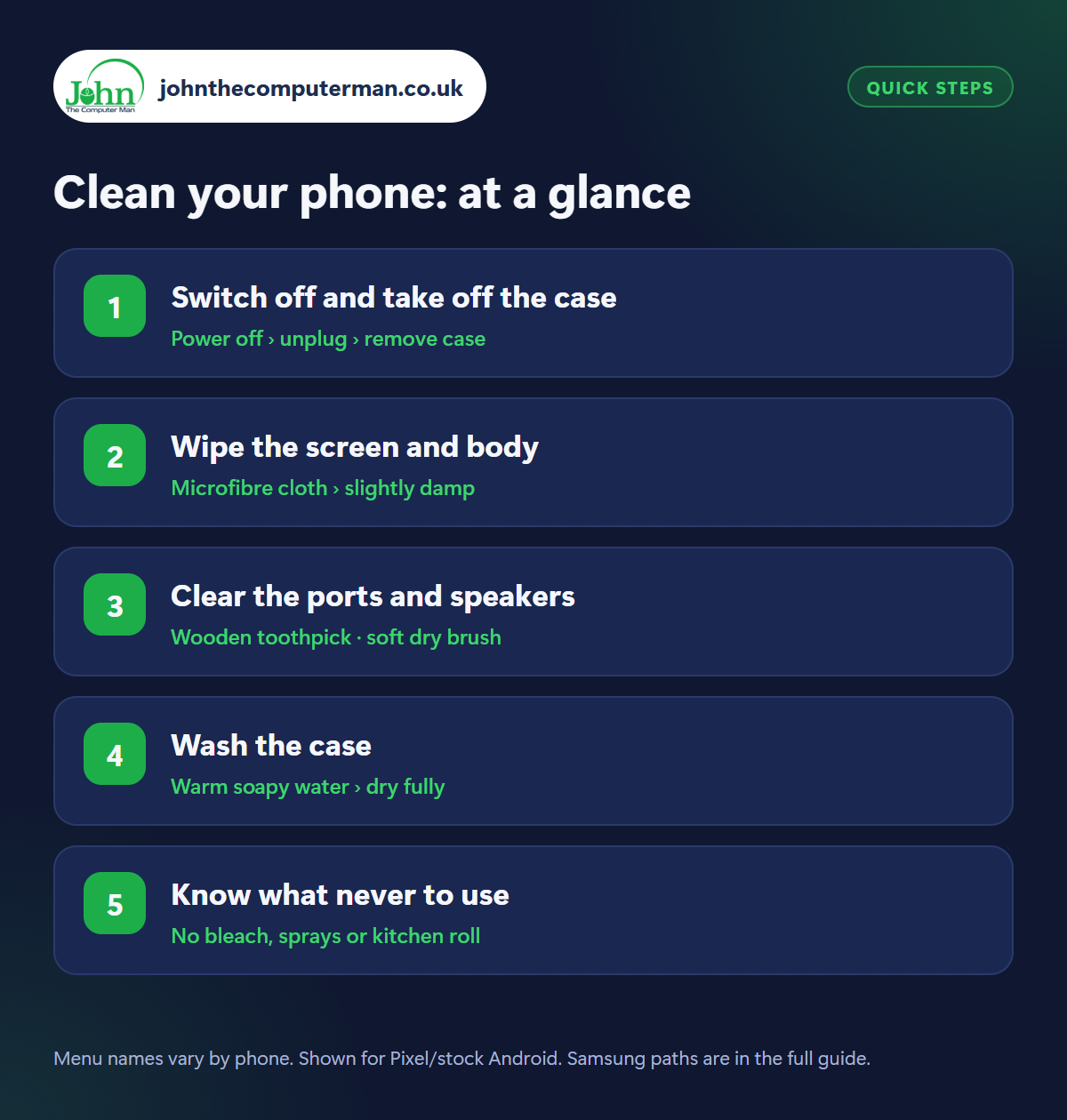
Step 1: Switch off and take off the case
Where: Power off › unplug › remove case
Switch the phone off and unplug any cable or headphones. This stops accidental taps and is safer when anything damp is involved. Take the case off completely. Grit trapped between case and phone is what causes those fine scratches on the back and sides, so cleaning the case separately really matters.
Step 2: Wipe the screen and body
Where: Microfibre cloth › slightly damp
Wipe the screen and body with a soft, lint-free microfibre cloth (the kind for glasses), slightly dampened with plain water. To disinfect, the major phone makers say a 70% isopropyl alcohol wipe is fine on hard surfaces. Wipe gently and keep moisture away from the openings. Never spray anything directly onto the phone.
Step 3: Clear the ports and speakers
Where: Wooden toothpick · soft dry brush
Shine a torch into the charging port. You'll probably see compacted pocket fluff. Ease it out gently with a wooden or plastic toothpick, never metal. Brush the speaker and microphone grilles with a clean, dry, soft toothbrush. Avoid compressed air, which can damage the delicate mesh and force dust further inside.
Step 4: Wash the case
Where: Warm soapy water › dry fully
Silicone, rubber and plastic cases can be washed in warm water with a little washing-up liquid. Scrub the corners and edges with an old toothbrush, rinse, and dry completely before refitting, as trapped moisture is bad for the phone. Leather cases need only a barely damp cloth. If a clear case has turned yellow, that's the plastic ageing, and it won't wash out.
Step 5: Know what never to use
Where: No bleach, sprays or kitchen roll
Phone screens have an oil-repellent coating that helps fingerprints wipe off. Bleach, window cleaner, kitchen and bathroom sprays, vinegar and hand sanitiser gel strip it away. Kitchen roll and tissues are slightly abrasive and leave lint. Don't hold the phone under a running tap either, even if it's water-resistant, and never use a hairdryer to dry it.
Pro tip
💡 Give the camera lenses a wipe with the microfibre cloth while you're at it. A greasy lens is the main reason for hazy, blurry photos.
FAQ
How often should I clean my phone?
A quick wipe of the screen once a week, and a proper clean of the ports and case every month or so.
Can I use antibacterial wipes?
70% isopropyl alcohol wipes are fine. Avoid wipes containing bleach, and don't use them on leather or fabric cases.
Does a screen protector help?
Yes. It takes the scratches and can be replaced cheaply, and you can clean it more freely than the screen itself.
The bottom line
A microfibre cloth, a wooden toothpick and an old toothbrush are all the kit you need. Five minutes a month keeps your phone hygienic and often fixes muffled sound and loose charging cables too.
More Android tutorials:
• How to Use Google Calendar on Android: 5 Things Worth Knowing
• Using Your Android Phone Abroad: 5 Things to Do Before You Fly
• How to Free Up Storage on Your Android Phone (5 Easy Fixes)
• Using Your Android Phone Abroad: 5 Things to Do Before You Fly
• How to Free Up Storage on Your Android Phone (5 Easy Fixes)
Part of the android phone tutorials series on johnthecomputerman.co.uk. Follow @johnthecomputerman on Instagram for more Android tips. Steps were checked on current Android and Samsung One UI versions in September 2026; menu names can change with updates.