AltTab: Windows-Style Window Switching With Previews for Mac (Free)

Command-Tab on a Mac switches between apps, not windows. Got three Safari windows open? Good luck getting to the right one without the mouse. And minimised windows don't show up at all.
AltTab brings Windows-style switching to your Mac. Every open window appears as a preview, including minimised ones, and you pick the one you want. It's free and open source.
What is AltTab?
AltTab is a free, open-source app that brings the Windows Alt-Tab window switcher to macOS. Press its shortcut, Option+Tab by default, to see a thumbnail of every open window across your apps, including minimised and hidden ones, then keep pressing Tab to pick one. You can change the shortcut, the look, and which windows appear.
Key features
Every window, previewed
See a live thumbnail of each open window, so you pick exactly the one you want.
Minimised windows too
Minimised and hidden windows show up, unlike the Mac's Command-Tab.
Make it yours
Choose the shortcut, the style and which windows to include.
How to get started with AltTab
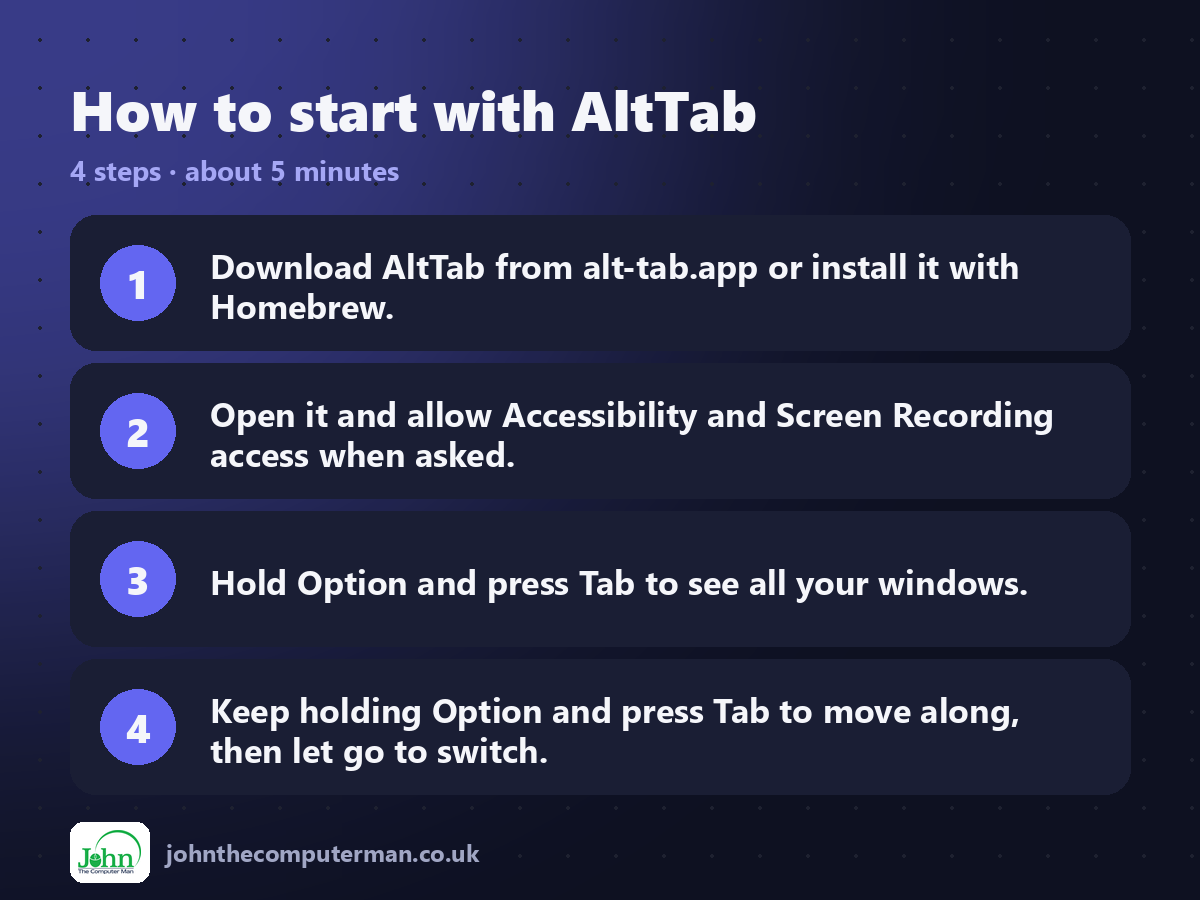
1. Download AltTab from alt-tab.app or install it with Homebrew.
2. Open it and allow Accessibility and Screen Recording access when asked.
3. Hold Option and press Tab to see all your windows.
4. Keep holding Option and press Tab to move along, then let go to switch.
2. Open it and allow Accessibility and Screen Recording access when asked.
3. Hold Option and press Tab to see all your windows.
4. Keep holding Option and press Tab to move along, then let go to switch.
Prefer the command line? If you use Homebrew, the free package manager for Mac, open Terminal and run:
brew install --cask alt-tab
Tips to get more out of it
• Want it on Command-Tab instead? Change the shortcut in Settings > Controls.
• Press Q, W or M while a window is selected to quit, close or minimise it.
• Set it to show only windows on the current screen if you use multiple monitors.
• Screen Recording permission is only used to draw the previews. Nothing is recorded.
• Press Q, W or M while a window is selected to quit, close or minimise it.
• Set it to show only windows on the current screen if you use multiple monitors.
• Screen Recording permission is only used to draw the previews. Nothing is recorded.
Is it really free?
Free and open source. No ads and no paid version. Donations are welcome.
Pros and cons
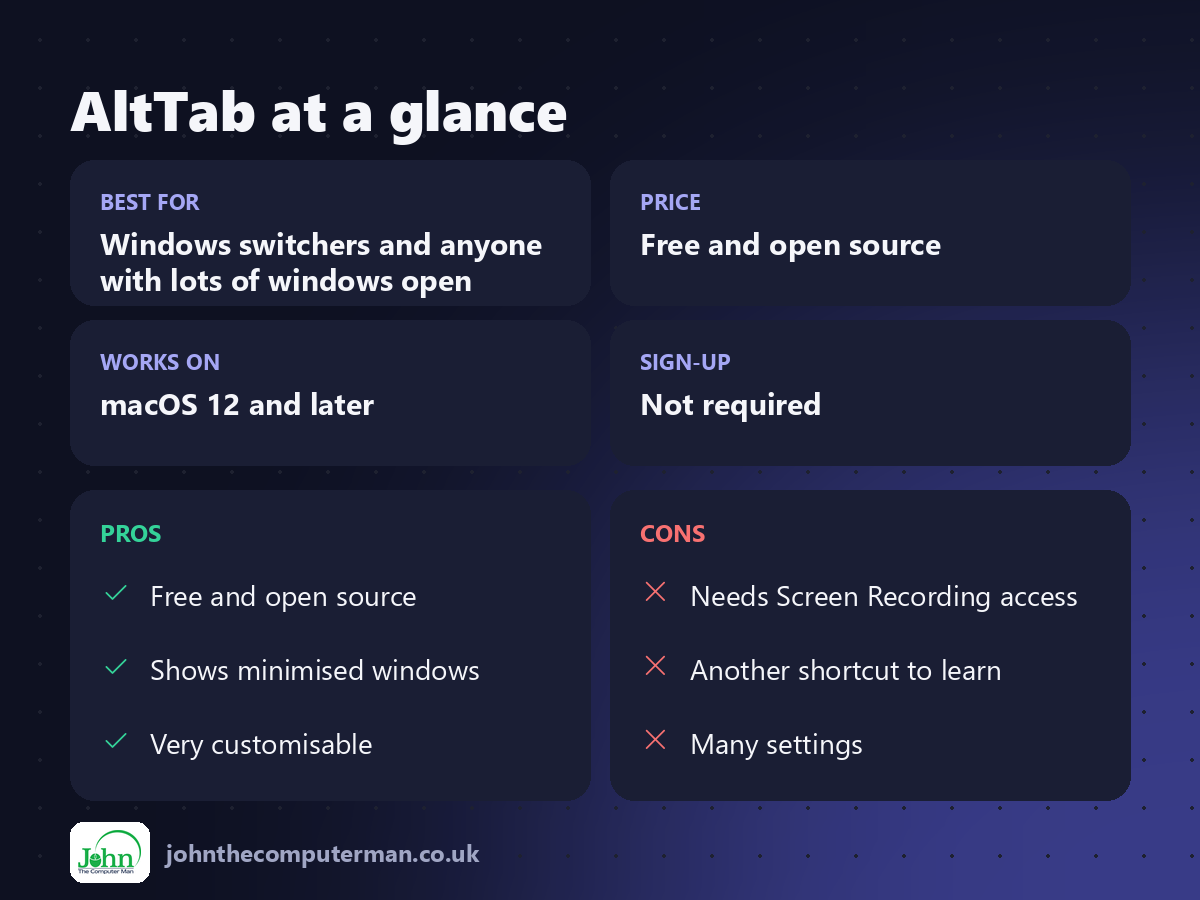
| 👍 Pros | 👎 Cons |
|---|---|
| Free and open source | Needs Screen Recording access |
| Shows minimised windows | Another shortcut to learn |
| Very customisable | Many settings |
Who is it for?
Best for: Windows switchers and anyone with lots of windows open. Works on: macOS 12 and later. Sign-up: Not required.
AltTab alternatives
• Command-` (backtick): built in: cycles through windows of the current app.
• Mission Control: built in: shows all windows, but needs a swipe or key and a click.
• Raycast: has a free 'Switch Windows' command you can search.
• Mission Control: built in: shows all windows, but needs a swipe or key and a click.
• Raycast: has a free 'Switch Windows' command you can search.
FAQ
Why does AltTab need Screen Recording permission?
To show the window previews. It doesn't record or send anything. Without it you'll just see app icons.
Can AltTab replace Command-Tab?
Yes. Set its shortcut to Command+Tab in Settings and it takes over from the Mac's app switcher.
Step-by-step tutorials
The verdict
If you've ever lost a window on your Mac, AltTab is for you. It's free and fast, and it's the single most helpful app for anyone moving from Windows.
👉 Try it: alt-tab.app
Part of the 10 more free mac tools series on johnthecomputerman.co.uk. Follow @johnthecomputerman on Instagram for a new free Mac tool every Monday, Wednesday and Friday. Pricing and features were checked in September 2026 and can change, so check the tool's own site for the latest.
