Background Music: Free Per-App Volume Control for Mac
Your Mac has one volume slider for everything. So when a video call is too quiet and your music is too loud, you can't fix both.
Background Music gives every app its own volume slider in the menu bar, and can pause your music automatically when something else starts playing. It's free and open source.
What is Background Music?
Background Music is a free, open-source audio utility for macOS. It adds a menu bar list of apps playing sound, each with its own volume slider. It can automatically pause your music player when another app plays audio and resume it afterwards, and it can also be used to record your Mac's system audio.
Key features
Volume for each app
Turn down a noisy browser tab without touching your call.
Auto-pause music
Music pauses when a video starts and resumes when it stops.
Record system audio
Choose Background Music as an input to record your Mac's sound.
How to get started with Background Music
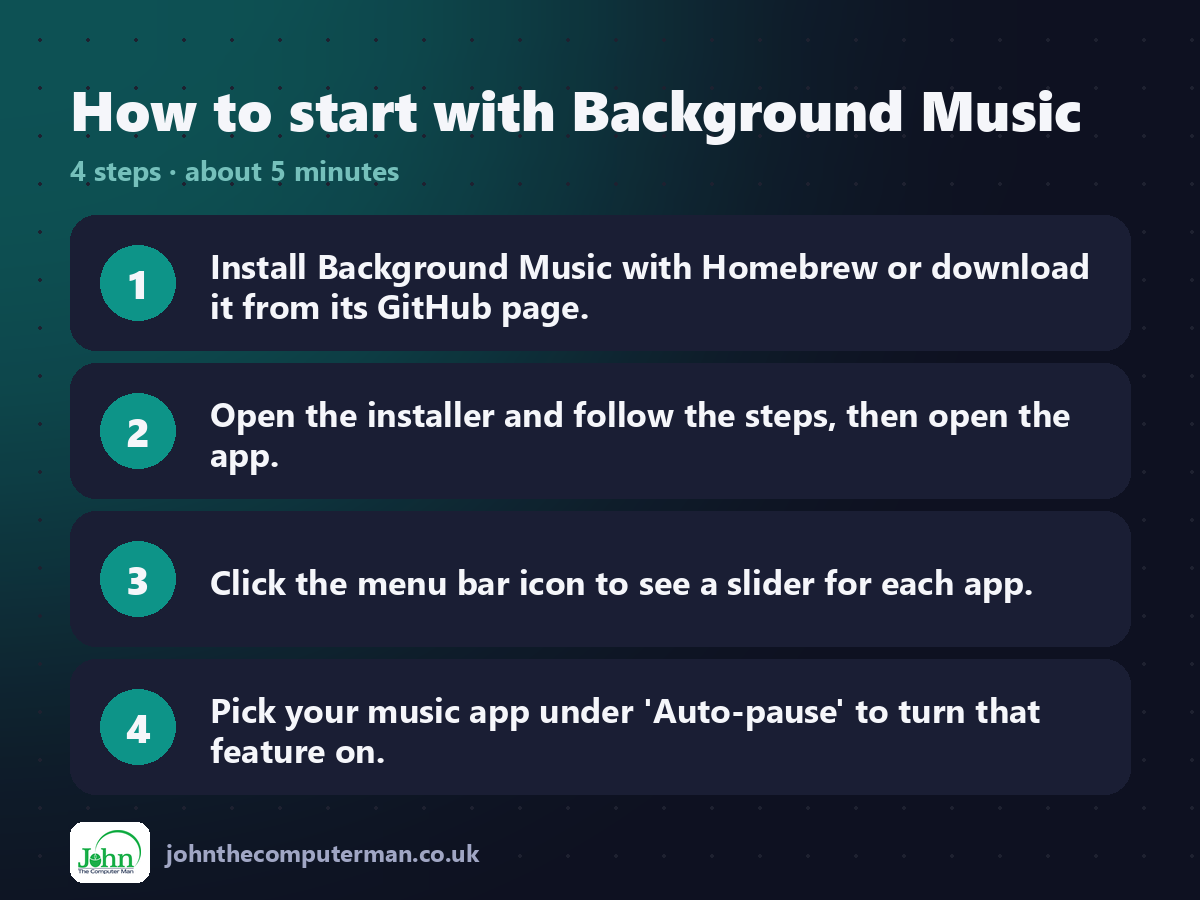
1. Install Background Music with Homebrew or download it from its GitHub page.
2. Open the installer and follow the steps, then open the app.
3. Click the menu bar icon to see a slider for each app.
4. Pick your music app under 'Auto-pause' to turn that feature on.
2. Open the installer and follow the steps, then open the app.
3. Click the menu bar icon to see a slider for each app.
4. Pick your music app under 'Auto-pause' to turn that feature on.
Prefer the command line? If you use Homebrew, the free package manager for Mac, open Terminal and run:
brew install --cask background-music
Tips to get more out of it
• Quit Background Music normally to hand sound back to your usual output.
• If sound stops working, choose your speakers again in System Settings > Sound.
• Use it as a recording input in Audacity or QuickTime to capture Mac audio.
• Pair it with BlackHole if you need more advanced audio routing.
• If sound stops working, choose your speakers again in System Settings > Sound.
• Use it as a recording input in Audacity or QuickTime to capture Mac audio.
• Pair it with BlackHole if you need more advanced audio routing.
Is it really free?
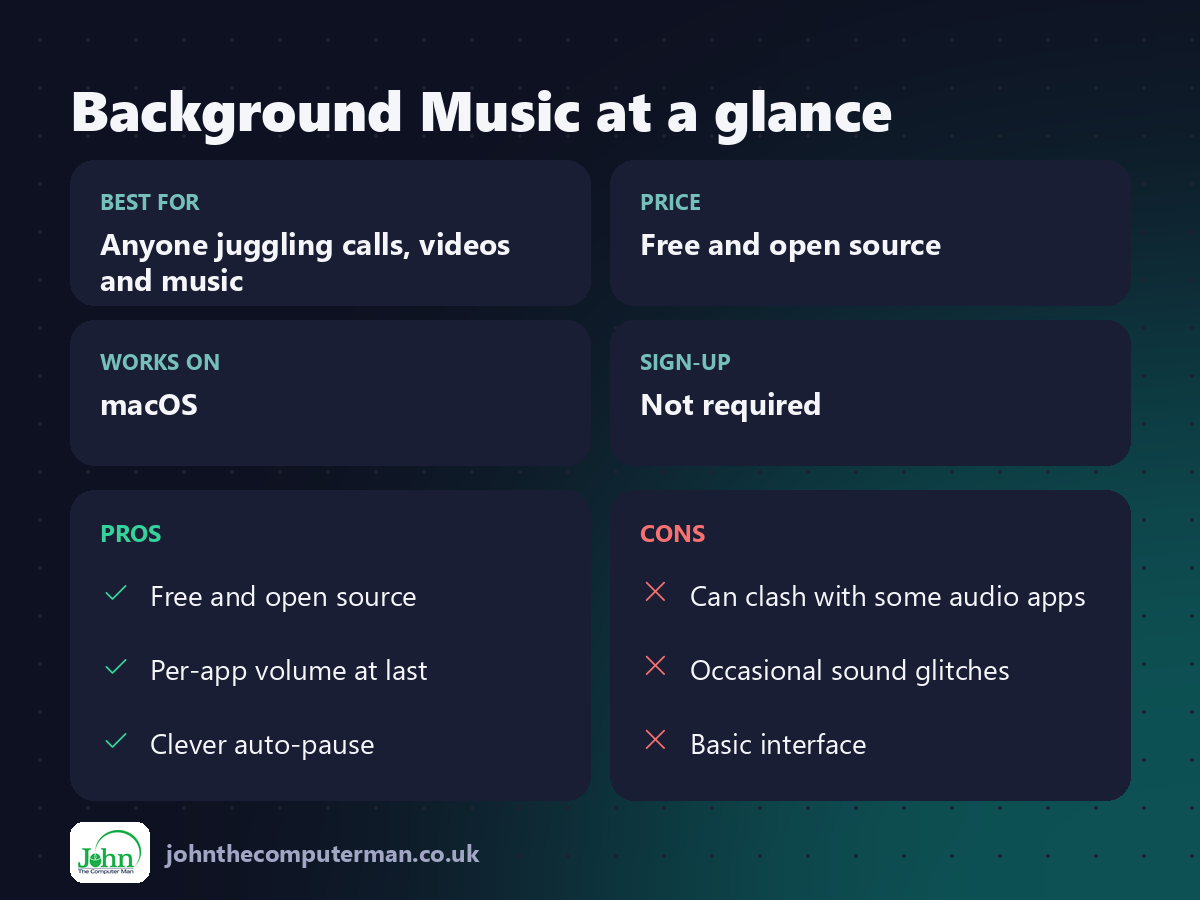
Free and open source. No ads and no paid version.
Pros and cons
| 👍 Pros | 👎 Cons |
|---|---|
| Free and open source | Can clash with some audio apps |
| Per-app volume at last | Occasional sound glitches |
| Clever auto-pause | Basic interface |
Who is it for?
Best for: Anyone juggling calls, videos and music. Works on: macOS. Sign-up: Not required.
Background Music alternatives
• SoundSource: the polished paid option with effects and per-app output.
• eqMac: a system-wide equaliser with a free version.
• BlackHole: free audio routing for recording and streaming.
• eqMac: a system-wide equaliser with a free version.
• BlackHole: free audio routing for recording and streaming.
FAQ
Is Background Music safe?
Yes. It's open source and installs a virtual audio device so it can control each app's volume.
How do I uninstall it?
Use the uninstall script included in the download, or remove it with Homebrew if you installed it that way.
The verdict
Background Music adds something macOS really should have built in: a volume slider for each app. It's free and genuinely useful every day.
👉 Try it: github.com/kyleneideck/BackgroundMusic
Part of the hidden-gem mac apps series on johnthecomputerman.co.uk. Follow @johnthecomputerman on Instagram for a new free Mac tool every Monday, Wednesday and Friday. Pricing and features were checked in September 2026 and can change, so check the tool's own site for the latest.
