Bambu Studio for Mac: Free Slicer for Bambu Lab 3D Printers
Bambu Lab printers made 3D printing faster and easier, especially multi-colour printing. Bambu Studio is the free app that prepares your prints and sends them to the printer.
It's open source, based on PrusaSlicer, and adds colour painting, multi-plate projects and sending prints over your network. It works with some other printers too.
What is Bambu Studio?
Bambu Studio is a free, open-source slicer from Bambu Lab for Mac, Windows and Linux, based on PrusaSlicer. It's designed for Bambu Lab printers, with profiles, filament settings and features like painting colours onto models for the AMS multi-material system, multiple build plates in one project, and sending jobs to your printer over the cloud or your local network. It also includes profiles for some third-party printers.
Key features
Paint on colours
Paint colours onto a model and print it with the AMS.
Multi-plate projects
Organise big projects across several build plates.
Print over the network
Send prints and watch progress from your Mac.
How to get started with Bambu Studio
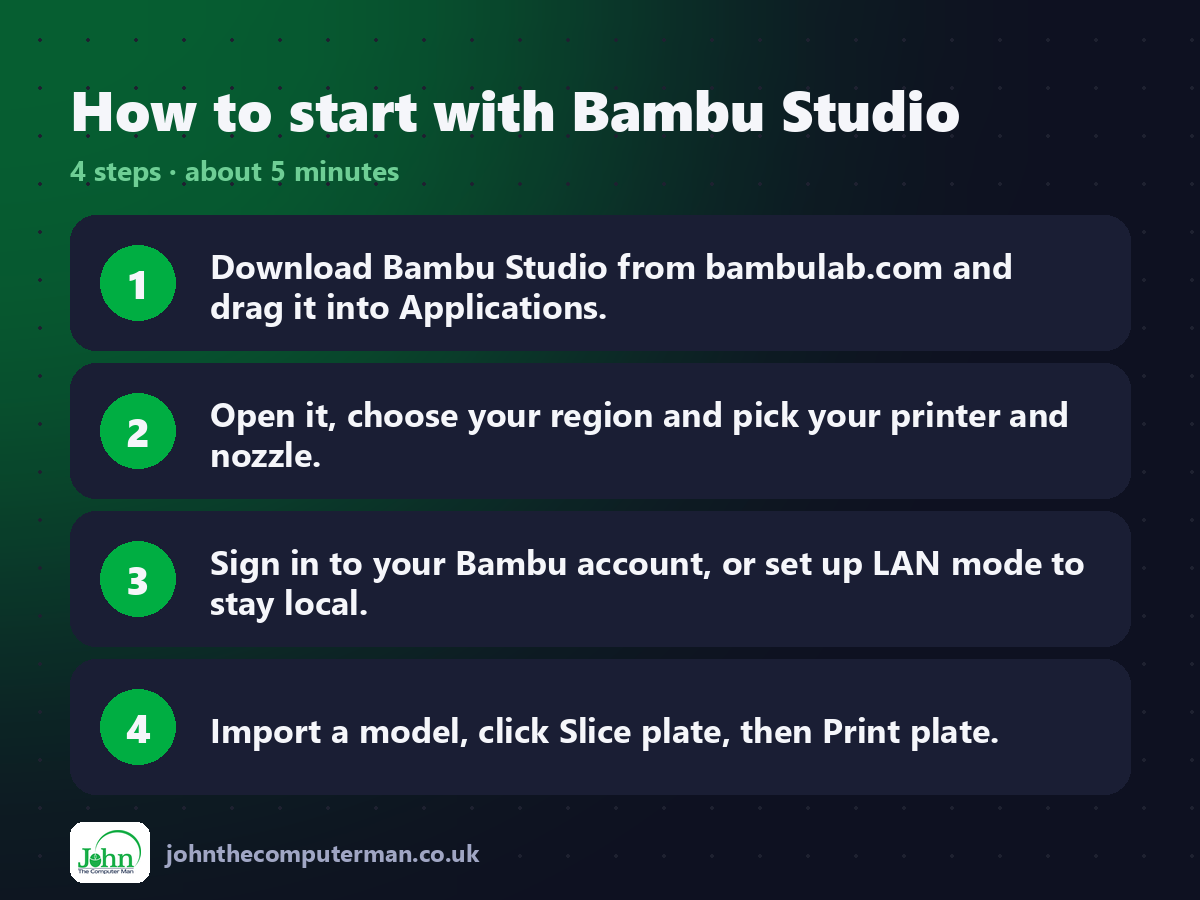
1. Download Bambu Studio from bambulab.com and drag it into Applications.
2. Open it, choose your region and pick your printer and nozzle.
3. Sign in to your Bambu account, or set up LAN mode to stay local.
4. Import a model, click Slice plate, then Print plate.
2. Open it, choose your region and pick your printer and nozzle.
3. Sign in to your Bambu account, or set up LAN mode to stay local.
4. Import a model, click Slice plate, then Print plate.
Prefer the command line? If you use Homebrew, the free package manager for Mac, open Terminal and run:
brew install --cask bambu-studio
Tips to get more out of it
• Download models directly from MakerWorld, which opens them in Bambu Studio.
• Use Paint mode to add colours to a single-colour model.
• Try LAN-only mode if you'd rather not use Bambu's cloud.
• Check the preview's filament changes to estimate waste on multi-colour prints.
• Use Paint mode to add colours to a single-colour model.
• Try LAN-only mode if you'd rather not use Bambu's cloud.
• Check the preview's filament changes to estimate waste on multi-colour prints.
Is it really free?
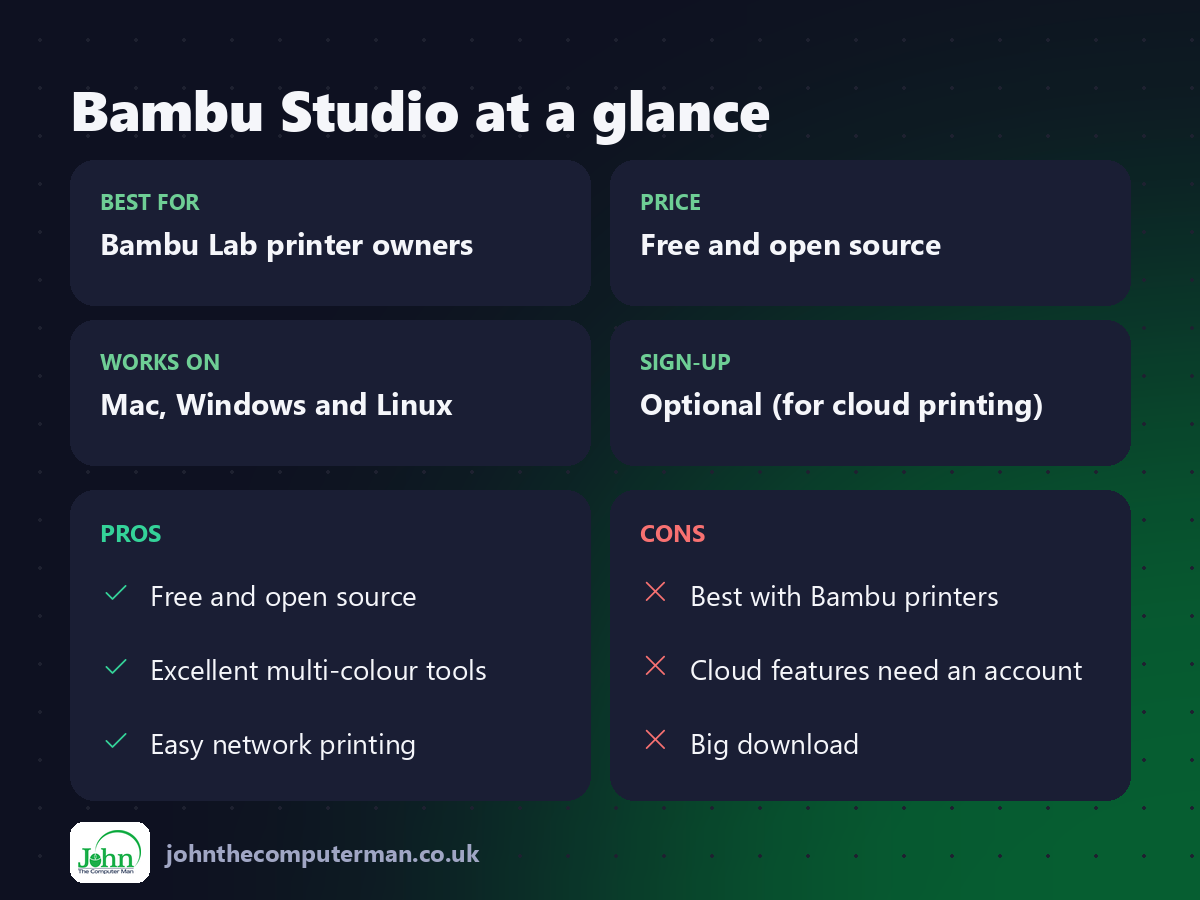
Free and open source. A Bambu account is optional for cloud printing.
Pros and cons
| 👍 Pros | 👎 Cons |
|---|---|
| Free and open source | Best with Bambu printers |
| Excellent multi-colour tools | Cloud features need an account |
| Easy network printing | Big download |
Who is it for?
Best for: Bambu Lab printer owners. Works on: Mac, Windows and Linux. Sign-up: Optional (for cloud printing).
Bambu Studio alternatives
• OrcaSlicer: a free community slicer based on Bambu Studio, for many printers.
• PrusaSlicer: the free slicer Bambu Studio was built on.
• UltiMaker Cura: a free slicer with a huge list of printer profiles.
• PrusaSlicer: the free slicer Bambu Studio was built on.
• UltiMaker Cura: a free slicer with a huge list of printer profiles.
FAQ
Do I need a Bambu account?
Only for cloud printing. You can use LAN mode to print on your local network.
Does it work with other printers?
It includes some third-party profiles, but OrcaSlicer or PrusaSlicer support more brands.
The verdict
If you own a Bambu Lab printer, Bambu Studio is the obvious choice. It's free, polished, and makes multi-colour printing genuinely easy.
👉 Try it: bambulab.com/en/download/studio
Part of the free creative apps for mac series on johnthecomputerman.co.uk. Follow @johnthecomputerman on Instagram for a new free Mac tool every Monday, Wednesday and Friday. Pricing and features were checked in September 2026 and can change, so check the tool's own site for the latest.
