PrusaSlicer for Mac: Free 3D Printing Slicer (Not Just for Prusa Printers)
A 3D printer can only print what the slicer tells it. The slicer turns your 3D model into layer-by-layer instructions, and a good one makes a huge difference to print quality.
PrusaSlicer is one of the best, and it's free and open source. Despite the name, it works with many printers from other brands too.
What is PrusaSlicer?
PrusaSlicer is a free, open-source slicer from Prusa Research for Mac, Windows and Linux. It prepares 3D models (STL, 3MF, OBJ, STEP) for printing, with profiles for Prusa and many third-party printers. Features include paint-on supports and seams, organic tree supports, variable layer height, multi-material painting, modifiers for different settings in parts of a model, and direct upload to networked printers.
Key features
Paint-on supports
Paint exactly where supports go, and where they don't.
Organic supports
Tree-like supports that use less material and snap off cleanly.
Variable layer height
Fine layers where detail matters, faster layers elsewhere.
How to get started with PrusaSlicer
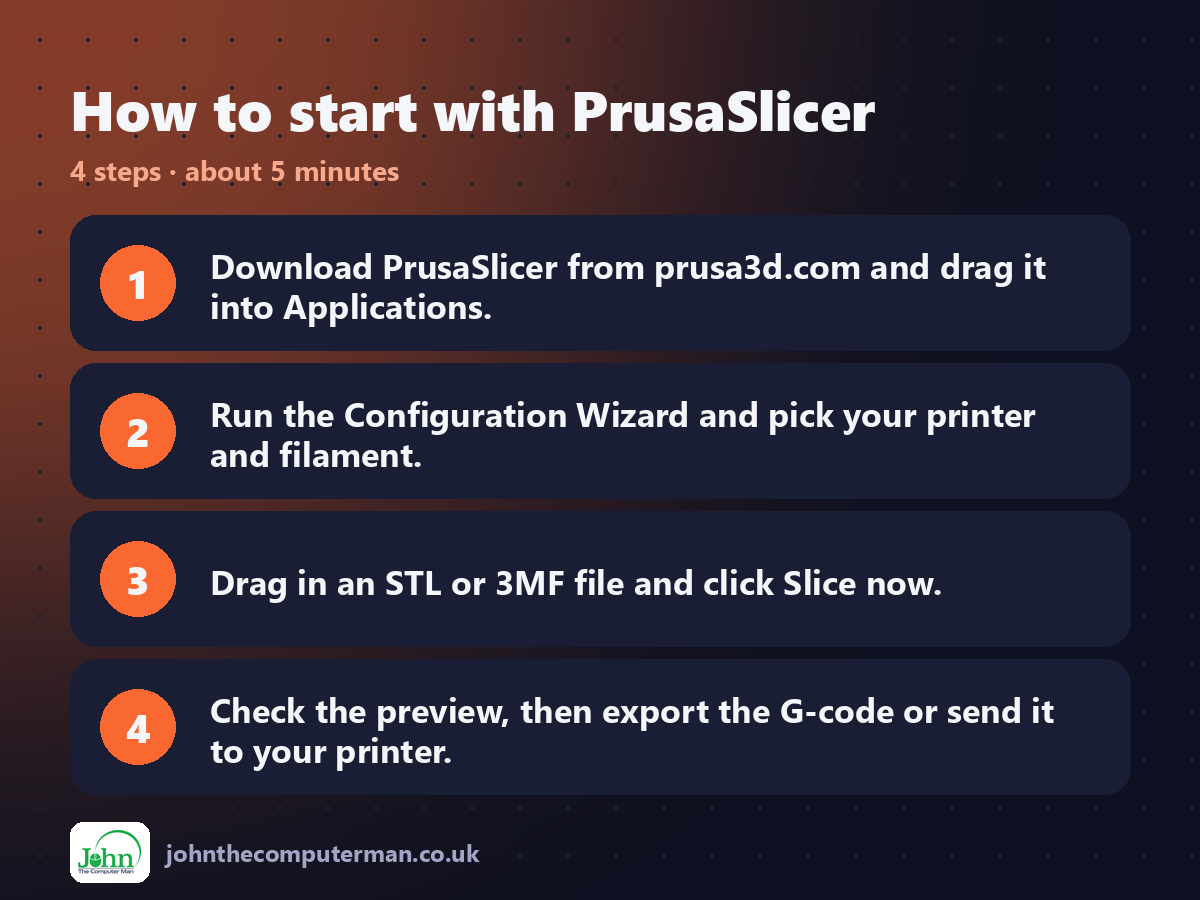
1. Download PrusaSlicer from prusa3d.com and drag it into Applications.
2. Run the Configuration Wizard and pick your printer and filament.
3. Drag in an STL or 3MF file and click Slice now.
4. Check the preview, then export the G-code or send it to your printer.
2. Run the Configuration Wizard and pick your printer and filament.
3. Drag in an STL or 3MF file and click Slice now.
4. Check the preview, then export the G-code or send it to your printer.
Prefer the command line? If you use Homebrew, the free package manager for Mac, open Terminal and run:
brew install --cask prusaslicer
Tips to get more out of it
• Press the layer slider in preview to check each layer before printing.
• Use Arrange (A) to place multiple parts neatly on the bed.
• Try organic supports for figures and models with overhangs.
• Save your own filament profiles once you've tuned temperatures.
• Use Arrange (A) to place multiple parts neatly on the bed.
• Try organic supports for figures and models with overhangs.
• Save your own filament profiles once you've tuned temperatures.
Is it really free?
Free and open source. No ads, no account and no paid version.
Pros and cons
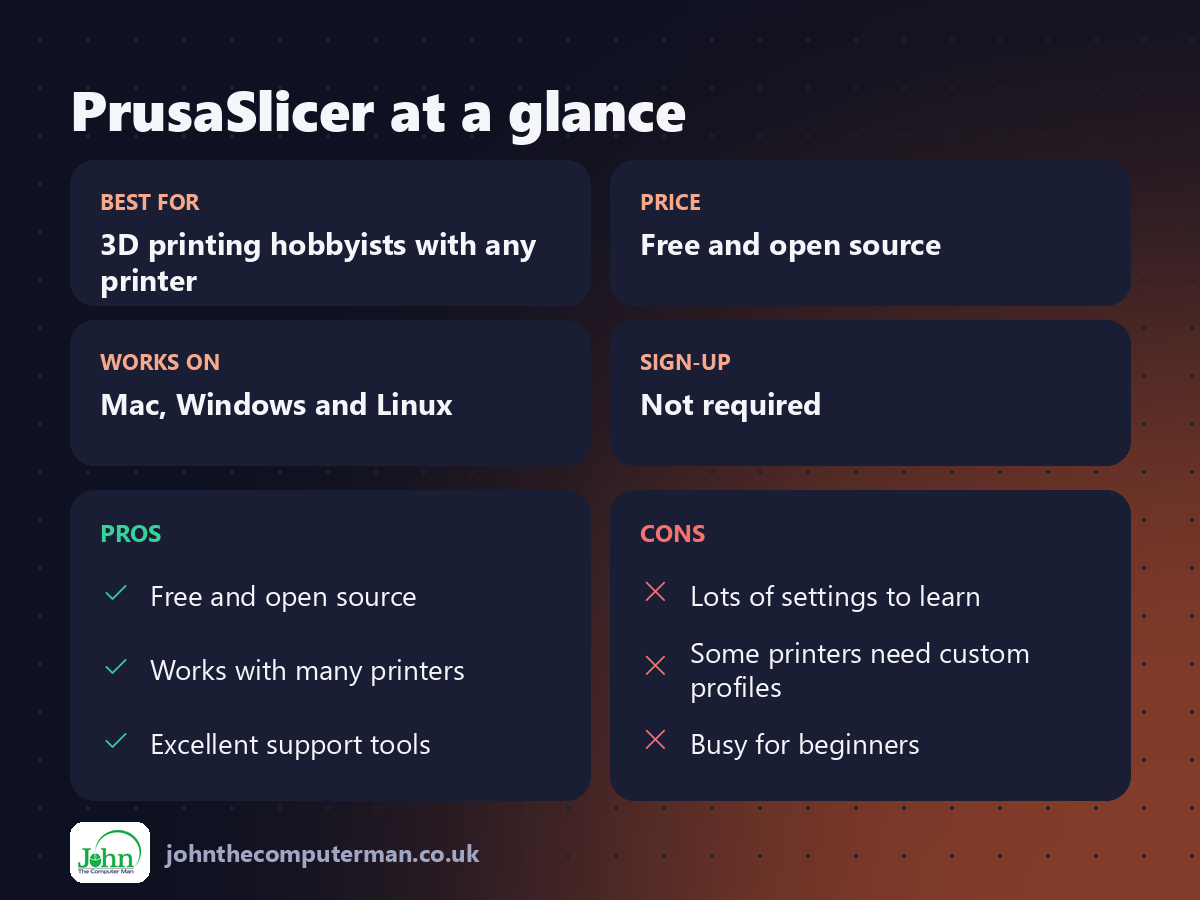
| 👍 Pros | 👎 Cons |
|---|---|
| Free and open source | Lots of settings to learn |
| Works with many printers | Some printers need custom profiles |
| Excellent support tools | Busy for beginners |
Who is it for?
Best for: 3D printing hobbyists with any printer. Works on: Mac, Windows and Linux. Sign-up: Not required.
PrusaSlicer alternatives
• UltiMaker Cura: a free slicer with a huge list of printer profiles.
• Bambu Studio: a free slicer built for Bambu Lab printers.
• OrcaSlicer: a free, community slicer popular for its calibration tools.
• Bambu Studio: a free slicer built for Bambu Lab printers.
• OrcaSlicer: a free, community slicer popular for its calibration tools.
FAQ
Does PrusaSlicer work with non-Prusa printers?
Yes. It includes profiles for many brands, and you can create custom profiles for others.
Is it free?
Yes. It's open source with no paid version or account required.
The verdict
PrusaSlicer is one of the best slicers available, free or paid. If your prints could be better, try it before blaming your printer.
👉 Try it: www.prusa3d.com/prusaslicer/
Part of the free creative apps for mac series on johnthecomputerman.co.uk. Follow @johnthecomputerman on Instagram for a new free Mac tool every Monday, Wednesday and Friday. Pricing and features were checked in September 2026 and can change, so check the tool's own site for the latest.
