GDevelop for Mac: Make Games Without Coding (Free and Open Source)
Lots of people have a game idea but get stuck on learning to code. That's where most game dreams end.
GDevelop lets you make games with events, simple 'when this happens, do that' rules, instead of code. Start from a template, change it, and publish it to the web in an afternoon.
What is GDevelop?
GDevelop is a free, open-source game engine that uses a visual event system instead of code. It supports 2D and 3D games, has ready-made behaviours for platformers, top-down movement, physics and more, a library of templates and free assets, and exports to the web, Android, iOS, Mac, Windows and Linux. A free account unlocks online exports, and paid plans add more cloud builds and extras.
Key features
No coding needed
Build logic with simple events like 'when player touches coin, add 1 to score'.
Templates to start
Platformers, shooters and more, ready to customise.
Publish anywhere
Export to the web, phones and desktop.
How to get started with GDevelop
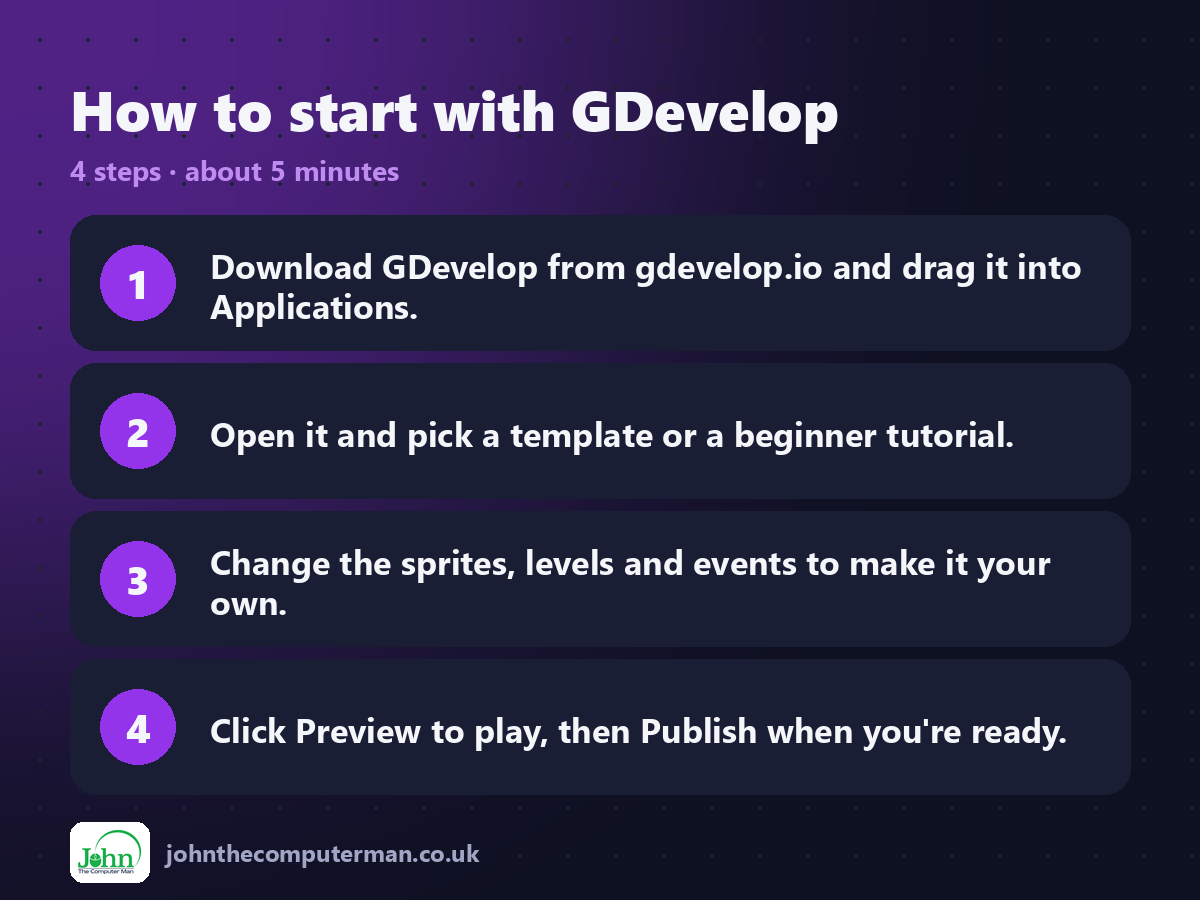
1. Download GDevelop from gdevelop.io and drag it into Applications.
2. Open it and pick a template or a beginner tutorial.
3. Change the sprites, levels and events to make it your own.
4. Click Preview to play, then Publish when you're ready.
2. Open it and pick a template or a beginner tutorial.
3. Change the sprites, levels and events to make it your own.
4. Click Preview to play, then Publish when you're ready.
Prefer the command line? If you use Homebrew, the free package manager for Mac, open Terminal and run:
brew install --cask gdevelop
Tips to get more out of it
• Start from a template and change it, rather than starting blank.
• Follow the in-app tutorials. They're short and very good.
• Use behaviours like Platformer character to skip the hard parts.
• Share to gd.games so friends can play in their browser.
• Follow the in-app tutorials. They're short and very good.
• Use behaviours like Platformer character to skip the hard parts.
• Share to gd.games so friends can play in their browser.
Is it really free?
Free and open source. Optional paid plans add more cloud exports, assets and AI tools.
Pros and cons
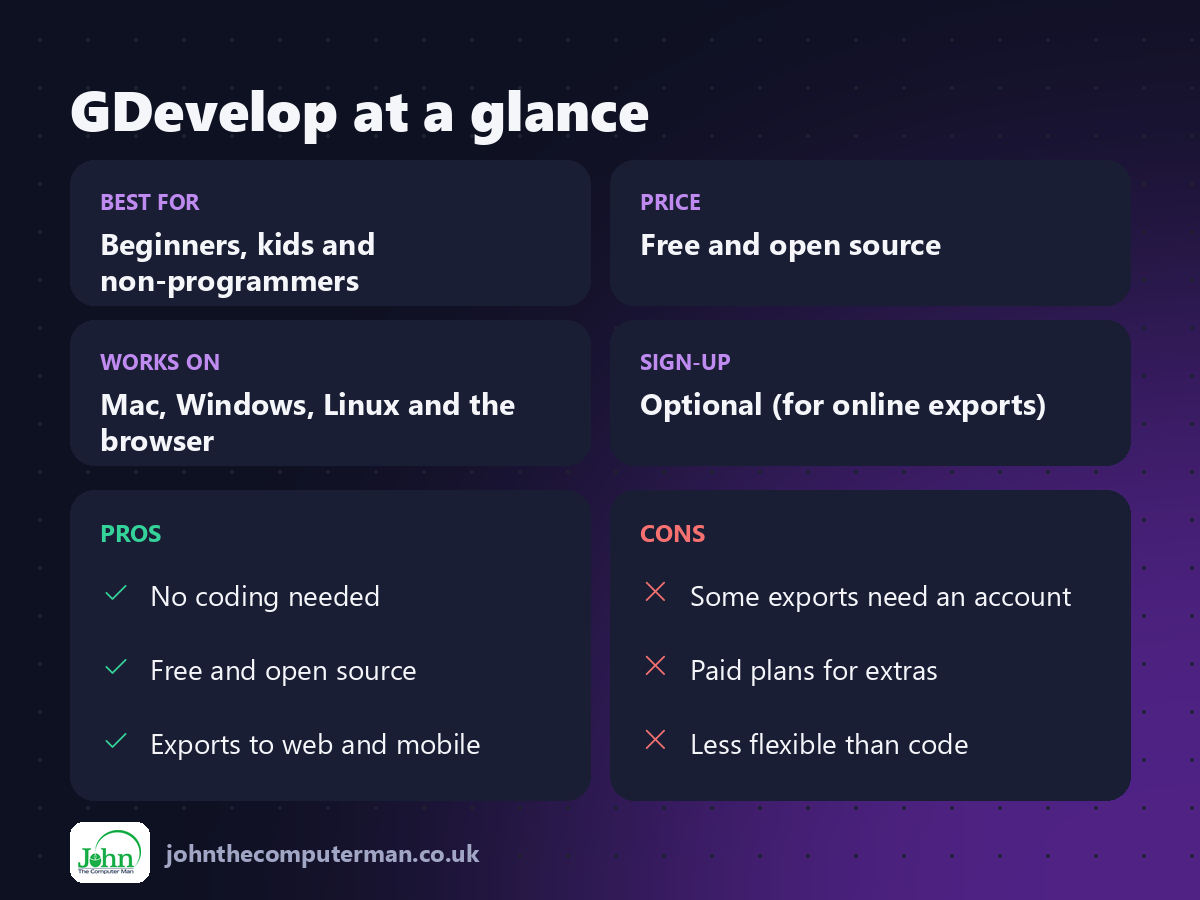
| 👍 Pros | 👎 Cons |
|---|---|
| No coding needed | Some exports need an account |
| Free and open source | Paid plans for extras |
| Exports to web and mobile | Less flexible than code |
Who is it for?
Best for: Beginners, kids and non-programmers. Works on: Mac, Windows, Linux and the browser. Sign-up: Optional (for online exports).
GDevelop alternatives
• Godot: a free, open-source engine that uses code, more powerful long-term.
• Scratch: free, block-based coding for kids.
• GameMaker: a popular 2D engine, free for non-commercial use.
• Scratch: free, block-based coding for kids.
• GameMaker: a popular 2D engine, free for non-commercial use.
FAQ
Is GDevelop really free?
Yes. The engine is free and open source. Paid plans only add extra cloud builds and services.
Can I sell games made with GDevelop?
Yes. Your games are yours, with no royalties.
The verdict
GDevelop is the fastest way from game idea to playable game, no coding required. Start with a template tonight and share it with friends tomorrow.
👉 Try it: gdevelop.io
Part of the free creative apps for mac series on johnthecomputerman.co.uk. Follow @johnthecomputerman on Instagram for a new free Mac tool every Monday, Wednesday and Friday. Pricing and features were checked in September 2026 and can change, so check the tool's own site for the latest.
