Godot for Mac: The Free, Open-Source Game Engine (Beginner's Guide)
Game engines used to cost a fortune, and some popular ones still take a cut of your earnings or change their terms without warning.
Godot is free and open source under the MIT licence. There are no royalties, no fees and no strings. It's lightweight, runs well on a Mac, and is used for hit indie games.
What is Godot?
Godot is a free, open-source game engine for making 2D and 3D games. It uses a scene-and-node system that's easy to understand, its own beginner-friendly scripting language GDScript (C# is also supported), a built-in code editor, animation tools and more. Games can be exported to Mac, Windows, Linux, the web, Android and iOS. The whole engine is a small download.
Key features
No royalties, ever
MIT licensed. Your game is 100% yours, including all the money it makes.
Great for 2D and 3D
Dedicated 2D tools plus a capable 3D renderer.
Easy scripting
GDScript is simple and Python-like, perfect for beginners.
How to get started with Godot
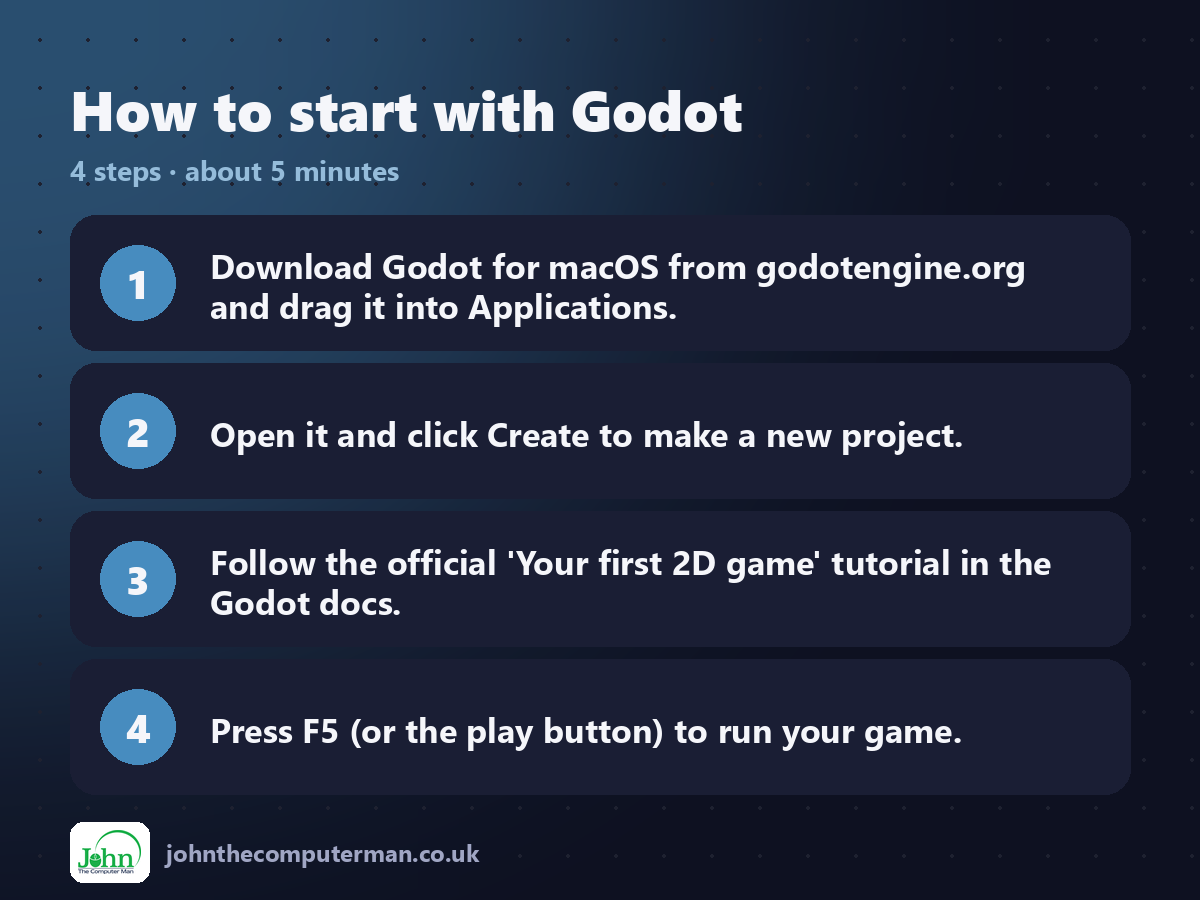
1. Download Godot for macOS from godotengine.org and drag it into Applications.
2. Open it and click Create to make a new project.
3. Follow the official 'Your first 2D game' tutorial in the Godot docs.
4. Press F5 (or the play button) to run your game.
2. Open it and click Create to make a new project.
3. Follow the official 'Your first 2D game' tutorial in the Godot docs.
4. Press F5 (or the play button) to run your game.
Prefer the command line? If you use Homebrew, the free package manager for Mac, open Terminal and run:
brew install --cask godot
Tips to get more out of it
• Start with the official 'Your first 2D game' tutorial. It covers the basics in an afternoon.
• Make lots of small games before trying a big one.
• Use the built-in docs: Ctrl-click (or Command-click) any function to read about it.
• Browse the Asset Library for free templates and tools.
• Make lots of small games before trying a big one.
• Use the built-in docs: Ctrl-click (or Command-click) any function to read about it.
• Browse the Asset Library for free templates and tools.
Is it really free?
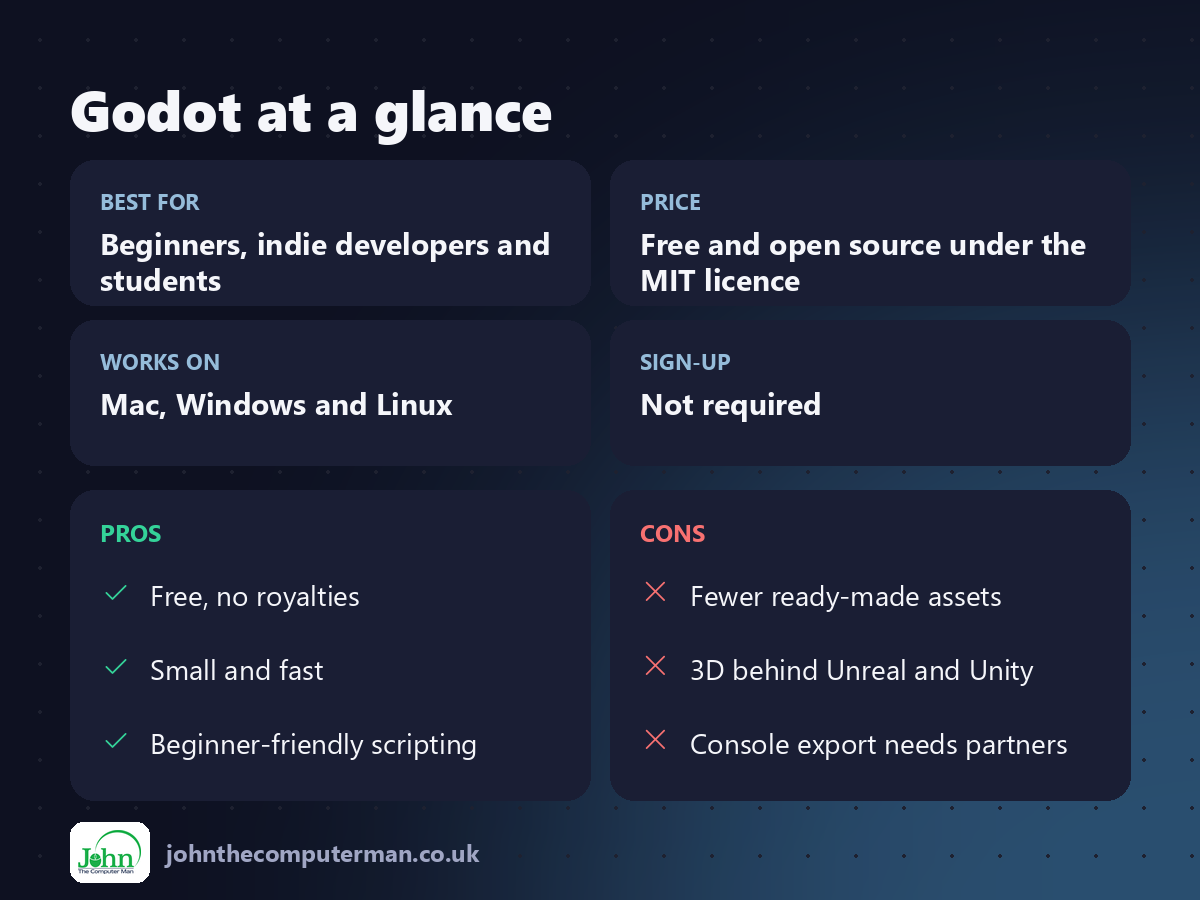
Free and open source under the MIT licence. No royalties, fees or account.
Pros and cons
| 👍 Pros | 👎 Cons |
|---|---|
| Free, no royalties | Fewer ready-made assets |
| Small and fast | 3D behind Unreal and Unity |
| Beginner-friendly scripting | Console export needs partners |
Who is it for?
Best for: Beginners, indie developers and students. Works on: Mac, Windows and Linux. Sign-up: Not required.
Godot alternatives
• GDevelop: a free, no-code game maker, even easier for beginners.
• Unity: a popular engine with a free Personal plan.
• Scratch: a free, block-based way for kids to start making games.
• Unity: a popular engine with a free Personal plan.
• Scratch: a free, block-based way for kids to start making games.
FAQ
Is Godot good for beginners?
Yes. GDScript is easy to learn and the official tutorials are excellent.
Can I sell games made with Godot?
Yes. It's MIT licensed, so you keep everything, with no royalties.
The verdict
Godot is the best free place to start making games, and it's powerful enough to go all the way. No royalties, no catches, just make something.
👉 Try it: godotengine.org
Part of the free creative apps for mac series on johnthecomputerman.co.uk. Follow @johnthecomputerman on Instagram for a new free Mac tool every Monday, Wednesday and Friday. Pricing and features were checked in September 2026 and can change, so check the tool's own site for the latest.
