Itsycal: A Free Menu Bar Calendar for Mac (See Your Month in One Click)

Your Mac shows the time and date in the menu bar, but click it and you get notifications, not a calendar. Checking what date next Thursday is means opening the Calendar app.
Itsycal puts a neat little month view one click away, with your upcoming events underneath. It's free, tiny and open source.
What is Itsycal?
Itsycal is a free, open-source menu bar calendar for macOS from Mowglii. Click its icon to see a compact month calendar and a list of upcoming events from the calendars already set up on your Mac, including iCloud, Google and Exchange. You can add events, choose which calendars to show, set a keyboard shortcut and customise how the date appears in the menu bar.
Key features
Month view in one click
Click the menu bar icon to see the whole month, with week numbers if you want them.
Your events, at a glance
Upcoming events from iCloud, Google and Exchange calendars appear under the month.
Custom date display
Show the date however you like in the menu bar, such as 'Mon 3 May'.
How to get started with Itsycal
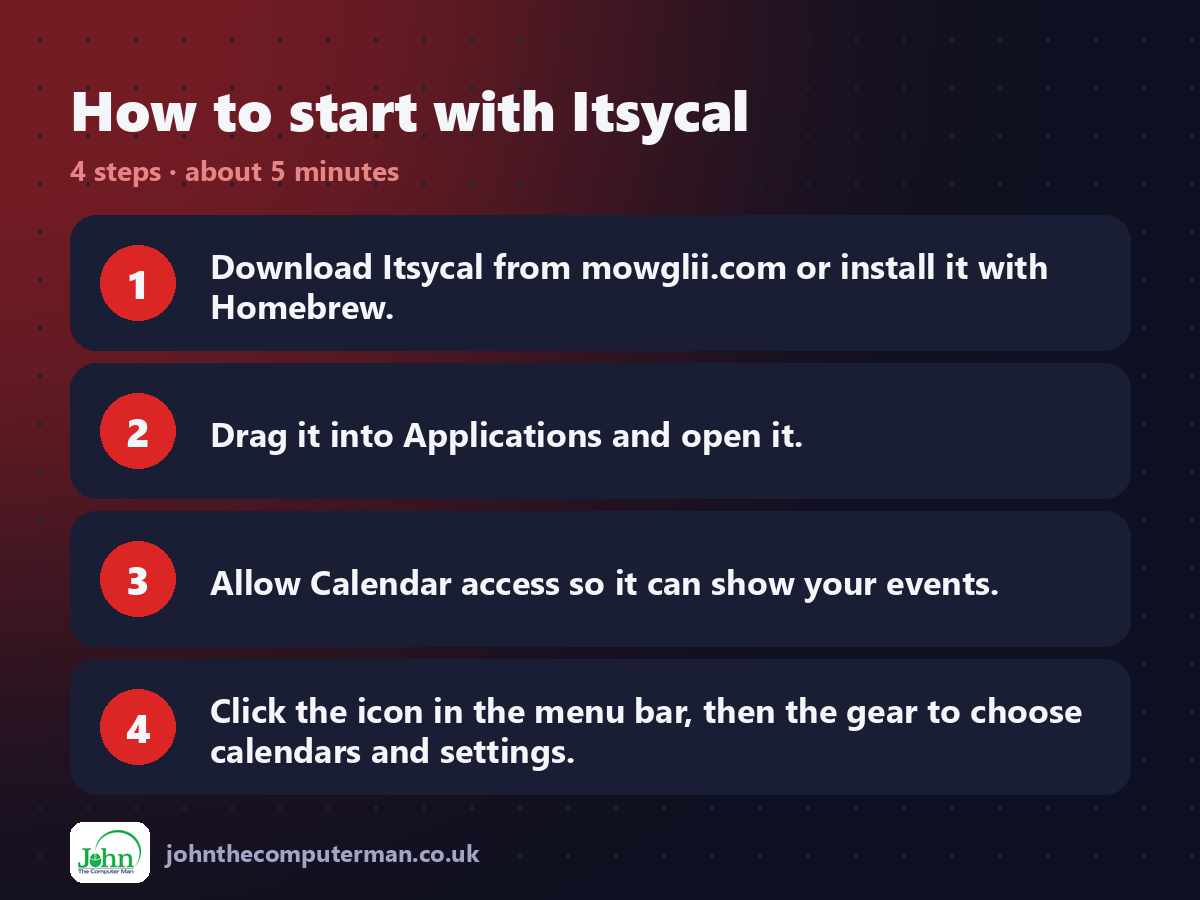
1. Download Itsycal from mowglii.com or install it with Homebrew.
2. Drag it into Applications and open it.
3. Allow Calendar access so it can show your events.
4. Click the icon in the menu bar, then the gear to choose calendars and settings.
2. Drag it into Applications and open it.
3. Allow Calendar access so it can show your events.
4. Click the icon in the menu bar, then the gear to choose calendars and settings.
Prefer the command line? If you use Homebrew, the free package manager for Mac, open Terminal and run:
brew install --cask itsycal
Tips to get more out of it
• Set a keyboard shortcut in Settings to open Itsycal without the mouse.
• Use a custom date format like 'E d MMM' to show 'Mon 3 May' in the menu bar.
• Click + to add an event quickly without opening Calendar.
• Turn on week numbers if you work with week-based schedules.
• Use a custom date format like 'E d MMM' to show 'Mon 3 May' in the menu bar.
• Click + to add an event quickly without opening Calendar.
• Turn on week numbers if you work with week-based schedules.
Is it really free?
Free and open source. No ads, no account and no paid version.
Pros and cons
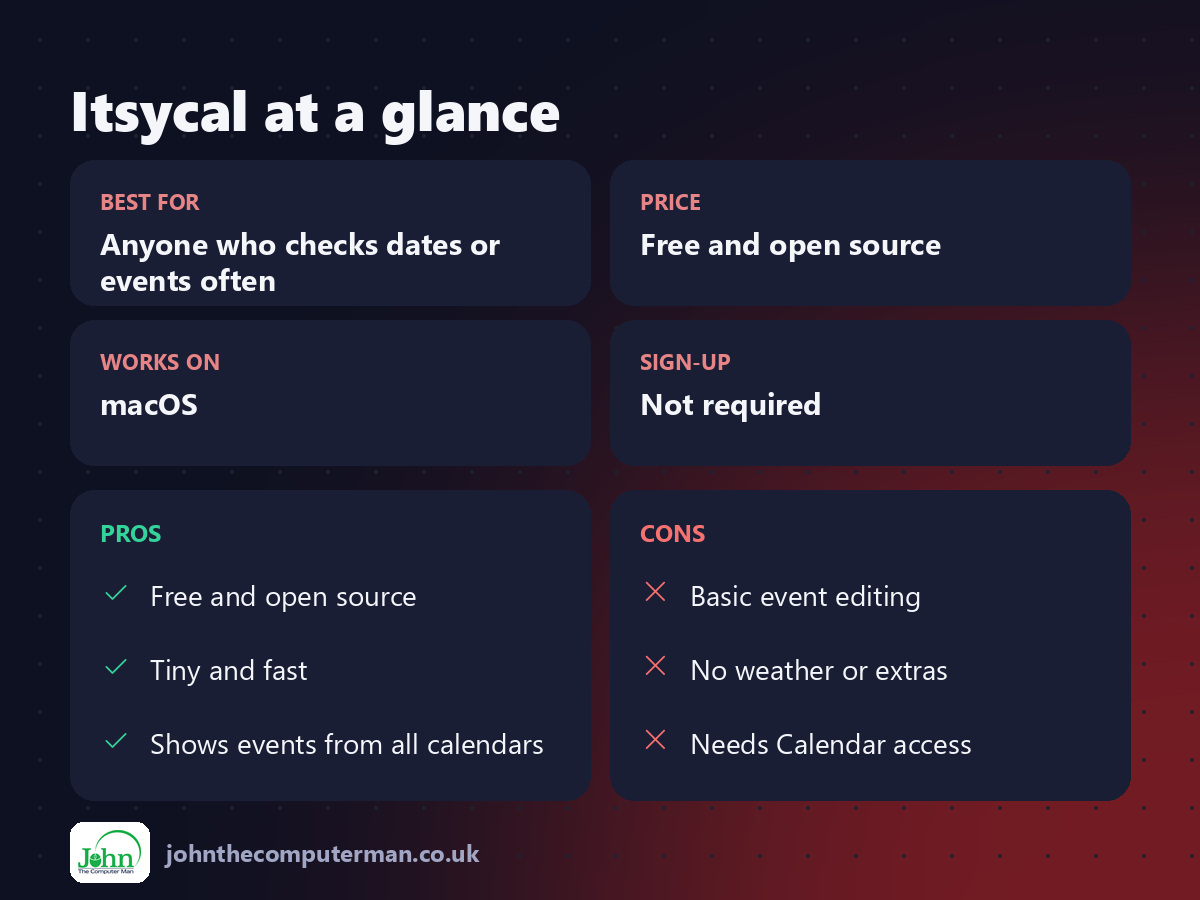
| 👍 Pros | 👎 Cons |
|---|---|
| Free and open source | Basic event editing |
| Tiny and fast | No weather or extras |
| Shows events from all calendars | Needs Calendar access |
Who is it for?
Best for: Anyone who checks dates or events often. Works on: macOS. Sign-up: Not required.
Itsycal alternatives
• Fantastical: a powerful paid calendar app with a menu bar view.
• Calendar: Apple's built-in app, one click further away.
• MeetingBar: shows your next meeting in the menu bar with a join button.
• Calendar: Apple's built-in app, one click further away.
• MeetingBar: shows your next meeting in the menu bar with a join button.
FAQ
Does Itsycal work with Google Calendar?
Yes. Add your Google account in System Settings > Internet Accounts, and Itsycal shows its events.
Is Itsycal safe?
Yes. It's open source and only reads the calendars already on your Mac.
The verdict
Itsycal is one of those apps you'll use twenty times a day without thinking about it. Free, tiny and exactly what the menu bar should have had all along.
👉 Try it: www.mowglii.com/itsycal/
Part of the hidden-gem mac apps series on johnthecomputerman.co.uk. Follow @johnthecomputerman on Instagram for a new free Mac tool every Monday, Wednesday and Friday. Pricing and features were checked in September 2026 and can change, so check the tool's own site for the latest.
