Kdenlive for Mac: Free Video Editing With Automatic Subtitles
Captions make videos far more watchable, especially on social media where most people scroll with the sound off. Typing them by hand takes forever, and many editors charge for automatic subtitles.
Kdenlive can generate subtitles from speech for free, on your own Mac. It's also a capable, open-source video editor with a proper timeline, effects and titles.
What is Kdenlive?
Kdenlive is a free, open-source video editor from the KDE community, available for Mac, Windows and Linux. It offers multi-track editing, hundreds of effects and transitions, titles, keyframes, colour correction, proxy clips for smooth editing of big files, and speech-to-text subtitles using AI models that run on your computer.
Key features
Automatic subtitles
Turn speech into editable subtitles, processed privately on your Mac.
Multi-track timeline
Layer video, audio, titles and effects across as many tracks as you need.
Proxy editing
Smooth playback of 4K footage, even on older Macs.
How to get started with Kdenlive
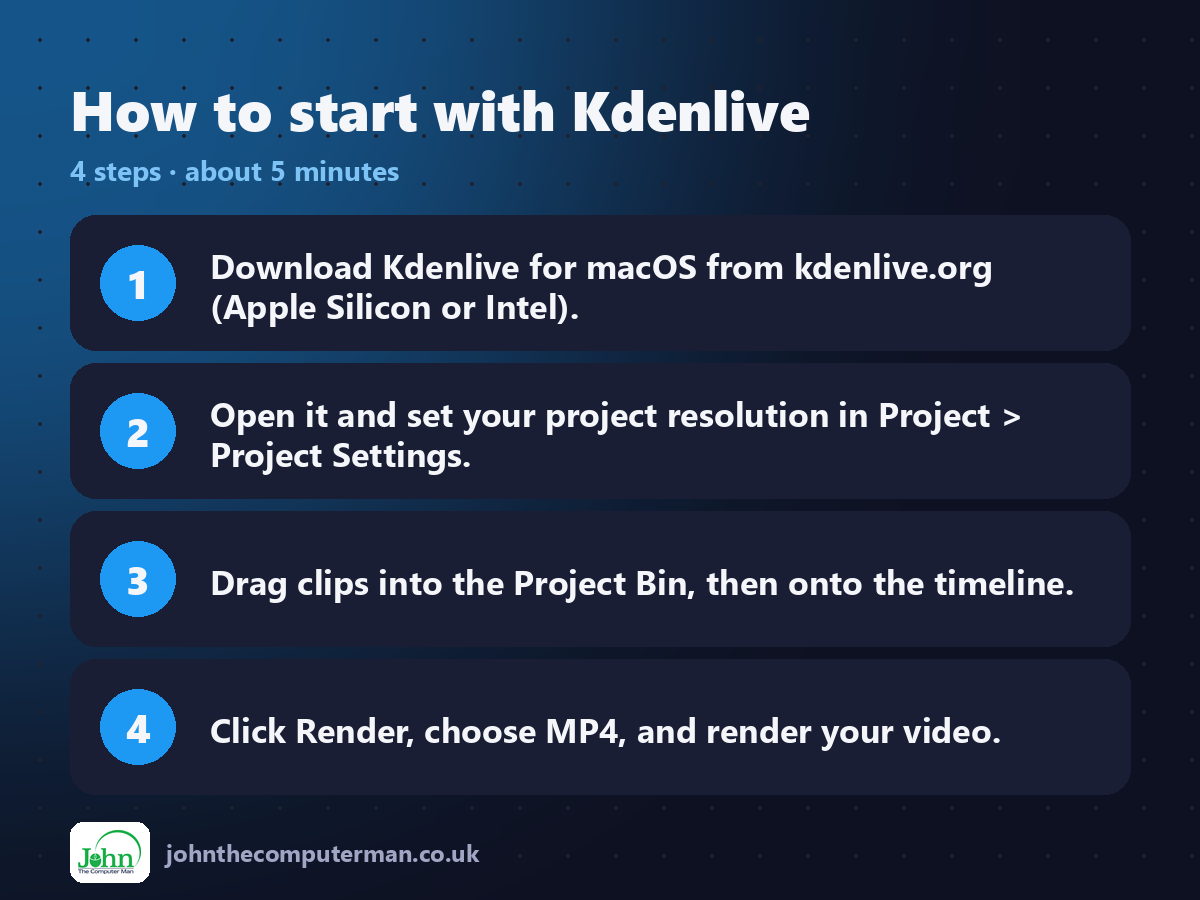
1. Download Kdenlive for macOS from kdenlive.org (Apple Silicon or Intel).
2. Open it and set your project resolution in Project > Project Settings.
3. Drag clips into the Project Bin, then onto the timeline.
4. Click Render, choose MP4, and render your video.
2. Open it and set your project resolution in Project > Project Settings.
3. Drag clips into the Project Bin, then onto the timeline.
4. Click Render, choose MP4, and render your video.
Prefer the command line? If you use Homebrew, the free package manager for Mac, open Terminal and run:
brew install --cask kdenlive
Tips to get more out of it
• Set up speech recognition in Kdenlive's settings once, then generate subtitles from the Project menu.
• Turn on proxy clips in Project Settings for smooth 4K editing.
• Press Shift+R to cut the clip under the playhead.
• Save often. Kdenlive also keeps automatic backups you can restore.
• Turn on proxy clips in Project Settings for smooth 4K editing.
• Press Shift+R to cut the clip under the playhead.
• Save often. Kdenlive also keeps automatic backups you can restore.
Is it really free?
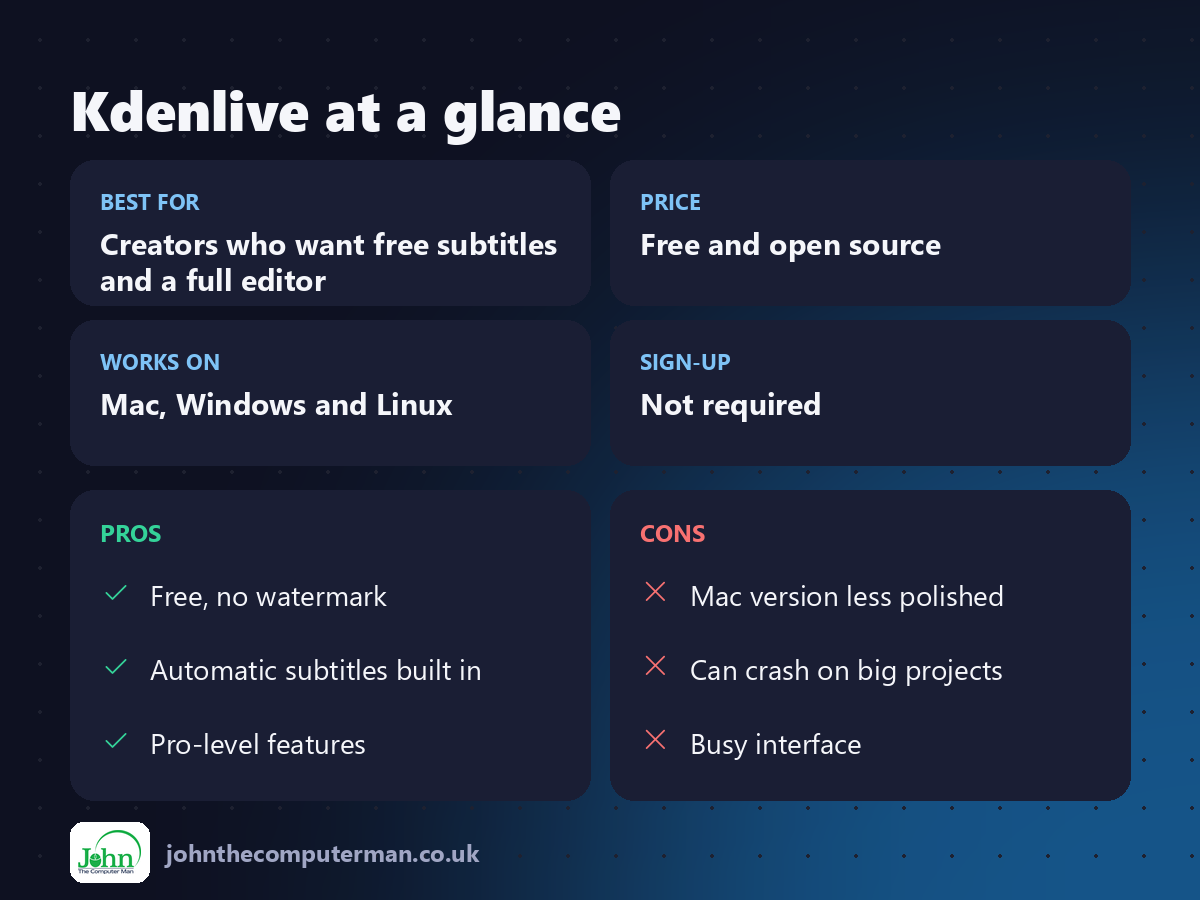
Free and open source. No watermark, no ads and no paid version.
Pros and cons
| 👍 Pros | 👎 Cons |
|---|---|
| Free, no watermark | Mac version less polished |
| Automatic subtitles built in | Can crash on big projects |
| Pro-level features | Busy interface |
Who is it for?
Best for: Creators who want free subtitles and a full editor. Works on: Mac, Windows and Linux. Sign-up: Not required.
Kdenlive alternatives
• Shotcut: another free, open-source editor that feels a little lighter.
• DaVinci Resolve: a professional editor with a very generous free version.
• iMovie: free on every Mac and very easy, but limited.
• DaVinci Resolve: a professional editor with a very generous free version.
• iMovie: free on every Mac and very easy, but limited.
FAQ
Does Kdenlive add a watermark?
No. It's completely free and open source, with no watermark or export limits.
Do automatic subtitles need the internet?
Only to download the speech model the first time. After that, it works offline on your Mac.
The verdict
Kdenlive is a seriously capable free editor, and its automatic subtitles alone make it worth a try. Save often, and it'll serve you well.
👉 Try it: kdenlive.org
Part of the free creative apps for mac series on johnthecomputerman.co.uk. Follow @johnthecomputerman on Instagram for a new free Mac tool every Monday, Wednesday and Friday. Pricing and features were checked in September 2026 and can change, so check the tool's own site for the latest.
