KeePassXC for Mac: The Free, Open-Source Password Manager (Setup Guide)
Using the same password everywhere is the easiest way to get hacked. A password manager fixes that, but many cost money every year and keep your passwords on someone else's server.
KeePassXC is different. It's free and open source, and your passwords live in one encrypted file on your Mac. You decide where it's stored and how it syncs.
What is KeePassXC?
KeePassXC is a free, open-source password manager for Mac, Windows and Linux. It stores your passwords in an encrypted database file (.kdbx) protected by a master password, with optional Touch ID unlock on Mac. It includes a password generator, browser autofill through a free extension, two-factor codes (TOTP), passkey support and a health check that flags weak or reused passwords.
Key features
Your file, your control
Passwords are stored in one encrypted file. No account, no company server, no subscription.
Browser autofill
The free KeePassXC-Browser extension fills logins in Safari, Chrome and Firefox.
Touch ID unlock
Type your master password once, then unlock with your fingerprint.
How to get started with KeePassXC
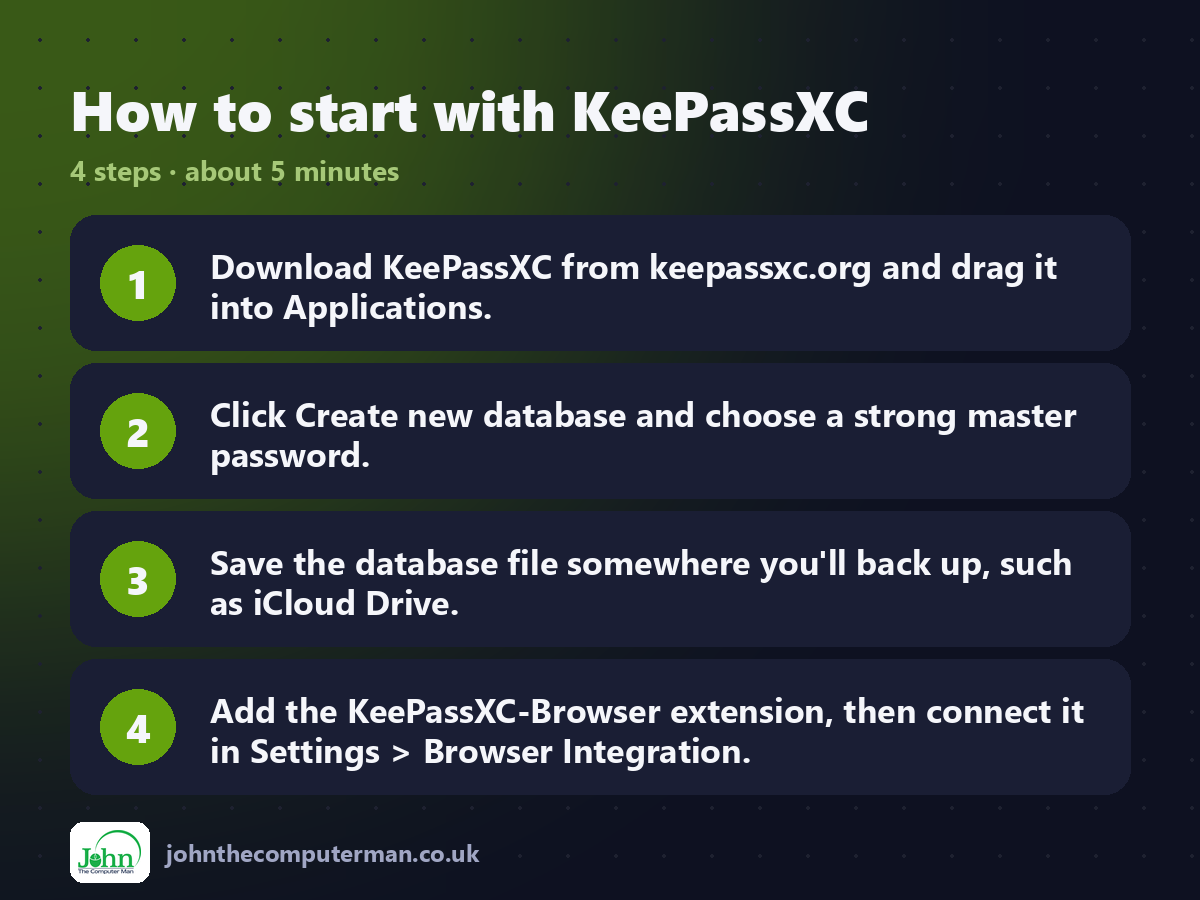
1. Download KeePassXC from keepassxc.org and drag it into Applications.
2. Click Create new database and choose a strong master password.
3. Save the database file somewhere you'll back up, such as iCloud Drive.
4. Add the KeePassXC-Browser extension, then connect it in Settings > Browser Integration.
2. Click Create new database and choose a strong master password.
3. Save the database file somewhere you'll back up, such as iCloud Drive.
4. Add the KeePassXC-Browser extension, then connect it in Settings > Browser Integration.
Prefer the command line? If you use Homebrew, the free package manager for Mac, open Terminal and run:
brew install --cask keepassxc
Tips to get more out of it
• Write your master password down and keep it somewhere safe. If you forget it, nobody can recover it.
• Use Database > Import to bring in passwords exported from your browser or another manager.
• Store the database in iCloud Drive and open it on iPhone with KeePassium or Strongbox.
• Run Database > Reports > Health Check to find weak and reused passwords.
• Use Database > Import to bring in passwords exported from your browser or another manager.
• Store the database in iCloud Drive and open it on iPhone with KeePassium or Strongbox.
• Run Database > Reports > Health Check to find weak and reused passwords.
Is it really free?
Free and open source. No subscriptions, no ads and no account.
Pros and cons
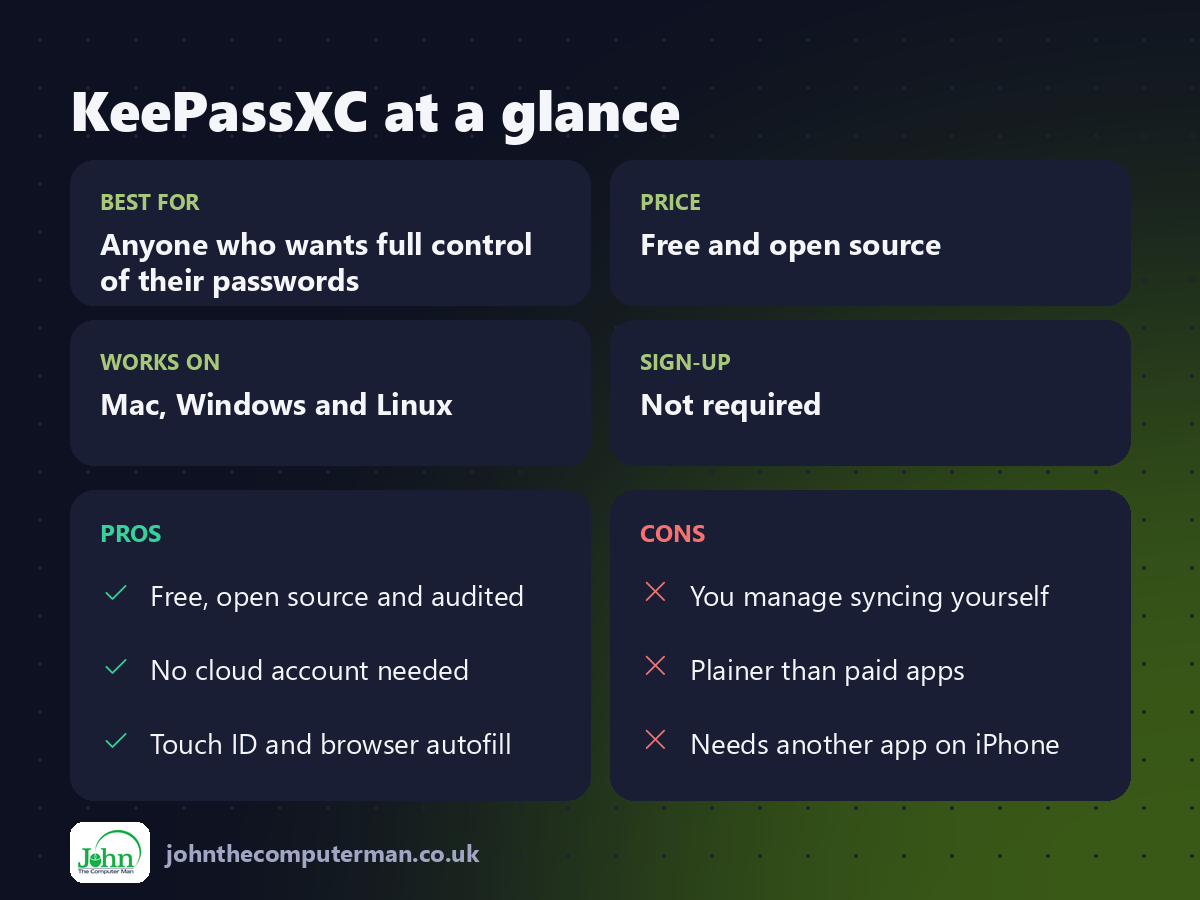
| 👍 Pros | 👎 Cons |
|---|---|
| Free, open source and audited | You manage syncing yourself |
| No cloud account needed | Plainer than paid apps |
| Touch ID and browser autofill | Needs another app on iPhone |
Who is it for?
Best for: Anyone who wants full control of their passwords. Works on: Mac, Windows and Linux. Sign-up: Not required.
KeePassXC alternatives
• Apple Passwords: built into macOS and iPhone, free and simple, best if you're all-Apple.
• Bitwarden: open source with a free plan and cloud sync across all devices.
• Proton Pass: a privacy-focused manager with a free plan.
• Bitwarden: open source with a free plan and cloud sync across all devices.
• Proton Pass: a privacy-focused manager with a free plan.
FAQ
Is KeePassXC safe?
Yes. It's open source, uses strong encryption, and has been independently audited. Your passwords never leave your devices unless you choose to sync the file.
How do I use it on my iPhone?
Save the database in iCloud Drive or Dropbox, then open it with a KeePass-compatible iPhone app such as KeePassium or Strongbox.
Step-by-step tutorials
The verdict
If you want a password manager you fully control, with no subscription, KeePassXC is the one. Set it up this weekend and start replacing your reused passwords.
👉 Try it: keepassxc.org
Part of the 10 more free mac tools series on johnthecomputerman.co.uk. Follow @johnthecomputerman on Instagram for a new free Mac tool every Monday, Wednesday and Friday. Pricing and features were checked in September 2026 and can change, so check the tool's own site for the latest.
