KnockKnock: See Everything That Runs When Your Mac Starts (Free)
Apps love to add themselves to your Mac's startup: helpers, updaters, background agents. Malware does the same thing to survive a restart.
KnockKnock lists everything set to run automatically, in one window, and checks each item against dozens of antivirus engines. It's free, from a trusted Mac security researcher.
What is KnockKnock?
KnockKnock is a free, open-source tool from Objective-See that scans your Mac for software installed to run persistently, such as launch agents and daemons, login items, browser extensions and system extensions. It shows each item with its location and signature, and can check it against VirusTotal, which scans files with dozens of antivirus engines.
Key features
Everything that auto-runs
Launch agents, login items, extensions and more, in one list.
VirusTotal checks
See at a glance if any item is flagged by antivirus engines.
Shows who made it
Each item shows its developer signature, so unknowns stand out.
How to get started with KnockKnock
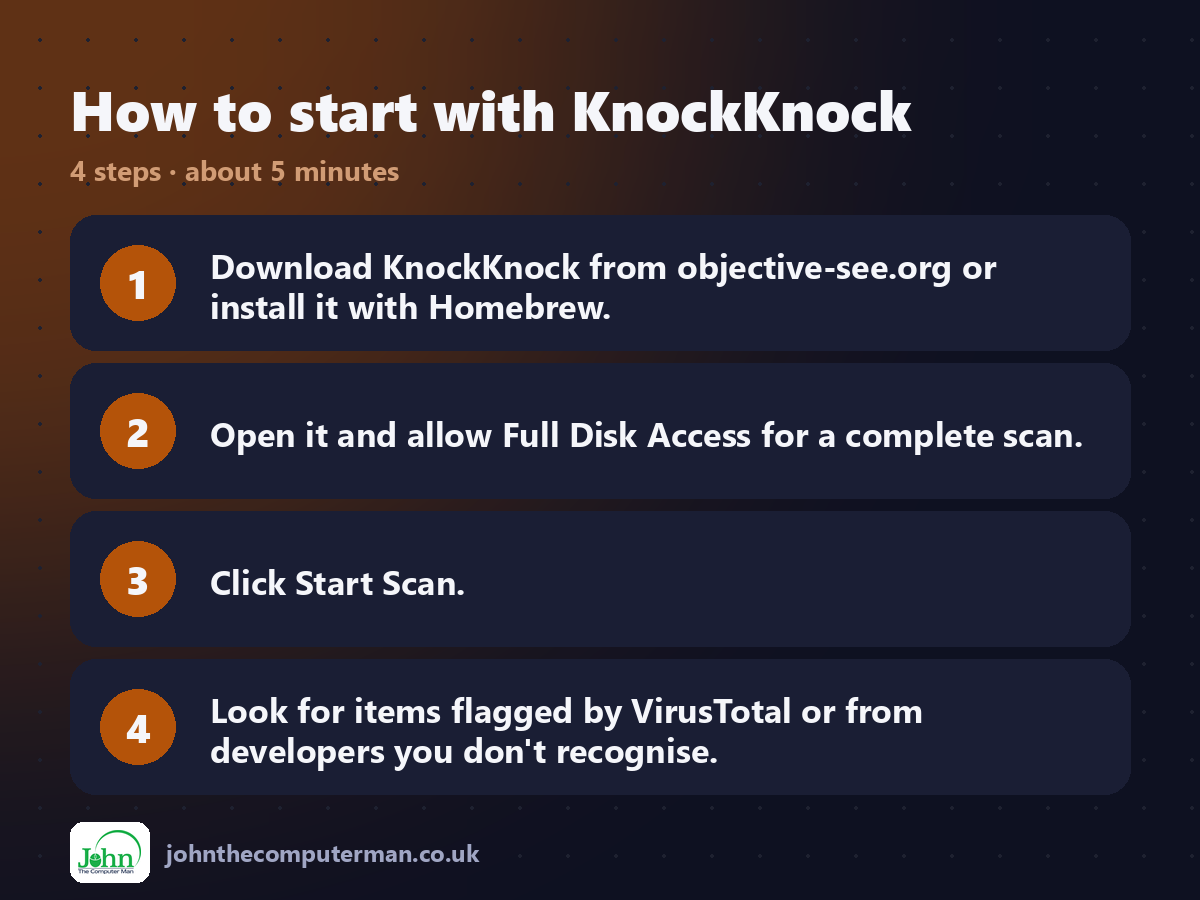
1. Download KnockKnock from objective-see.org or install it with Homebrew.
2. Open it and allow Full Disk Access for a complete scan.
3. Click Start Scan.
4. Look for items flagged by VirusTotal or from developers you don't recognise.
2. Open it and allow Full Disk Access for a complete scan.
3. Click Start Scan.
4. Look for items flagged by VirusTotal or from developers you don't recognise.
Prefer the command line? If you use Homebrew, the free package manager for Mac, open Terminal and run:
brew install --cask knockknock
Tips to get more out of it
• Don't delete things just because you don't recognise them. Search the name first.
• Turn on 'Don't show Apple items' to focus on third-party software.
• Unsigned items aren't always bad, but they're worth a closer look.
• Scan again after installing new apps to see what they added.
• Turn on 'Don't show Apple items' to focus on third-party software.
• Unsigned items aren't always bad, but they're worth a closer look.
• Scan again after installing new apps to see what they added.
Is it really free?
Free and open source. No ads and no paid version. Objective-See is supported by donations.
Pros and cons
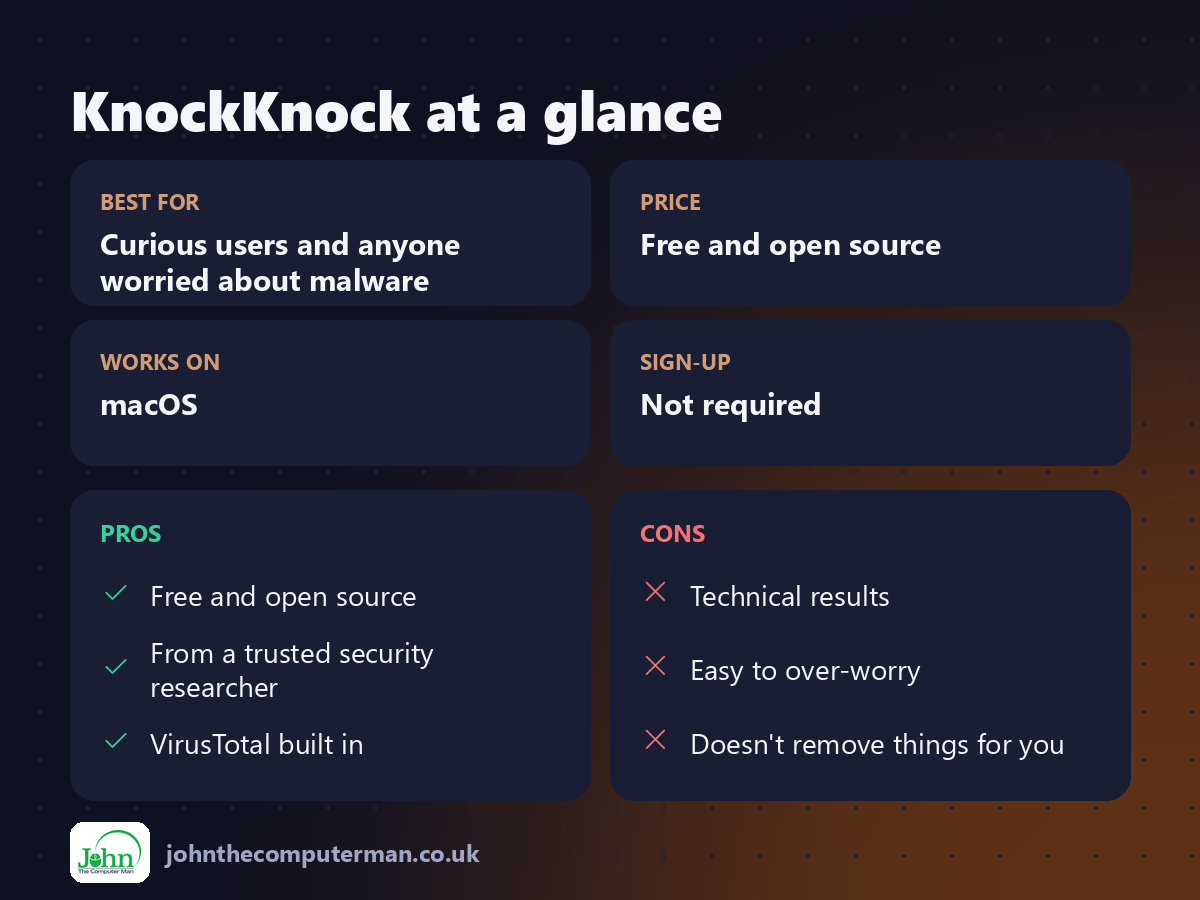
| 👍 Pros | 👎 Cons |
|---|---|
| Free and open source | Technical results |
| From a trusted security researcher | Easy to over-worry |
| VirusTotal built in | Doesn't remove things for you |
Who is it for?
Best for: Curious users and anyone worried about malware. Works on: macOS. Sign-up: Not required.
KnockKnock alternatives
• Login Items settings: built in: System Settings > General > Login Items & Extensions.
• Malwarebytes for Mac: scans for and removes known malware.
• BlockBlock: from the same team, alerts you when something new installs itself.
• Malwarebytes for Mac: scans for and removes known malware.
• BlockBlock: from the same team, alerts you when something new installs itself.
FAQ
Does KnockKnock remove malware?
No. It shows you what's there. Use it to spot problems, then remove them with the app's uninstaller or a tool like Malwarebytes.
Is it safe?
Yes. It's open source and made by Objective-See, a respected non-profit Mac security project.
The verdict
KnockKnock is a quick, free way to see what's really running on your Mac. Run it once and you'll understand your Mac a lot better.
Part of the hidden-gem mac apps series on johnthecomputerman.co.uk. Follow @johnthecomputerman on Instagram for a new free Mac tool every Monday, Wednesday and Friday. Pricing and features were checked in September 2026 and can change, so check the tool's own site for the latest.
